- Unblur Image
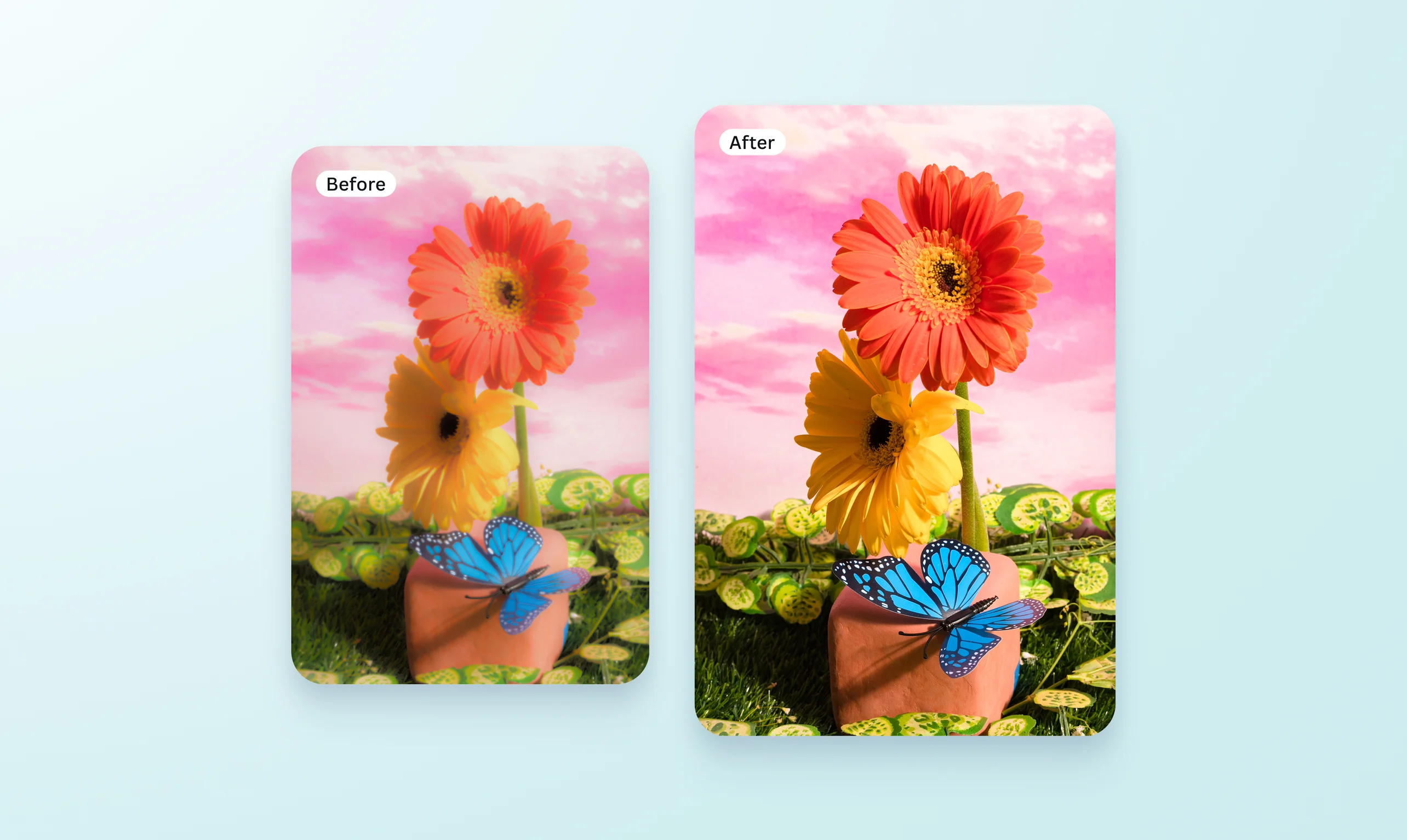
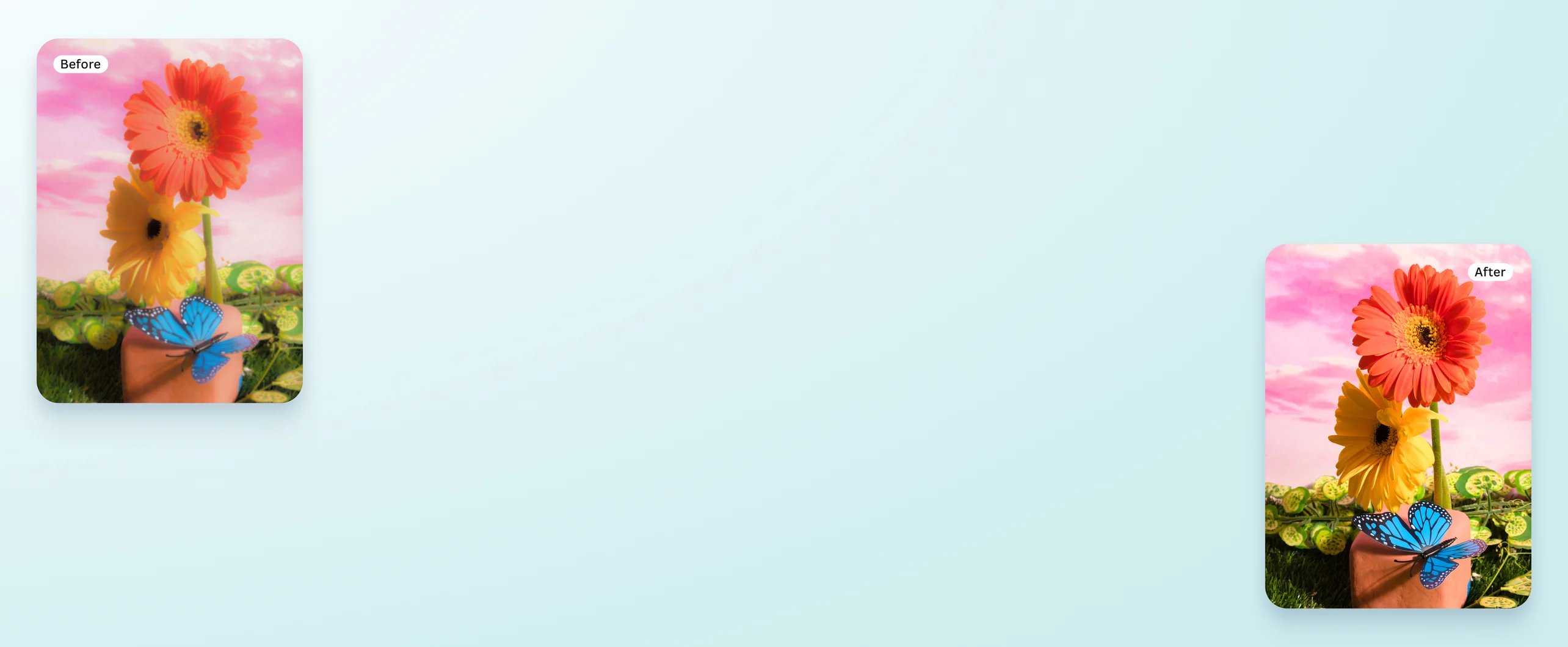
Remove photo blur with a free AI unblur image tool
Turn faded, hazy photos into professional-looking shots in a snap. Restore the vivid details of your pictures with the free AI unblur image tool on Canva.
or drop it here
Learn about Canva's upload formats and requirements. See how we use your content in our Privacy Policy.
A powerful, one-click blur remover


Bring instant focus and depth to your image. Simply upload a blurred photo, and the Image Upscaler will unblur it and reveal crystal-clear details. Revive old heirloom photos that future generations will cherish. Transform blurred travel pics into stunning shots worth posting. Remove the blur from landscape shots and portraits. With Canva, you’ll unblur images effortlessly.
Unblur images just the way you like it

Apart from the easy, one-click unblur photo feature, you can play with the sharpness and clarity sliders in Canva’s free photo editor(opens in a new tab or window). You even get an instant preview of the changes you make. Use the sliders to deblur historical images, fix blurry screenshots, or refine product photos.
Go beyond unblur

Enhance your deblurred image with AI tools. Clean up the clutter with Magic Eraser (Pro)(opens in a new tab or window). Move the subject’s position on the photo with Magic Grab (Pro)(opens in a new tab or window). Delete the backdrop using Background Remover (Pro)(opens in a new tab or window) or alter it completely with Background Changer (Pro)(opens in a new tab or window). Enlarge your image(opens in a new tab or window) without losing quality for larger prints. With Canva’s AI photo editor(opens in a new tab or window), you’ll create stunning, high-definition images for printing or posting.
Tailor the image to your project

Add personal touches unique to you or your brand. Apply logos, colors, and fonts from your Brand Kit(opens in a new tab or window) to your unblurred image. Insert frames, stickers, and other elements from our media library. Or add text to your image(opens in a new tab or window) for a scroll-stopping ad. Grab attention with customizations you can do on Canva.
How to unblur an image


Frequently Asked Questions
- You can unblur an image online using the AI-powered blur remover feature on our platform. Just upload your photo, and Upscale will unblur it in seconds. You can also adjust the sharpness and clarity of the image using our photo editor.
- Yes, the unblur image tool on our platform is free, and it doesn’t add a watermark to your photos.
- You can unblur the text in an image quickly using Canva’s blur remover tool. Just upload a photo with blurred text, and Image Upscaler will enhance the words in one click. Additionally, our photo editing tools can be used to make the letters easier to read.

@curlyfrosista