- Sky Replacement
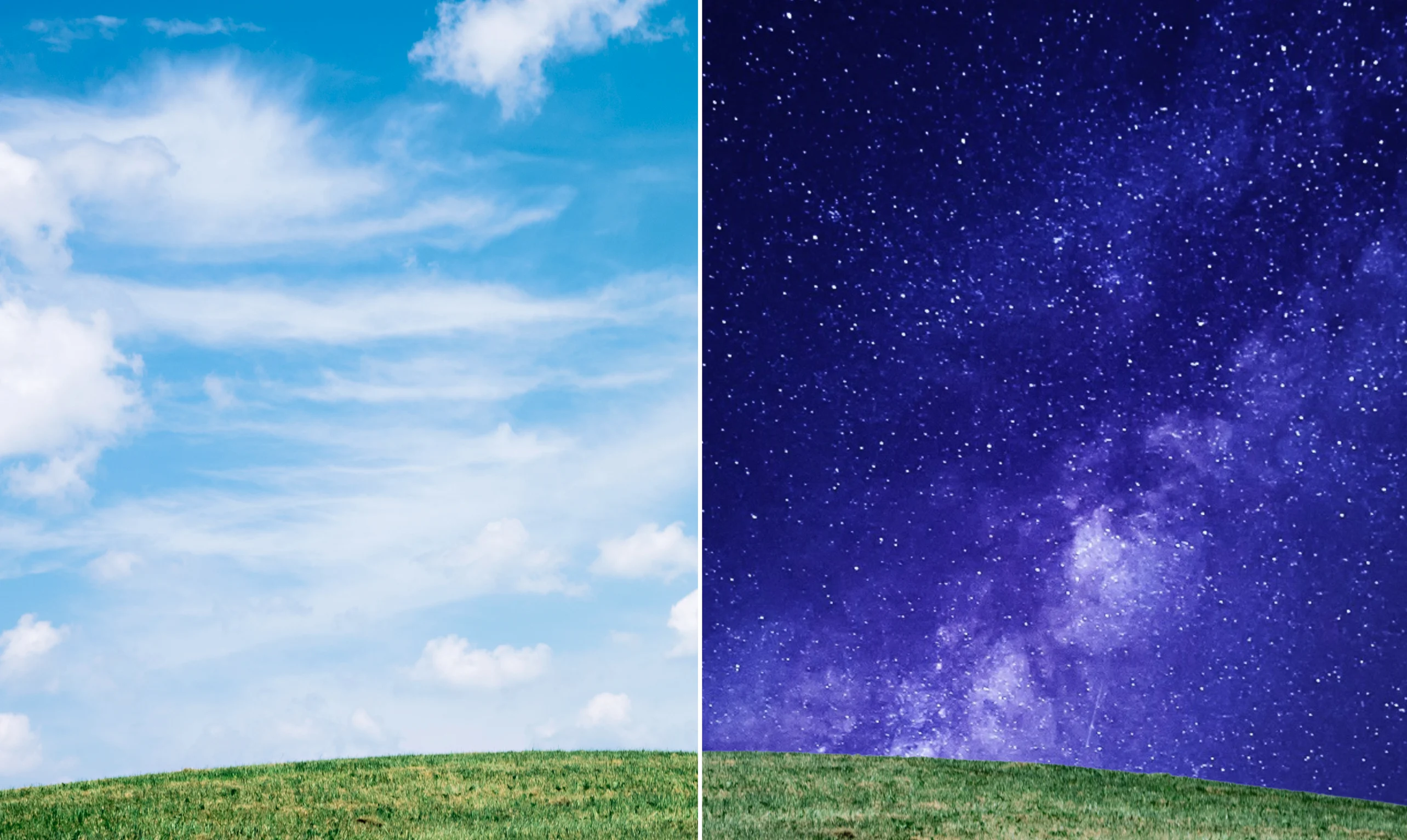
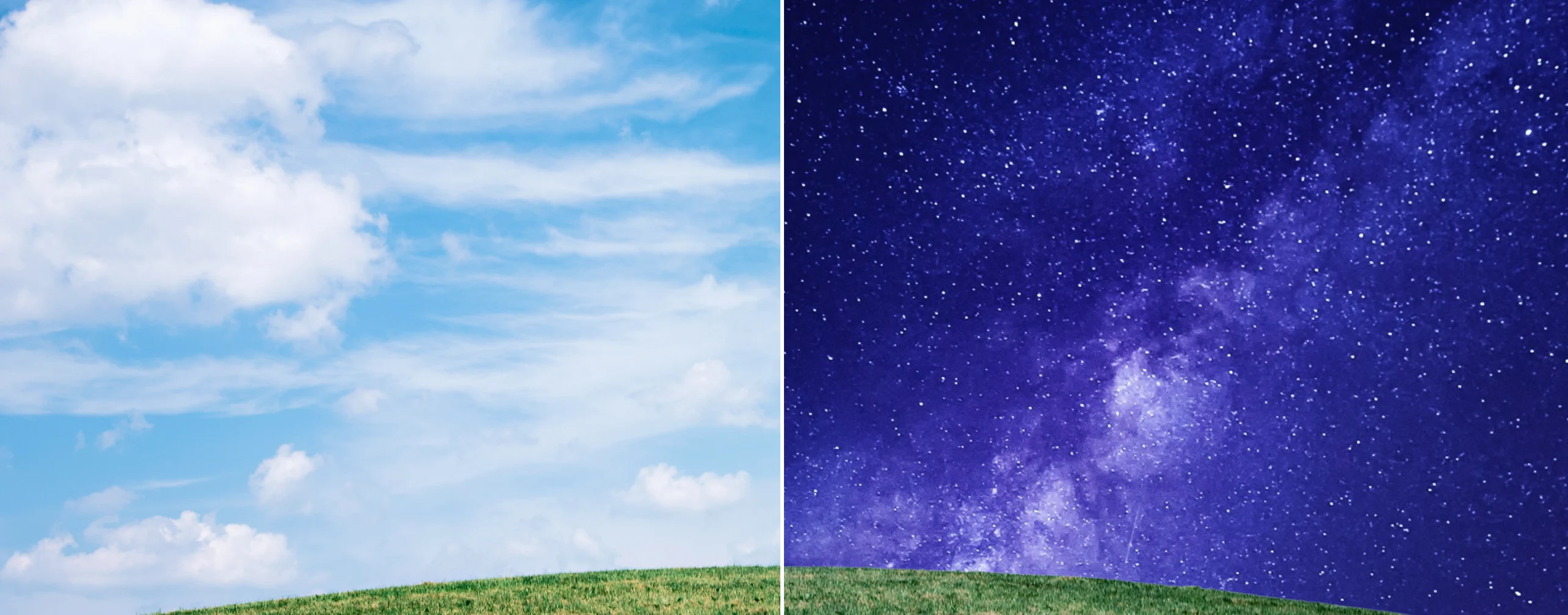
Sky replacement online tool
Relight your entire scene in seconds. Replace the sky in a photo with a golden-hour glow, stormy clouds, or whatever else fits your shot, all with a simple prompt. Then, download or keep editing in Canva.
or drop it here
Learn about Canva's upload formats and requirements. See how we use your content in our Privacy Policy.
Sky replacement for bolder, brighter skies


With Canva’s Background Generator (BG Generator), you can generate a dramatic sunset, flat blue afternoon, or the starriest night in seconds, no design skill needed. Just upload a photo to the AI sky replacement tool, type in your prompt, and watch the sky change before your eyes.
Bring a new atmosphere

After you replace the sky, take it to the photo editor(opens in a new tab or window) to refine it even further. Brush away stray powerlines or passersby in one stroke with Magic Eraser(opens in a new tab or window). Add birds, soft sun flares, or even extra cloud texture where the sky still reads flat with Magic Edit. Apply a filter like Warm or Vivid to match the new sky’s mood, no extra tool needed.
From one photo to on-brand designs

Resize your spruced-up shot into any design you want. Whether it’s a social post(opens in a new tab or window) for a launch, a pitch-deck slide(opens in a new tab or window), or a flyer for a seasonal sale(opens in a new tab or window), the same photo carries its new sky into every layout. Stay on-brand, no matter the shot, by applying colors and fonts directly from your Brand Kit (Pro)(opens in a new tab or window).
How to replace the sky in a photo


Frequently asked questions
If you want to add a different sky to a photo, you can do it through Canva’s Background Generator (BG Generator), a free AI tool built right into the Photo Editor.
Describe what you want, and the BG Generator builds a new background from scratch while relighting the rest of the photo to match. Your subject doesn't move.
Once the new sky looks right, download the photo, or keep editing it in Canva.
You can use Canva’s sky replacement and other AI tools by logging in or signing up for an account, which you can do for free. Then, you can instantly transform your photo’s skies by uploading your photo right on this page.
Yes, sky replacement is completely free in Canva. The BG Generator is a free AI feature built into the Photo Editor, available to everyone and not locked behind Pro. No credit limit, no paywall partway through. It's one of the tools you can reach for anytime you're editing a photo, no matter what plan you’re on.
BG Generator works best on photos with a clear, well-defined sky. Think landscapes, outdoor portraits, or architecture shots where the horizon is visible. Skies heavily broken up by trees, buildings, or dense cloud cover are trickier for the tool to isolate cleanly. Very low-resolution images can produce softer results, too.
Indoor shots or photos with no sky in frame just aren't a match for this particular tool. For most everyday outdoor photos, though, sky replacement and relighting happen in one step, no manual masking required.

@mahimagirdhar