- Background Remover
Online Background Remover
Erase clutter and make your subject shine with Canva’s one-click image background remover. Have a download-ready image in mere seconds. Just drag and drop your image file, remove the background, then use it for all your project and presentation needs.
or drop it here
Learn about Canva's upload formats and requirements. See how we use your content in our Privacy Policy.
How to remove the background from a picture
Upload your image
Select the “Upload your image” button or easily drag and drop your files into the section.
Edit your design
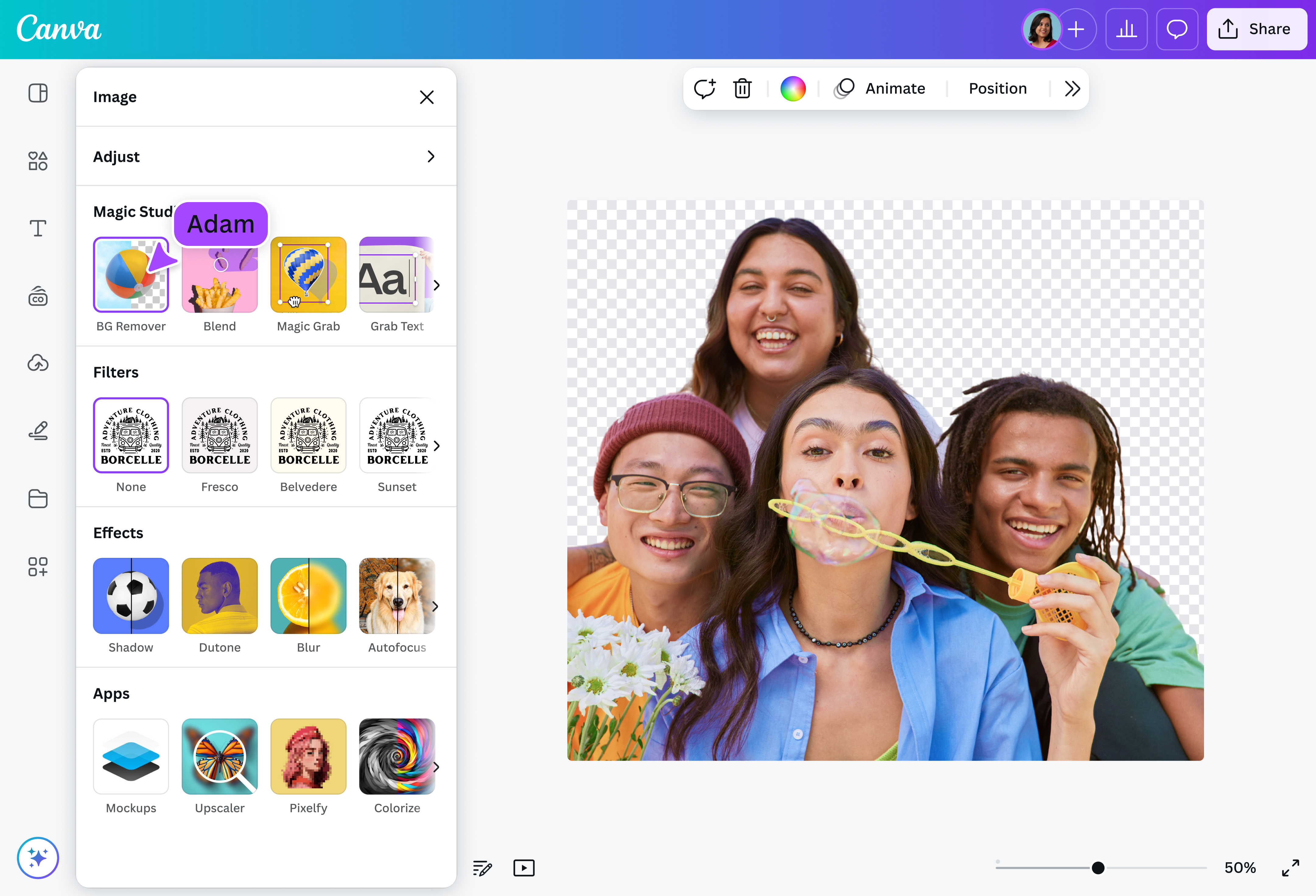
Select “BG Remover” under the Tools options to remove the background of your image in seconds.
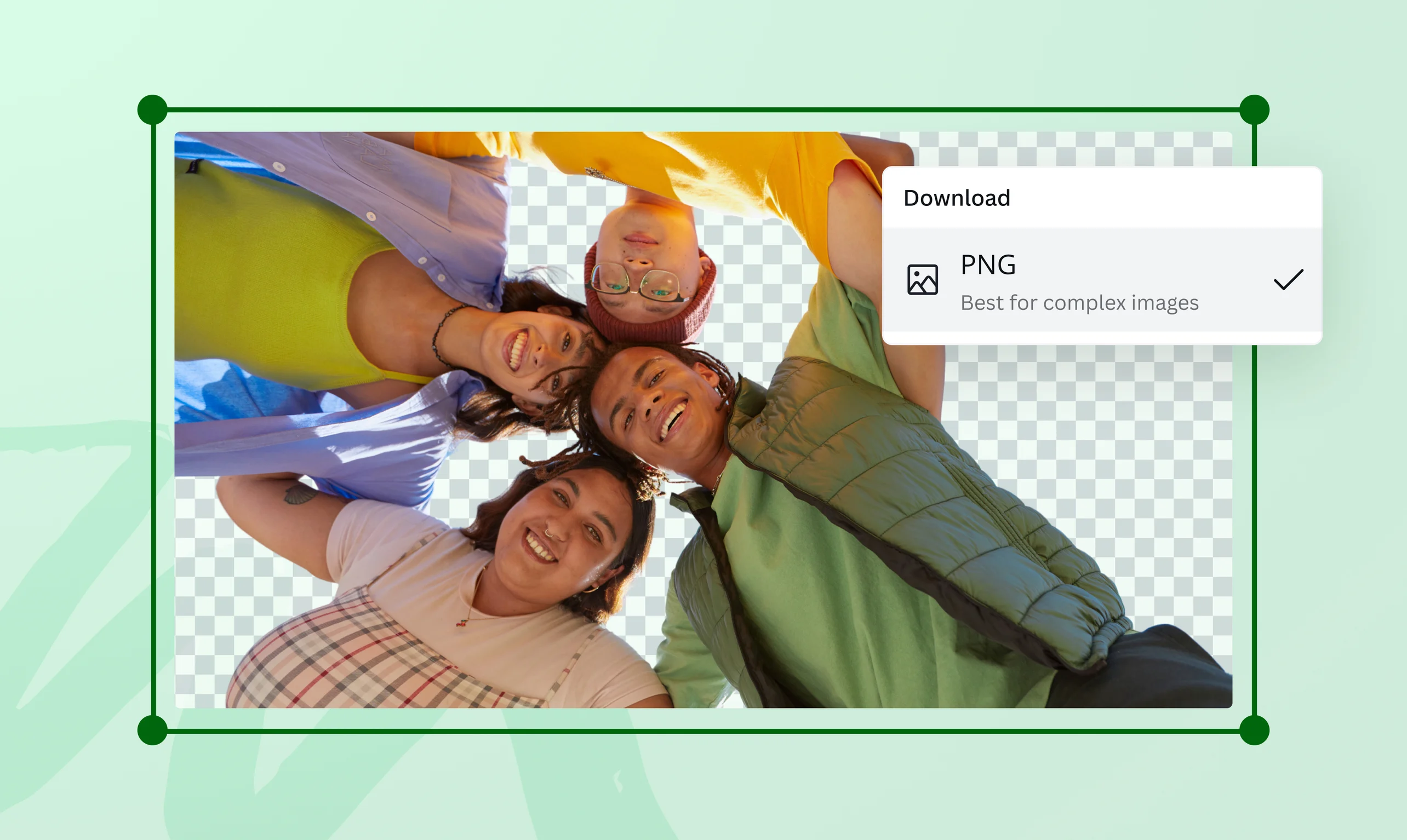
Download your design
Finally, download your design as a high-resolution PNG file.
Wipe out distractions instantly


Need a quick headshot for your CV or a custom photo for tomorrow’s class presentation? Simply tap “BG Remover” in our intuitive editor, then remove the background and use your image however you like! The image background remover on Canva speeds up the editing process by instinctively detecting the foreground in your photo, so you can focus on what matters most.
Transform images for any purpose

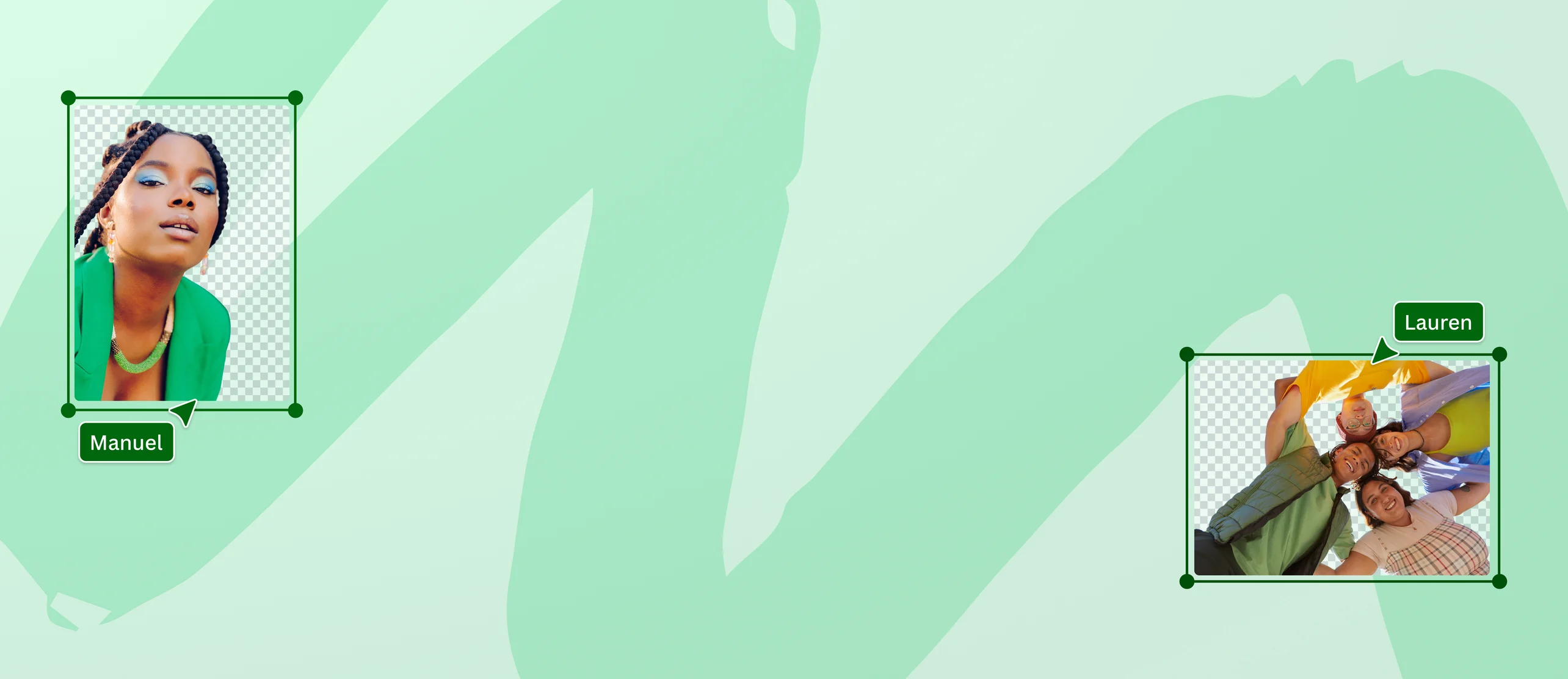
Background Remover works on a range of images, from people and animals to objects. Upload in JPG, PNG, HEIC, or HEIF formats, or choose a stock photo from our library to remove the image background. Even with no design experience, get gorgeous product shots for your e-commerce site or create a collage of images. Unlock unlimited design possibilities by making your photo background transparent using Canva’s transparent image maker(opens in a new tab or window). Sign up for Canva Pro for unlimited usage and access to more tools like Video Background Remover(opens in a new tab or window).
Cut perfectly to your needs

Use our online background remover to make precise adjustments to your photos and achieve the perfect cutout. Taper the edges by erasing or restoring portions of the background. Set a new scene by picking a new background from the stock library. Then, spice up your image with filters(opens in a new tab or window) and enhancers(opens in a new tab or window). Generate stunning visuals that drive your message home with the Background Remover, whether you’re editing photos or fine-tuning slides before converting a PPT to PDF(opens in a new tab or window) online.
How to remove the background from an image

Frequently Asked Questions
- Look no further for the best background remover. Our tool makes automatic background removal effortless. Simply drag and drop your photo to instantly upload and open a new design project in our online editor. Select your photo, then click “BG Remover” to work your magic.
- To make the background of your image transparent, upload your image and drag and drop it into your design. Click your photo, then click “BG Remover” on the editor toolbar. Once you’re happy with your design, download it as a PNG image with a transparent background.
- You can immediately make a new backdrop once you’ve removed the existing image background. Browse our extensive media library to find stock images of patterns, lines, and shapes, or upload your own. Click on your chosen image and adjust its position on the canvas. Then scale, move, and layer the original image to position it on the new background.

@navneet4