Remove white background from image
With no white BG, a photo is ready for any design.
Drop files here or

By uploading, you agree to Canva’s Terms of Use. Read our Privacy Policy.
With Canva's white background remover, just upload a photo, remove the background, and get a ready-to-use image in seconds.
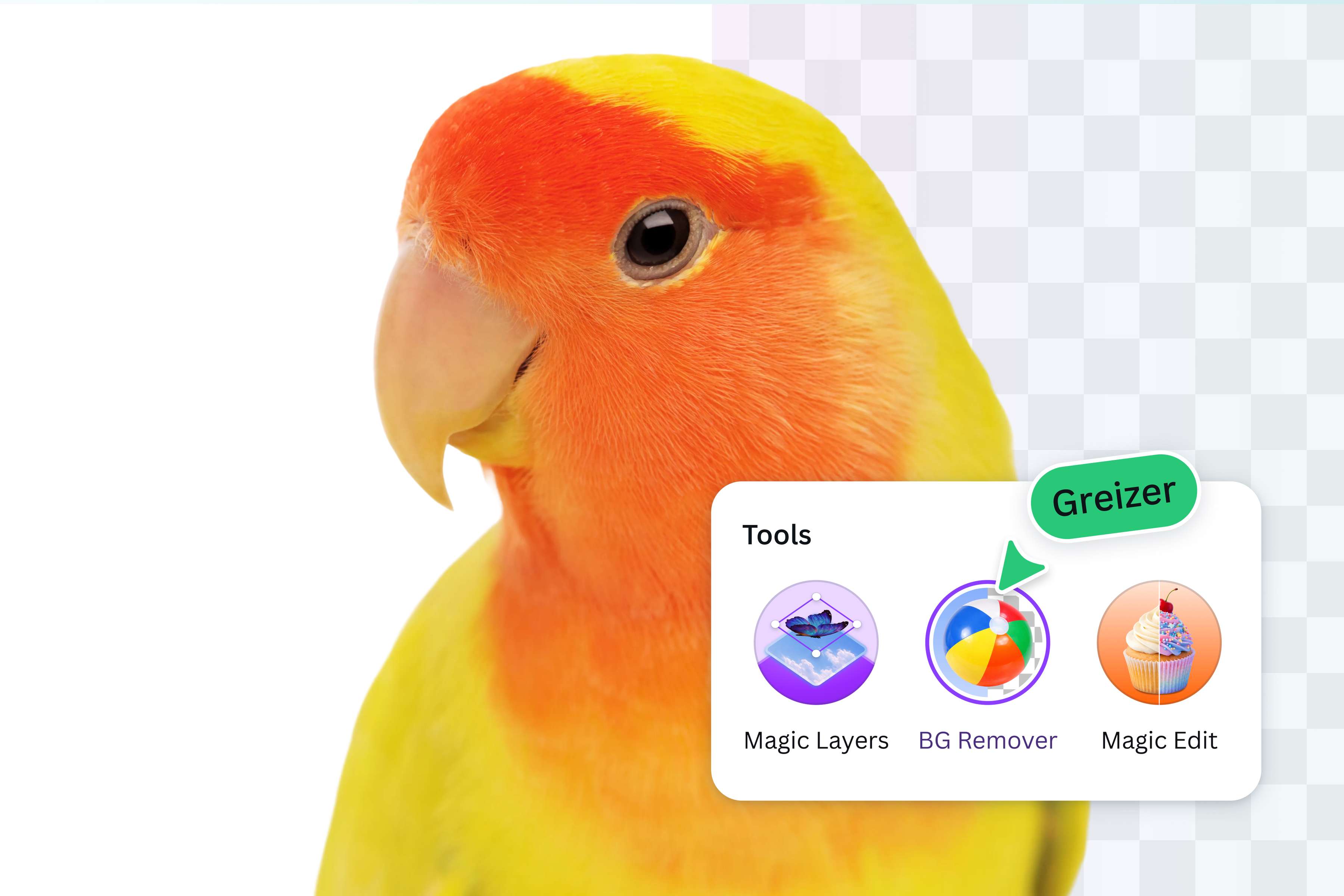
Magically remove white backgrounds
Make white backgrounds disappear like magic! With Canva’s AI-powered Background Remover, you can transform your images with just one click. Instantly shine the spotlight on your subject, get rid of distractions, and create more dynamic visuals for your ads, mockups, and social posts. Try it today, and watch as the white background vanishes before your very eyes.

Explore endless design possibilities
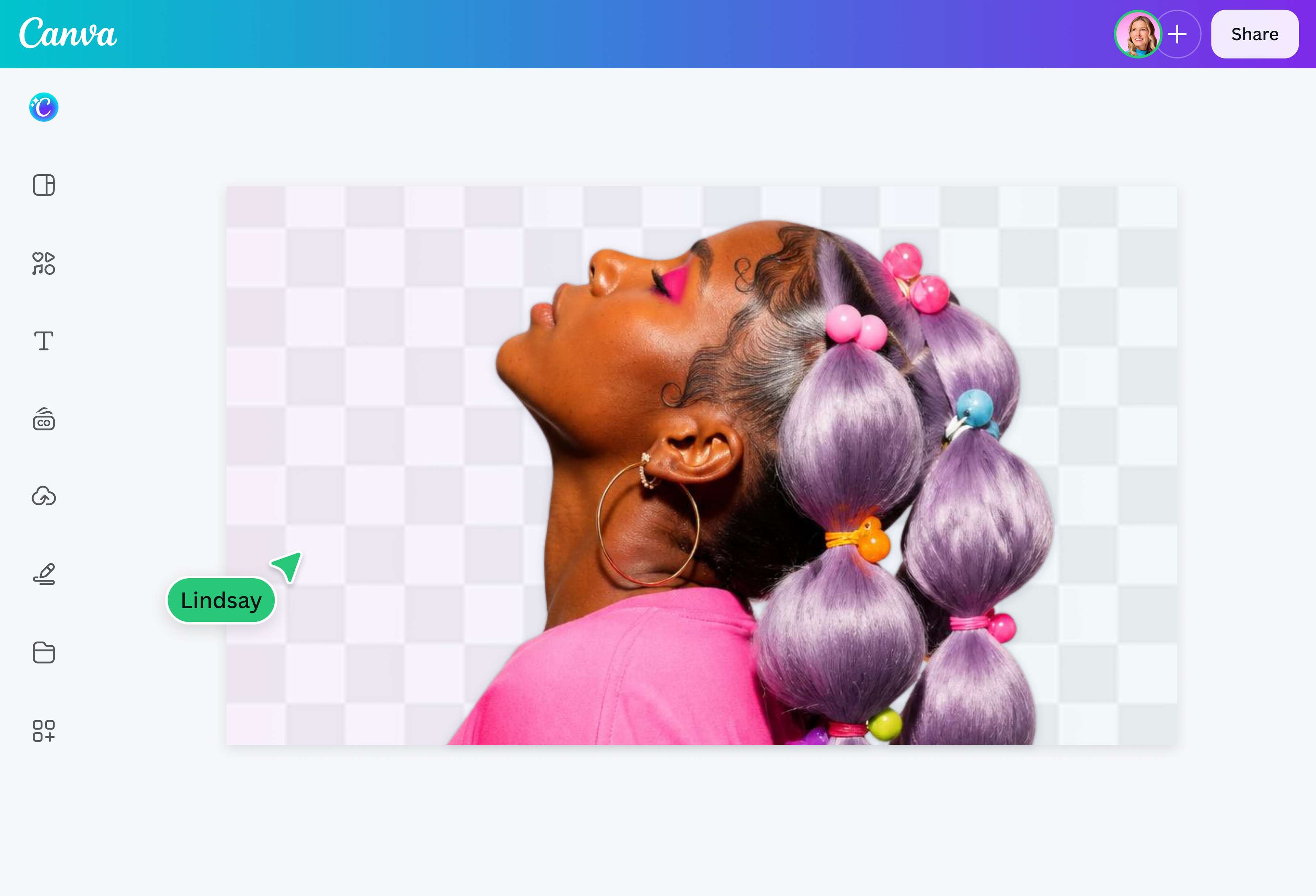
Remove a white background from an image, and unleash your creativity. Want a headshot that screams “you?” Change the background to take it from bland to on-brand. Making a digital art piece? Weave together text, stickers, and other elements to tell a story. There’s no limit to what you can do with the images you create with Canva.

Do it all (and more) with AI
Stop switching platforms and start streamlining your creative process. Use the AI white background remover, then explore even more powerful tools built right into Canva. Edit out that photobomber with Magic Eraser, fix less-than-perfect composition in post with Magic Grab, or see the bigger picture (literally) with Magic Expand.
How to remove the white background from a picture
Upload your image
Select Upload your image, or drag and drop your file. JPG, PNG, HEIC, and SVG files are all supported.Remove the white background
Canva detects and removes the white background the moment you upload it, with no toolbar button or editor to open first.Check the result
Your image appears right on the page with the white background gone. Compare it with the original and check if it’s all good.Download your image
Download your image as a transparent PNG, ready to use right away.Edit further in the Canva editor
Want to make more changes? Open it in the Canva editor to add a new background color, text, or other elements.
Frequently asked questions
- The best white background remover makes removing white backgrounds a no-brainer, even without design experience. With the background remover on our platform, you can upload your photo, remove the white background in one click, and instantly get a ready-to-use image. Plus, it’s available anytime, on desktop or mobile.