Online Photo Cutter
Enjoy instant background removal with Canva’s image cutout tool.
Drop files here or
By uploading, you agree to Canva’s Terms of Use. Read our Privacy Policy.
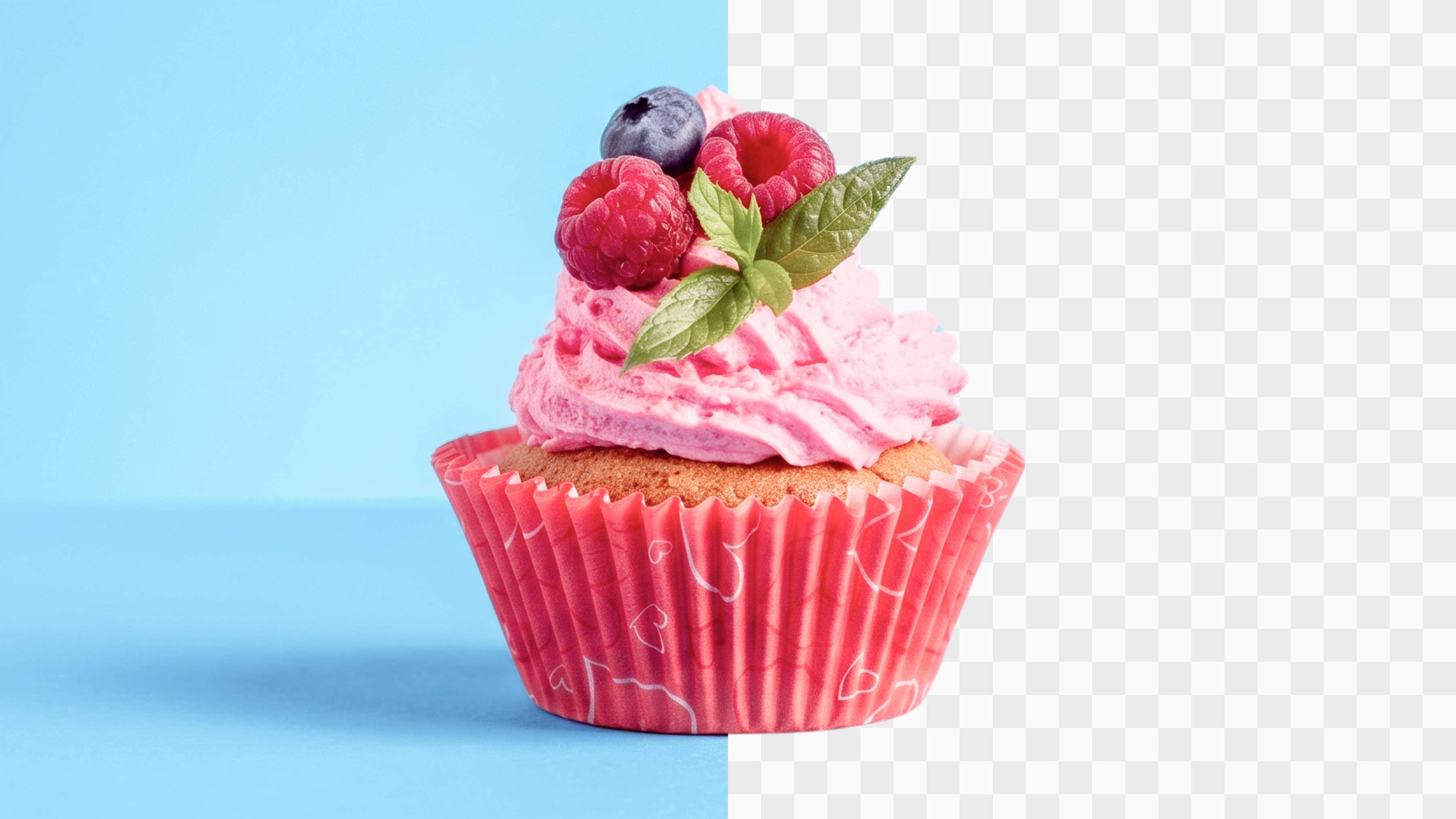
In one click, Canva scans your photo and cuts out the background instantly. Get a perfect cutout image in seconds.


One-click background removal
Say goodbye to clunky software, complicated tools, and tedious pixel-by-pixel background erasing. Canva’s instant Background Remover lets you clean up images fast, saving you tons of time while giving you pro-level results in a matter of seconds.

Unlimited design possibilities
Whether you're creating product shots for your online store, polished headshots for LinkedIn, or crisp visuals for your next big pitch, Canva’s image cutout tool has you covered. Use our BG Remover to clean images up for marketing materials, e-commerce pages, social media, presentations, or even custom merch like greeting cards and stickers.

One tool, all the edits
Beyond background removal, Canva’s AI-powered photo editor lets you tweak every part of your image without juggling multiple apps. Rotate, crop, adjust perspective, add text, effects, filters, or instantly enhance your photo—all with a few clicks, on any device, whether you’re on your laptop or editing from your phone.

Create as a team, in real-time
Designing’s more fun with friends (and colleagues). Share your image right away and invite your team to leave comments, tag members, assign tasks, and collaborate in real-time in one workspace. This means no more endless email chains or lost file versions.
How to cut out an image online
Upload your image
Select the Upload your image button, or drag and drop your file. JPG, PNG, HEIC, and SVG files are all supported.Cut out the background automatically
Canva scans your photo and removes the background the moment you upload it, without having to work any toolbar or editor.Check the result
Your cutout appears right on the page with the background gone. Compare it with the original, or upload a different file if it needs another pass.Download your cutout
Download your image as a high-resolution PNG, ready to use right away.Edit further in the Canva editor
Want to make more changes? Open it in the Canva editor(opens in a new tab or window) to add filters, effects, or new elements.

Frequently asked questions
- An image cutout is a version of a photo where the subject is isolated, and the background is removed. This lets you place the subject onto different backgrounds or designs.