- Image Splitter
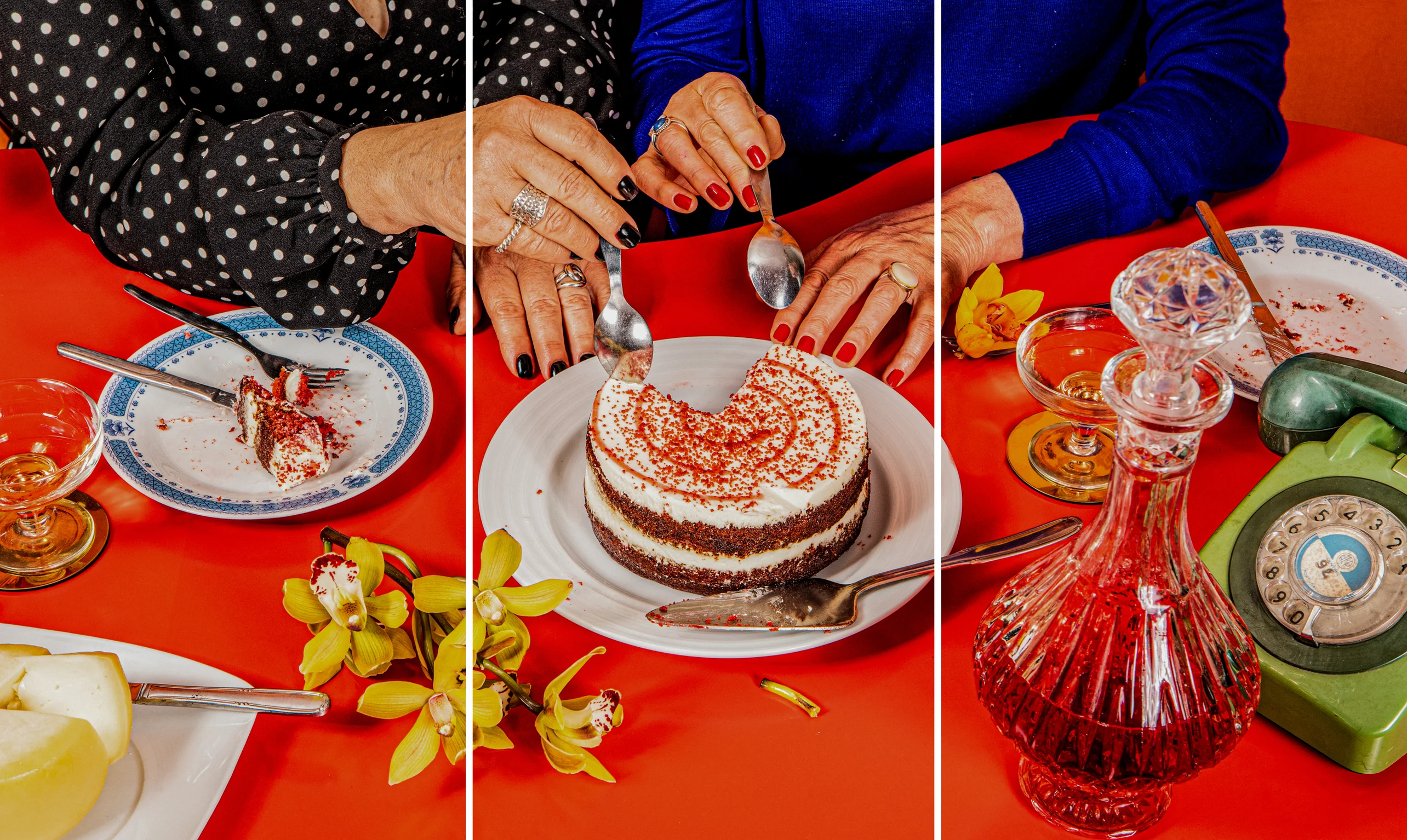
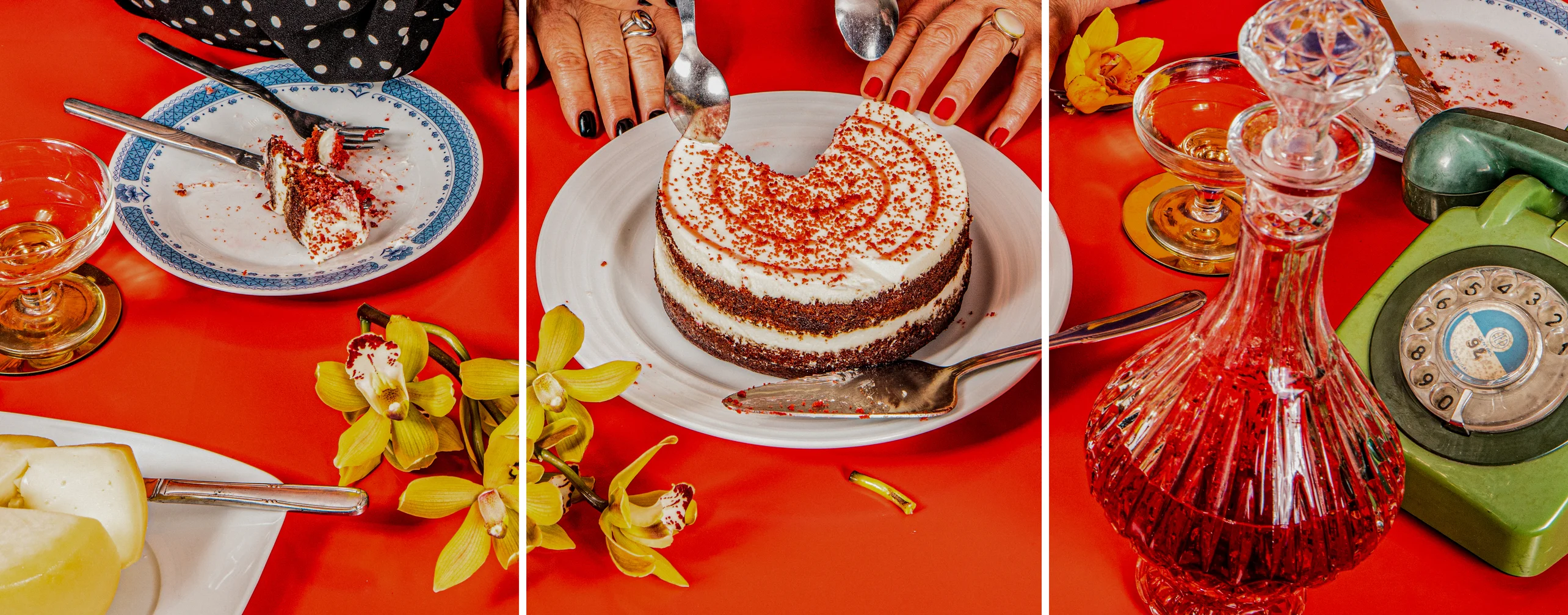
Free Image Splitter Online
Effortlessly divide your photos into grids and collages for social media platforms and printing. Elevate projects and websites by using multi-post content created with the image splitter on Canva.
or drop it here
Learn about Canva's upload formats and requirements. See how we use your content in our Privacy Policy.
Create and post content in minutes

On Canva, you can make content in minutes—all without downloading and learning how to use complicated and expensive software. After uploading your images, you can quickly create multi-post grids and collages with the online image splitter with Canva, then enhance them with the built-in drag-and-drop editor(opens in a new tab or window). Once you're finished, you can share it straight to your social media channels.
Produce seamless images for various projects with ease

Whether you’re creating multi-post visual content for your Instagram(opens in a new tab or window) or appealing product showcases for your website(opens in a new tab or window), you can produce seamless images with the free online image splitter on Canva. Not only can you apply your branding with the Brand Kit (Pro)(opens in a new tab or window), but you can also generate graphics from a simple text prompt by using Magic Media.
Enhance your images with AI tools

Boost your engagement and improve your feed aesthetics by leveraging our AI tools:
- Background Remover(opens in a new tab or window) & Background Changer: Remove any image’s background in one click, and generate a new background with a simple prompt.
- Magic Eraser(opens in a new tab or window): Remove unwanted distractions.
- Magic Grab(opens in a new tab or window): Isolate individual elements of your photo to reposition, edit, resize, etc.
How to split an image


Frequently asked questions
- An image splitter tool divides an image into equally sized photos or manageable segments, which are then used for web assets, Instagram carousel grids, and printing large images.
- Not necessarily. Image splitters may lower or compress the photo while it splits the image.
- There are a lot of layouts you can create with an image splitter. Some of them include Instagram grids, panorama posts, photo collages, mosaics, before-and-after shots, and product showcases.