
Free WebP Converter
Ensure your images have broad compatibility with various devices and browsers. Use Canva’s free WebP converter to turn WebP images into a file format best suited for your needs.
or drop it here
Learn about Canva’s upload formats and requirements. See how we use your content in our Privacy Policy.
How to convert WebP image to any format
1
Upload your image
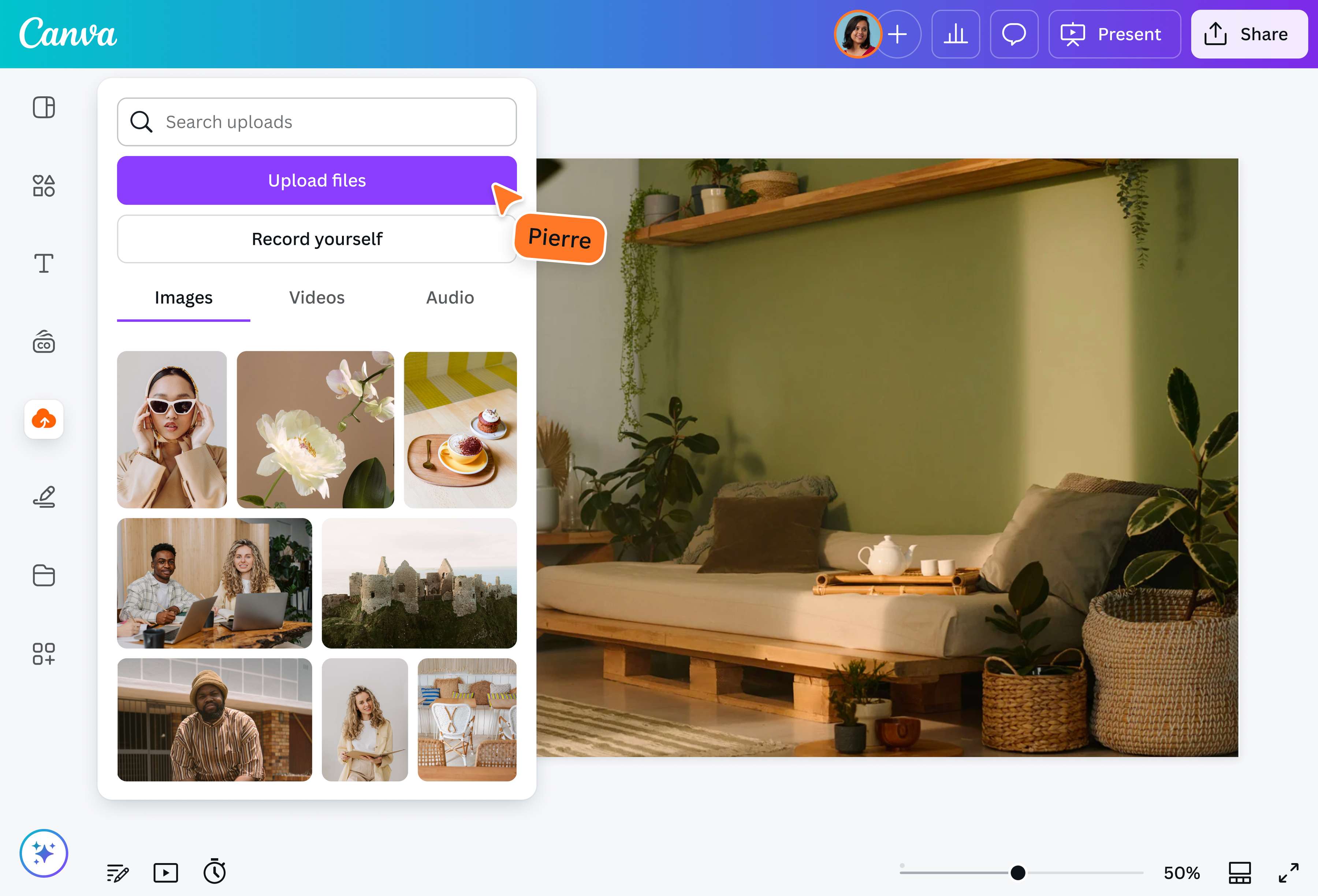
Select the “Upload your image” button or easily drag and drop your files into the section.
2
Edit your design
Make some quick touch-ups on your image using our beginner-friendly editor.
3
Download your design
Finally, convert your WebP image for free by downloading it in your desired file format.
Effortless WebP conversion
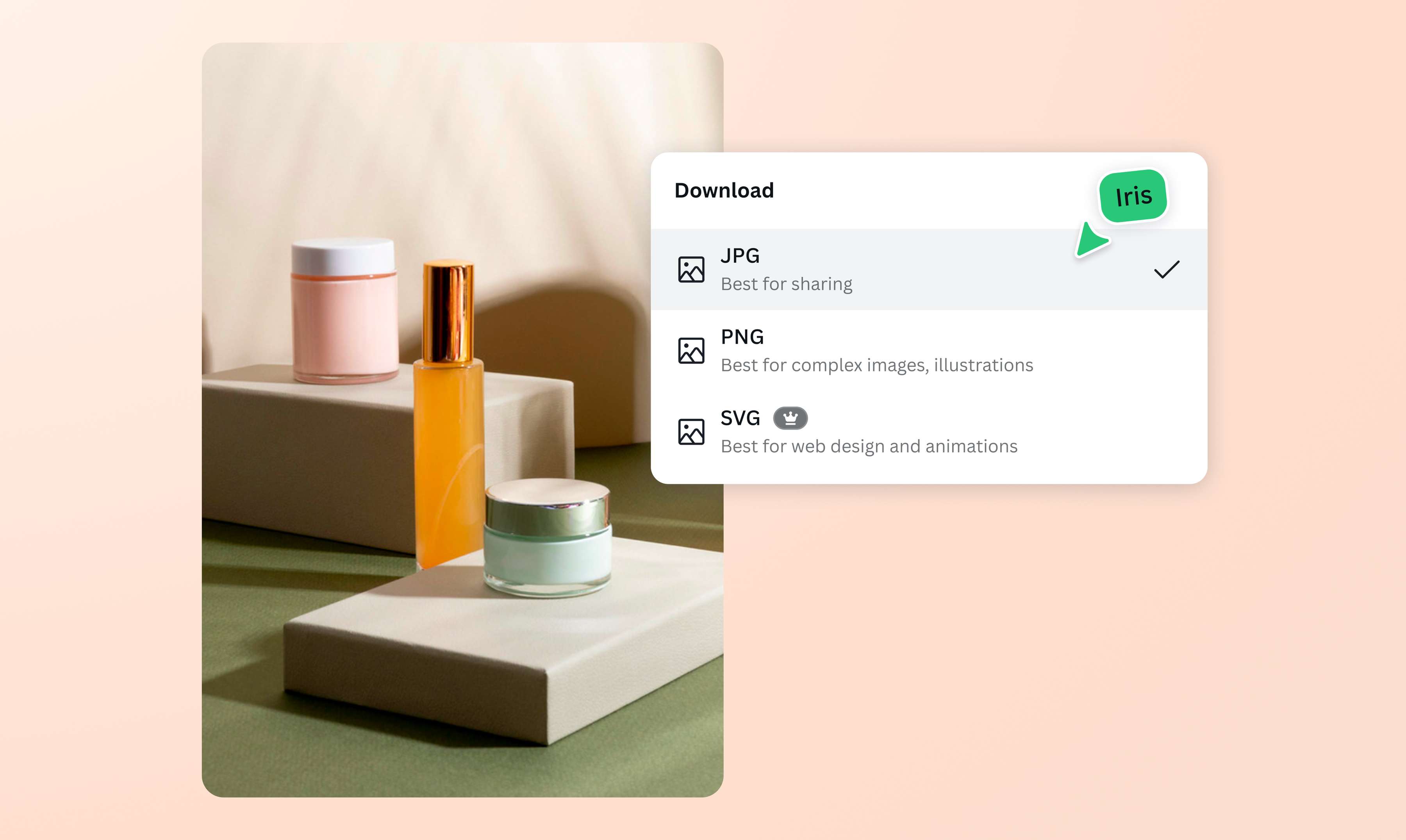
WebP may be great for your website’s load times, but it has software, browser, and device limitations that require you to have fallbacks. With Canva’s free WebP converter, you can say goodbye to compatibility issues in just a few clicks. Instantly turn WebP images into any format you need, from JPG and PNG to SVG and PDF — all for free.
Get high-res images everytime
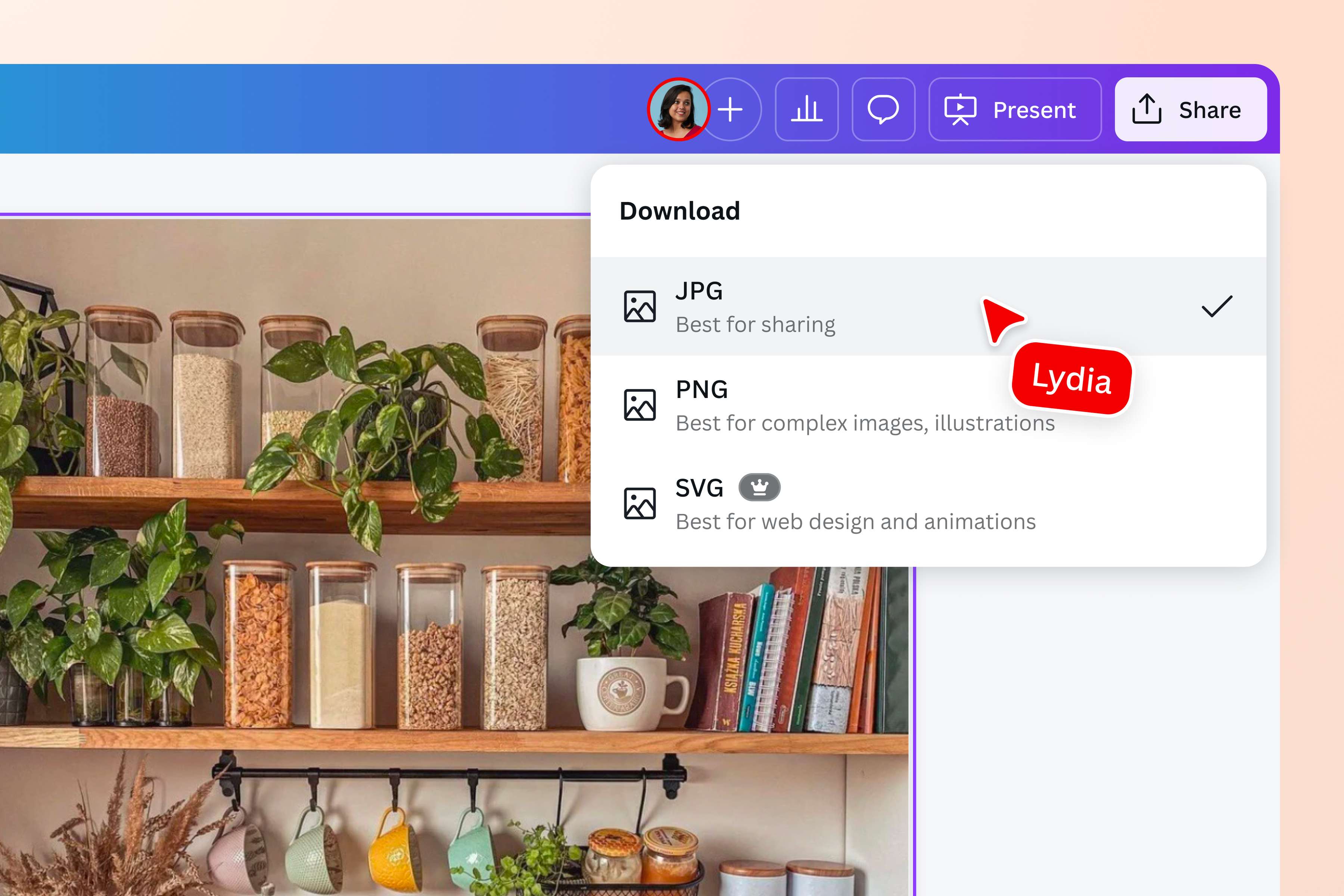
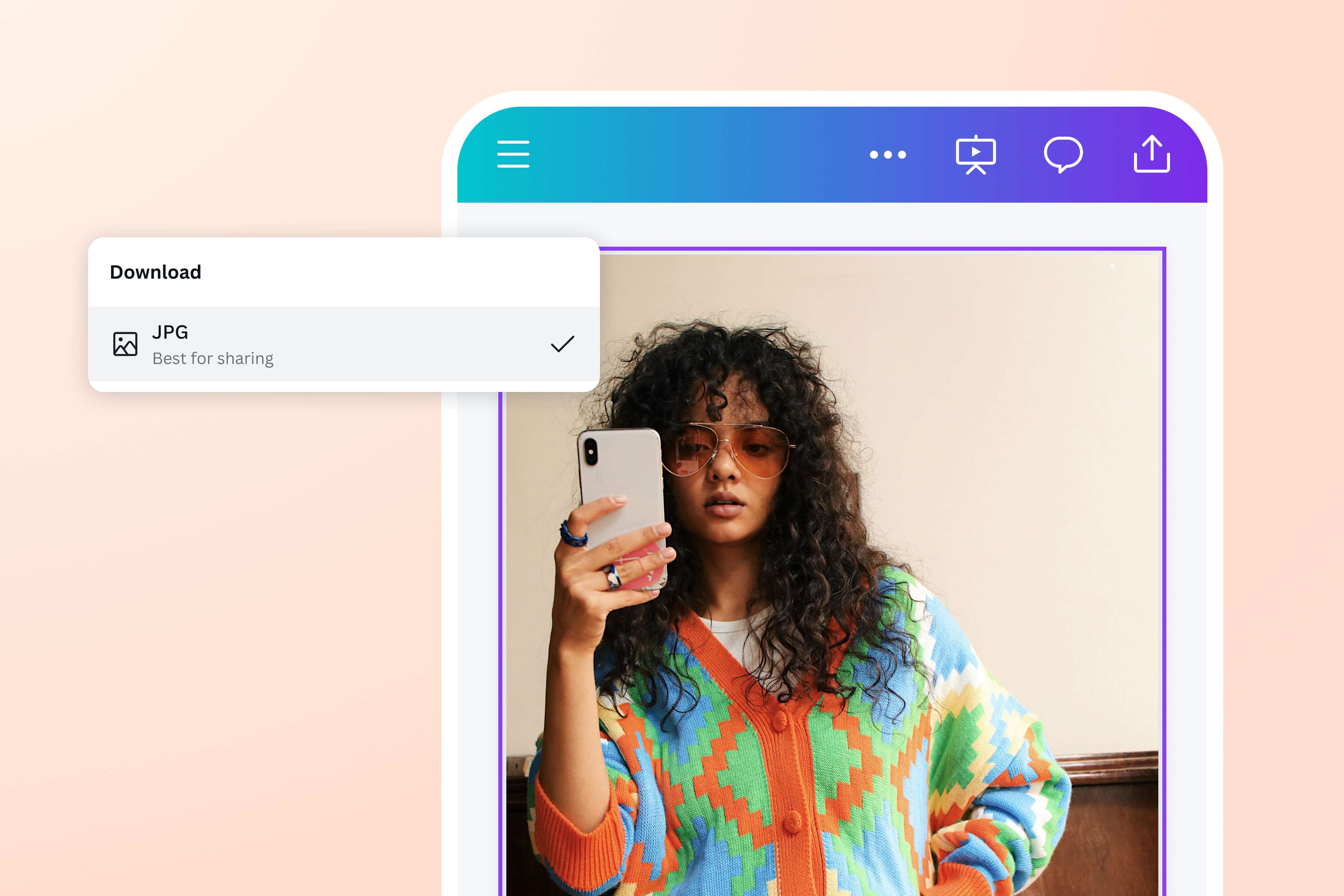
Use Canva’s online WebP converter to ensure your images are suited for any platform or project. Convert WebP to JPG if you want to use your images offline. Alternatively, switch from WebP to PNG for professional editing. Get the exact file format you need in seconds, without ever sacrificing the image quality.
More than an image converter
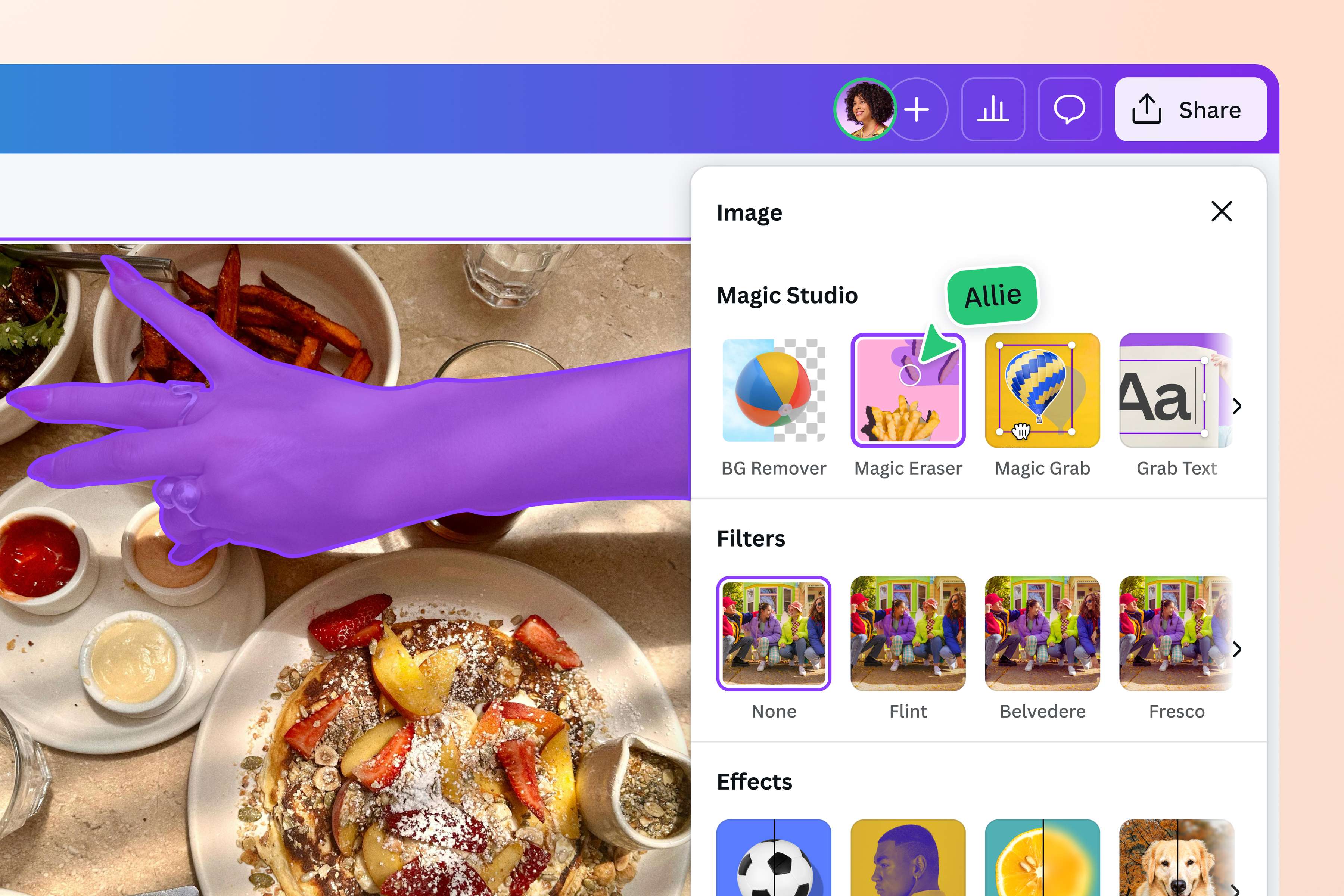
Canva’s built-in photo editor lets you edit and convert images without leaving the platform. Refine your WebP images before converting them by adjusting the saturation and contrast, or applying filters and effects. No editing skills? No problem! Use Magic Eraser (Pro) to brush away unwanted details in your image or Magic Edit (Pro) to instantly replace any design element with just a text prompt.
How to convert WebP images
Launch Canva
Open Canva on your web browser or app to access our WebP converter.Upload your image
Upload the WebP image you want to convert, or drag and drop it onto the page. Currently, Canva only supports static WebP images under 50MB.Edit your photo
Get creative and enhance your images using our photo editor. Add frames(opens in a new tab or window) and text(opens in a new tab or window) to your photo, or adjust the brightness(opens in a new tab or window). You can also crop, flip and rotate your image in a few clicks.Convert your image
Once you're done editing, click the Share button and select Download. Choose your desired file type from the dropdown menu, then click Download to save your file.Share your image
Your newly converted image is ready to use. Add it to any Canva design, embed it on a website, or share it with anyone via email or social media.
Frequently asked questions
- WebP is an image format developed by Google to optimize images for the web. It offers lossless and lossy compression, creating smaller file sizes without a difference in quality, which ensures images load faster.