- Create Google Slides Alternative

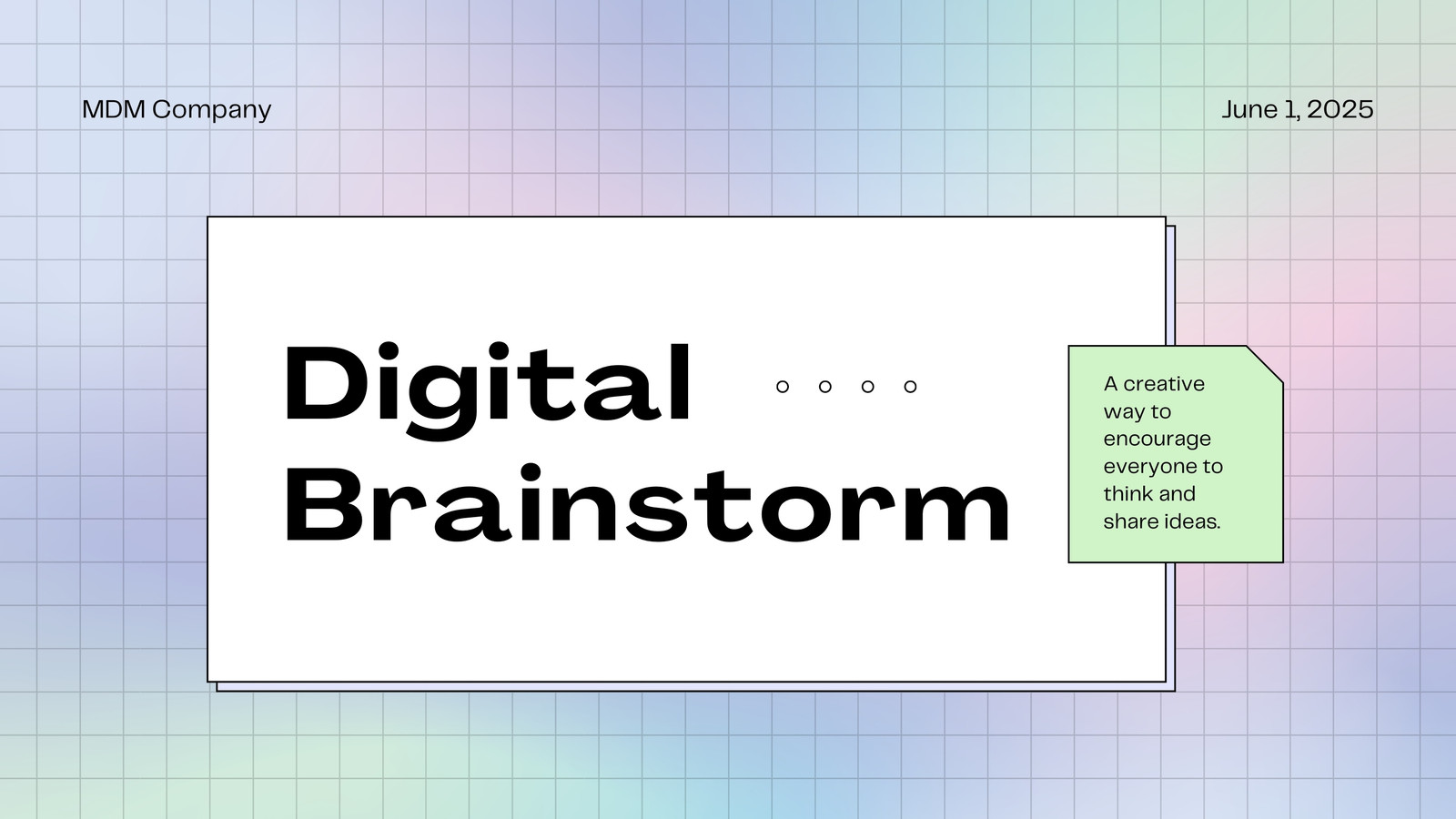
Easy to create and customize
Thousands of free templates and layouts
Millions of photos, icons, and illustrations
Easily download or share
Pitch eye-catching proposals and reports with presentations made in Canva. With our free and powerful alternative to Google Slides, add graphics, images, and audio tracks to give your designs extra personality — making information absorption easier for your audience.

Make better presentations with Canva, the Google Slides alternative
Plain presentations will have your listeners looking at the exit now and then. But with distinctive designs, beautiful graphs, and high-quality elements, you can keep their eyes glued to your presentation through to the end. With Canva, the Google Slides alternative available for free, have access to a wide range of customizable templates that make creating compelling slides effortless.
How to create a Canva Presentation

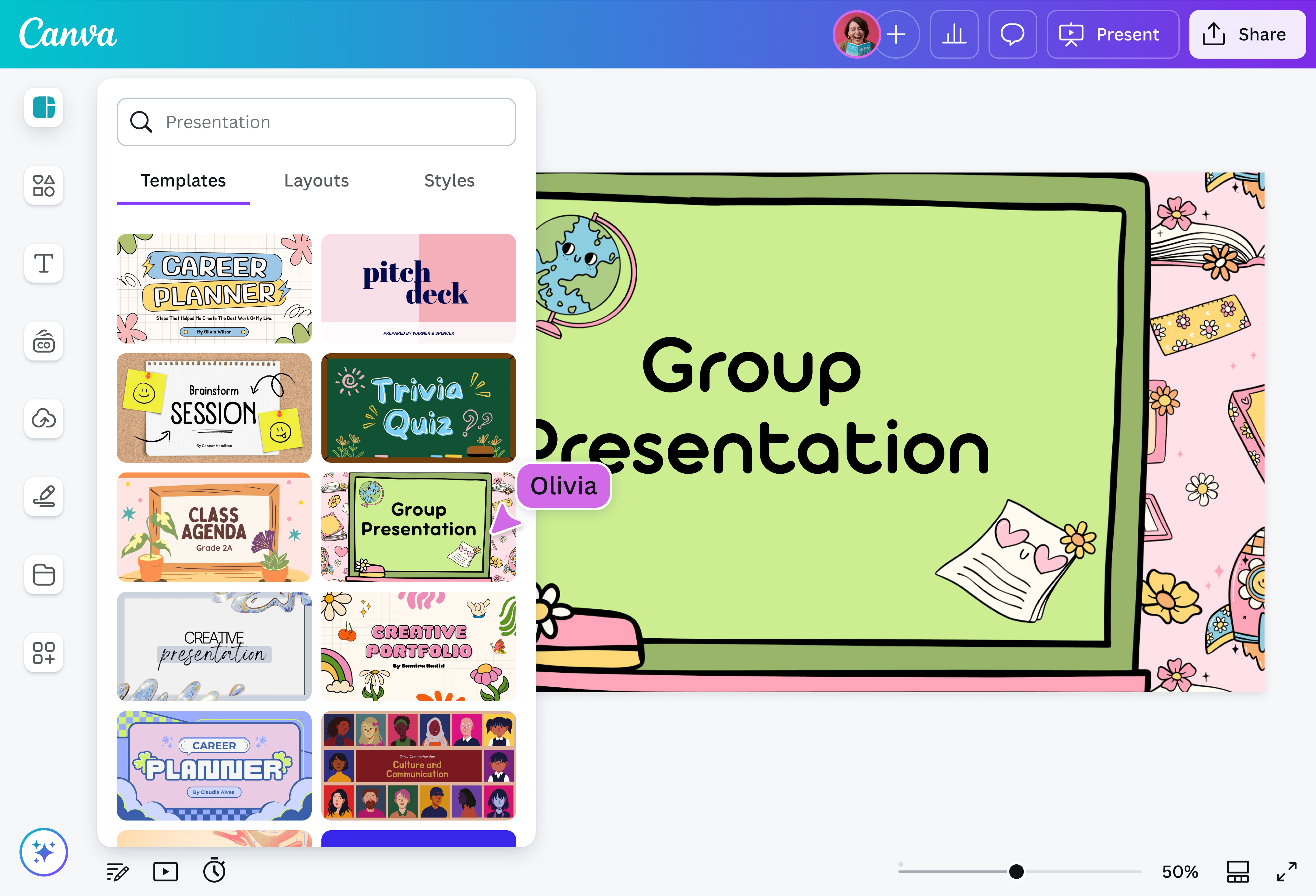
Professional templates to fit any industry
A fantastic Slides alternative, Canva Presentations gives you access to an extensive collection of slide templates(opens in a new tab or window) designed for any field. Whether you're in education, business, healthcare, or other fields, Canva makes it easier to create professional and engaging presentations. And you can keep them on brand with Brand Templates and your own Brand Kit. Share your ideas with style and make an impact on your audience.
Embellish with a rich library of elements
Enhance your presentations and bring them to life by diving into a rich media library. If you're on the hunt for alternatives to Google Slides, consider Canva Presentations, which offers a wide range of visuals — from graphics, images, and animations, to audio and videos. Presenting complex ideas with clarity and creativity has never been easier.
Make presentations with an easy-to-use editor
Among various presentation alternatives, Canva Presentations has a user-friendly, drag-and-drop editor, which also houses features that streamline your design process. Record yourself over your slides. Use AI to automatically add captions(opens in a new tab or window). And keep presenting fun and engaging with Magic Shortcuts like Confetti or Drumroll, which you can prompt on your phone via Remote Control.
Collaborate and share seamlessly
Canva Presentations makes it easy to collaborate and share your ideas. Invite teammates and colleagues to your design — you can assign tasks, leave comments, and edit together in real-time. Need more space in your design? Expand your slides to a Whiteboard(opens in a new tab or window), where you can elaborate ideas further to an infinite canvas. When you're done, export your designs in various formats, or publish it directly to social media.
FAQ

@navneet4


