Create an Irresistible YouTube Thumbnail for Your Video
Easy drag-and-drop editor
1M+ professionally-designed templates
Generate content and media with AI
Download or share designs easily
Make it impossible for your audience to scroll past your YouTube thumbnail without having a click and a look.

Design an eye-catching YouTube thumbnail that boosts viewership
You’ve finally done it — you’ve begun your content creator journey with your first ever video. But how do you stand out among the millions of videos online? What you want is a scroll-stopping YouTube thumbnail that will capture the essence of your video in one image and boost its clickability in one fell swoop.
With Canva you can enrich your chosen snapshot with text and design elements, or create a clean cut thumbnail design for a synchronized playlist or channel. With our tools and easy-to-navigate interface, you can easily customize your YouTube thumbnail to the tune of instant virality. How to make a Youtube thumbnail? Easy!
How to make a YouTube thumbnail

Meet Magic Studio™: All the power of Canva’s AI
Magic Studio™ brings together the best AI-powered tools for you and your team to help you design with more ease, speed, and creativity.


Take advantage of professionally designed YouTube thumbnail templates
Your YouTube thumbnail acts as the face of your video and in no small part determines whether your video will be watched or not. So, the last thing you want when you’re just bursting to get that video out is to skimp on attending to that one tiny but important detail.
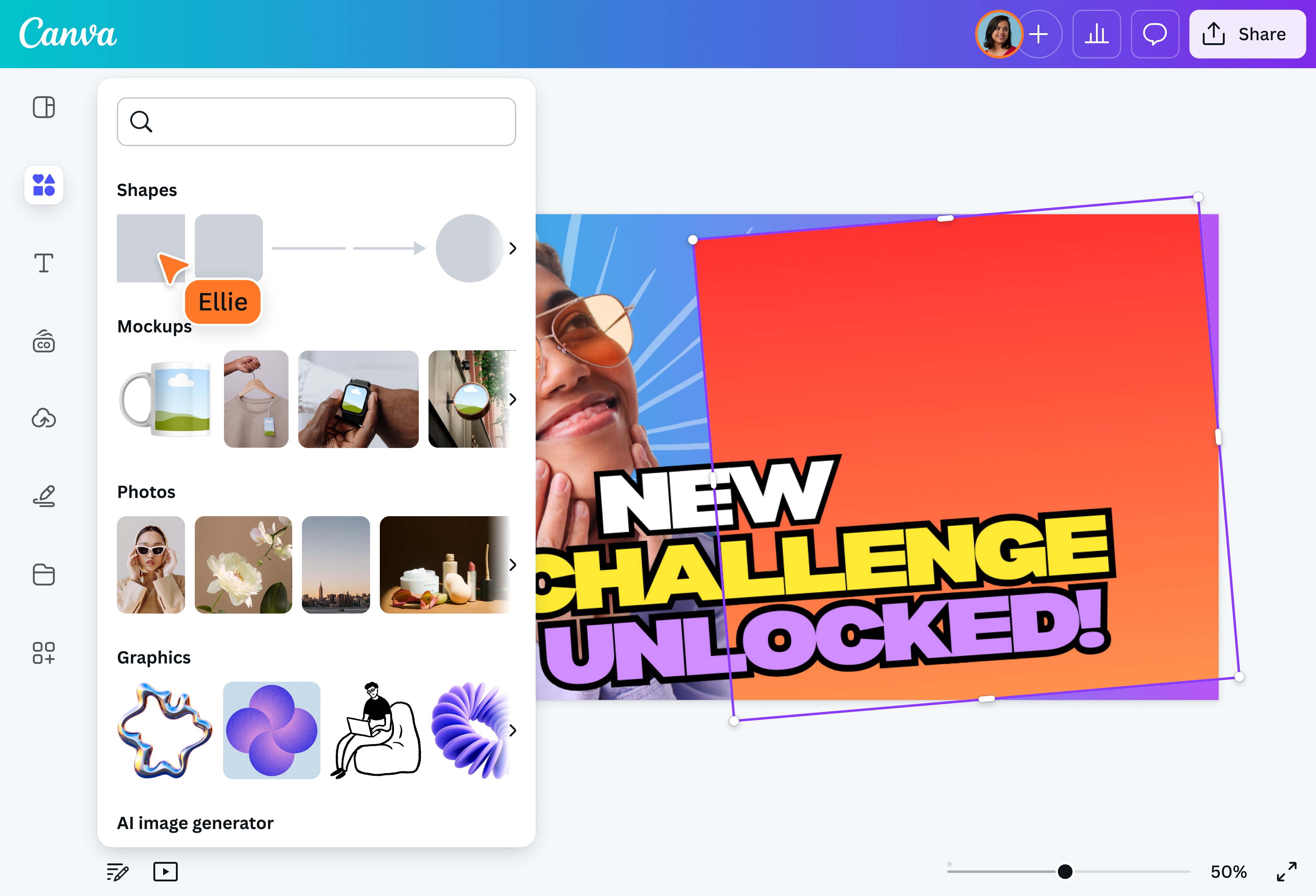
But even if you’re in a rush to get that video out, you won’t have to sacrifice the effectiveness of your thumbnail. Canva lets you create a stunning video cover for your masterpiece with readily available and professionally designed templates that even non-designers can tweak and make their own using Canva’s easy drag-and-drop interface.
Create a team and collaborate together
And with Canva, you can keep your creativity flowing and invite team members to collaborate on your YouTube thumbnail in real-time. Post comments, tag your team members, leave feedback, share designs, and resolve suggestions all within the Canva editor.
Choose from a wide selection of fonts and icons for a stunning YouTube thumbnail cover
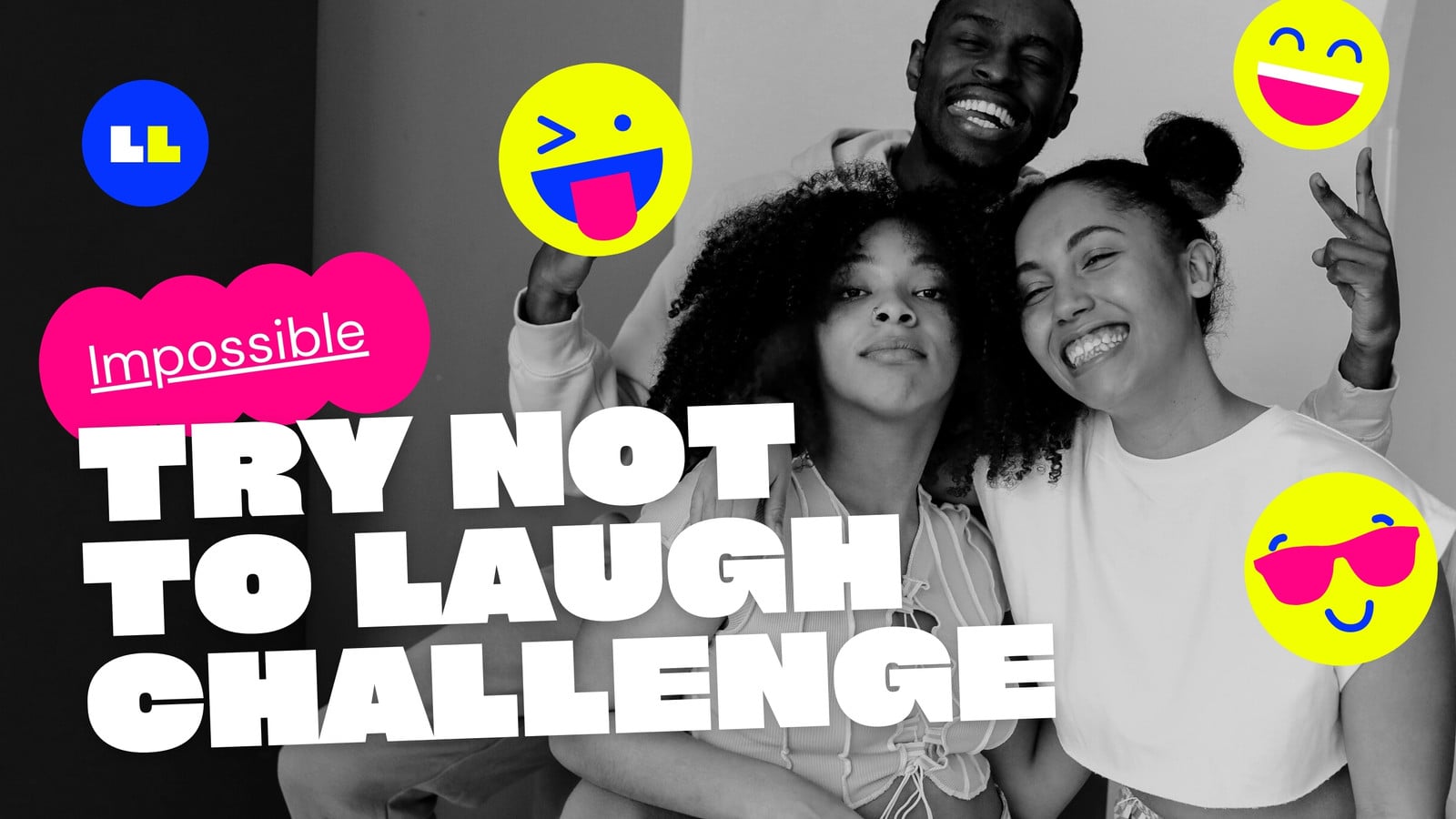
A picture paints a thousand words, but adding a headline to your thumnail can make it speak volumes more. If you’ve browsed through the most popular channels on YouTube, you’ll notice that they usually render their headlines onto their thumbnails. The really good ones add a complementary copy that directly supports their image and makes for an effective scroll-stopper.
Adding text to your thumnail is a cinch with Canva. What’s more, you can choose from a wide selection of fonts that can complement your video’s subject matter — whether that’s a playful mashup or an informative lecture. Icons, photos, and illustrations are also readily available for bringing all your design ideas to life.
Design eye-catching thumbnails with AI-powered tools
Upload your own snapshot onto your design template and tweak it with Canva’s AI-powered photo editor(opens in a new tab or window). Add new elements or remove visual clutter with Magic Edit, which lets you click on an element in the photo or brush over an area, then type what you want to change in the prompt box. Use Magic Grab(opens in a new tab or window) to reposition or resize image subjects or Magic Eraser(opens in a new tab or window) to delete elements in one click.
Remove your image’s background with Background Remover(opens in a new tab or window), then replace it without searching high and low with Background Generator(opens in a new tab or window).
Get that awesome YouTube thumbnail on your channel and all your social media properties
Once you’ve designed the perfect YouTube thumbnail for your video, all you have to do is download your design and load it up on your channel!
Simply head on over to the Download button and choose your preferred image format. Download it as a JPEG file for a smaller file size or get it in PNG if you want your image in stunning high quality. Customize your video with your masterpiece of a thumbnail and publish for all the online world to watch and learn from your stellar example.
FAQ
YouTube thumbnail sizes are 1280 x 720 pixels, with a minimum width of 640 pixels. The dimensions use an aspect ratio of 16:9. Stick to a maximum file size of 2 MB. Remember it should look good when displayed as the same size as the video player.
A good YouTube thumbnail grabs people’s attention and draws them into your channel. That means it needs to be the right size, use an engaging and high-quality photo or image and include your title text to give your viewers some context.
Best YouTube thumbnail practices include:
- Choosing a clean, readable font for your title text;
- Using colors and graphics that match your brand;
- Taking advantage of color contrast to make the image as clear as possible;
- And accurately reflecting the content of your channel
You can upload video clips in the MOV, GIF, MP4, MPEG, MKV, and WEBM formats, with a maximum upload size of 1GB. If the video has a transparent background, we suggest uploading it as a GIF.
You can upload photos, too. If you're uploading JPEG/JPG, PNG, HEIC/HEIF, or WebP images, make sure your file is:
- Under 50MB in size
- Not more than 250 million total pixels (width x height)
- If it's a WebP, only static files are supported
If you're uploading SVG images, make sure your file is:
- Under 3MB in size
- Between 150 to 200 pixels wide
- Saved with an SVG Profile of "SVG 1.1";
To learn more about our media upload requirements, check this guide.
You can upload video clips in the MOV, GIF, MP4, MPEG, MKV, and WEBM formats, with a maximum upload size of 1GB. If the video has a transparent background, we suggest uploading it as a GIF.
You can upload photos, too. If you’re uploading JPEG/JPG, PNG, HEIC/HEIF, or WebP images, make sure your file is:
- Under 50MB in size
- Not more than 250 million total pixels (width x height)
- If it’s a WebP, only static files are supported
If you’re uploading SVG images, make sure your file is:
- Under 3MB in size
- Between 150 to 200 pixels wide
- Saved with an SVG Profile of “SVG 1.1”
To learn more about our media upload requirements, check this guide.

Jonas L.


