- Create Twitch Banners
Design An Epic Banner For Your Twitch Channel
Take Your Gaming Vids to the Next Level with an Awesome Twitch Banner

Easy drag-and-drop editor
3M+ free stock photos and graphics
Try our design and work apps
Download or share designs easily
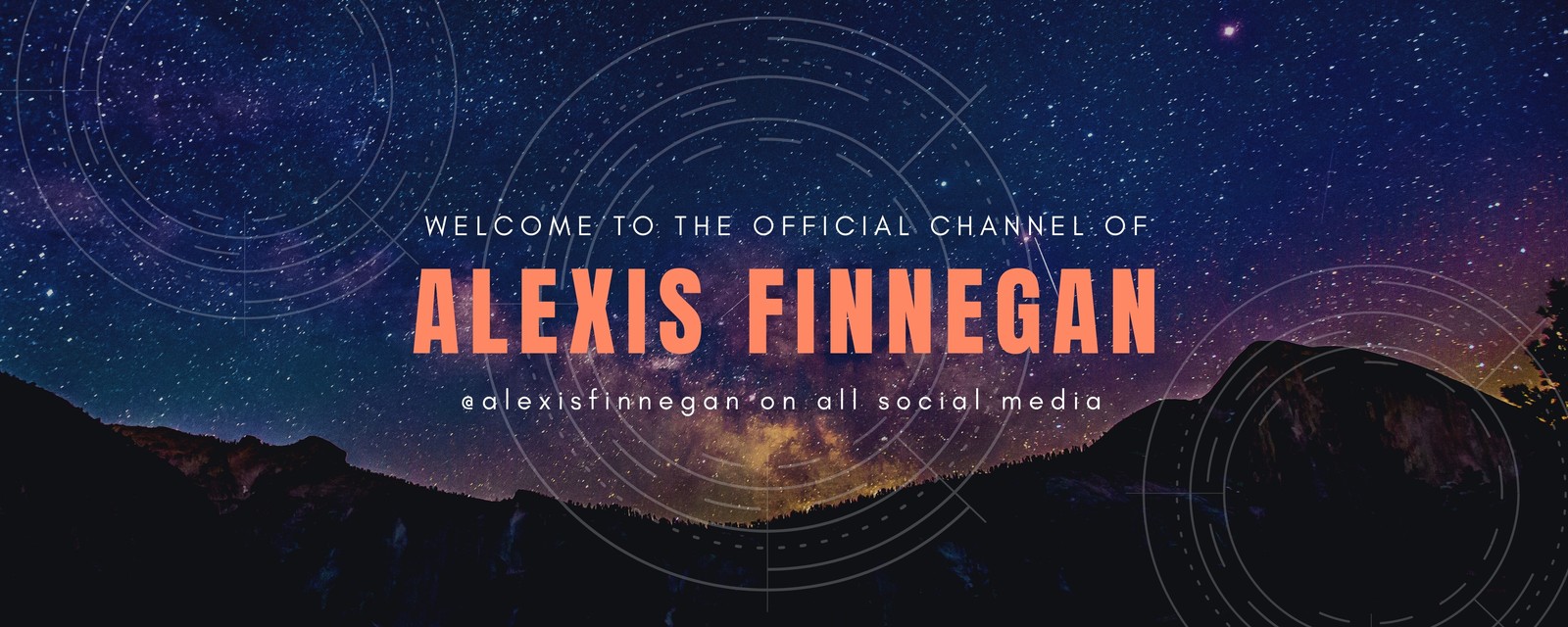
Deck out your Twitch channel with a cool profile banner made with our free Twitch banner maker. In a few clicks, easily create and customize Twitch banners to match your channel’s brand and personal aesthetic.

Free & easy-to-use Twitch banner maker
Want to take your game streaming to the next level? An eye-catching and well-designed Twitch banner might be just what you need. Designing can be expensive and time-consuming; but with our free Twitch banner maker, you can create an eye-catching and cool Twitch banner for your channel within minutes and for free. Start by choosing from a huge variety of layouts, images, photos, and design elements to create just what you need. All Canva layouts are fully customizable so you control everything from featured images and illustrations to colors, fonts, and textures. You can even collaborate with friends and get their help with designing your banner.
How to make a Twitch banner

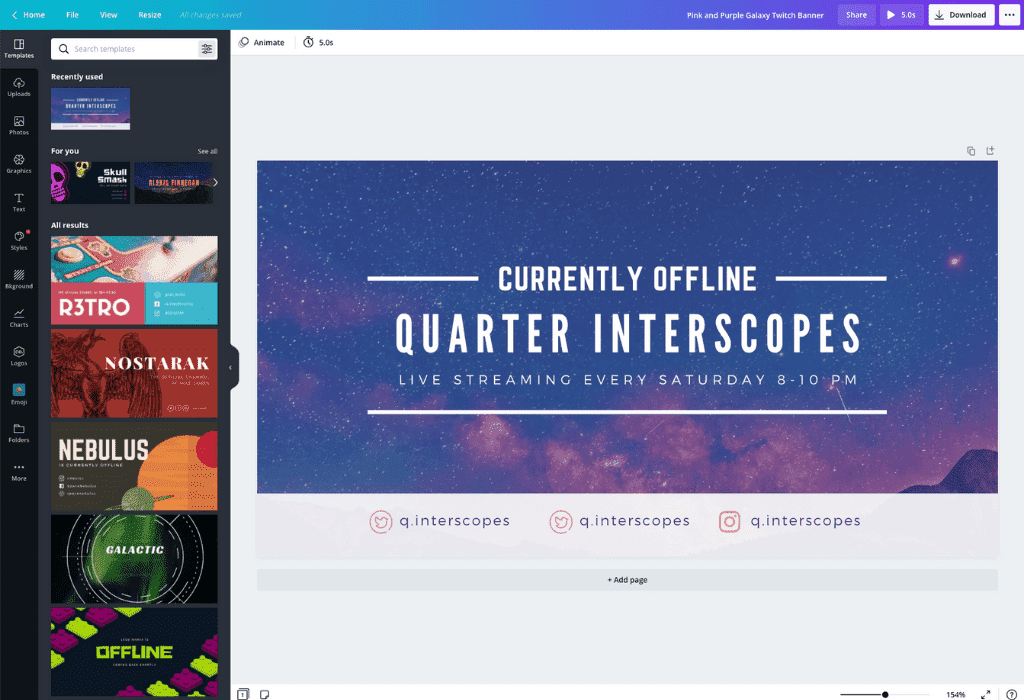
Design your Twitch banner to suit your channel
Want to customize your banner and really make it your own? Once you've decided on a template, you can upload your own imagery, tweak dimensions, and change as many or as few details as you like. Generate a custom username(opens in a new tab or window) that adds to your unique identity and brand recall. Maximize your following and reach on other social networks by adding social buttons and accompanying usernames for your YouTube(opens in a new tab or window), Instagram, and X (Twitter) accounts.
Complete your Twitch banner with matching Twitch emotes(opens in a new tab or window), panels, and overlays. All are fully creatable using Canva. Save time and choose the same color scheme, font styles, graphic elements, and themes to ensure your channel is on brand. Feel inspired? Get designing!
Get access to hundreds of font types and typography
Great design is all in the details, and luckily we've got your back with our easy-to-use Twitch banner maker. Our designers have done the hard work and have lent their skill to create hundreds of text elements that seamlessly pair fonts for maximum visual impact. You can simply drag and drop these elements onto your designs to create something amazing.
Feeling adventurous? Click on the 'Text' tab on the sidebar to add titles, subtitles, or whatever you need. You can even check out Canva's design school blog or our font combinations page for guidance and inspiration. It really is that simple.
Collaborate and be part of the Twitch community
Once you've gained a crowd of fans, why not share your genius and give back to the community? Canva allows you to easily share your creations on Facebook, X (Twitter), or anywhere else. Are you on Reddit? You can simply post a link to your cool Twitch banner designs and other channel artwork for anyone who might be looking for help or inspiration. Just open up your design, click the Share button to generate a link to an editable version of your design, and give anyone the ability to tweak your banner and make one of their own.
FAQ
The most common Twitch banner dimension or size is 1920 x 480 px. Depending on the width of your browser window, though, your banner size may change a bit, so you’ll want to make sure your images are large enough and concentrated on the left-hand side of your banner to minimize stretching.
A good Twitch banner has consistent color palettes, fonts, and graphics; uses white space and the rule of thirds; stands out with a unique logo or mascot; and avoids clutter. It reflects your personality and brand, and lets visitors know what to expect from your channel.
File formats that support Twitch banners include JPEG, PNG, and GIF. Use the first two for banners with static images and GIFs for banners with animation. Files must be no more than 10MB in size. Remember that viewers will mostly be seeing your Twitch banner on a mobile device.

@navneet4


