- Create Mockups
AI Mockup Generator

Easy drag-and-drop editor
3M+ free stock photos and graphics
Try our design and work apps
Download or share designs easily
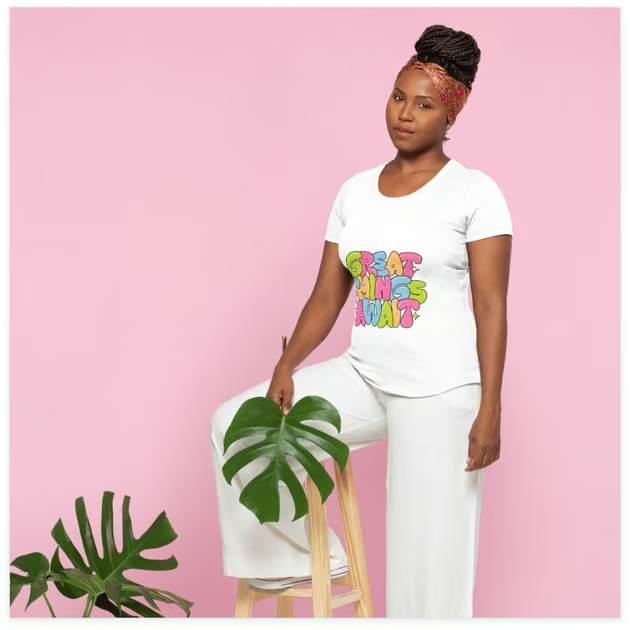
Create realistic AI-generated mockups of t-shirts, websites, and posters in one click. Canva’s AI mockup tool lets you turn your ideas into reality with no design experience required. Quickly convert images to mockups for your design proposals, product promotions, and more.
More than just a preview
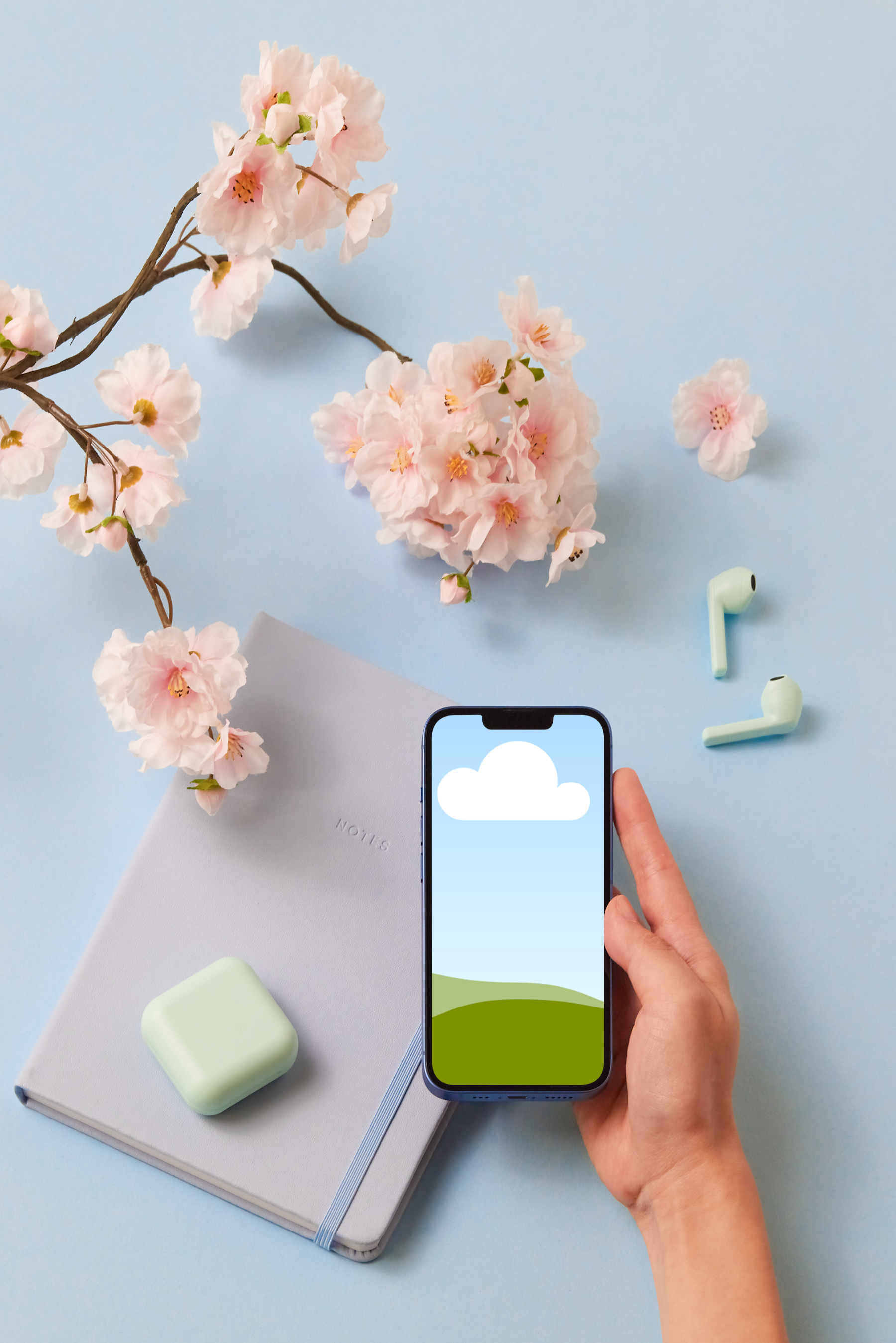
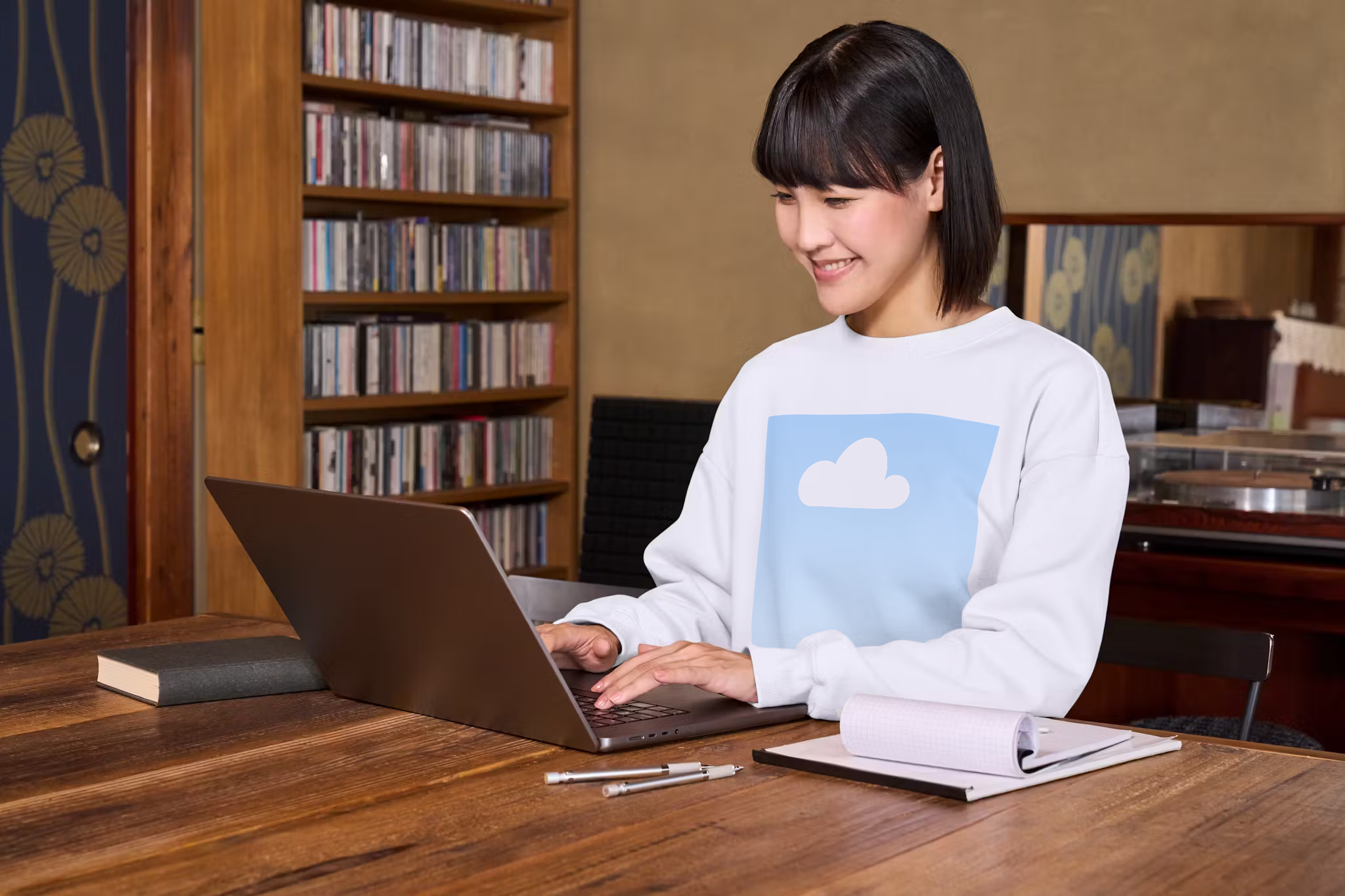
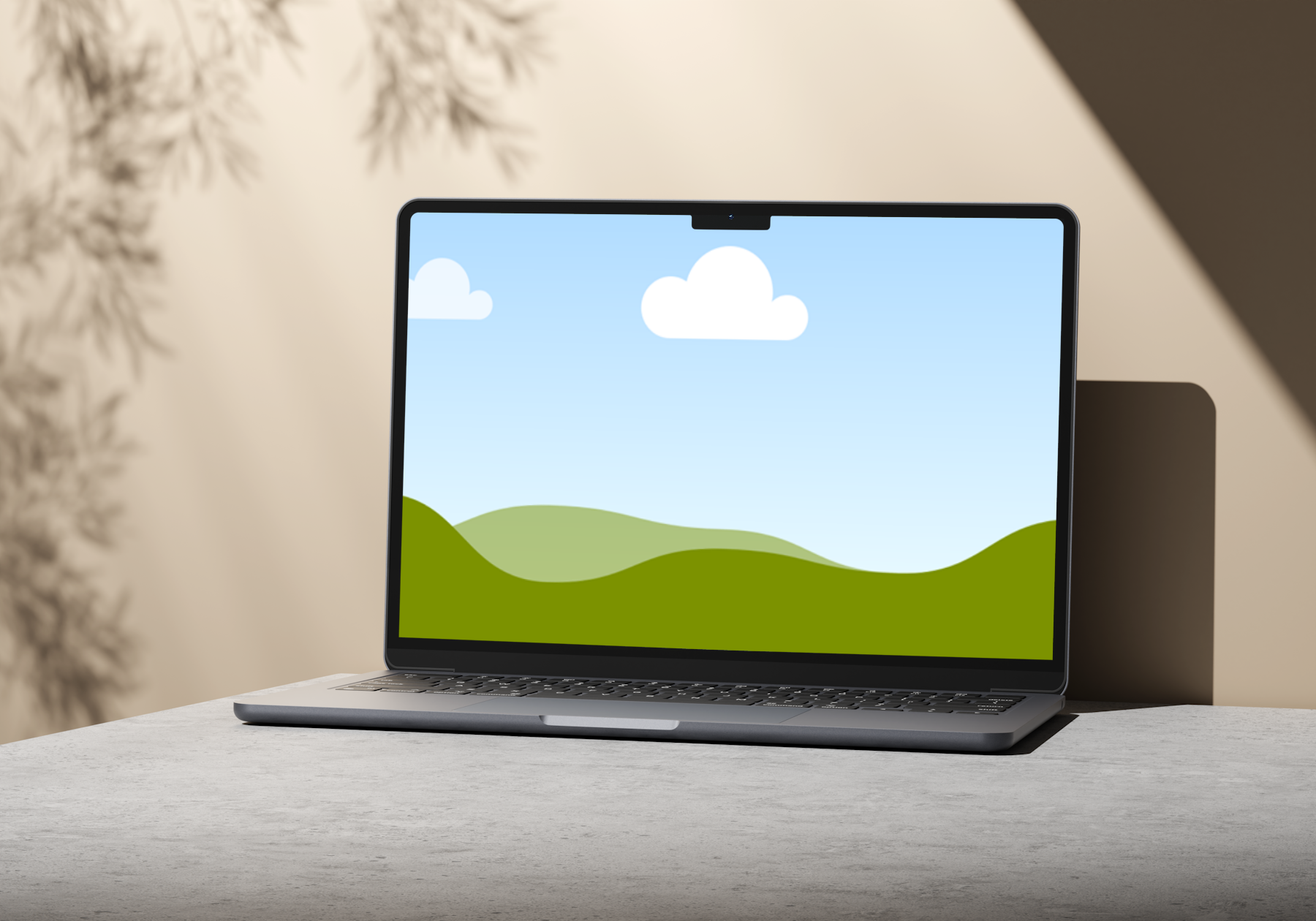
Using AI for mockups has never been easier. Canva’s online mockup generator provides you with a seamless experience for uploading, customizing, and reviewing what your final product will look like. Create mockups using AI exactly as you want to see them on apparel, prints, and device screens.
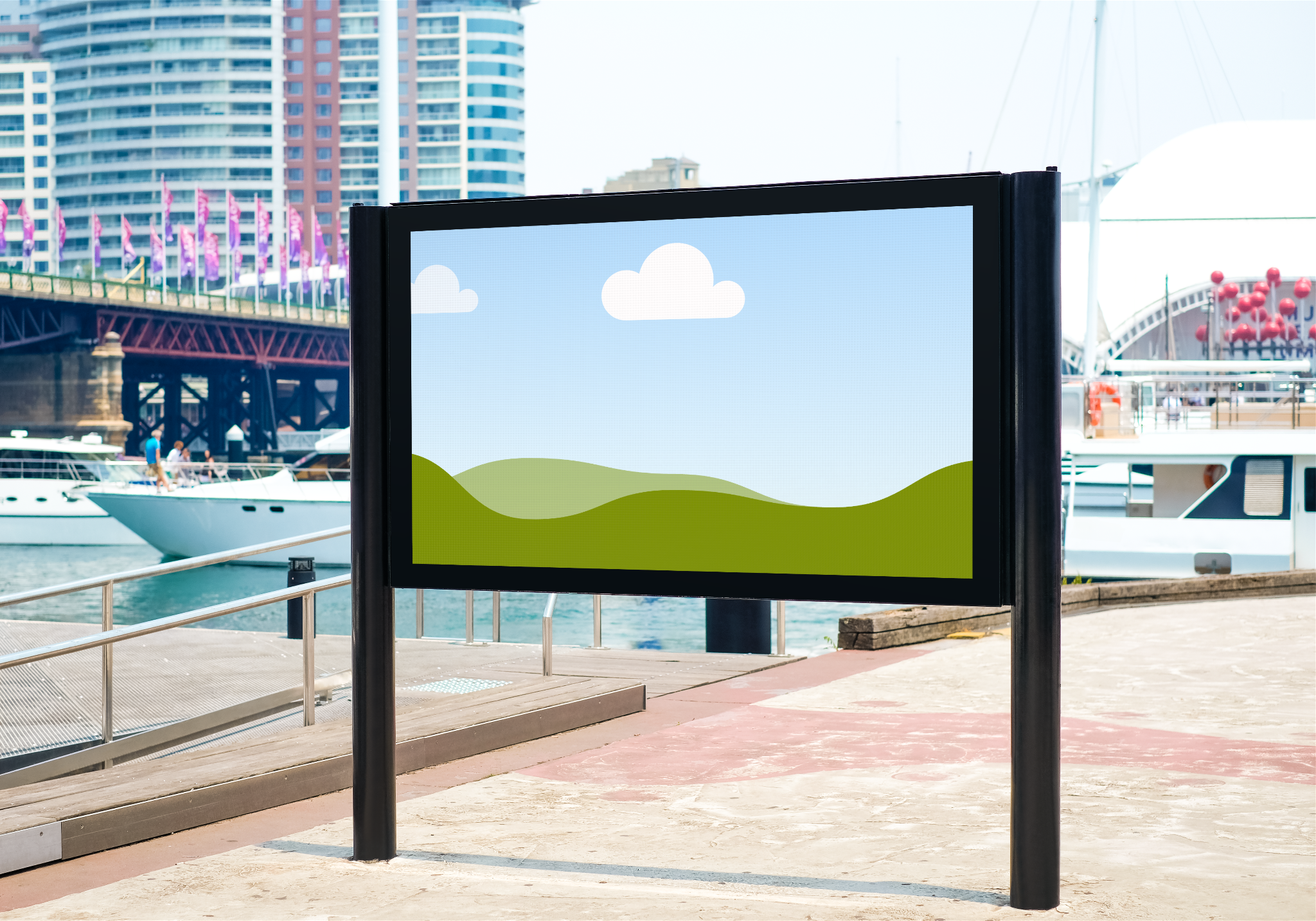
Perfect for business proposals, student projects, and brand promotions, Canva’s AI mockup maker offers professional, true-to-life mockups to help you communicate your ideas visually and uniquely. Use your online mockup as part of a larger layout, or share it instantly with clients, investors, and stakeholders.
How to make a mockup from a photo

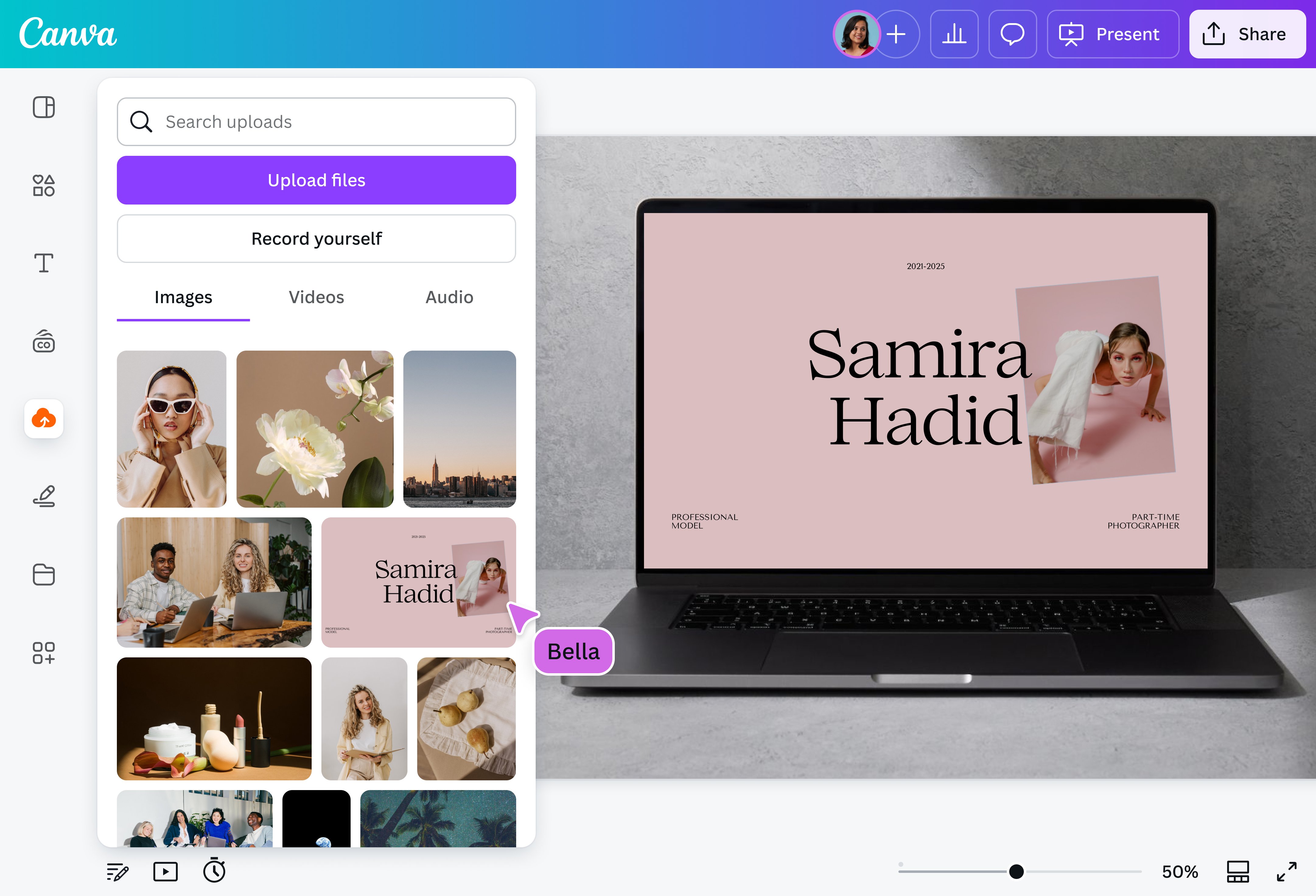
Realistic AI mockups in seconds
No need to spend hours on complicated software or pay for expensive apps. Take advantage of Canva’s AI-powered mockup maker to create stunning visuals that showcase your brand. Browse and choose from our collection of customizable mockups and produce various designs for your project in a few simple clicks.
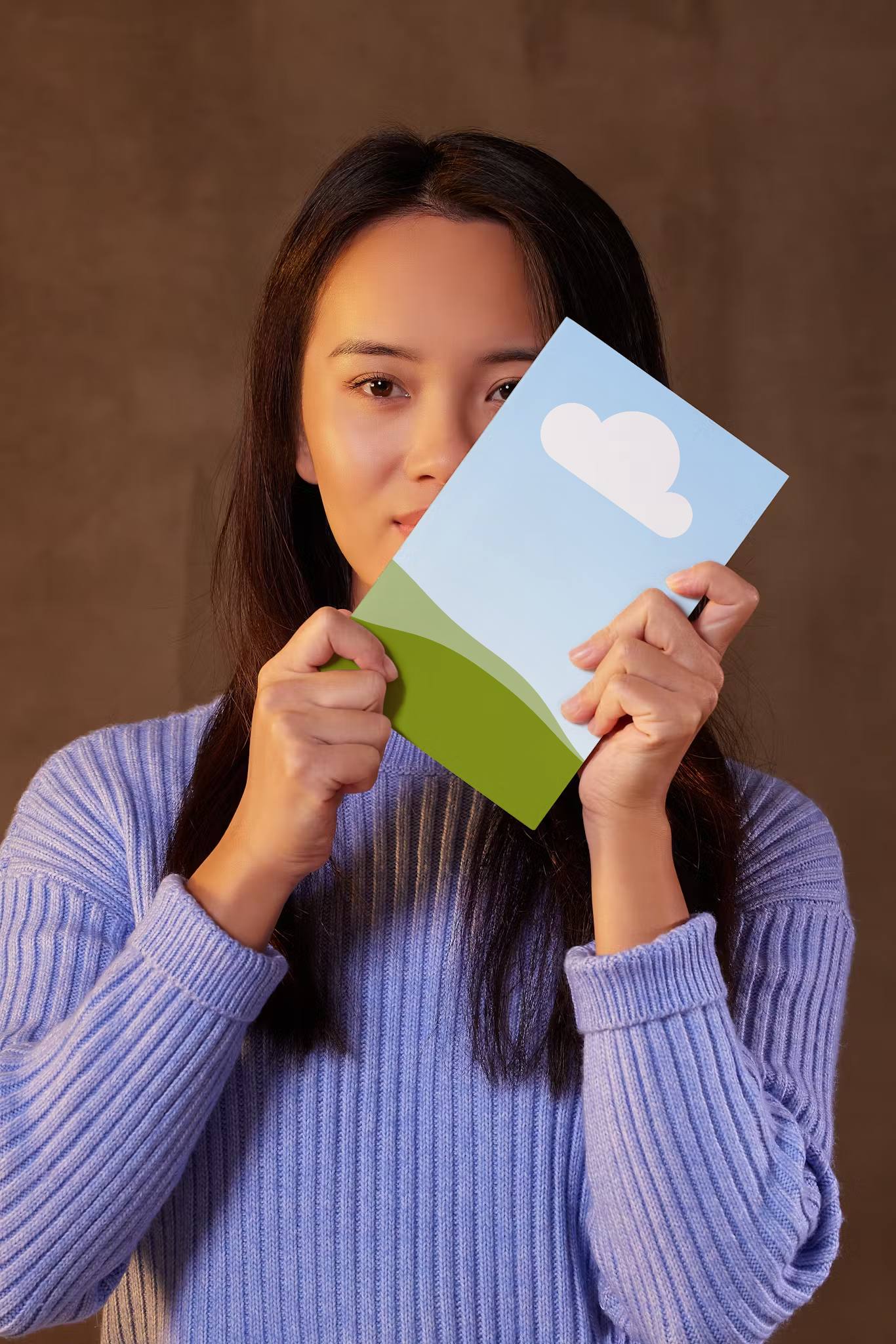
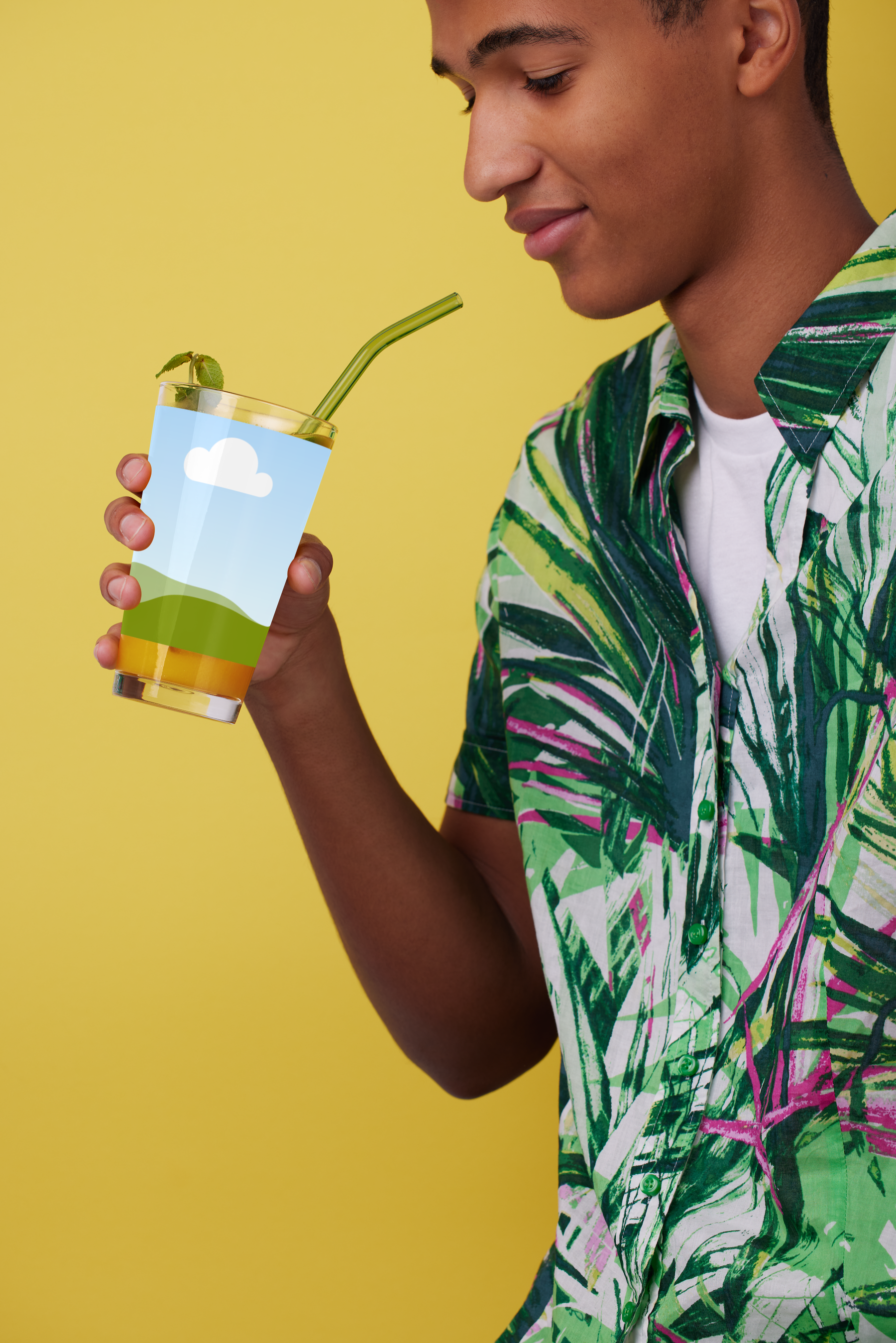
Insert your brand logo within stock photos of t-shirts(opens in a new tab or window) and mugs(opens in a new tab or window) and see what your merchandise can look like—whether on a model or as a flat-lay image. Designed a new website(opens in a new tab or window) or app? Create a preview and display them on your digital portfolio. Or use our AI mockup creator to make your book cover(opens in a new tab or window) or poster design(opens in a new tab or window) come to life, ready to be shared with your audience.
Build a mockup your way
Our online mockup generator is more than just superimposing your design on a stock image. We have all the tools and features you need to unlock your creativity and build something truly your own. Use Mockups on Canva to make your prototype look exactly how you want.
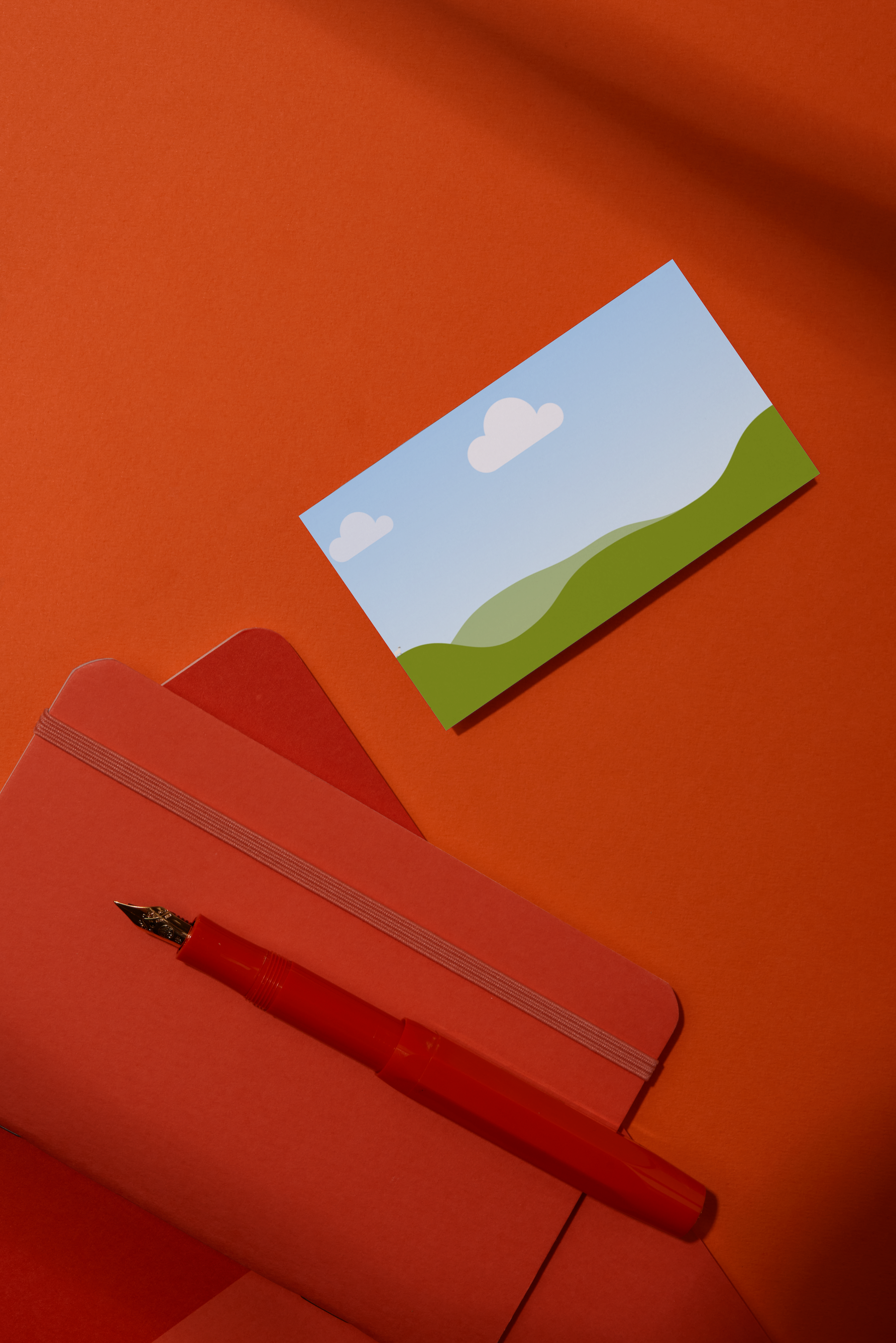
Crop or resize your design on a greeting card. Play with colors and filters to make your frame fit your brand identity. Retouch or focus your logo(opens in a new tab or window) on a hoodie(opens in a new tab or window). Need more inspiration? Explore our media library to find stock images, clips, graphics, and illustrations for unlimited designing. With our mockup AI generator, you can effortlessly convey your design idea from product to print fast.
Part of a greater design
Use the AI mockup generator for any project you have in mind. Seamlessly integrate it into another design you’re creating on Canva for a more professional finish. If you’re promoting your latest product on social media, use AI mockups to turn your image into a lifelike preview that you can add to your Facebook or Instagram post. Or how about using a mockup of your newly released app in a presentation designed on Canva to impress potential investors?
Generate curiosity for your project and let your audience, clients, or investors visualize the final product. Turn your image or Canva design into a stunning mockup today, or design and print promotional products showcasing your brand.
FAQ
You can upload video clips in the MOV, GIF, MP4, MPEG, MKV, and WEBM formats, with a maximum upload size of 1GB. If the video has a transparent background, we suggest uploading it as a GIF.
You can upload photos, too. If you’re uploading JPEG/JPG, PNG, HEIC/HEIF, or WebP images, make sure your file is:
- Under 50MB in size
- Not more than 250 million total pixels (width x height)
- If it’s a WebP, only static files are supported
If you’re uploading SVG images, make sure your file is:
- Under 3MB in size
- Between 150 to 200 pixels wide
- Saved with an SVG Profile of “SVG 1.1”
To learn more about our media upload requirements, check this guide.

@navneet4