Free iPhone mockup generator


Easy drag-and-drop editor
3M+ free stock photos and graphics
Design from any device
Invite others and design together
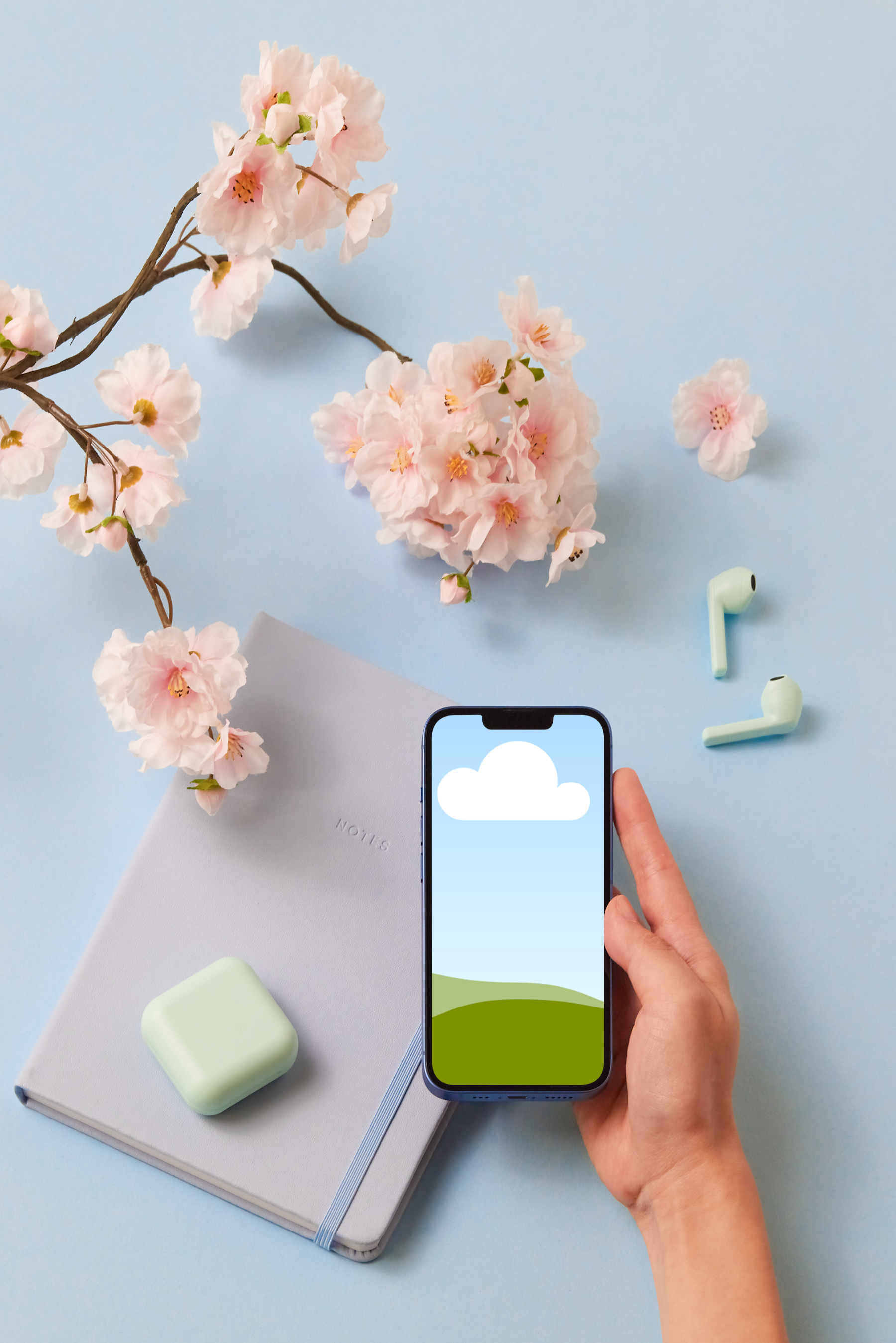
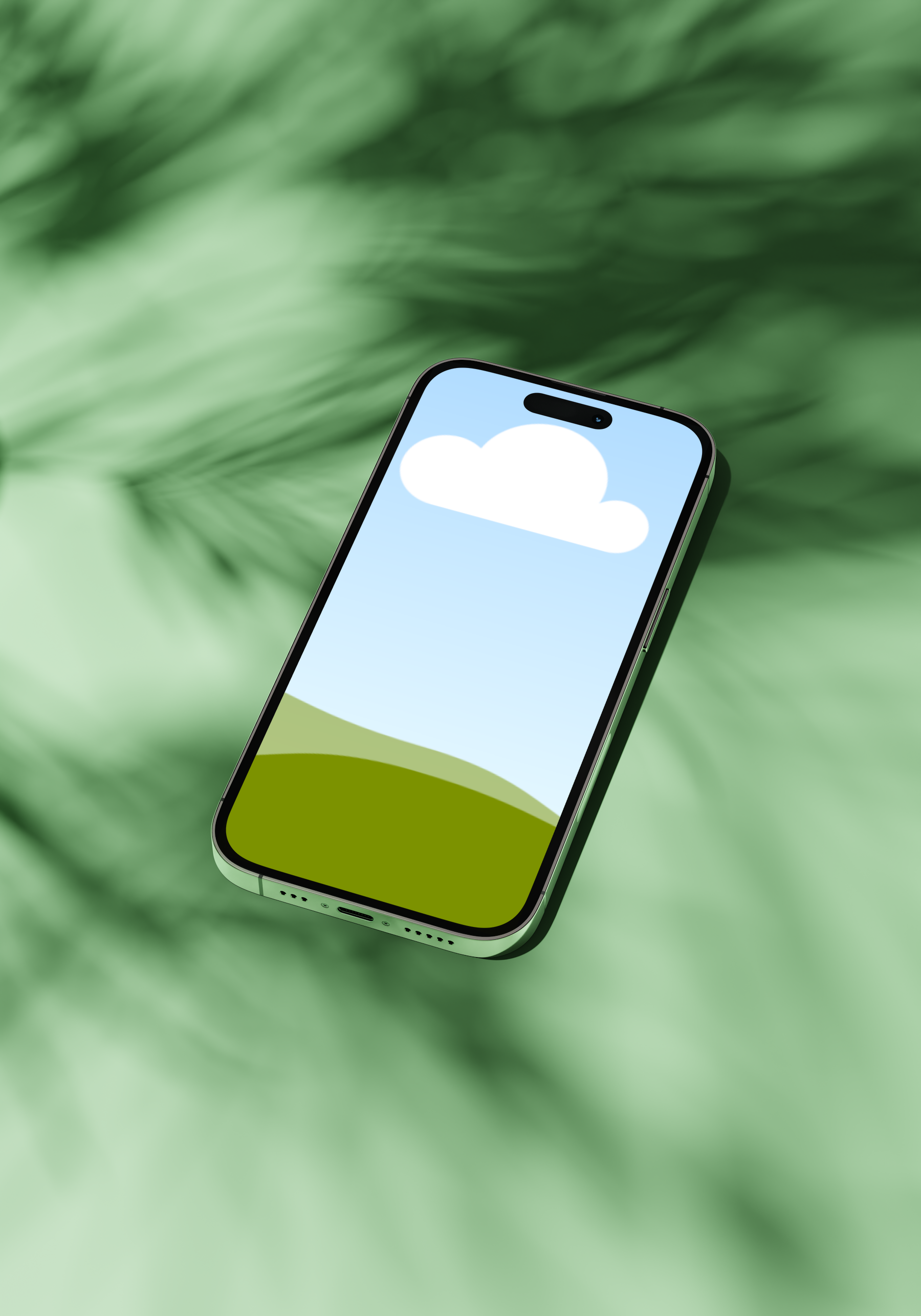
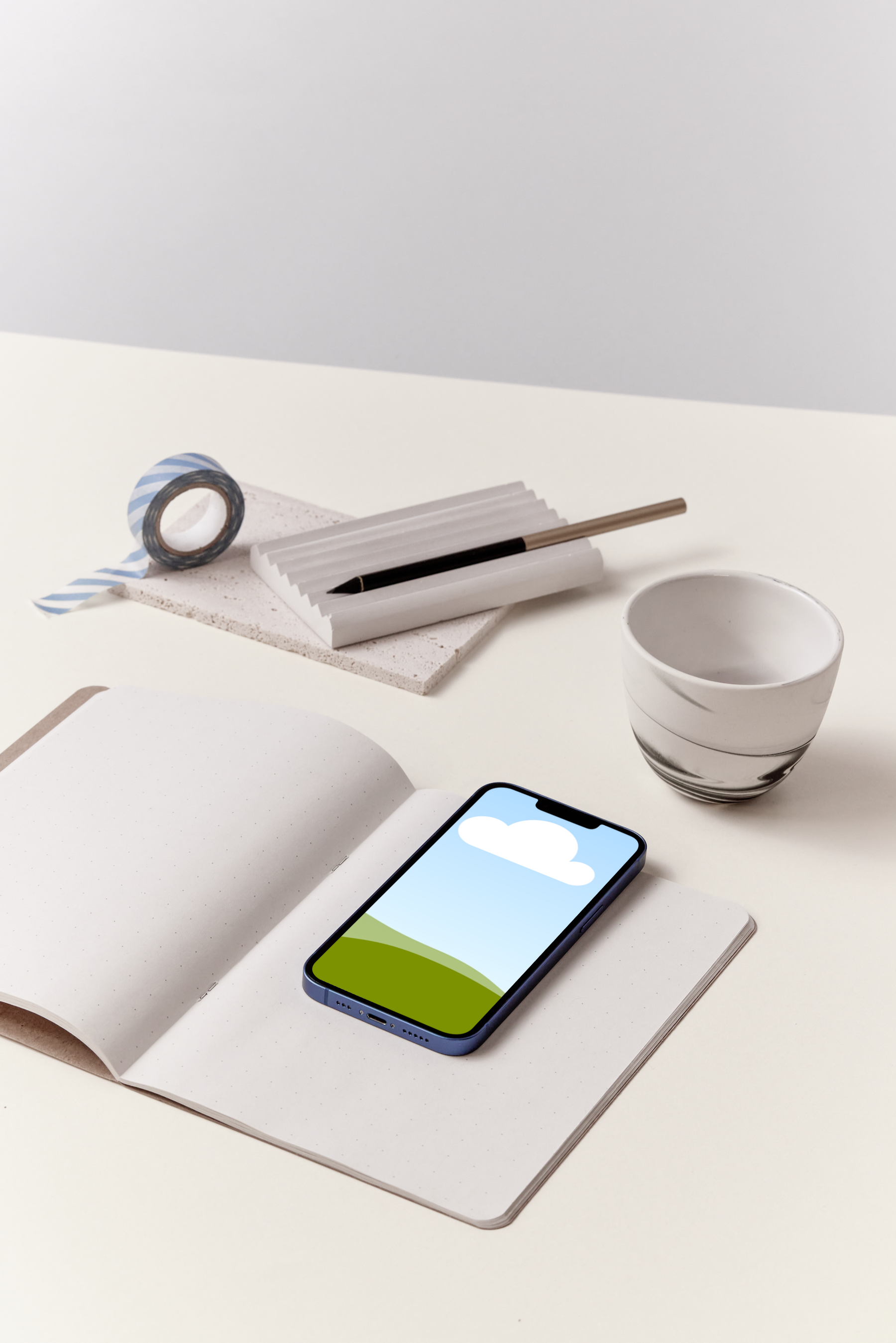
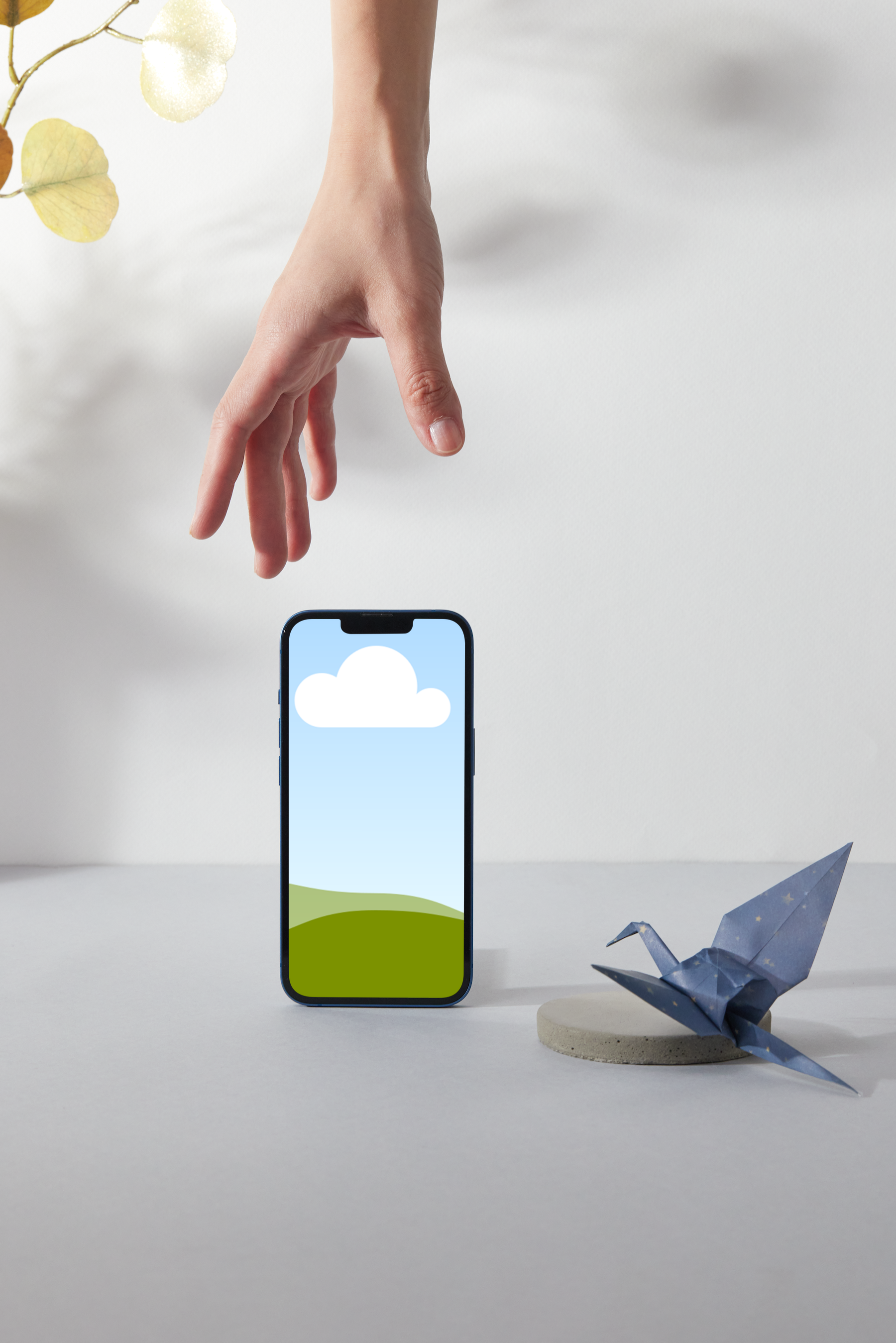
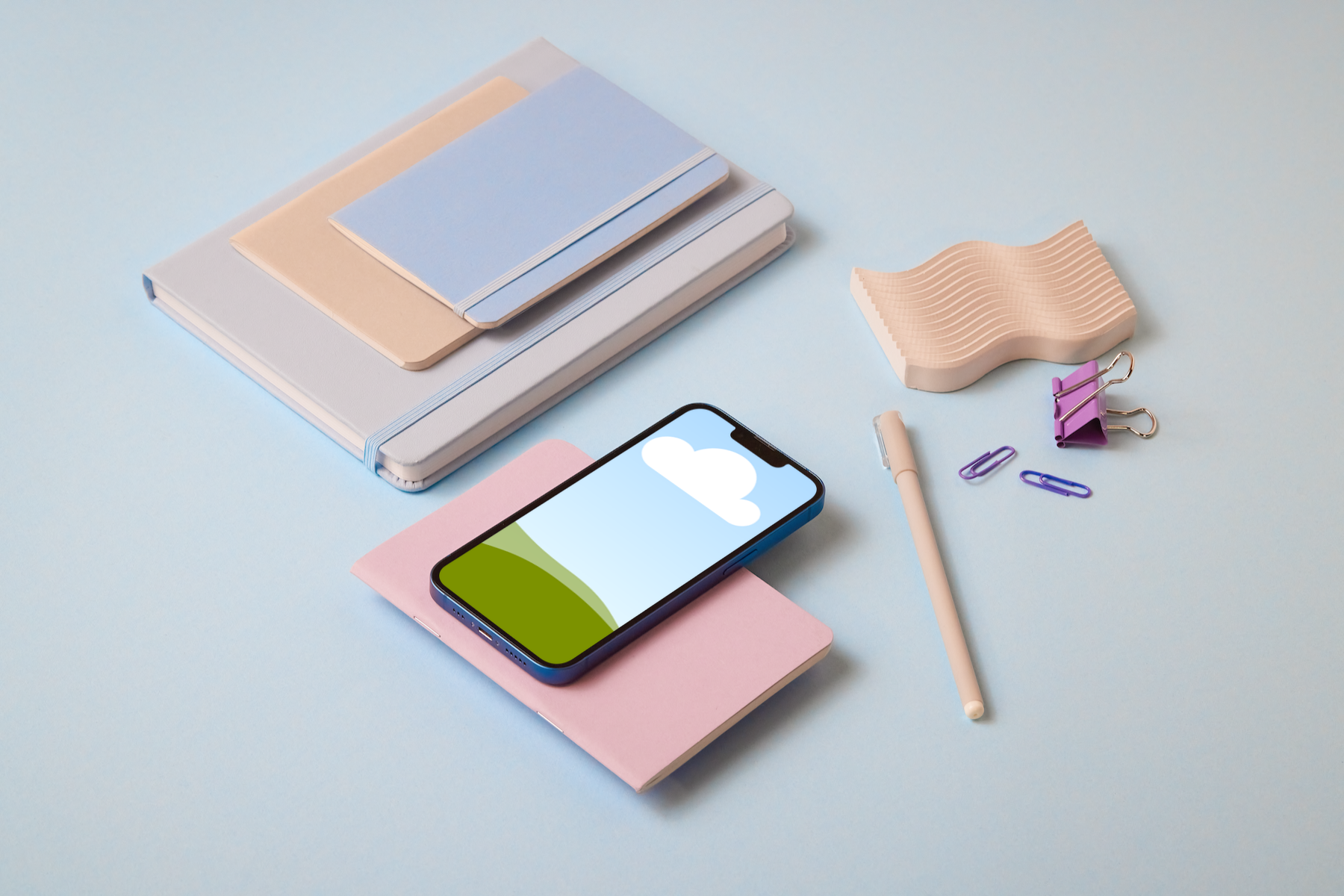
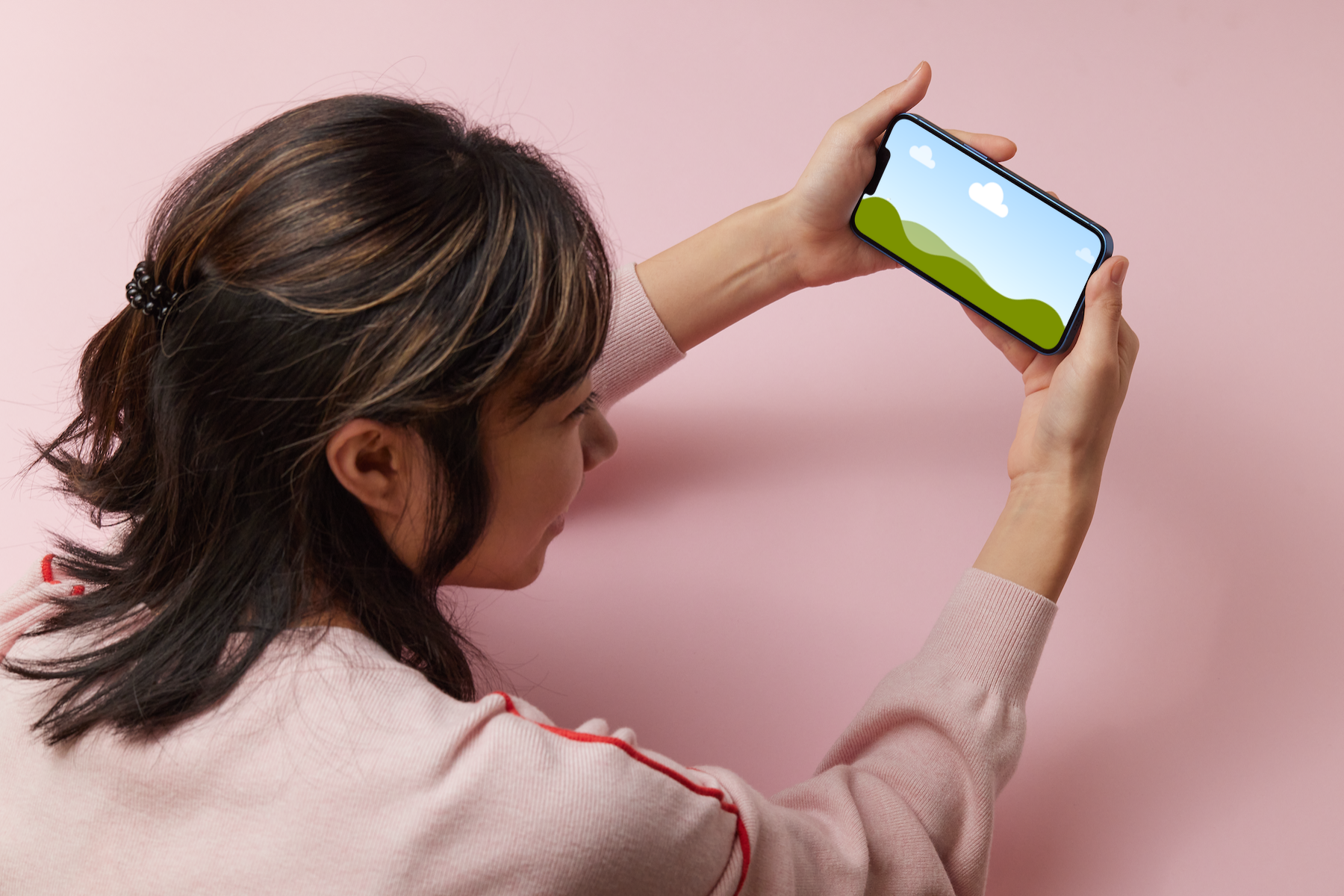
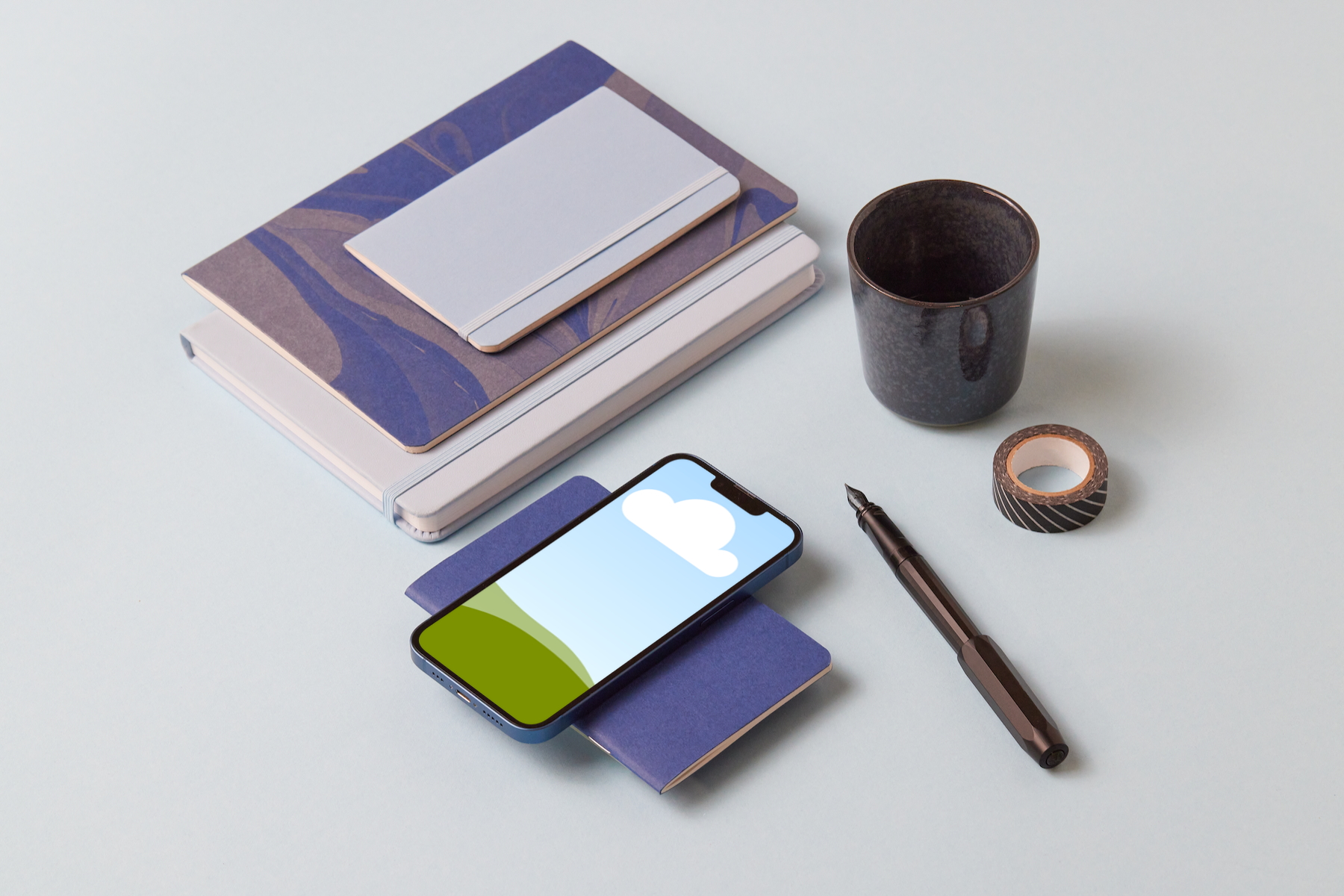
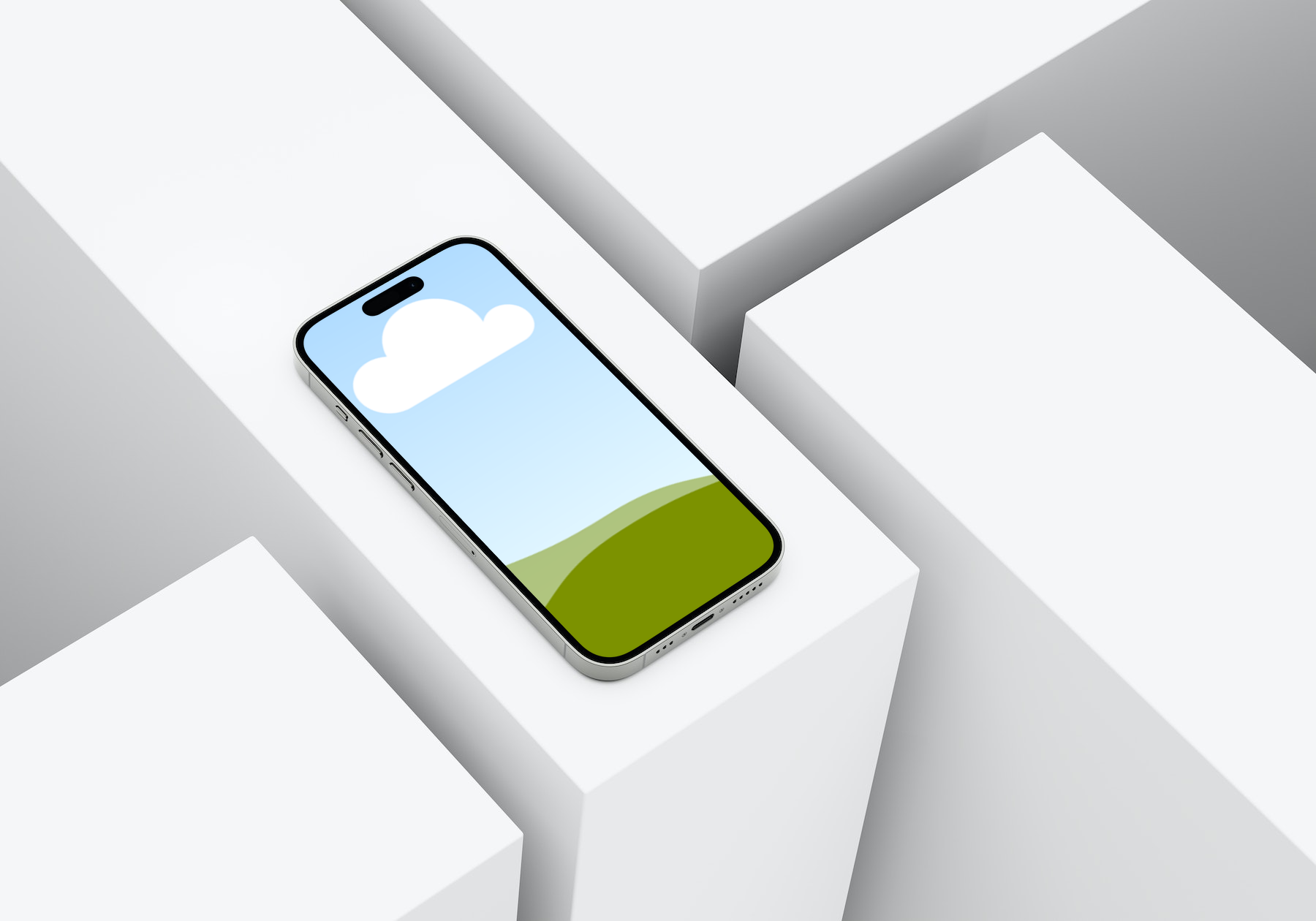
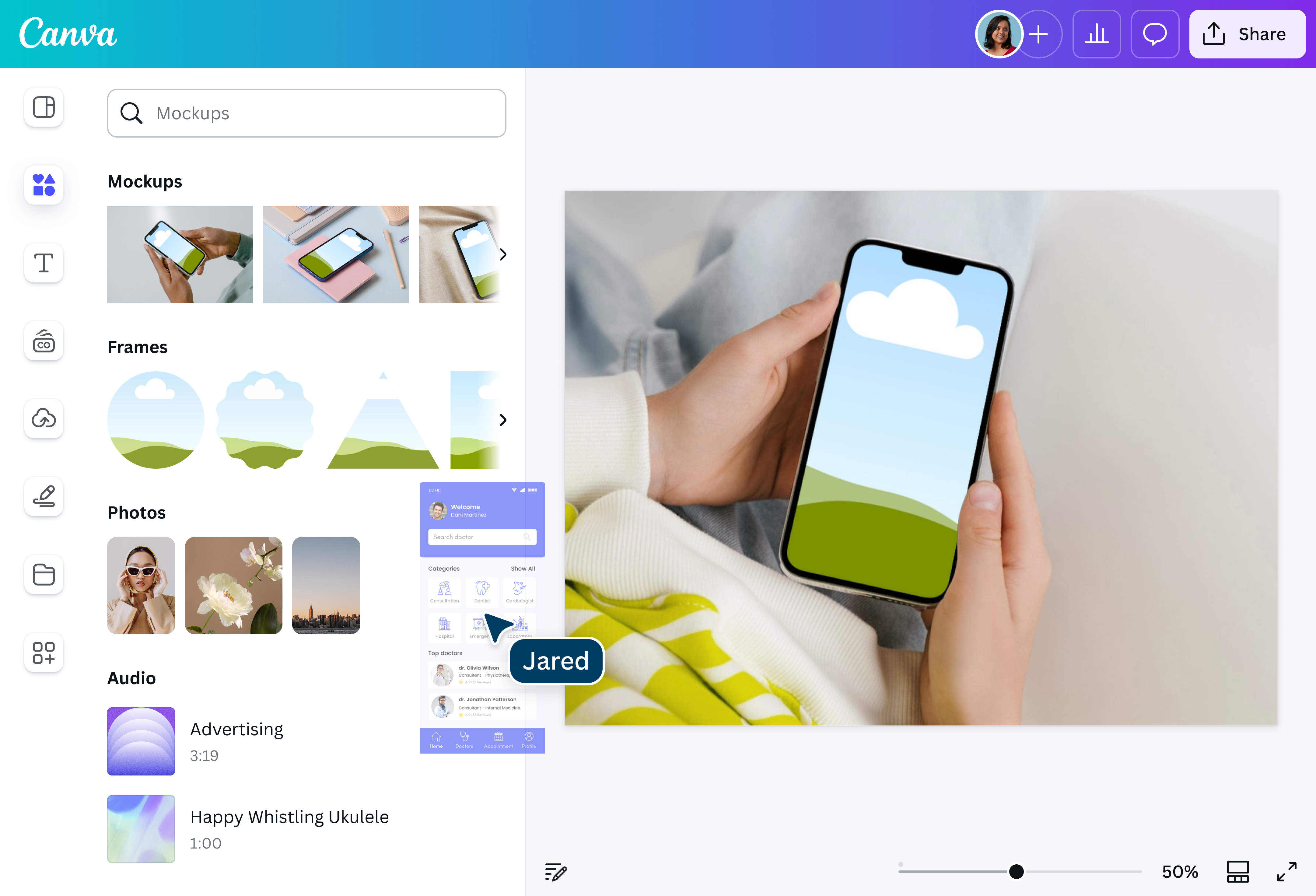
Promote your new website or app and grab your target audience’s attention with Canva’s iPhone mockup generator. Easily create realistic iPhone mockups that communicate your design ideas visually in just a few clicks.

Showcase your website or app like a pro
Strike a memorable first impression on your clients and customers with your website or app using iPhone mockups made on Canva. Our iPhone mockup generator comes with a variety of mockups and intuitive editing tools to help you create professional-looking iPhone mockups without needing a design background or complex software.
How to create an iPhone mockup

Elevate your presentations and promotions
Take your presentations and promotions to the next level by creating true-to-life mockups that show how your new website or mobile app looks on an iPhone. With plenty of customization options, you can polish the look of your design to make it look clear and fit within the dimensions of a particular iPhone generation.
Professional-looking iPhone mockups in seconds
Have a completed iPhone mockup in seconds with our iPhone mockup generator. Use our built-in AI tools to supercharge your design and make your website or app stand out. Magic Eraser (Pro)(opens in a new tab or window) helps you swiftly remove details, while Magic Edit(opens in a new tab or window) easily adds or replaces elements in your mockup. Want to enrich your visual content? Use Magic Expand (Pro)(opens in a new tab or window) to expand your image for better clarity.
Nurture your creativity
Unleash your inner artist by getting inspiration and getting creative. Brainstorm and collaborate with your team by sharing access to your design project. Access and discover the perfect iPhone mockup that matches your artistic vision. Get your creative juices flowing with all the possibilities you can turn to reality with Canva’s iPhone mockup or video mockup(opens in a new tab or window) maker.
FAQ
You can make an iPhone mockup two ways on Canva. One option is to start from scratch by selecting an iPhone mockup from our library and adding a screenshot of your app or website to the mockup.
The other option is by uploading a branded photo and letting our iPhone mockup generator do most of the heavy lifting for you. With the power of AI, Mockups can analyze your image and identify ideal surfaces for product placements, so that you can have a realistic mockup in seconds.

@navneet4