Free Magazine Mockup Generator

Easy drag-and-drop editor
3M+ free stock photos and graphics
Generate content and media with AI
Download or share designs easily
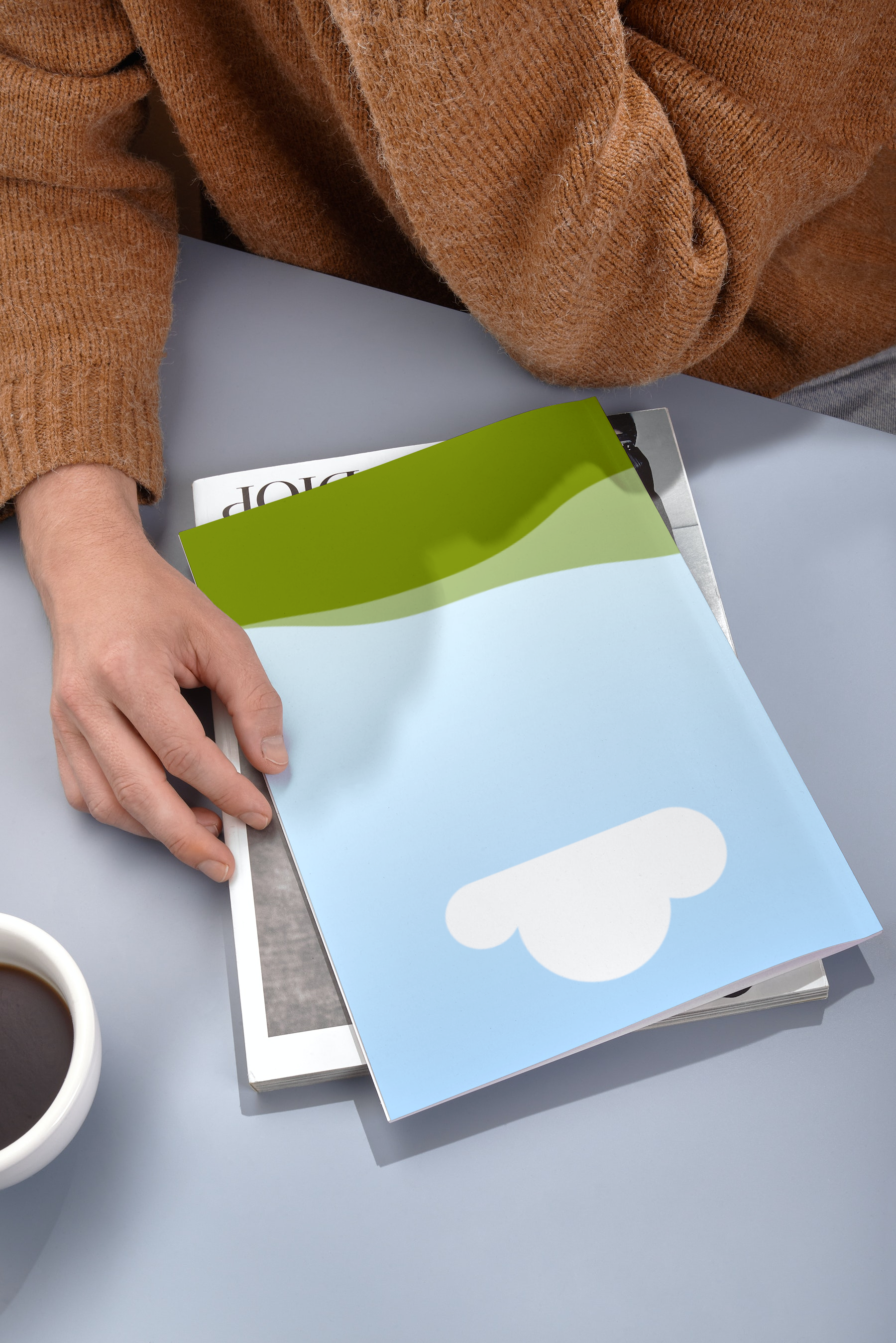
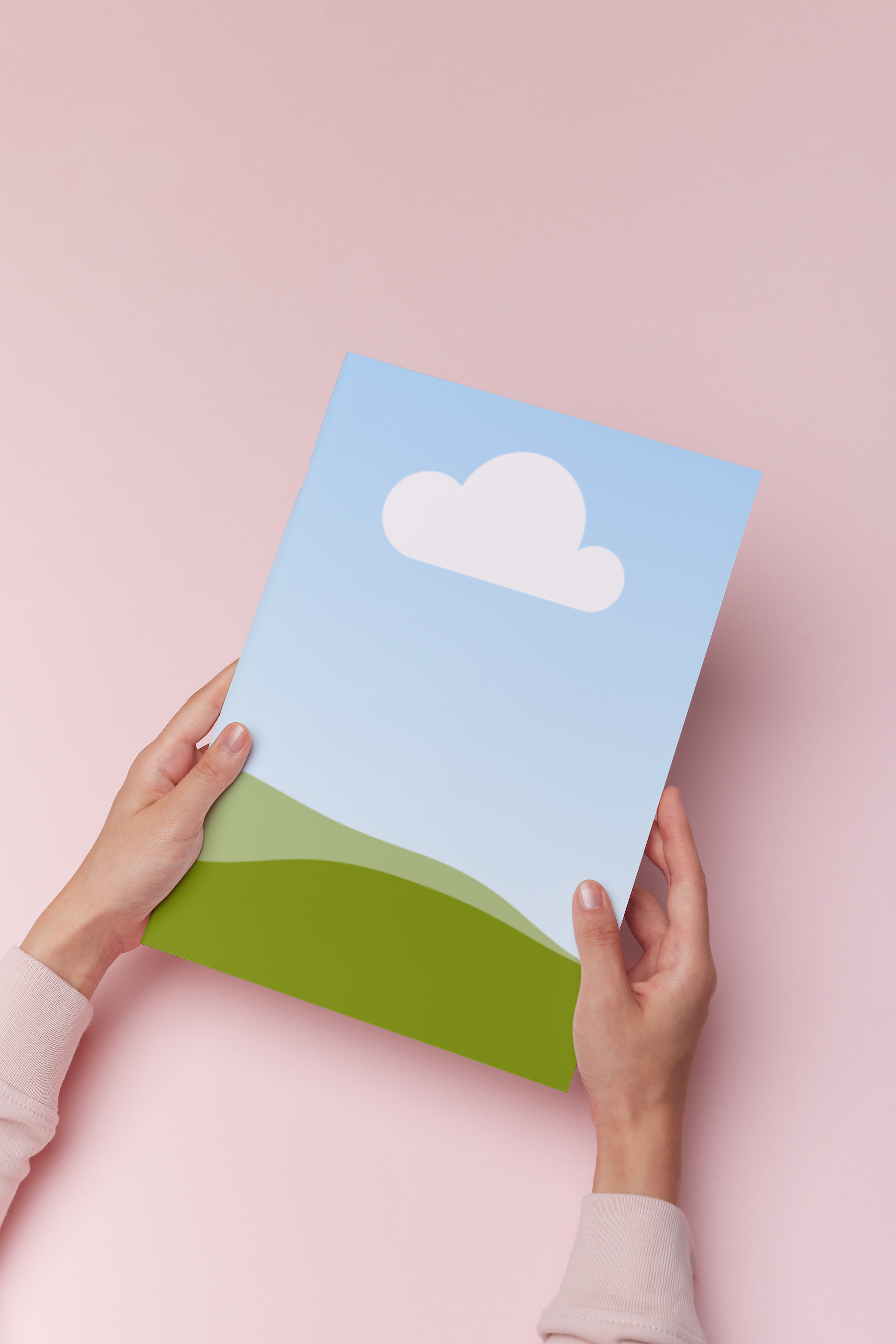
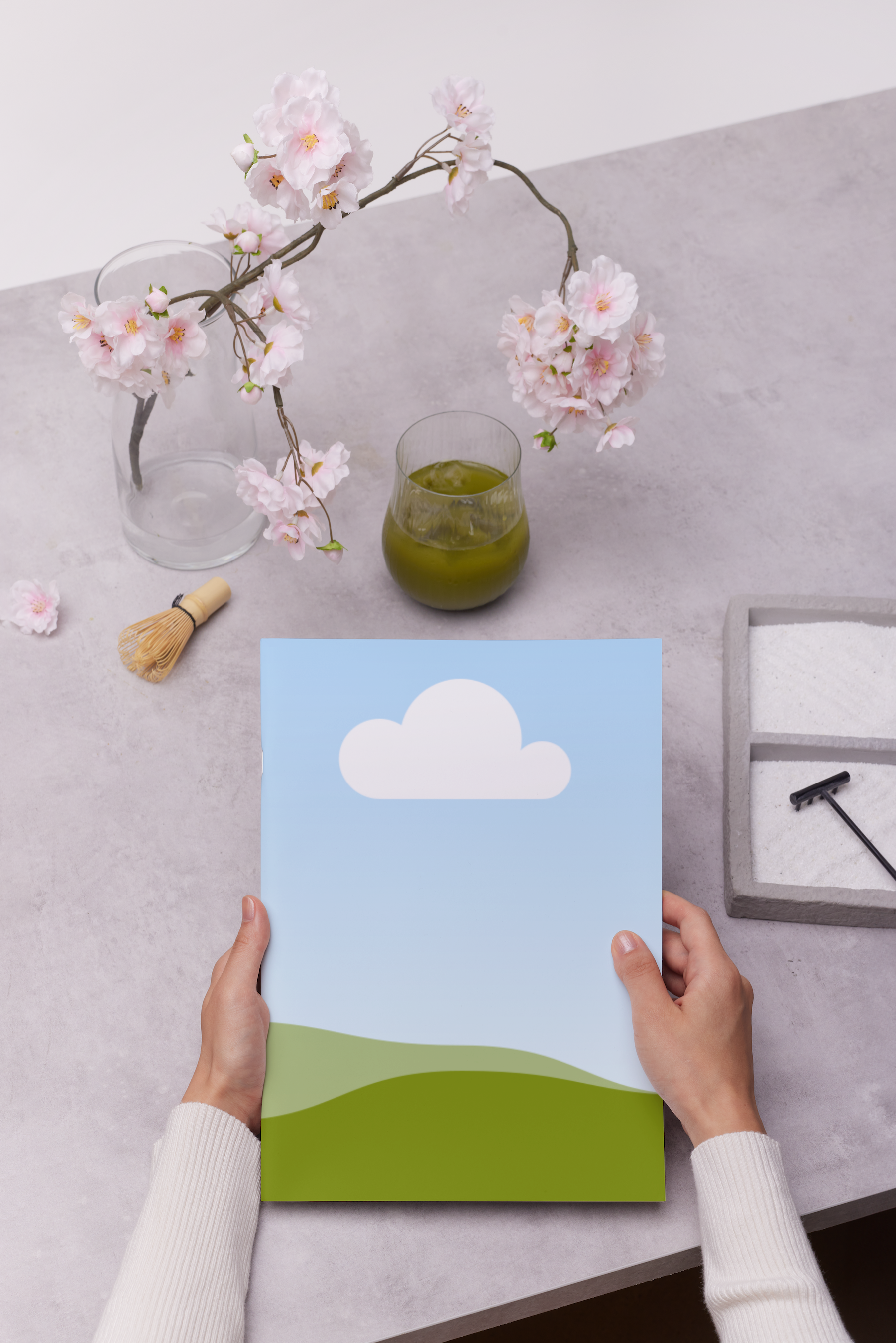
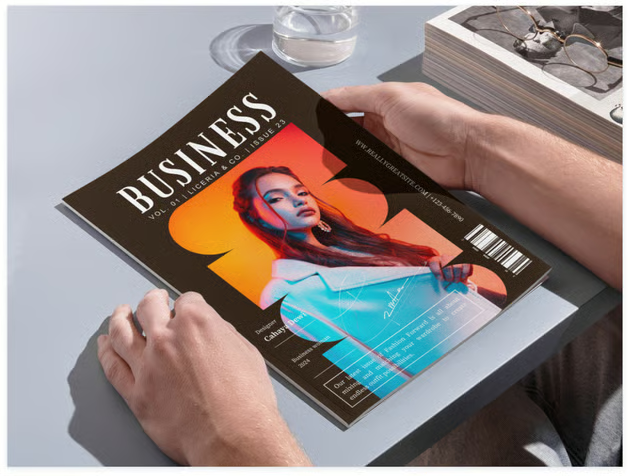
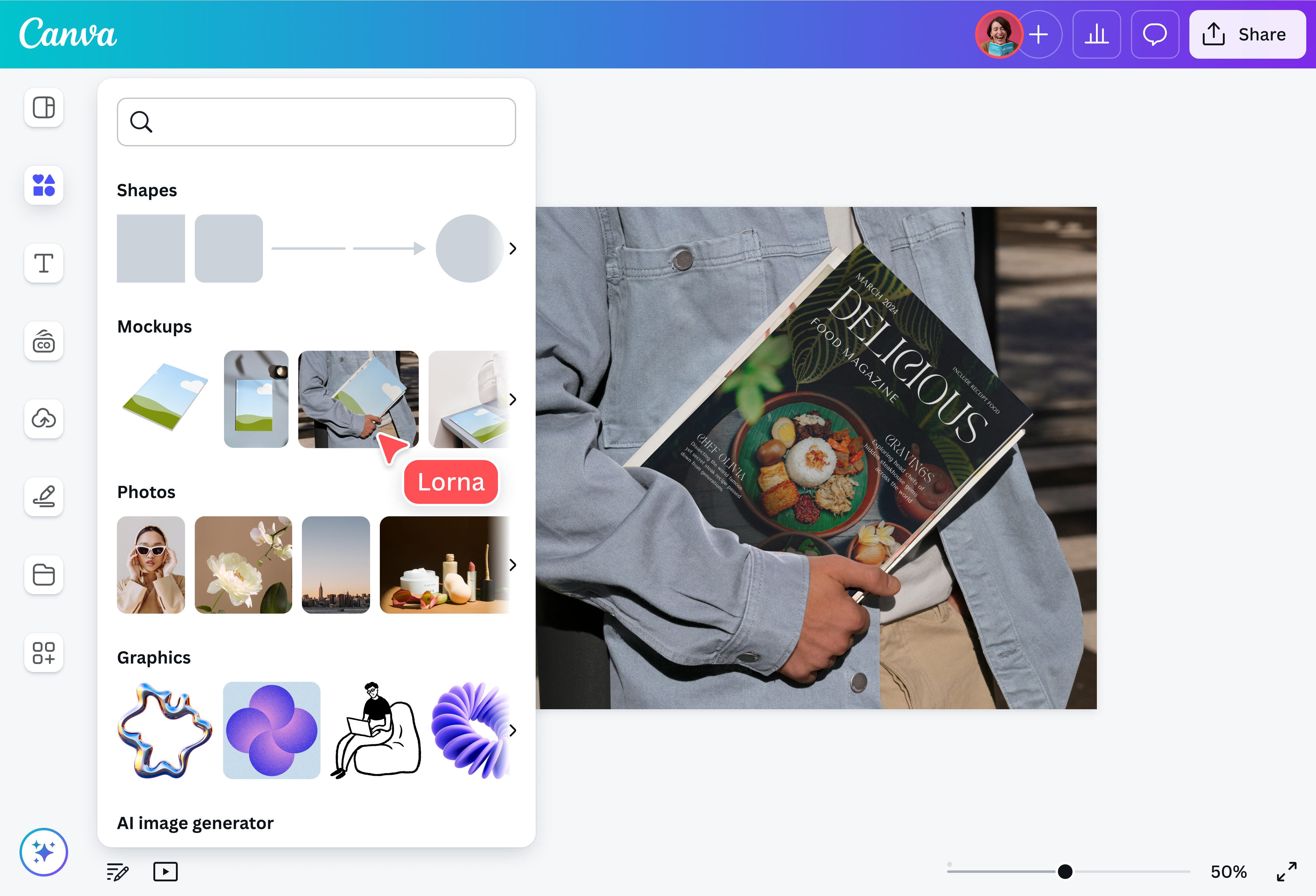
Take advantage of Canva’s free online magazine(opens in a new tab or window) mockup generator. Sell your editorial vision convincingly and present how it would look on the glossy cover of a magazine. Create a realistic magazine mockup in seconds and use it in your client presentations, editorial meetings, and more.

Stir excitement with your content through magazine mockups
Are you a creative who wants to publish zines independently? Or maybe you work in major print publications? Either way, impress potential publishers, advertisers, editors, and readers with a high-resolution magazine mockup. Create one for free in a few clicks with our magazine mockup generator. Share your editorial vision with a realistic-looking mockup complete with a magazine cover and inside pages. Get people on board your publishing dream with Canva.
How to create a magazine mockup

Dream up your best issue yet
Producing a magazine takes the work of a whole editorial team. A creative collaboration between editors, writers, stylists, and graphic designers is essential to create the best issue possible.
Making a mockup of your magazine or iphone mockups(opens in a new tab or window) helps everyone get on the same page—literally. Editors can share their ideas for content improvement with graphic designers to help avoid costly editorial errors. Layout artists also get to present their own take on how to make the stories flow cohesively.
With Canva, teams can easily collaborate on mockups(opens in a new tab or window)—and any other type of design—in real time. Just share a link to your design and leave comments and stickers for your teammates.
Persuade brands to place ads on your pages
As prestigious as it is to produce and print magazines(opens in a new tab or window), it’s a costly endeavor. Get advertisers to support your publication. Show them where their ads could appear and how they would look on the pages of your magazine with several mockups made using our online magazine mockup generator.
Audience visibility is a key factor for advertisement reach. With a magazine page mockup, marketing experts can study and present prime ad spots to the companies they handle. Brands also get to see how well they fit with a magazine’s editorial brand, theme, and the kind of audience their ads would tap.
Promote your latest issue in style
With our selection of mockups and intuitive drag-and-drop editor, you can create aspirational promos showcasing your magazine in different realistic settings. Use our Brand Kit (Pro)(opens in a new tab or window) to keep all materials on brand, and drag and drop photos, graphic elements, text, and more to make your ads stand out.
Fine-tune your magazine mockups with AI
Nail the polished glam of your favorite magazines with the help of our built-in AI tools. Use Magic Edit(opens in a new tab or window) to add or replace any element in your magazine mockup or Magic Expand (Pro)(opens in a new tab or window) to extend your image. Brush away visual clutter with Magic Eraser (Pro)(opens in a new tab or window) or remove an image’s background in one click with Background Remover(opens in a new tab or window).
FAQ

@navneet4