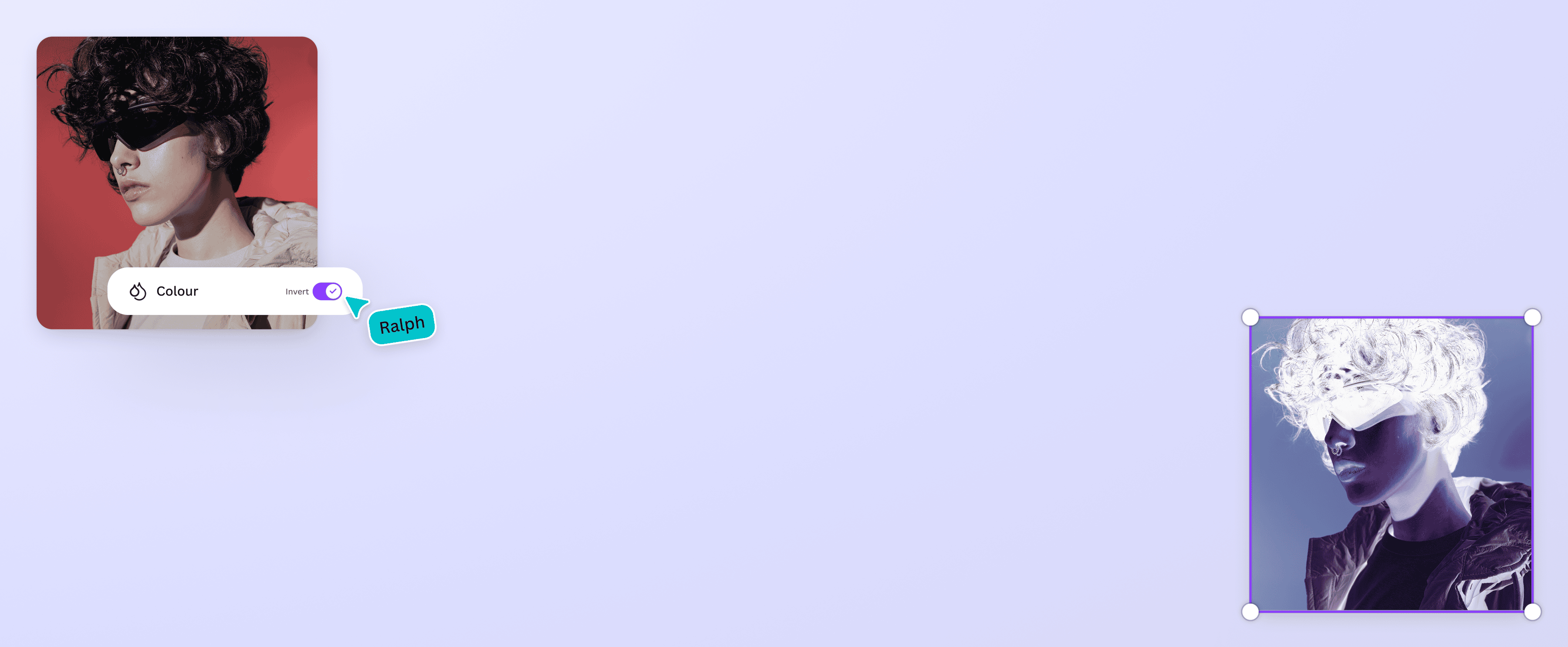
Free Color Inverter
Invert your photos’ colors in just a few clicks, without any design experience or fancy software. Use Canva’s color inverter to flip the colors of an image instantly.
or drop it here
Learn about Canva’s upload formats and requirements. See how we use your content in our Privacy Policy.
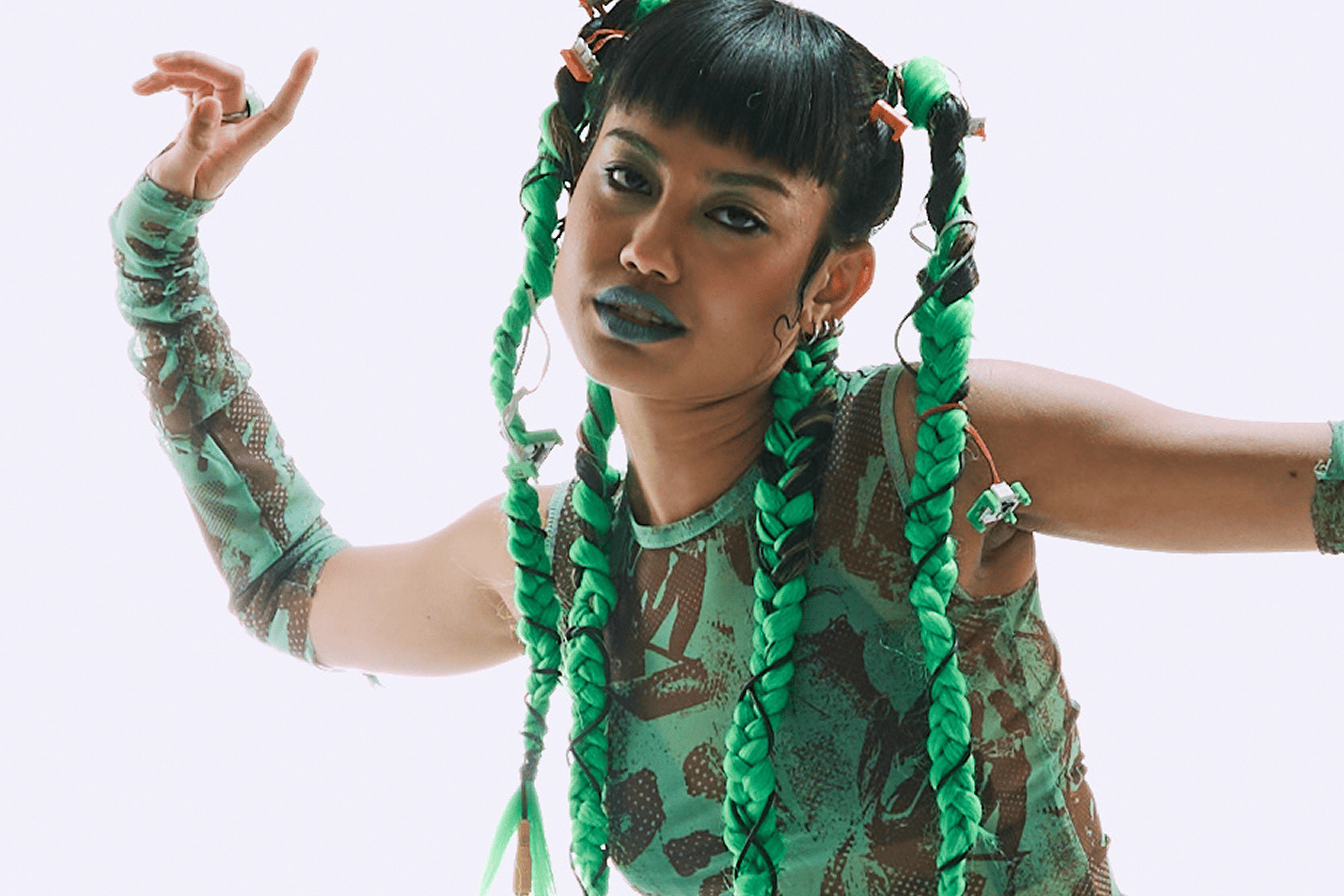
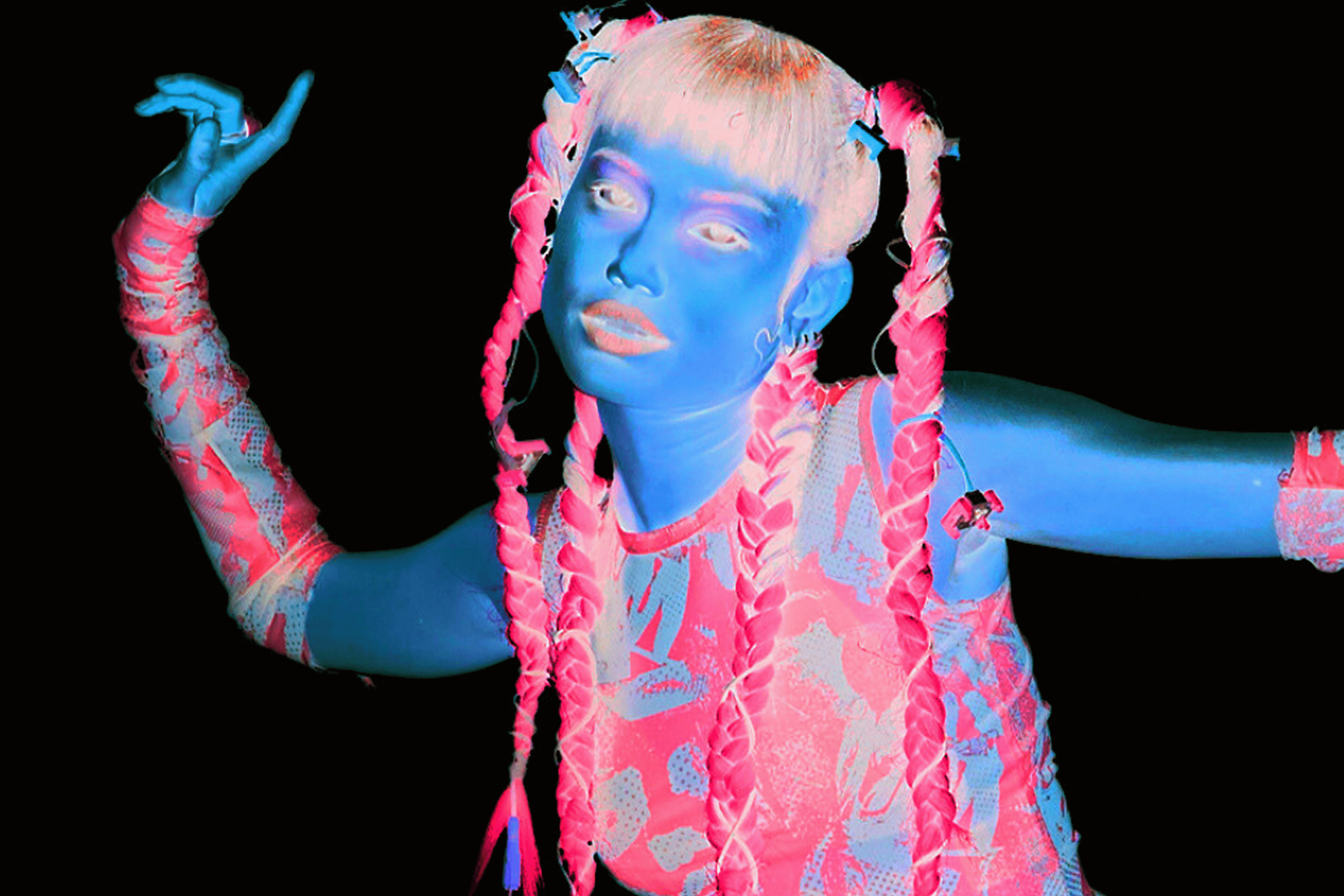
Invert photo colors instantly
Whether you want to create an artsy version of your image or improve color accessibility, Canva’s color inverter makes the job easy. In just a few minutes, you can invert image colors online without installing any software. Transform your photos for free!
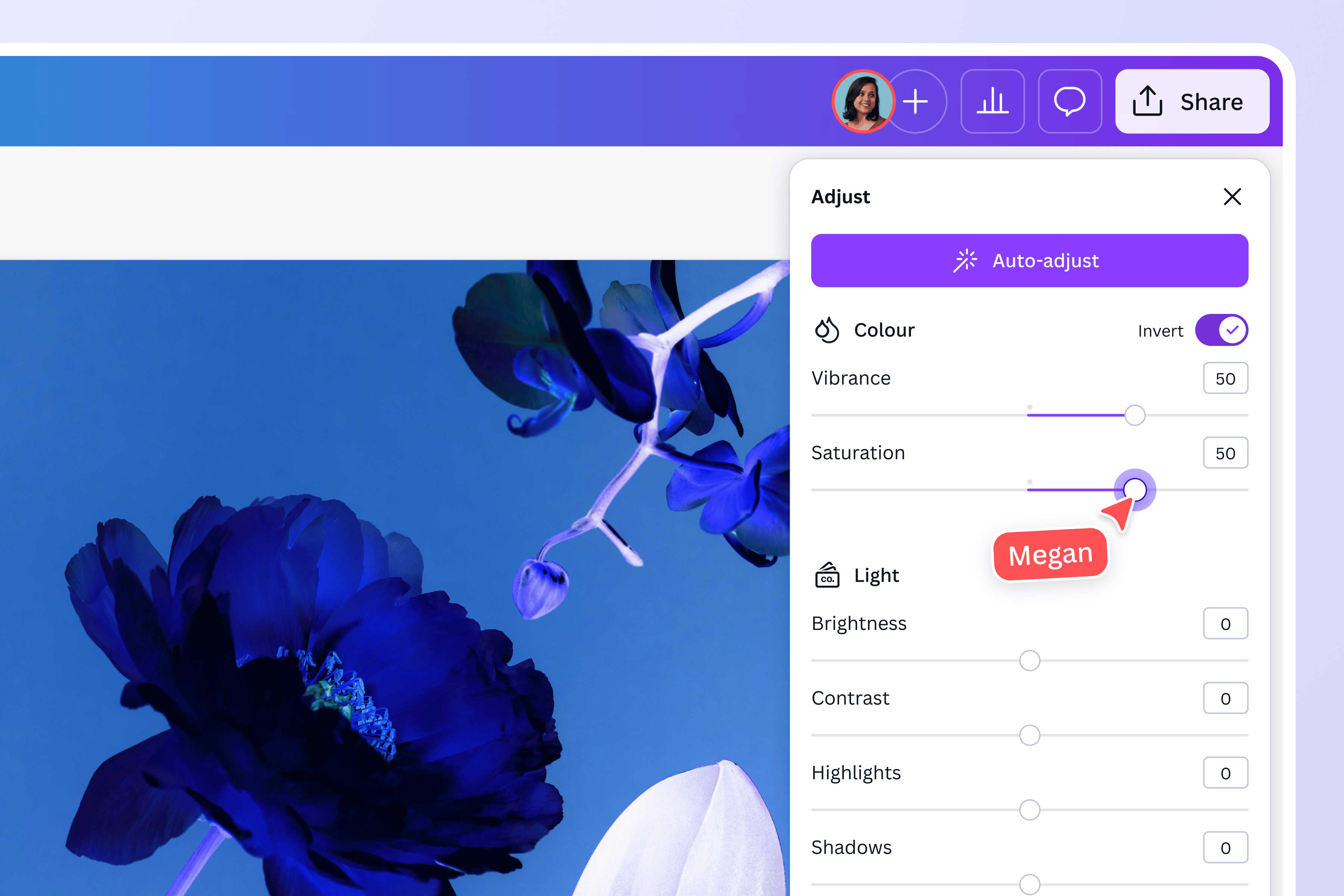
Polish your photos to perfection
Take your photos to the next level with our AI-powered photo editor. Adjust the hue, saturation, and brightness of key colors in your image and point and click to specific areas to fine tune the white balance, light, color, and texture. Flip your image, crop it manually, or use Smart Crop to home in on the best parts. And for a completely different feel, try one of our beautiful effects and filters. Need higher resolution? Use our AI image upscaler to enhance quality.
Sprinkle some magic
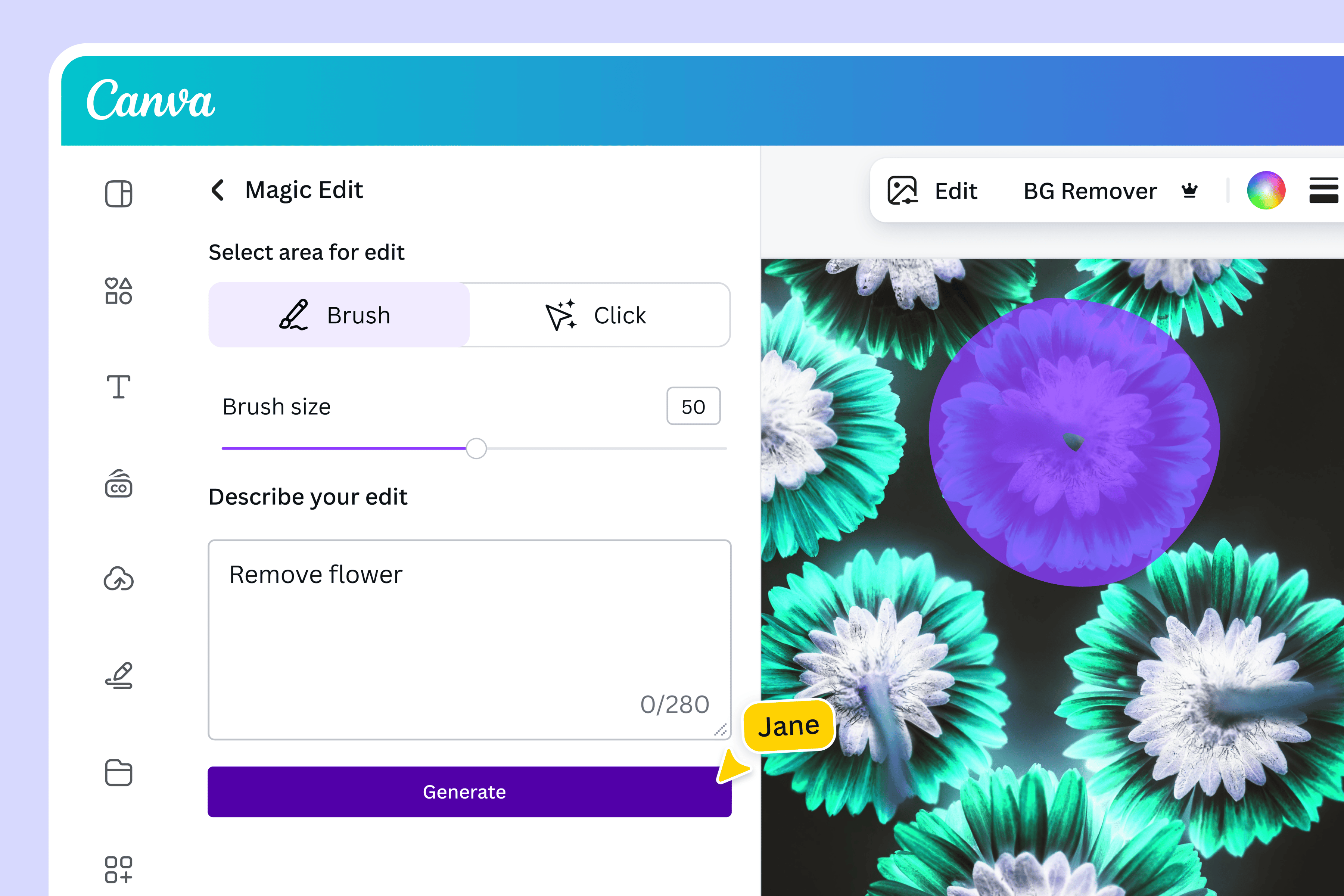
Make complex editing feel like magic with our AI-powered tools. With Magic Edit, all you need to reimagine your images is a simple text prompt. Need to extend your photo? Magic Expand seamlessly extends images in any direction. Want to remove distracting details? Magic Eraser and Background Remover can do it in one click.
One platform, endless possibilities
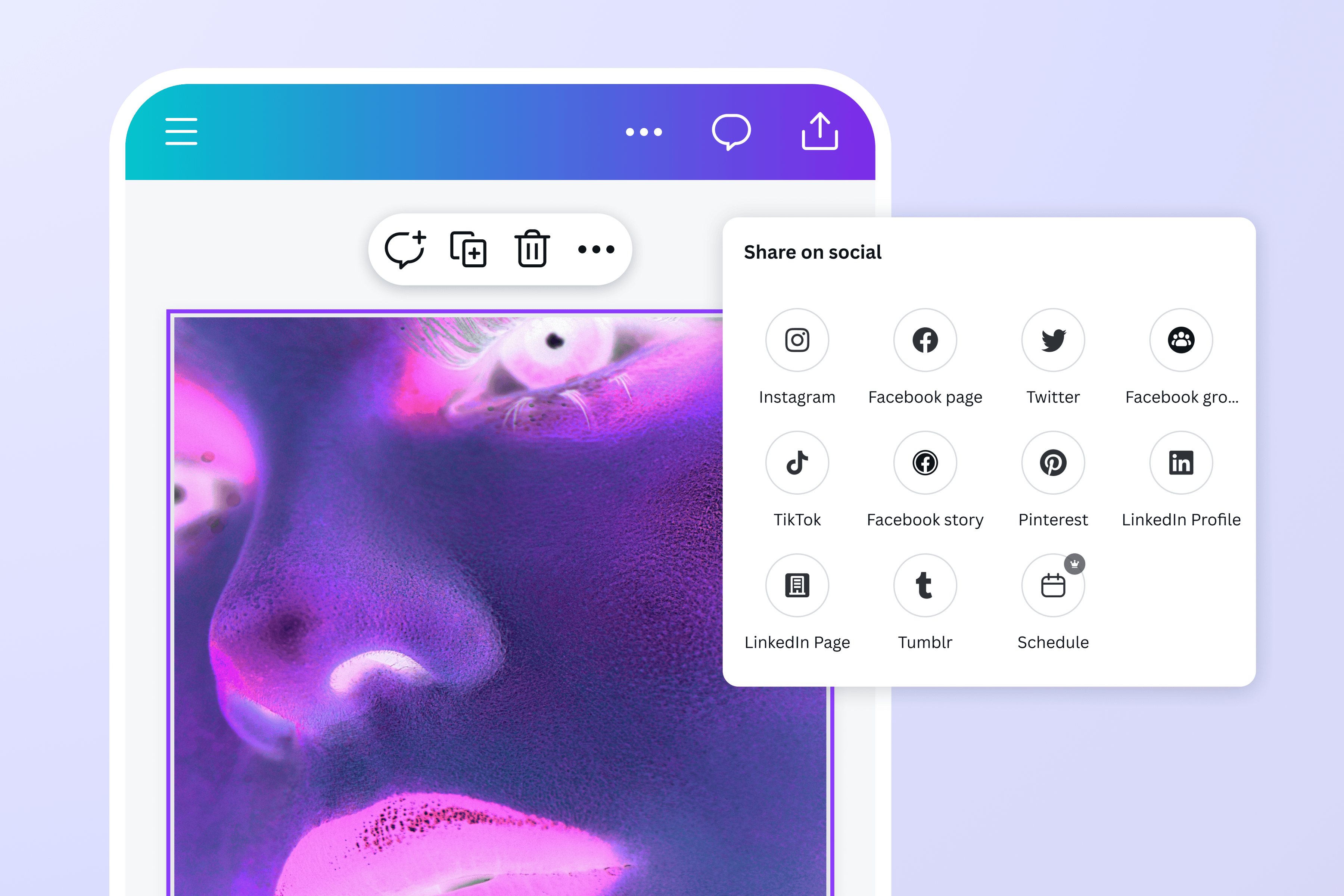
Canva is more than just a photo editor. Everything you need can be found in one easy-to-use platform. Take your freshly inverted photo and use it in a presentation, social media post, or document. Use your design to zhuzh up a greeting card or a tote bag, then print and share your custom creation straight from the editor.
How to invert colors on an image
Launch Canva
Open Canva to start a project. Choose from any of our pre-made templates or start an image-based design.Upload your photo
Upload your image from any device or browse our library to find free stock photos.Invert the colors on your photo
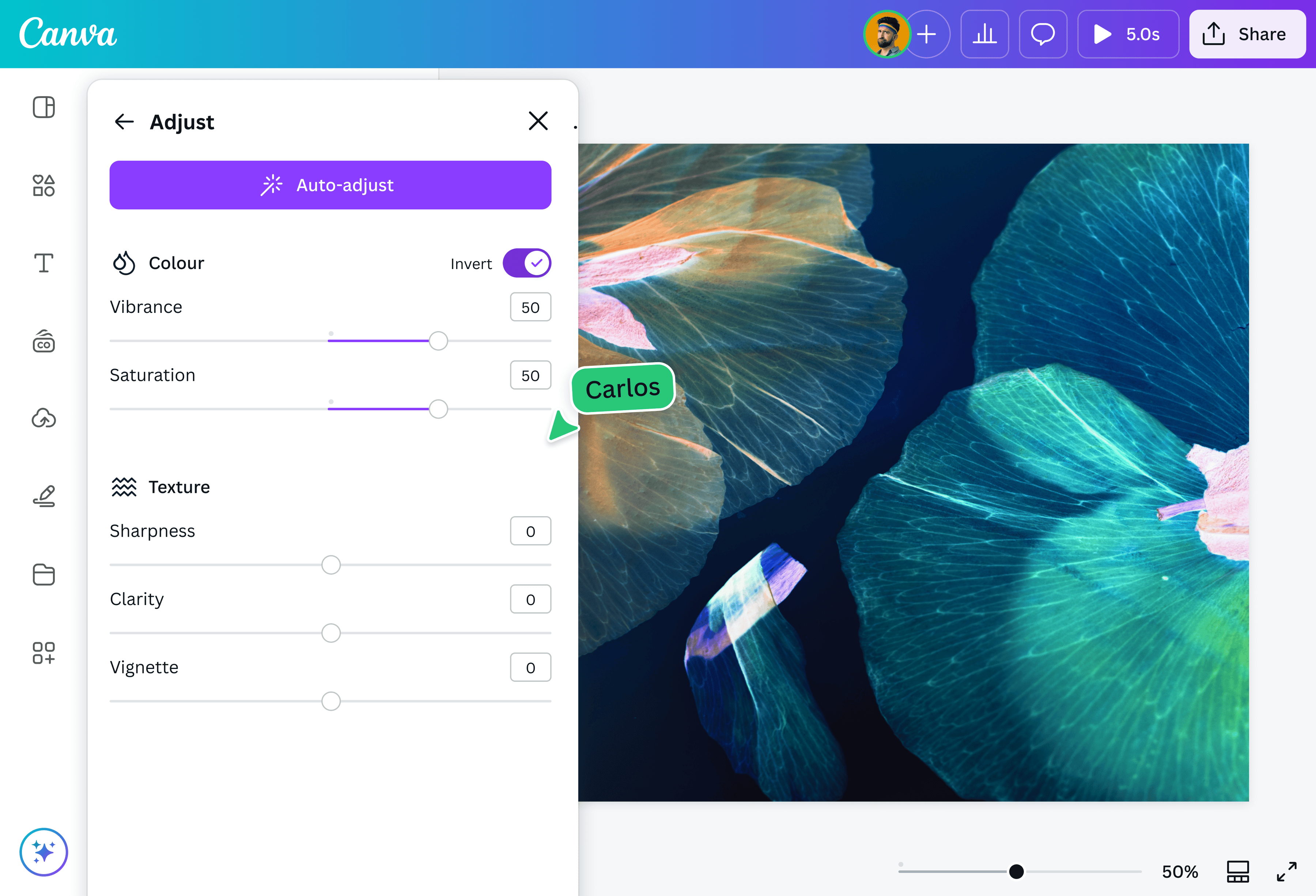
Select your image and click Edit. On the left panel, select Adjust and scroll to the Color section. Click the Invert switch and instantly invert the colors in your photo.Polish your photo
After reversing the colors in your photo, use the photo editor to enhance your image as needed. Crop(opens in a new tab or window), add text(opens in a new tab or window) , or use Magic Edit(opens in a new tab or window) to replace elements in your photo.Download and share
Once you’re happy with your image, download it as a high-quality JPG or PNG. You can also use it in another Canva design or share it to your social media accounts directly.
Frequently asked questions
- A color inverter is a tool that reverses the tonal values of an image. It swaps each hue with its complementary counterpart in the color wheel.