- Compress PDF
Compress PDFs online
Compress a PDF to make it easier to store, share via email, or upload to websites. Use the PDF compressor to shrink the file size of your documents while maintaining quality.
or drop it here
Learn about Canva's upload formats and requirements. See how we use your content in our Privacy Policy.
Try these document editing tools
Edit, organize, translate PDFs and more. All the PDF editing tools you need!
How to compress a PDF file
Upload your file
Select the “Upload your PDF file” button or easily drag and drop your files into the section.
Edit your design
Make some quick touch-ups on your document using our beginner-friendly editor.
Download your design
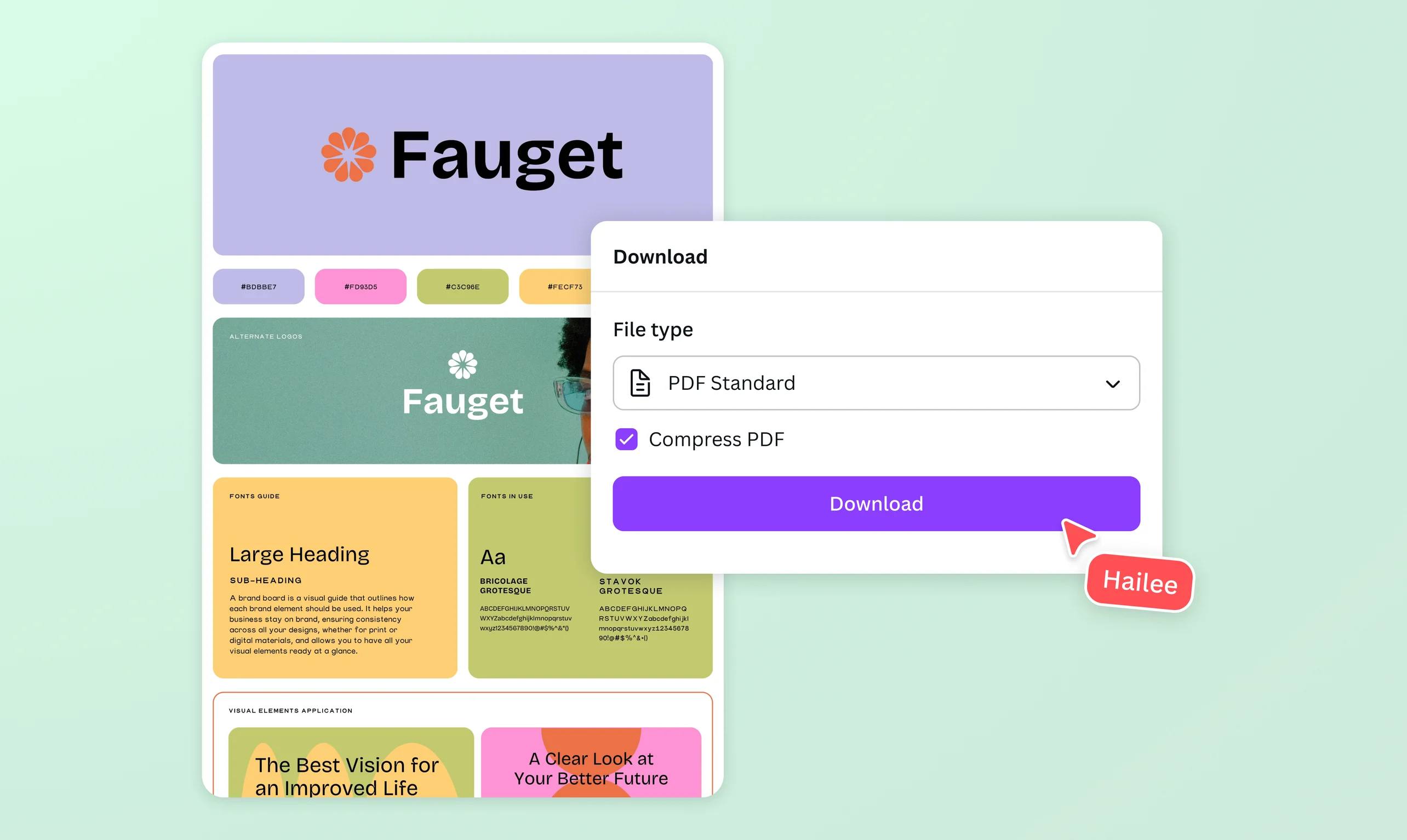
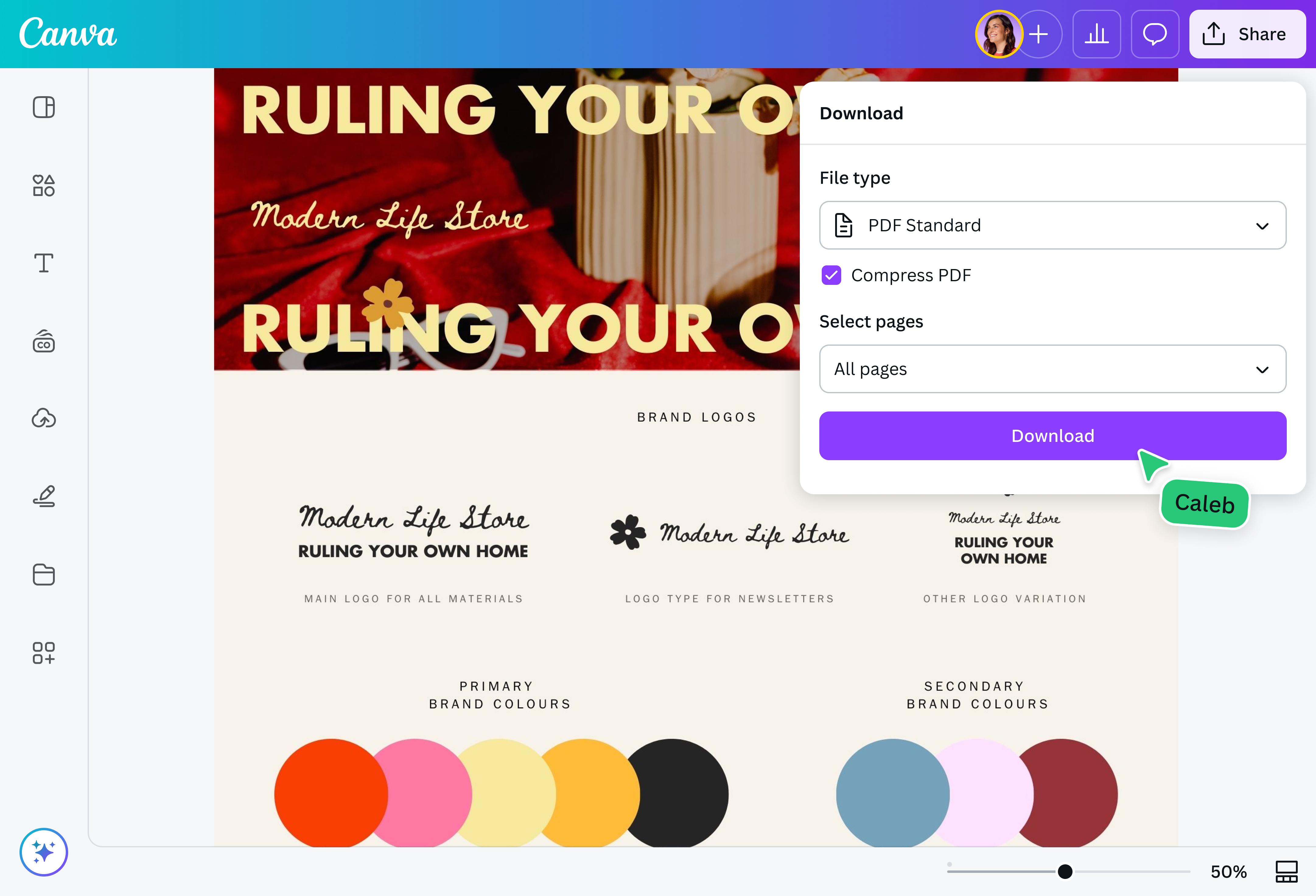
Finally, compress your file by downloading it as a compressed PDF.
Make your PDFs easy to store and share

Easily upload and share large reports, research papers, and design portfolios rich with visuals on your website. Compress PDFs to reduce file sizes in just a few clicks, making your documents faster to load and easier to access. Optimize your PDFs for email, web, and cloud sharing to deliver a seamless viewing experience with high-quality content intact.
Take full control of your PDFs

With Canva, you can do more than just reduce PDF size. Our built-in PDF editor(opens in a new tab or window) breaks your file into fully editable elements, giving you complete control over every page. Refresh images, add shapes or signatures, or use Magic Write(opens in a new tab or window) to help you flesh out your ideas. Need to reach different audiences? Translate your PDF(opens in a new tab or window) into over 100 languages, or convert it into popular formats(opens in a new tab or window)—so it's ready to share instantly.
PDF compress tools you can use anywhere

Compress PDF files from your desktop, tablet, or mobile device—no complex software or technical skills needed. Simply drag and drop your file, make any desired edits, and download a compressed PDF in just seconds. Now, you can share your PDF by email without worrying about size limits or save your file without eating up precious storage space.
How to compress a PDF file

Frequently asked questions
- There are plenty of ways to reduce PDF size, including limiting the number of new fonts, lowering the resolution of images, and splitting a large PDF. One of the easiest and most convenient ways is to compress the PDF, instantly shrinking the file size without sacrificing the quality of the text and images.
- Compressing a PDF reduces its file size, but a well-designed online compressor keeps your document clear and readable. The PDF compressor on our platform automatically optimizes your file so it stays lightweight without compromising the appearance of your text or images. Simply upload your PDF, make any necessary edits, and download a smaller, professional file that's ready to share.
- PDFs become large because of two main factors: fonts and images. Using many different fonts or including high-resolution, full-color images can quickly increase the overall file size. To reduce it while maintaining quality, you can compress the PDF using a reliable PDF compressor.
- You can use our PDF compressor once for free. To access more PDF compressions, you may refer to our subscription plans.

@navneet4