- Rotate Video
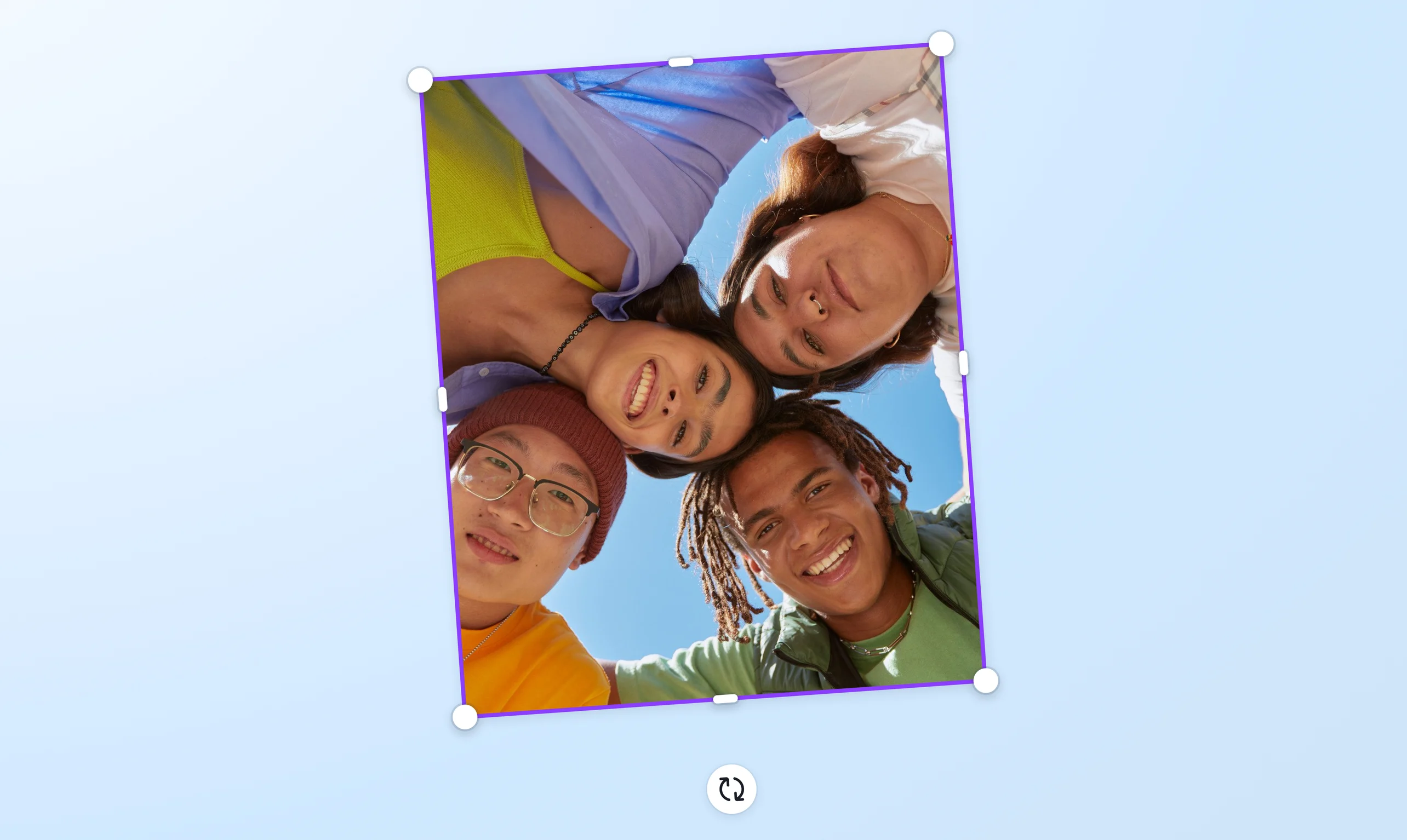

Rotate videos to the right angle
Rotate videos with ease on any device. Upload your video to our online video rotator and rotate it to its side, turn it upside down, or tilt it to any angle. Rotate it horizontally or vertically to fit any screen.
or drop it here
Learn about Canva's upload formats and requirements. See how we use your content in our Privacy Policy.
Correct the video orientation

Shot a video in the wrong orientation? No worries—you can correct it quickly on our video rotator. Simply rotate the video horizontally or vertically, all while preserving video quality. You can rotate a portrait or mobile video to a landscape format and vice versa. Our free online video rotator tool is perfect for all kinds of clips and footages.
Rotate a video to any angle

Rotate any video sideways (90 degrees or 270 degrees) or turn it upside down (180 degrees). You can even tilt it to any angle, clockwise or counterclockwise, to create a whole new perspective on your video. And you can rotate a video file easily within seconds.
Enhance the video further

After rotating the video, you can customize it further using our easy-to-use video editing tools(opens in a new tab or window) and free, extensive media library. Trim the video length(opens in a new tab or window), crop the frame(opens in a new tab or window), and add text(opens in a new tab or window). If you’re merging multiple clips, try out our video transitions(opens in a new tab or window). You can layer new audio tracks, transcribe your video to text(opens in a new tab or window), and add subtitles, too. Make sure your rotated video is finished with a professional polish.
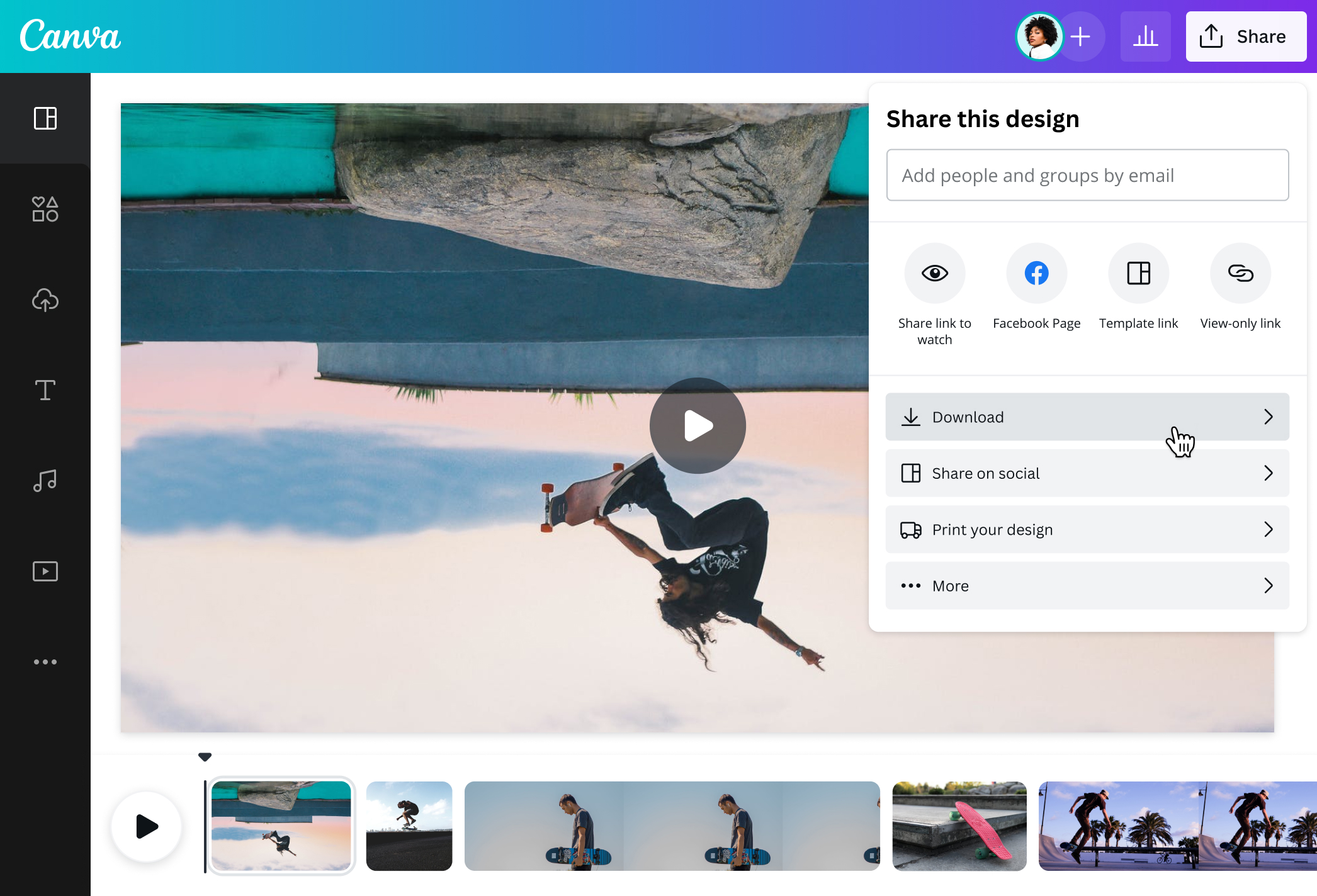
How to rotate a video

Frequently Asked Questions
- To rotate a video from portrait to landscape, start a blank landscape video project. Then, upload your portrait video and drag and drop it onto the landscape canvas. Click the video and drag the rotate handle 90 degrees (clockwise) or -90 degrees (counterclockwise) to flip it into a landscape orientation. Then, resize the video as needed and download it as a watermark-free MP4 file. Easy-peasy.
- Download our app from the App Store or Google Play. Our mobile app features our free online video rotator tool, so you can quickly rotate videos from your phone gallery. You can also edit all kinds of videos on-the-go.
- If you rotate a video 180 degrees, it means you’re turning it upside down. To do this, start a blank landscape or mobile video project, depending on your video’s orientation. Upload your video, drop it onto the canvas, then use the rotate handle to rotate it and flip it upside down. Once your video is rotated, save it in MP4 format.
- Simply upload your videos, click rotate, and download as a watermark-free MP4 file. Our free video rotator tool doesn’t add any watermarks, even if you flip your clip, crop it, or add audio and other graphics.
- Using our free video editor, you can crop and rotate videos in one place. Use the crop handles to crop the frame to the perfect size. Then, use the rotate handle to rotate. It doesn’t stop there—you can also flip the entire frame in a single click, add music tracks, insert stock videos and transitions, and more.

@navneet4