- Image Resizer
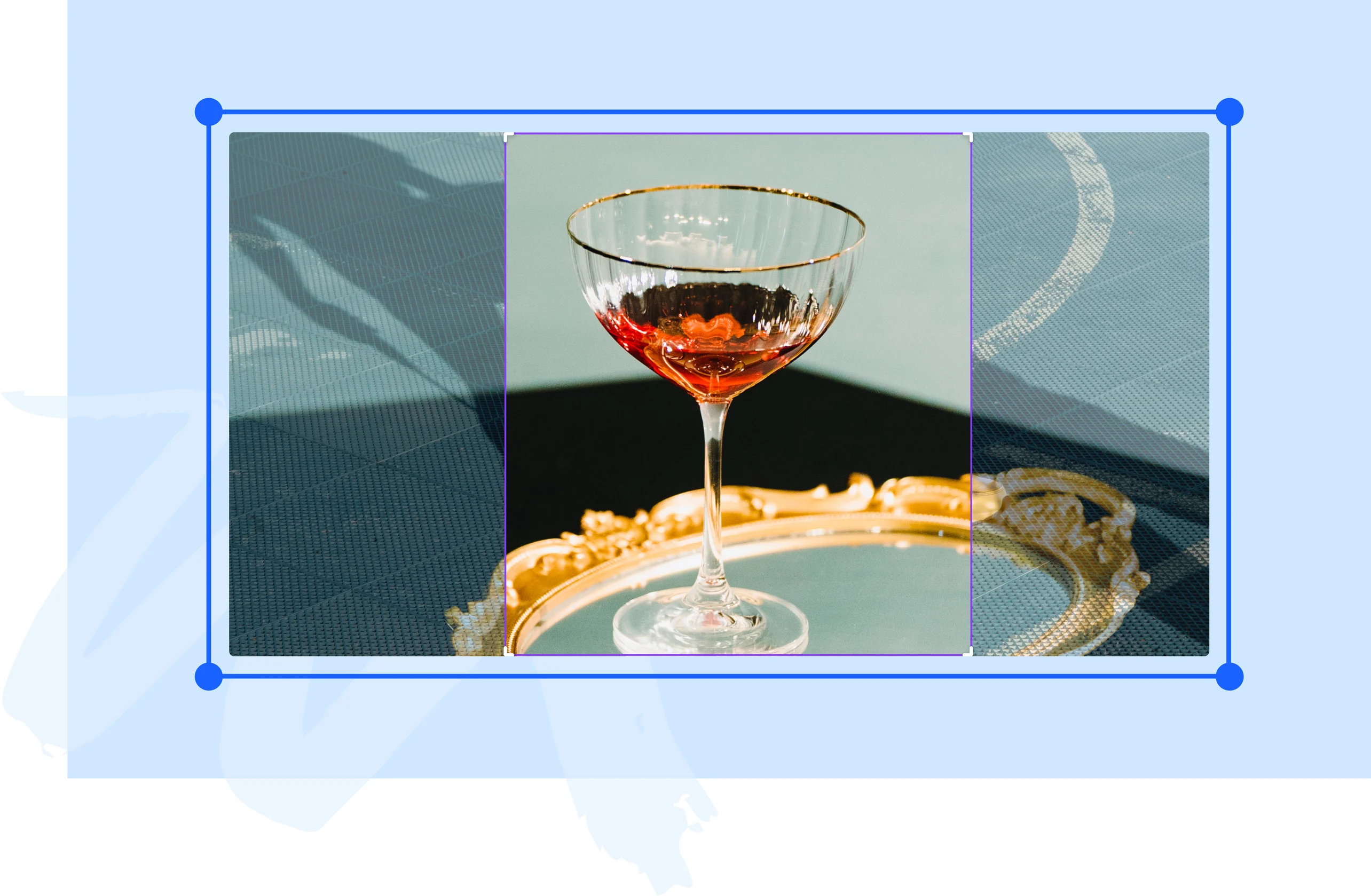
Effortlessly resize photos with our image resizer
Change your images’ dimensions in a few clicks. Resize and share your images to your socials, post them on your website, or add them to a presentation in an instant with Canva’s online image resizer.
or drop it here
Learn about Canva's upload formats and requirements. See how we use your content in our Privacy Policy.
How to resize your image
Upload your image
Select the “Upload your image” button or easily drag and drop your files into the section.
Resize your photo
Input your dimension or select a preset size for your photo.
Download your design
Finally, download or share your design as a JPG or PNG file.
Seamlessly share content across platforms

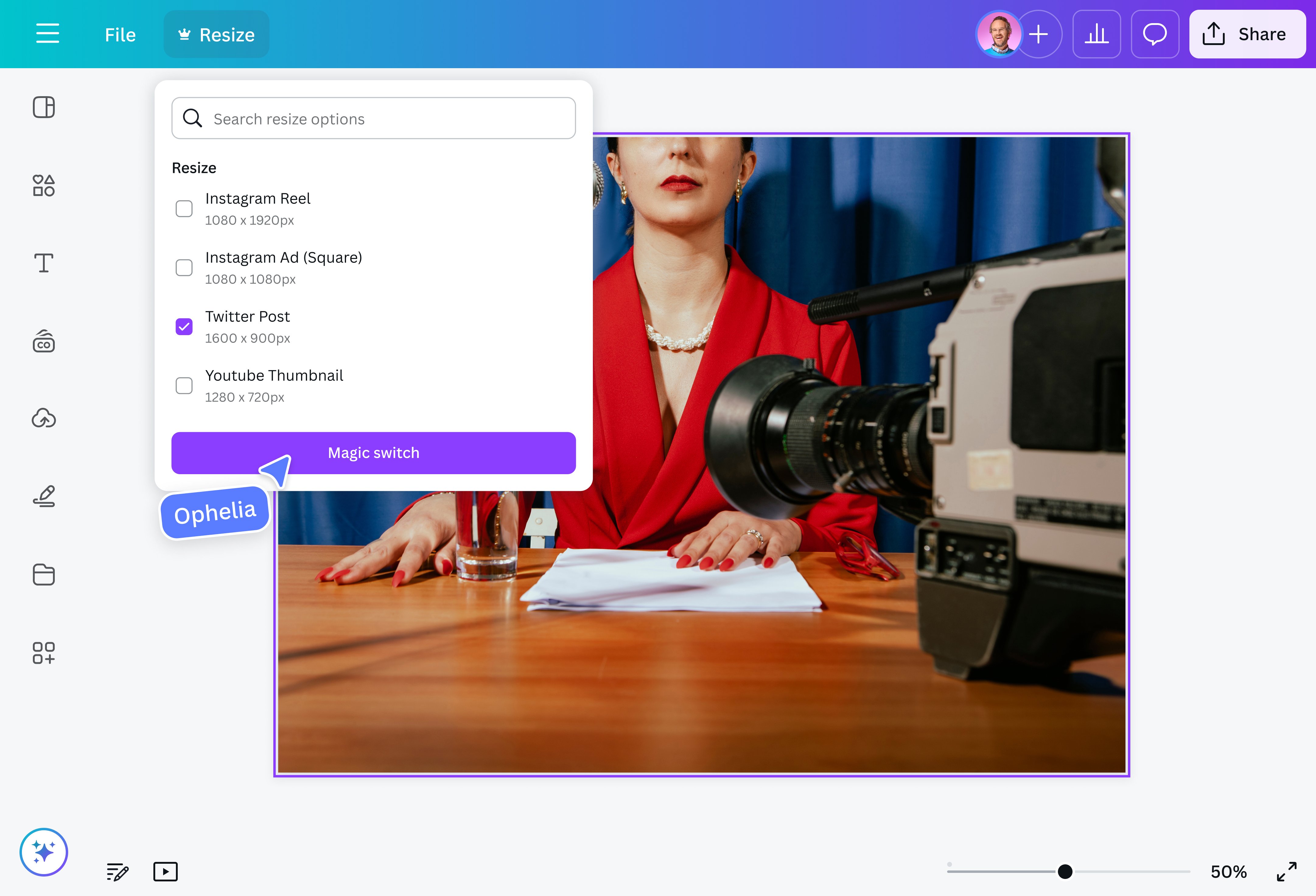
Content creators and social media managers often need to keep their content consistent across sites. This is where our online image resizer comes in. Just upload your photos, choose from a range of preset sizes or input your preferred dimensions, and get the perfect fit no matter the platform.
Make the most of every image

Some photos are so good that it just makes sense to reuse them. Our photo resizer provides a quick and easy way to adjust an image’s dimensions without sacrificing quality. Whether you're repurposing an image for a presentation(opens in a new tab or window) or reusing the same design for different print products, our resizer tool ensures your photos always look sharp and professional.
Keep ecommerce platforms clean and professional

Perfect for small business owners with multiple ecommerce channels and websites, our online image resizer allows you to quickly standardize photo sizes in bulk. This ensures a consistent and professional look across all digital storefronts. You can download your images in various file types (JPG, PNG, PDF, etc.) and sizes.
Do more with our all-in-one design tool

More than a simple image resizer, Canva is an all-in-one design platform. Crop photos to any aspect ratio(opens in a new tab or window), adjust brightness and saturation, add icons, stickers, and text, and fix blurry photos with our free photo editor. Save time with our built-in AI tools, like Magic Expand (Pro)(opens in a new tab or window), which extends images in any direction, and Background Remover (Pro)(opens in a new tab or window) and Magic Eraser (Pro)(opens in a new tab or window), which clean up visual clutter in an instant.
How to resize an image

Frequently Asked Questions
- There are plenty of apps out there for resizing images, but with Canva, you get a fast and easy-to-use image resizer that’s built into a powerful online design platform. Find preset dimension or input a custom size into our image resizer, then use our drag-and-drop editor to adjust your image and add design elements, filters, and effects. With our powerful AI tools, you can also tweak certain aspects of your design instantly.
- There’s no need to search high and low for a bulk image resizer. Canva lets you resize multiple images in one go. Just select your desired size and choose which pages in your design you want to resize.
- There are many reasons for resizing an image. Many people reduce their images’ size before adding them to their websites to ensure their pages load faster. This keeps site visitors happy and reduces bounce rates. Resizing also ensures that images fit perfectly on different platforms, devices, and printed items.

@navneet4