- Slow Motion Video
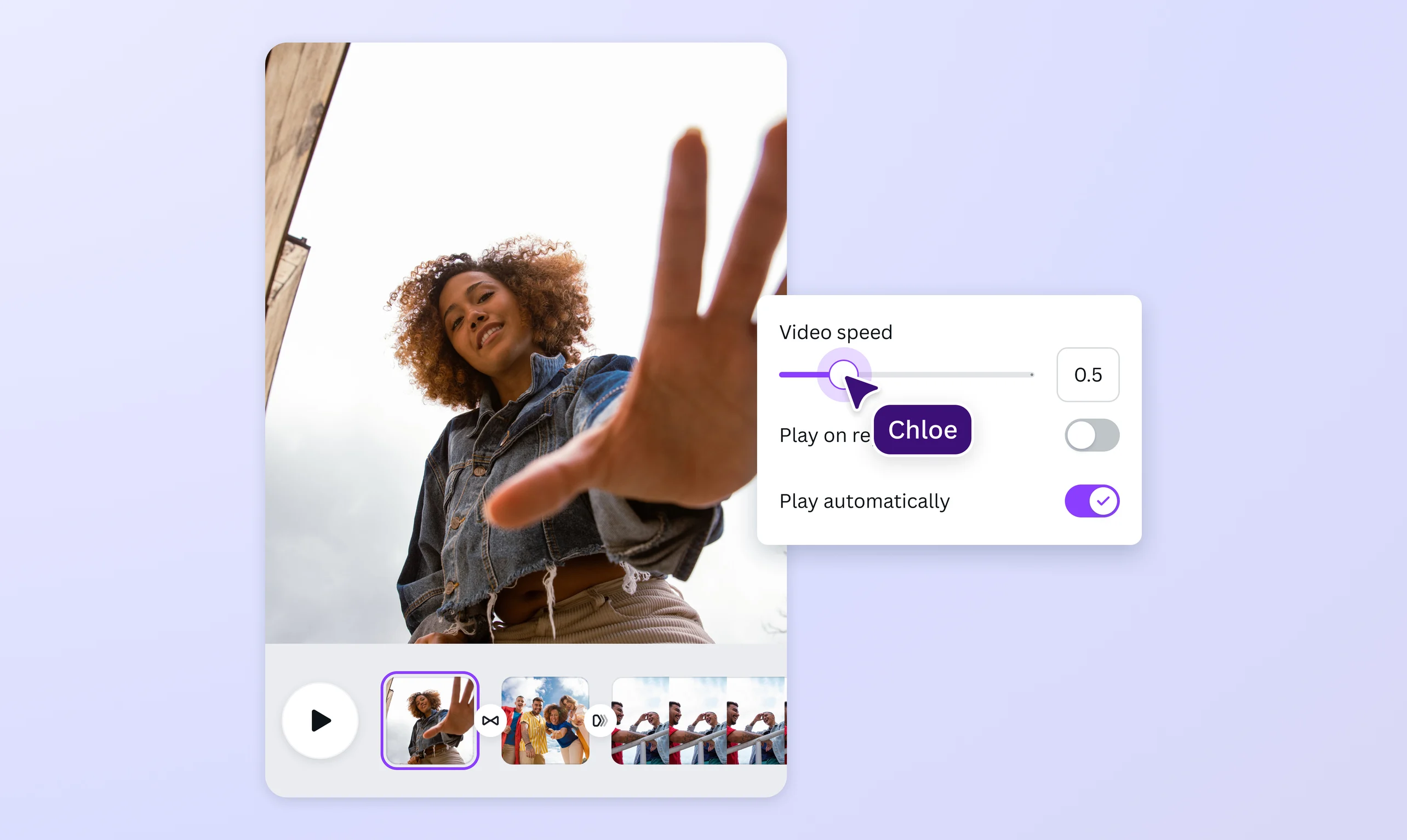
Evoke drama and emotion with a slow motion video
Draw in your audience by slowing down the best moments in your footage. Put your video in slow motion to build tension and heighten the drama using Canva's free slow motion video app, then download and share with no watermarks.
or drop it here
Learn about Canva's upload formats and requirements. See how we use your content in our Privacy Policy.
Add depth to your story

Turn videos into slow motion to add a layer of drama and leave a lasting impact on your audience. Use Canva's slow motion video editor to slow down key moments like light moving through nature, a character falling in love, or tragedy striking a scene. Breaking the monotony of your video's pacing builds anticipation and lets viewers see and feel every detail of your clip, which might otherwise go unnoticed. Simply upload your video and use the slider to choose your desired speed. The end product? A cool slow motion effect that makes those quick moments stick a little longer.
Do more than slow mo videos

Flex your creative muscle and use our online video editing tools to bring your storytelling to the next level. Play your video in slow motion, then enhance it by experimenting with different AI video effects(opens in a new tab or window), transition(opens in a new tab or window) styles, motion paths(opens in a new tab or window), applying fun filters(opens in a new tab or window), or finding the right music(opens in a new tab or window) that matches the mood you want to convey. From highlighting a great sports moment to showcasing your new product in action, Canva makes it easy to edit slow motion, creating a cartoon(opens in a new tab or window), and transform your footage from good to great.
Stunning video content for multiple platforms

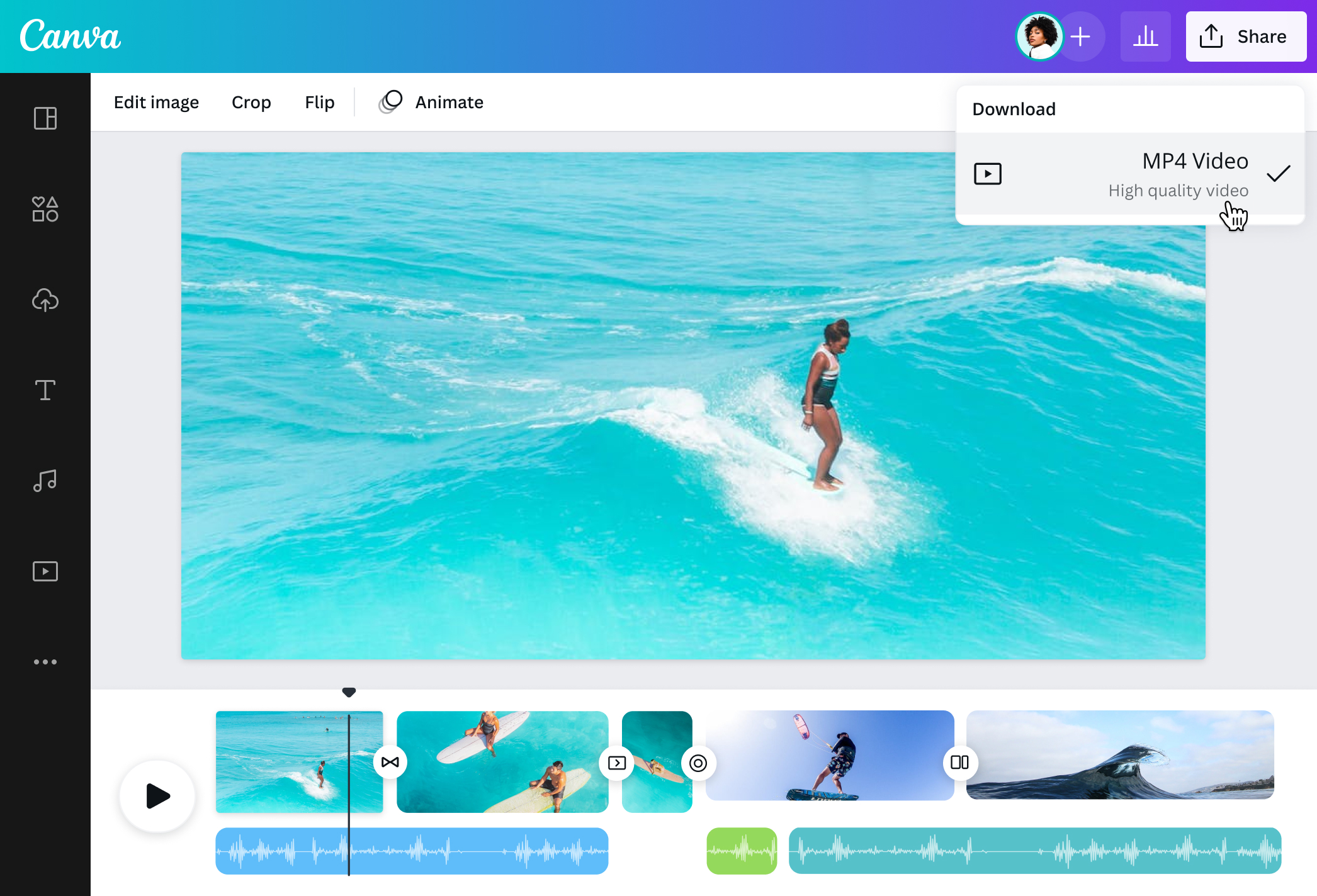
Slow motion videos can be used for anything— from capturing unbelievable feats of athleticism to selling a product requiring meticulous assembly. Take advantage of our free slow mo video editor to add nuance to your footage and put together compelling content that draws in your audience, whether it's for your brand's YouTube channel or a personal Instagram story. With Canva’s online video editor(opens in a new tab or window), and AI video generator(opens in a new tab or window) you have the power to create, edit, and instantly share your videos, all in one place.
How to make a video slow motion

Frequently Asked Questions
- Create a slow motion video by accessing our free online video editor on the app or a web browser. Adjust the playback speed of your clip using a simple slider or typing a custom speed. Our slow motion video maker is available on both desktop and mobile, so you can edit your videos seamlessly from one device to another. You can also use our platform to create engaging short videos for various social media platforms.
- Slow motion captures a moment in time and freezes it. It adds a sense of drama to a scene and allows viewers to see more detail than they would if the video were played at regular speed. You can use slow motion for many purposes, from showing action-packed scenes in sports broadcasts to moments of tension in a film, or highlighting details about a product that might otherwise have been missed.
- Slow motion editing plays a clip at a slower frame rate than captured. In essence, each frame becomes "extended" to lengthen the time they're played. If a video is shot at a low frame rate, this leads to more grains and pixelation. If you're planning to slow down a video, it's best to shoot at your highest frame rate. You may also explore video-enhancing tools to bump up the quality of your clips. But remember that results may vary, and your output may not be as crisp as you would like.

@SpotOnDomain