Free billboard mockup generator

Easy drag-and-drop editor
3M+ free stock photos and graphics
Design from any device
Download or share designs easily
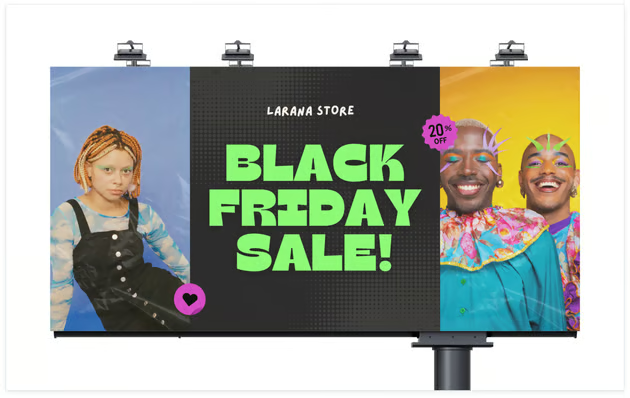
Easily decide how you want your marketing campaign or product promotion to look. With Canva’s billboard mockup generator, you can visualize your design concepts and ideas on billboards in just a few clicks.

Present your ad designs with confidence
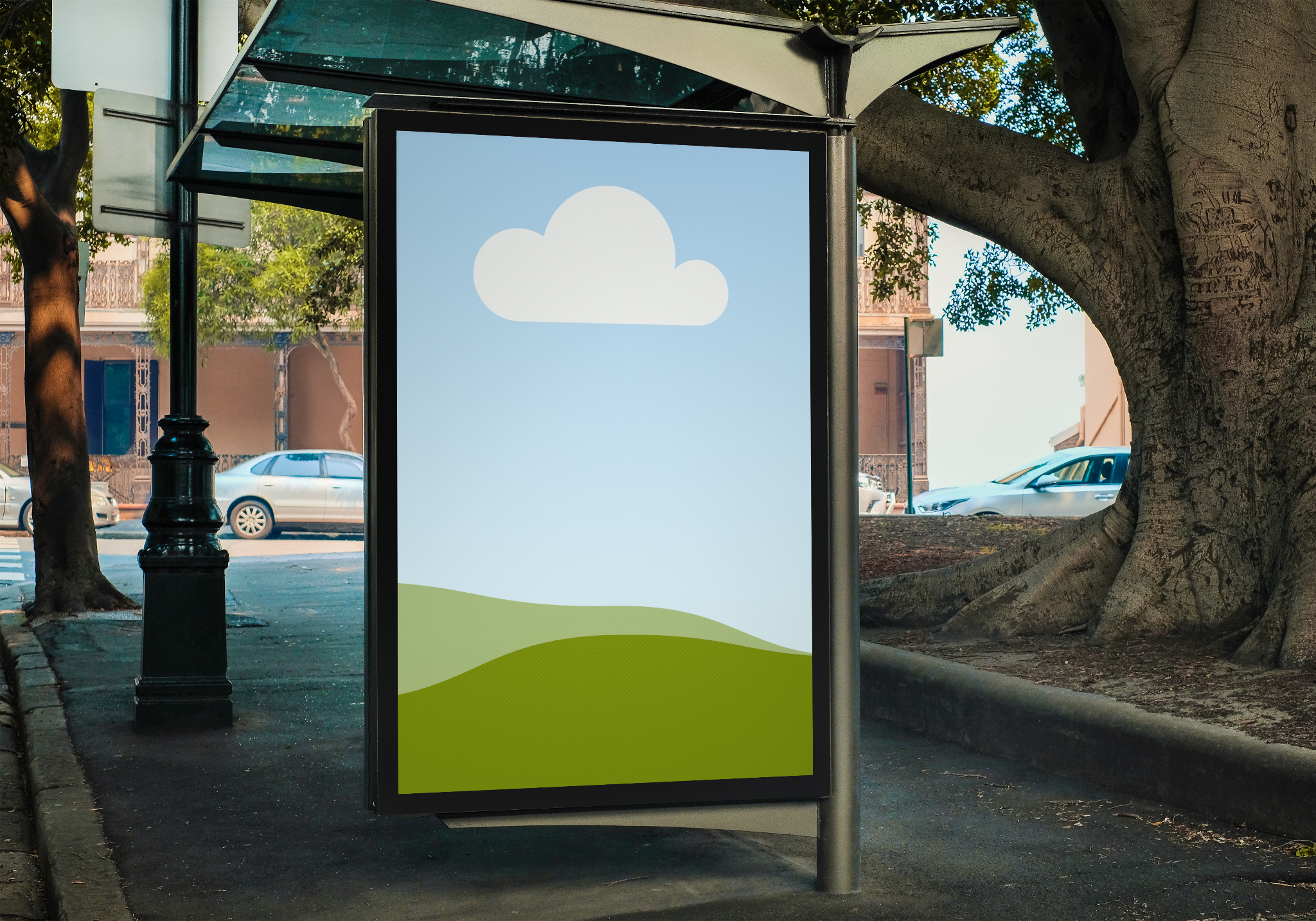
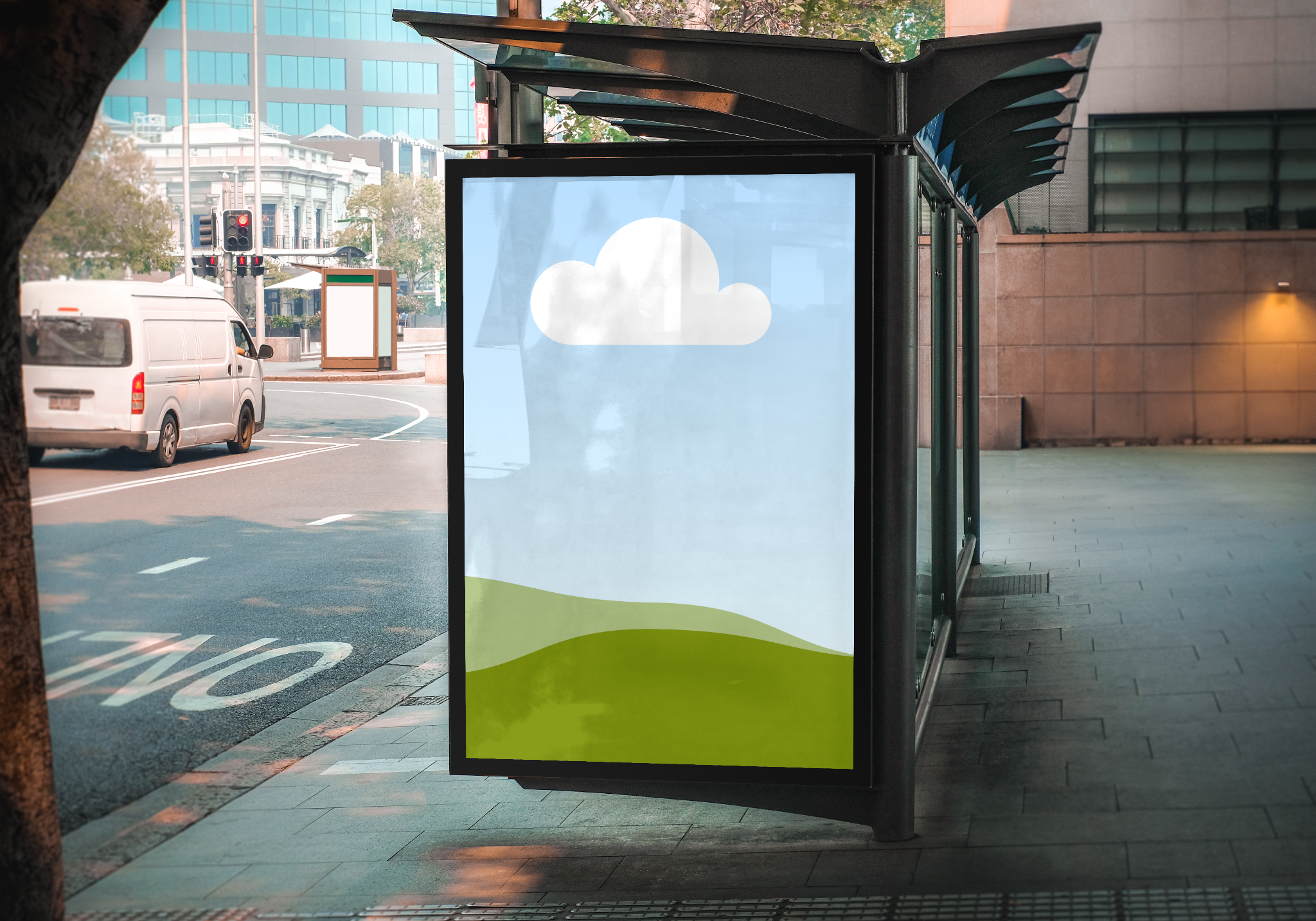
Make a striking first impression on your audience by presenting a professional and realistic billboard mockup of your advertising design created with our billboard mockup generator. All you need is your image and a ready-made billboard mockup, and in seconds, you have a mockup you can present straight from the editor.
How to create a billboard mockup


Take a step towards realizing your design
Bring your ideas and concepts to life in a few clicks. Whether you’re a designer with an advertising concept, an entrepreneur exploring new ways to promote products, or a marketer looking to take your ad campaigns to the next level, you can effortlessly realize your design with the free billboard mockup generator on Canva.
Impress even before you invest
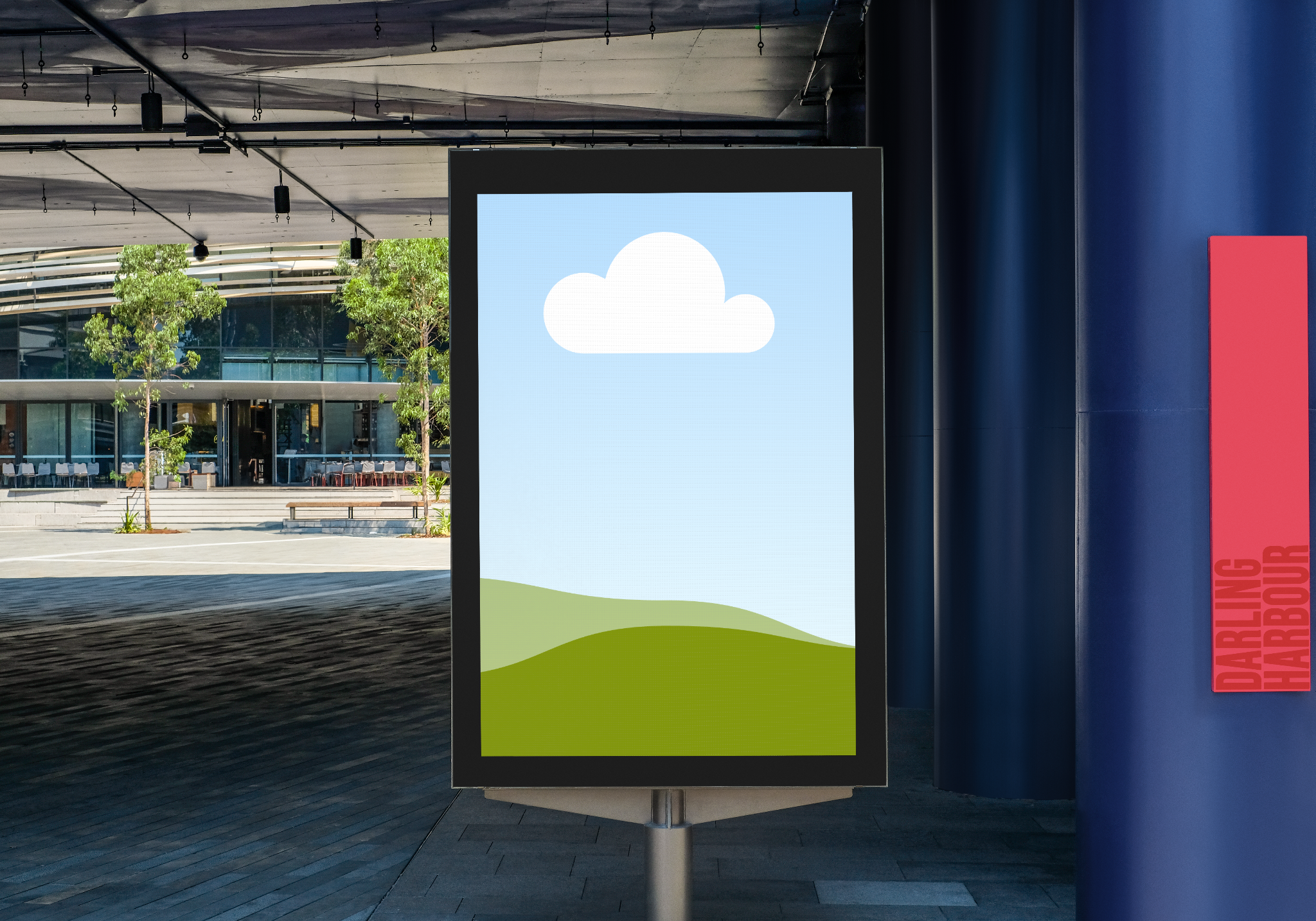
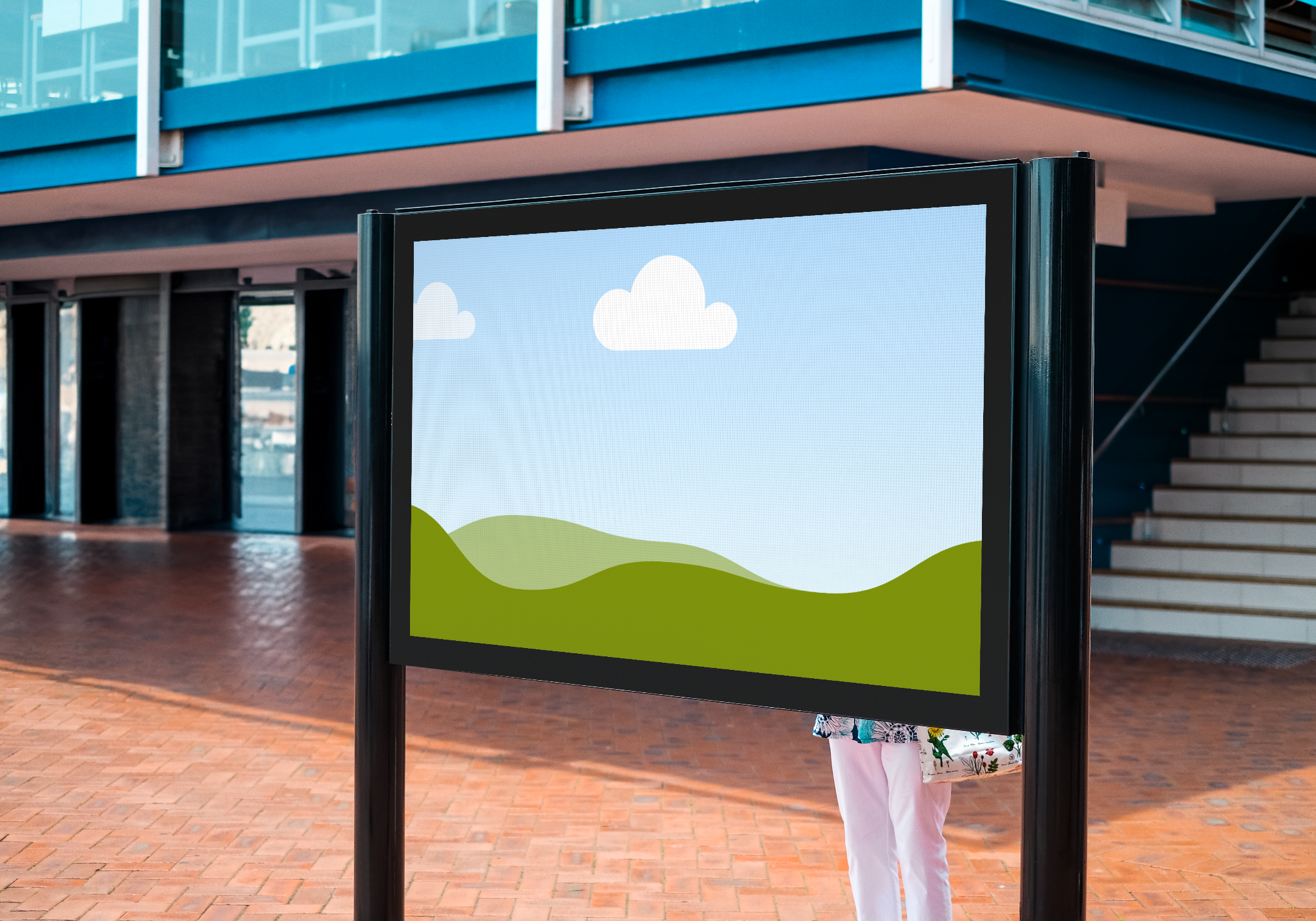
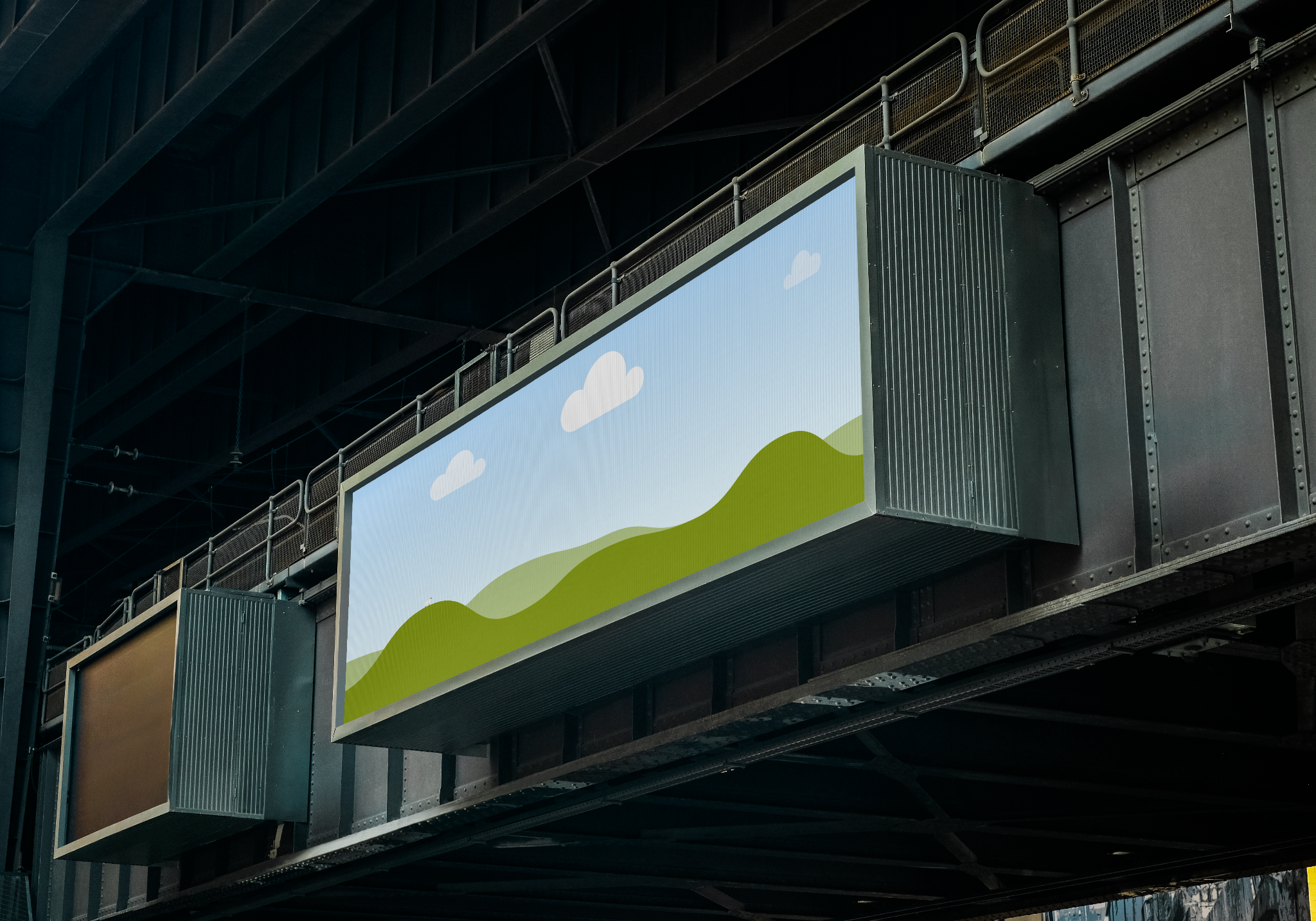
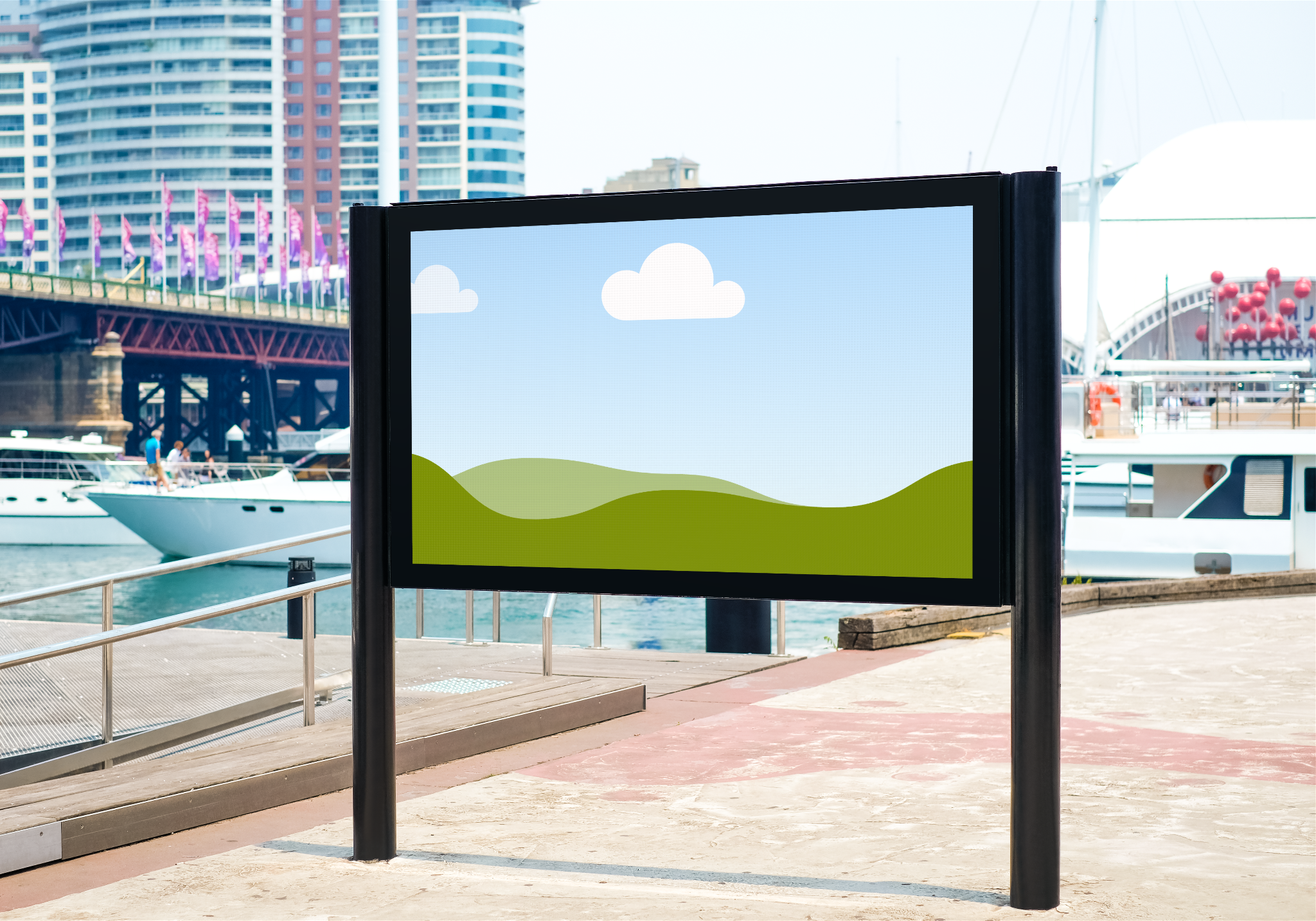
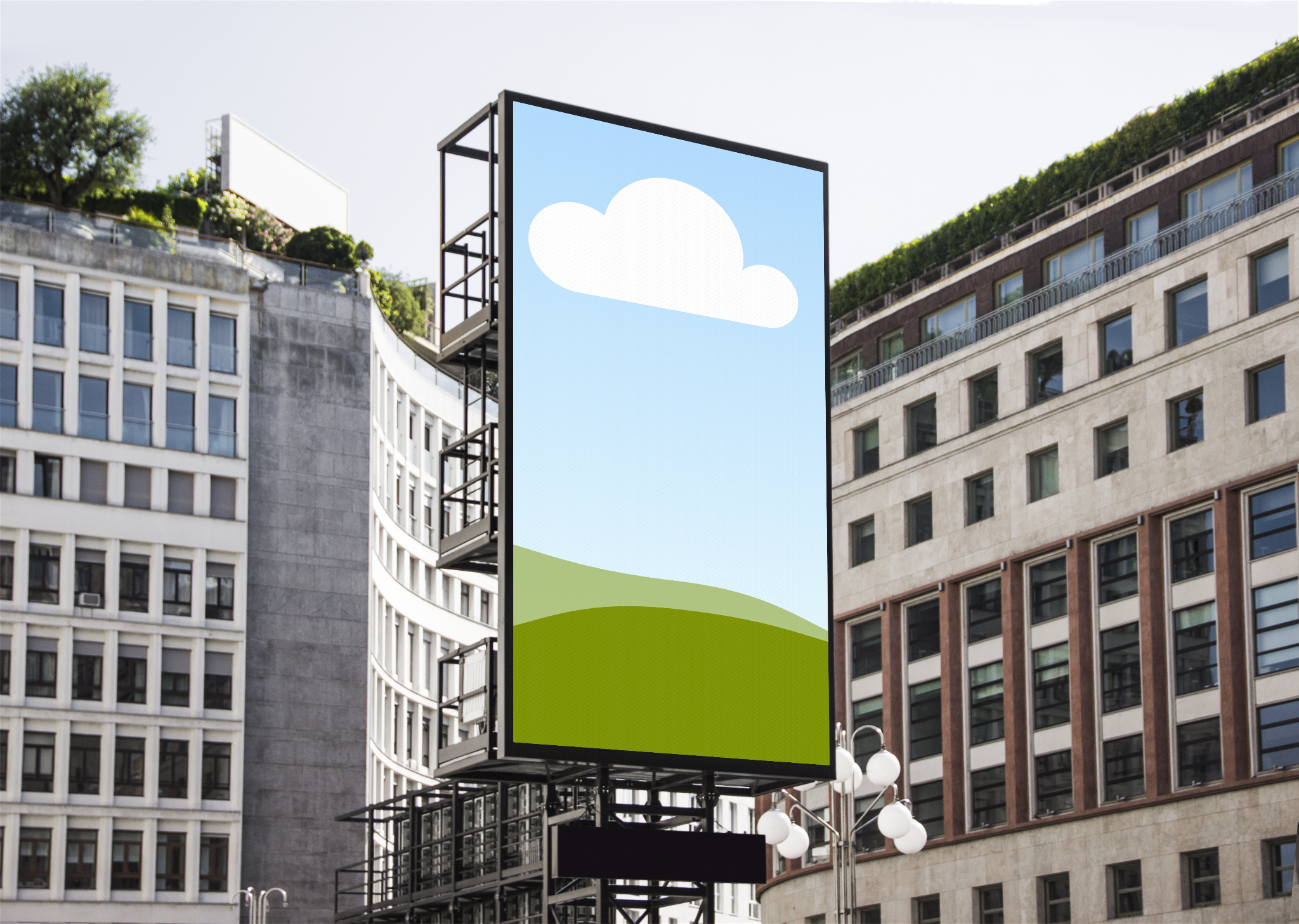
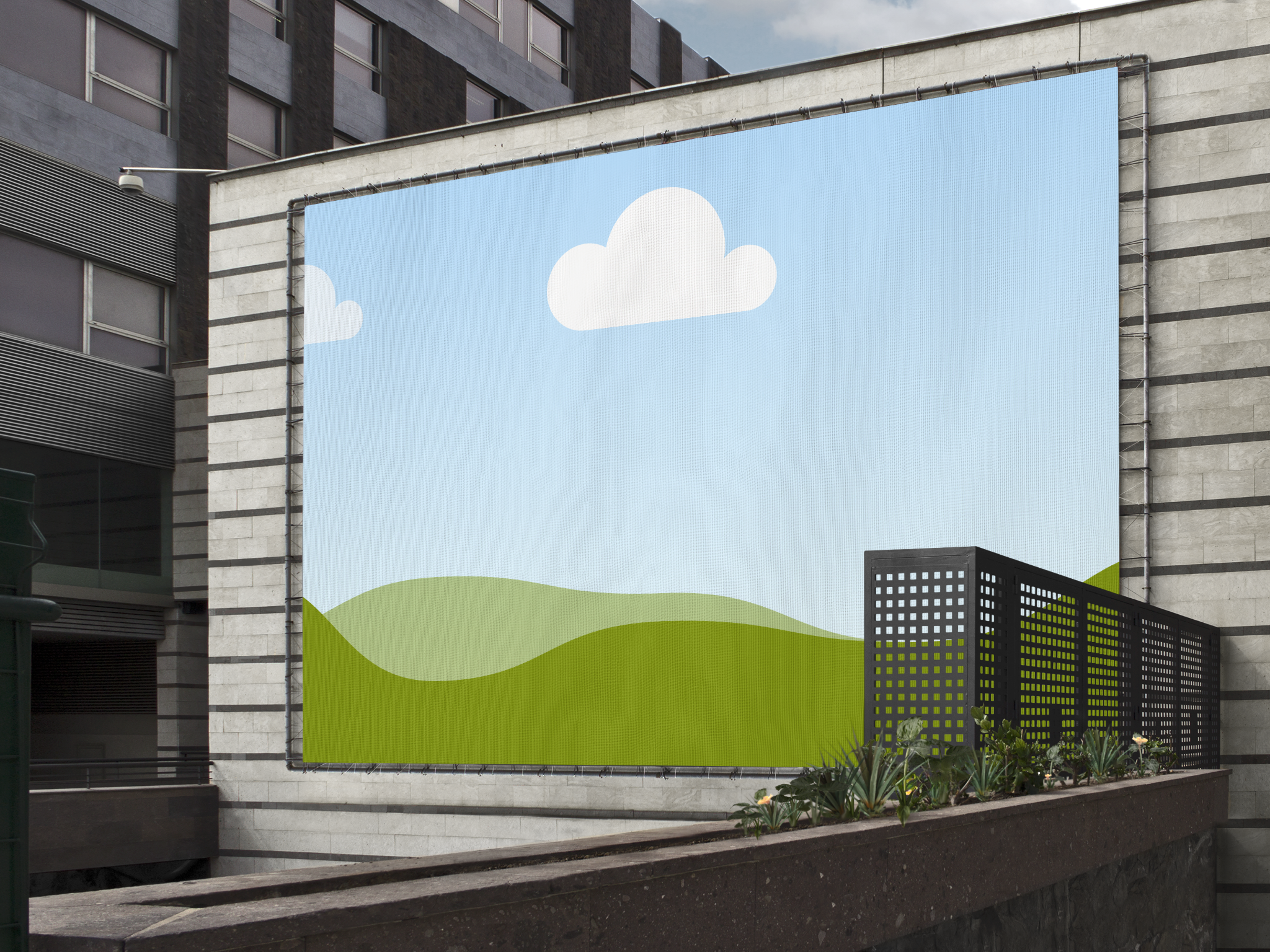
With the billboard mockup generator, you can preview your ad design on a billboard without spending extra time and money. Choose from a collection of realistic billboard mockups in different orientations and settings. Whether you’re looking for a round storefront display, a vertical installation amid a busy city, or a horizontal billboard in an urban space, we have the perfect mockup to impress clients, stakeholders, or customers.
Customize according to your vision
On Canva, you have the freedom and flexibility to create a billboard mockup that aligns with your brand identity. Take advantage of our intuitive editor to drag-and-drop design elements from our extensive media library, play around with the font or color palette, enhance your photo, and make your mockup uniquely your own.
Supercharge your design with AI
Make the most out of AI-powered tools right inside Canva to fine-tune your billboard mockup. Add or replace any element in your mockup with Magic Edit(opens in a new tab or window). Use Magic Eraser (Pro)(opens in a new tab or window) to erase unwanted objects from your photo or Background Remover(opens in a new tab or window) to remove the background altogether. You can also extend your photo in any direction to improve visual content with Magic Expand (Pro)(opens in a new tab or window).
FAQ
- Template: Choosing the right mockup is essential for presenting your billboard mockup to your target audience. It should showcase your advertisement in a real-world context that aligns with your brand’s identity.
- Orientation: When it comes to billboard mockups, you have the option to choose between a vertical or horizontal display. Make sure to select the one that perfectly highlights your ad design in full.
- Fit and alignment: Always make sure your billboard mockup has the perfect fit and alignment to enhance visual content. If your ad design looks out of proportion in your billboard mockup, it will likely appear less professional to your audience.

@navneet4