Free Tote Bag Mockup Generator

Easy drag-and-drop editor
3M+ free stock photos and graphics
Design from any device
Invite others and design together
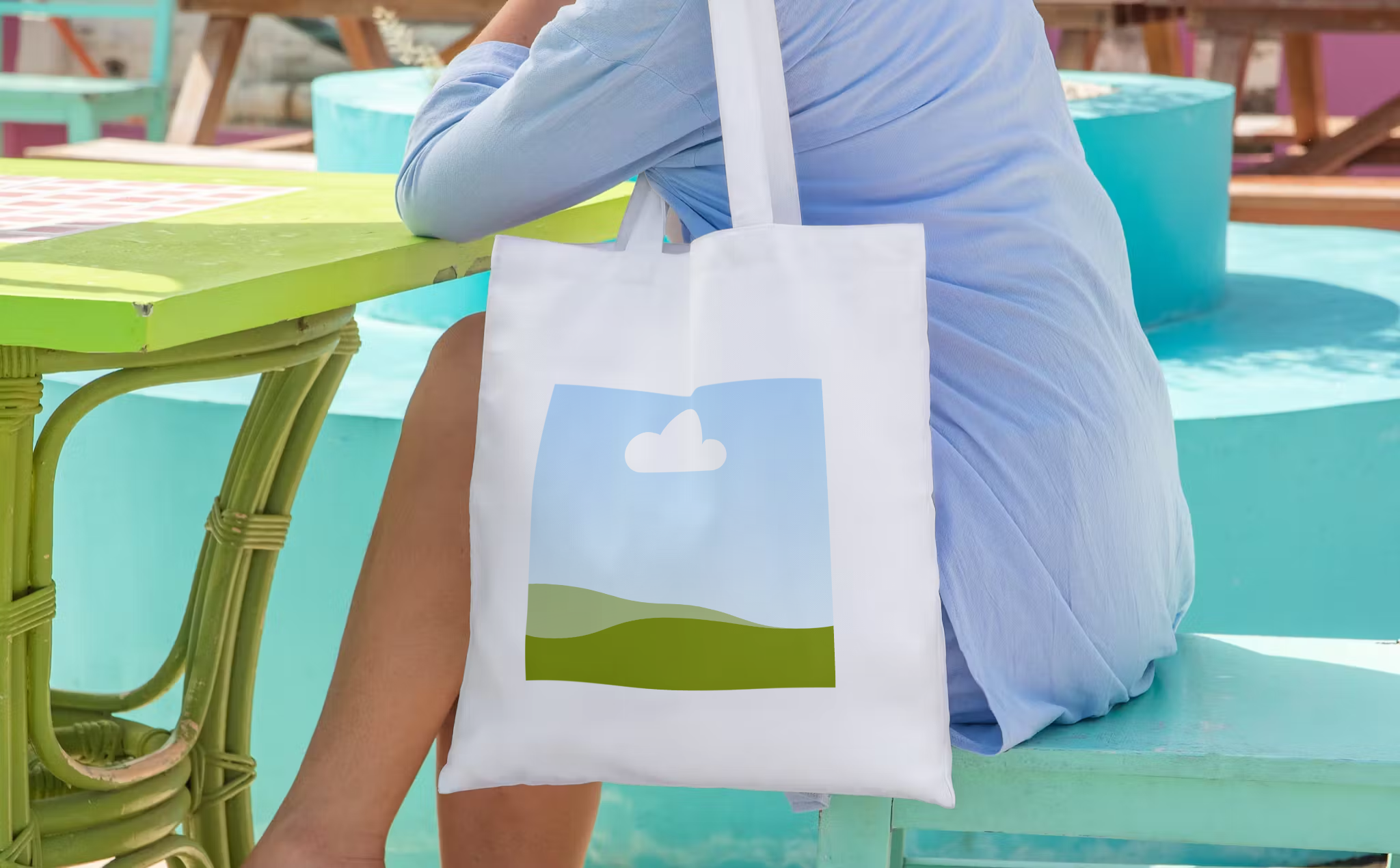
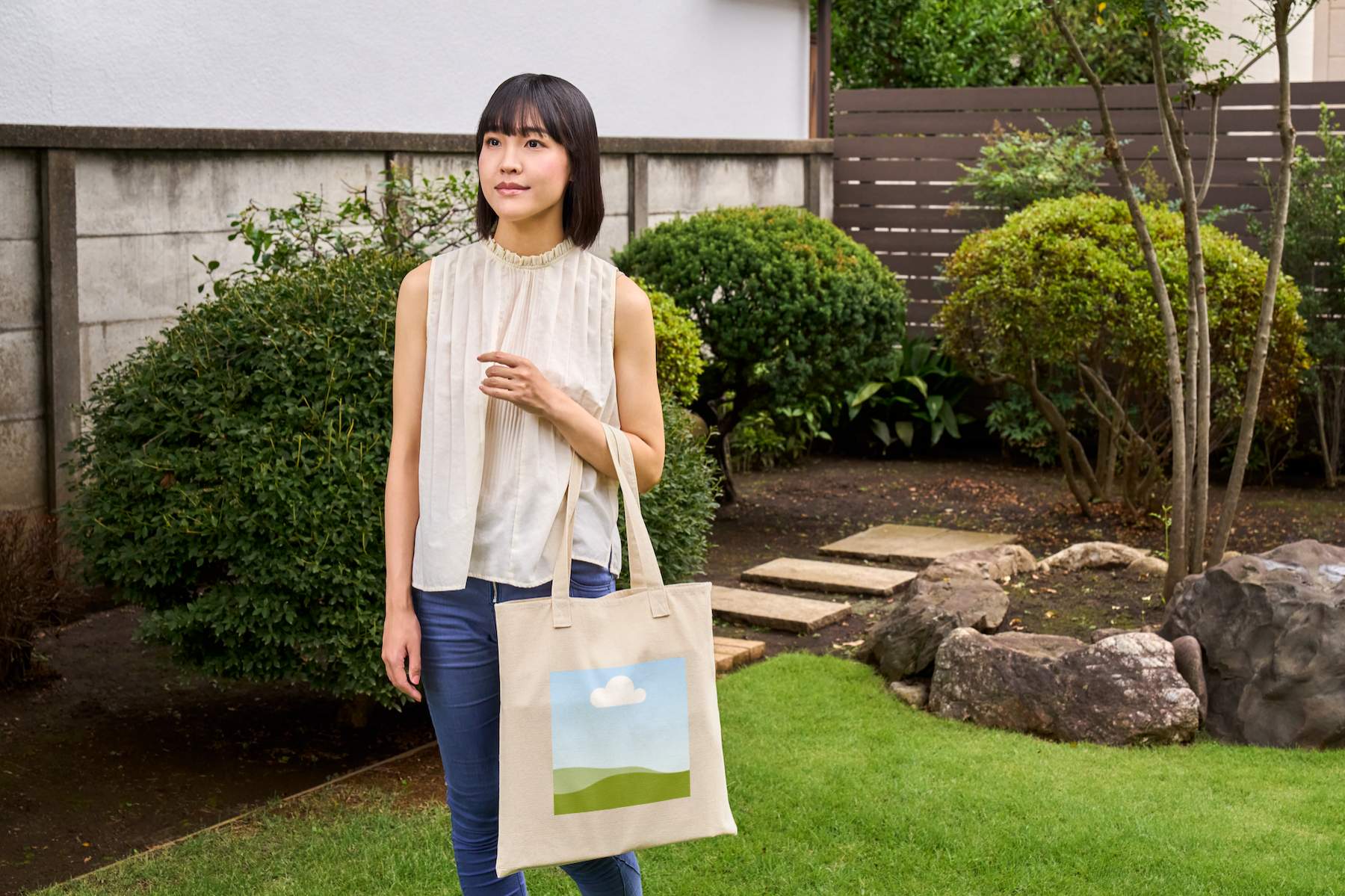
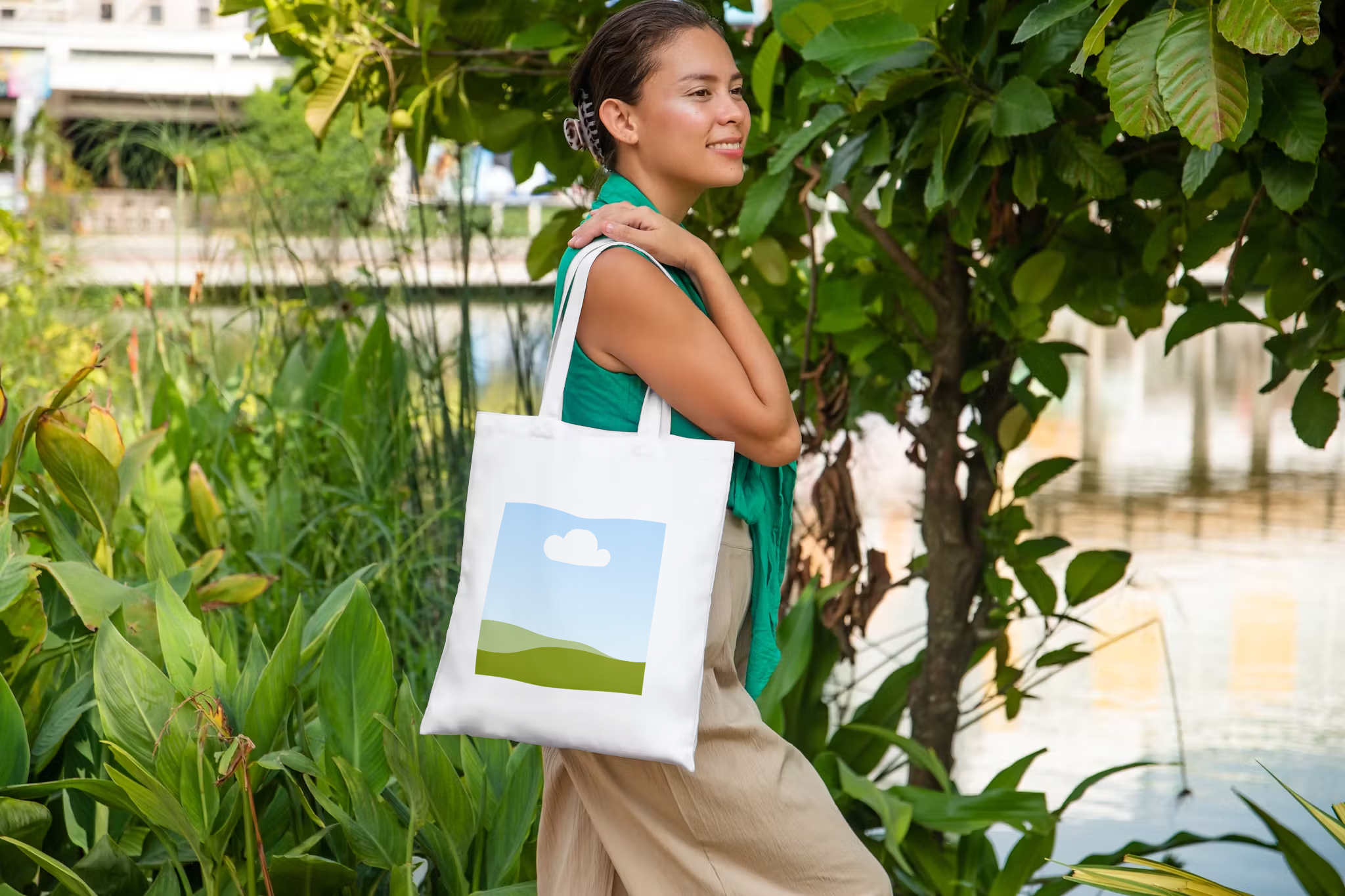
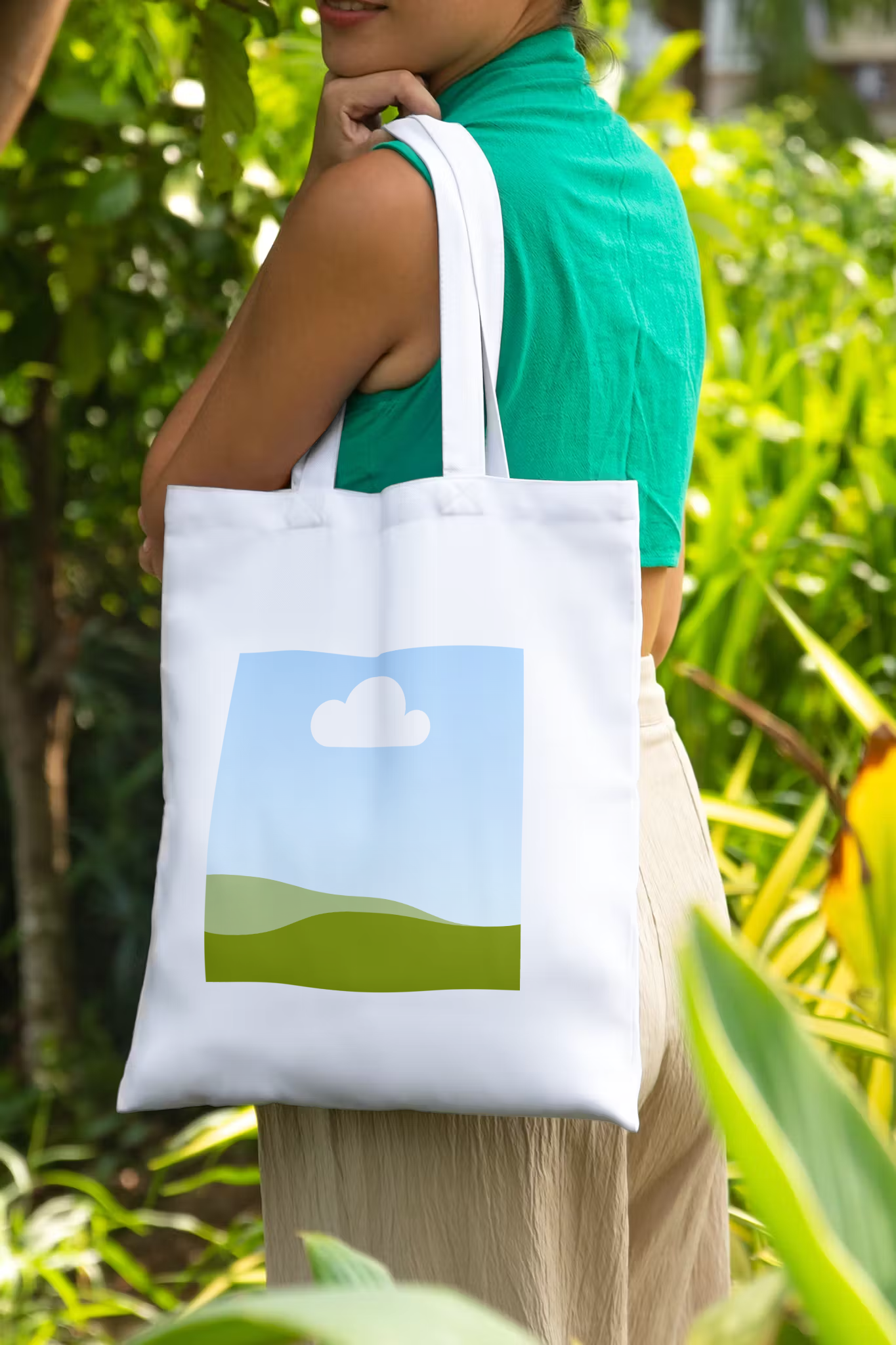
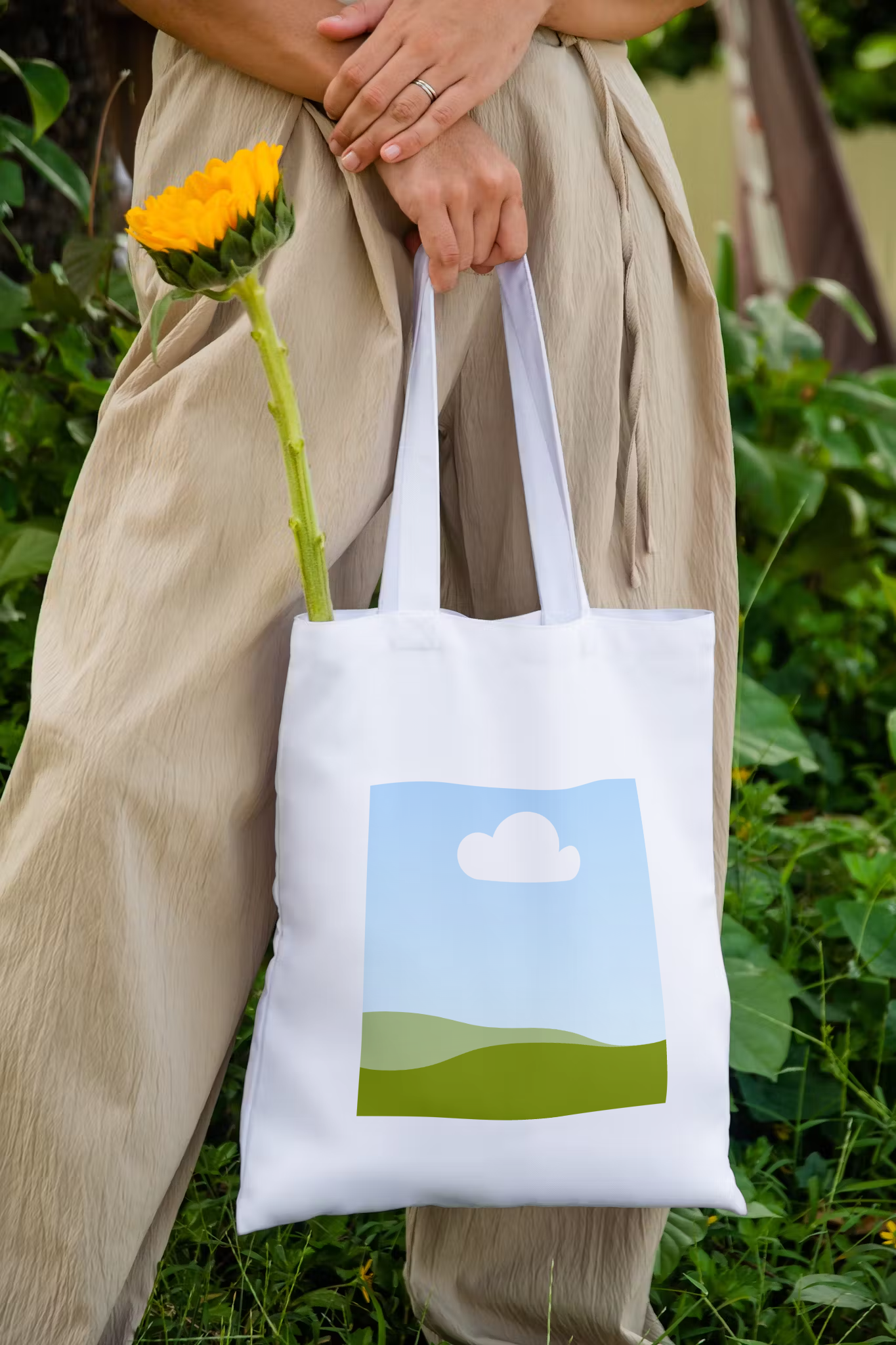
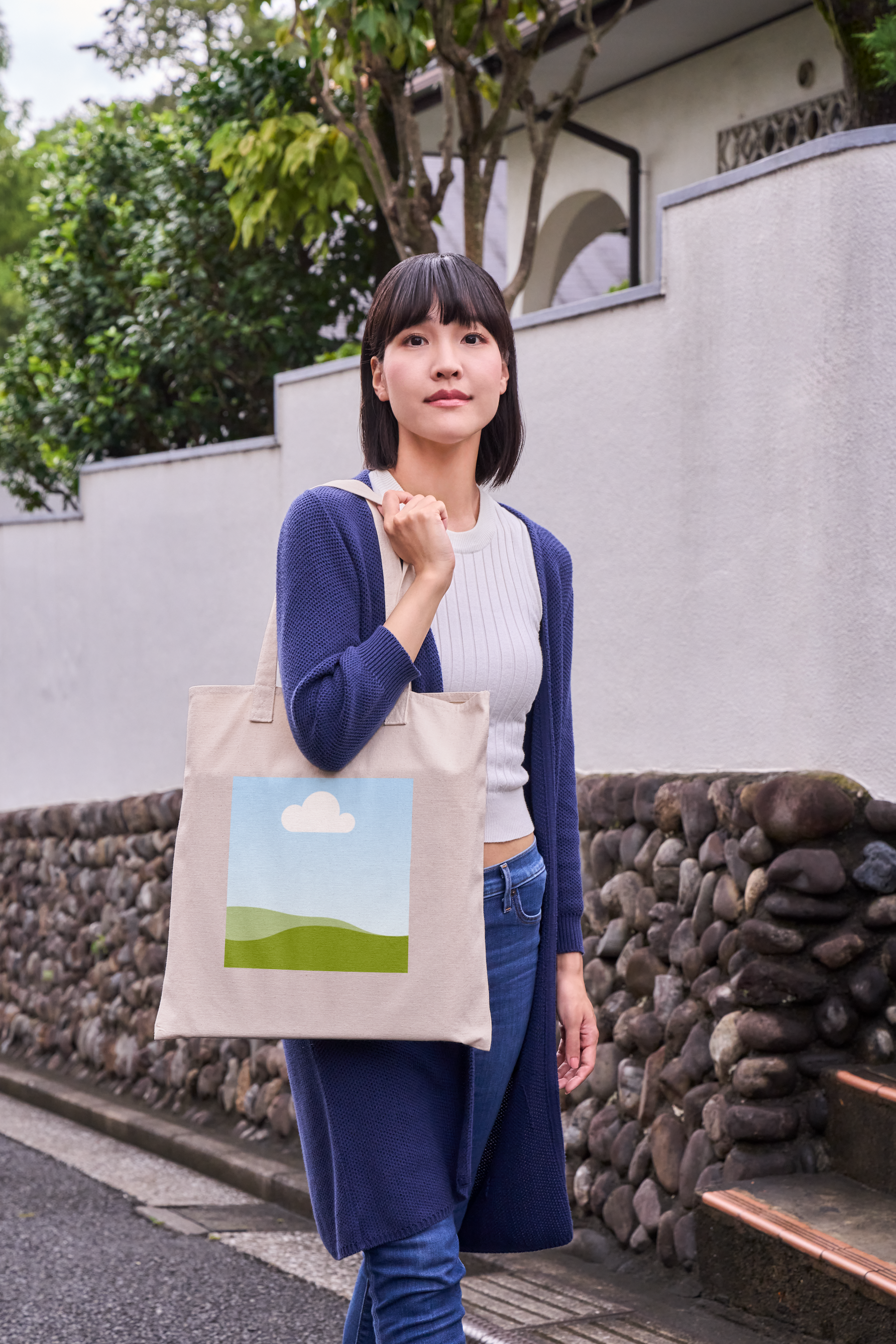
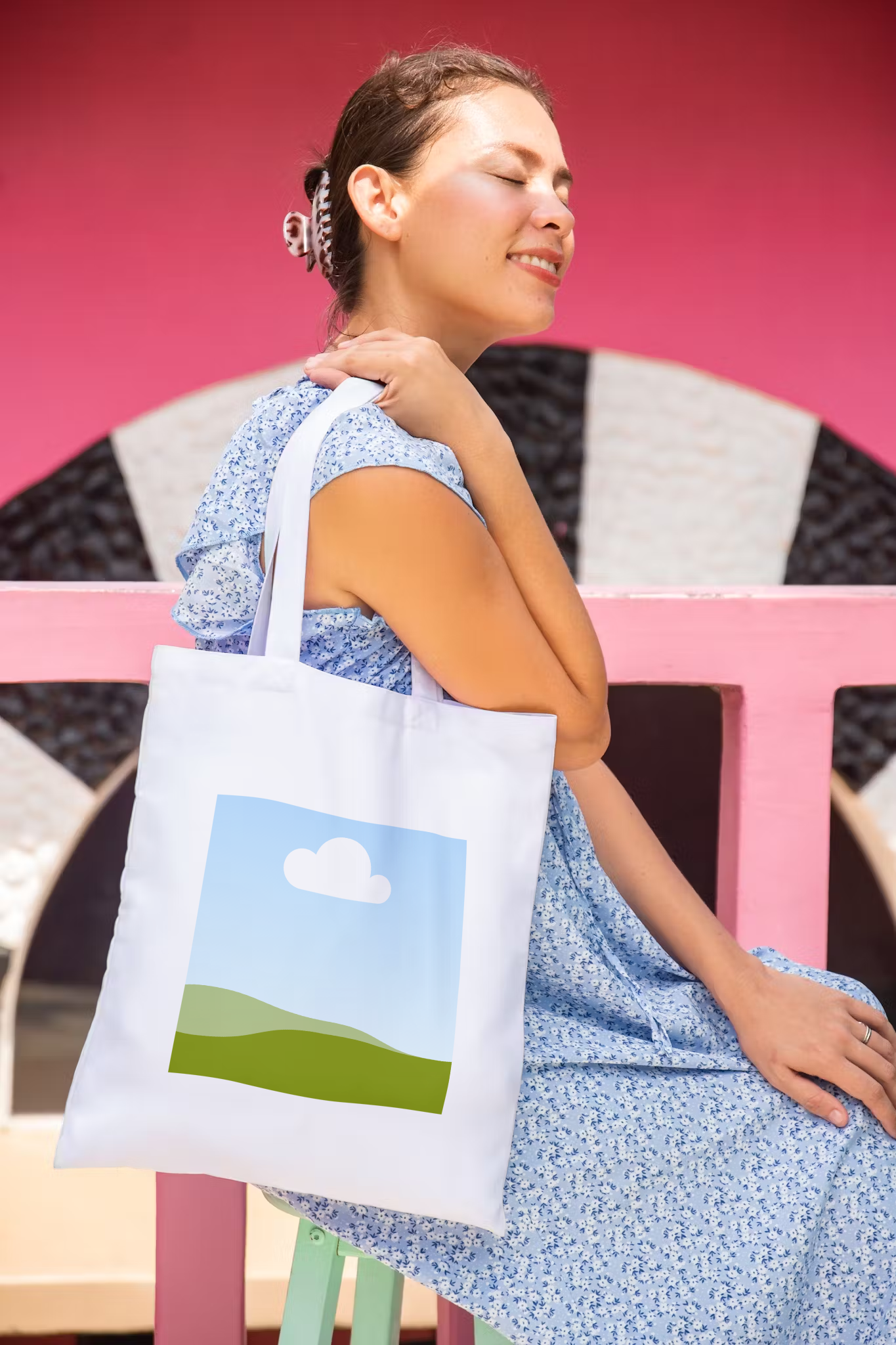
Visualize your tote bag designs and make them come to life with Canva’s tote bag mockup generator. Whether you’re starting a venture or just looking to show a design to your team, our mockup generator turns your image into realistic tote bag mockups for free.

Showcase your tote bag designs in one go
Want to see your tote bag designs in real life, but without the production costs and wait times? Use Canva’s free tote bag mockup generator to create realistic, professional-looking images of your design in just a few clicks.
Mockups require no commitment. Easily test the waters and see how your next collection looks in different tote bag styles. Generate and customize your canvas bag mockup without a fuss with Canva Mockups.
How to create a tote bag mockup


Launch your dream business at no extra cost
Skip the unnecessary expenses of creating your merchandise. With Canva’s free tote bag mockup generator, get beautiful previews of your designs without spending a fortune. Save on a professional photographer for product images and start your dream business bootstrapped, so you can focus on building your brand and getting more sales with new designs.
Captivate customers with high-impact visuals
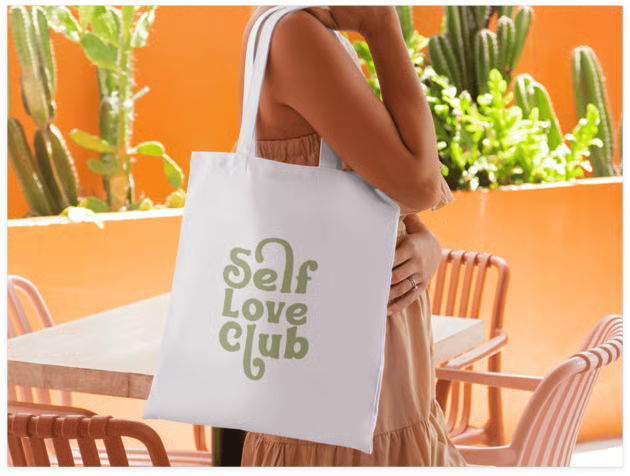
Gone are the days of needing a model and a photographer to get high-quality product images. Canva’s tote bag mockup generator has a variety of professional tote bag mockups to help you visualize your products in a pinch. Use these canvas tote bag mockups or hoodie mockups(opens in a new tab or window) for different marketing images — for social media posts, e-commerce sites, email newsletters, promotional campaigns, and more.
Bring your designs to life, quick and easy
With Canva, all of this is made easy. Using the same user-friendly, drag-and-drop Canva UI, our mockup generator integrates seamlessly into your current workflow. All you need to do is upload your design, add it to a canvas bag mockup, and use the photo editor to add effects and adjustments. Streamline editing further with AI tools like Magic Eraser(opens in a new tab or window), Magic Edit(opens in a new tab or window), or Magic Expand(opens in a new tab or window).
Seamless team collaboration and sharing
Work together with your team to guarantee that your mockups align with your brand. Invite collaborators, assign them tasks, or let them leave feedback. Everyone can work on the mockup canvas bag on any device in real time.
Once the mockups look cohesive, save them in different file formats, share them directly on social media, or send them via email.
FAQ

@navneet4