Free Video Mockup Generator

Easy drag-and-drop editor
3M+ free stock photos and graphics
Design from any device
Invite others and design together
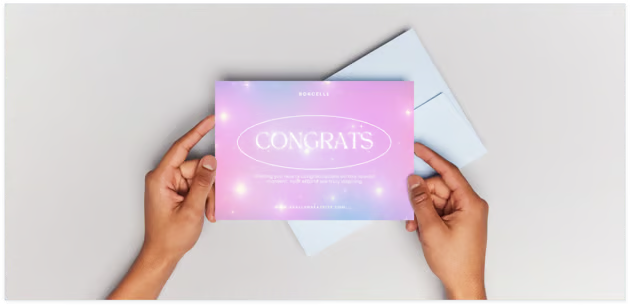
Say goodbye to static promotional materials and hello to eye-catching videos. Show off new products or demonstrate upcoming services in true-to-life environments using Canva’s video mockup generator.

Elevate image previews into professional video mockups
From WIP websites to seasonal apparel, our online mockup video maker instantly places your offerings in dynamic mockup videos. Digital marketers can visualize how their latest campaign appears across various devices and settings. Creative designers can experiment with the motion mockups to showcase their brand. No matter what your industry or design level is, Canva makes the process fun and seamless.
How to make a video mockup

Ready-to-use mockups for any project
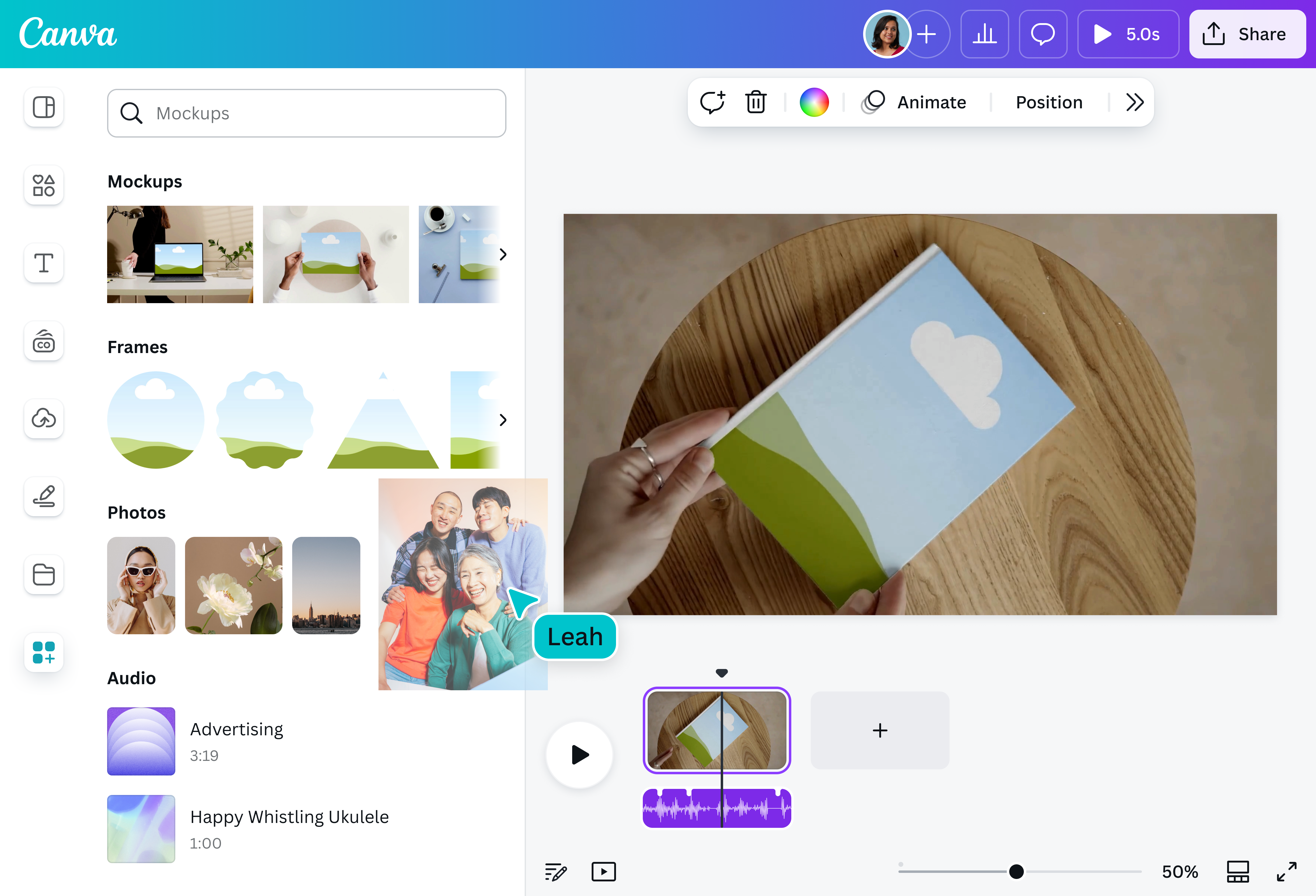
Display your goods or boost your digital efforts without spending time (and cash) on expensive software. Using Canva's mockup video generator, get a clear picture of how a design looks on realistic surfaces — from gadgets and signboards, to hoodies and tote bags.
Whether you're a baker introducing fresh pastries or an agency presenting motion ads, simply drag an image into the video mockup to instantly set the stage.
Customize to your heart's content
Go beyond dropping your image into the mockup. Our beginner-friendly interface not only allows you to polish your original picture, but also lets you enhance your video mockup.
Brighten your photo. Try a filter or an animated effect. Doodle with our Draw(opens in a new tab or window) feature. Browse our massive media library for more elements to add. Keep things consistent by applying logos, fonts, and colors from your Brand Kit (Pro).
Craft video mockups like a pro using AI
Mockups automatically transforms your image into a professionally made, realistic-looking preview. But even better — with a Canva Pro subscription, you can use handy AI tools available to effortlessly refine your video mockups. Clean up(opens in a new tab or window) or extend(opens in a new tab or window) images, add, replace,(opens in a new tab or window) or reposition elements, or remove the background(opens in a new tab or window) with just a click. You can even turn photos into pixel art(opens in a new tab or window)for a unique retro aesthetic.
Seamless collaboration and integration
Brainstorming with your team for new mockup ideas? Or are you fine tuning video mockups for an upcoming report? Whichever the case, collaborate synchronously on Canva with anyone, anywhere, and on any device.
Share your video mockups for free. Post them on your socials, embed them on your website, email them to fellow creatives, or present them to potential investors — all without leaving our platform.
FAQ

@navneet4