- Create Wedding Website
Free Wedding Website Builder

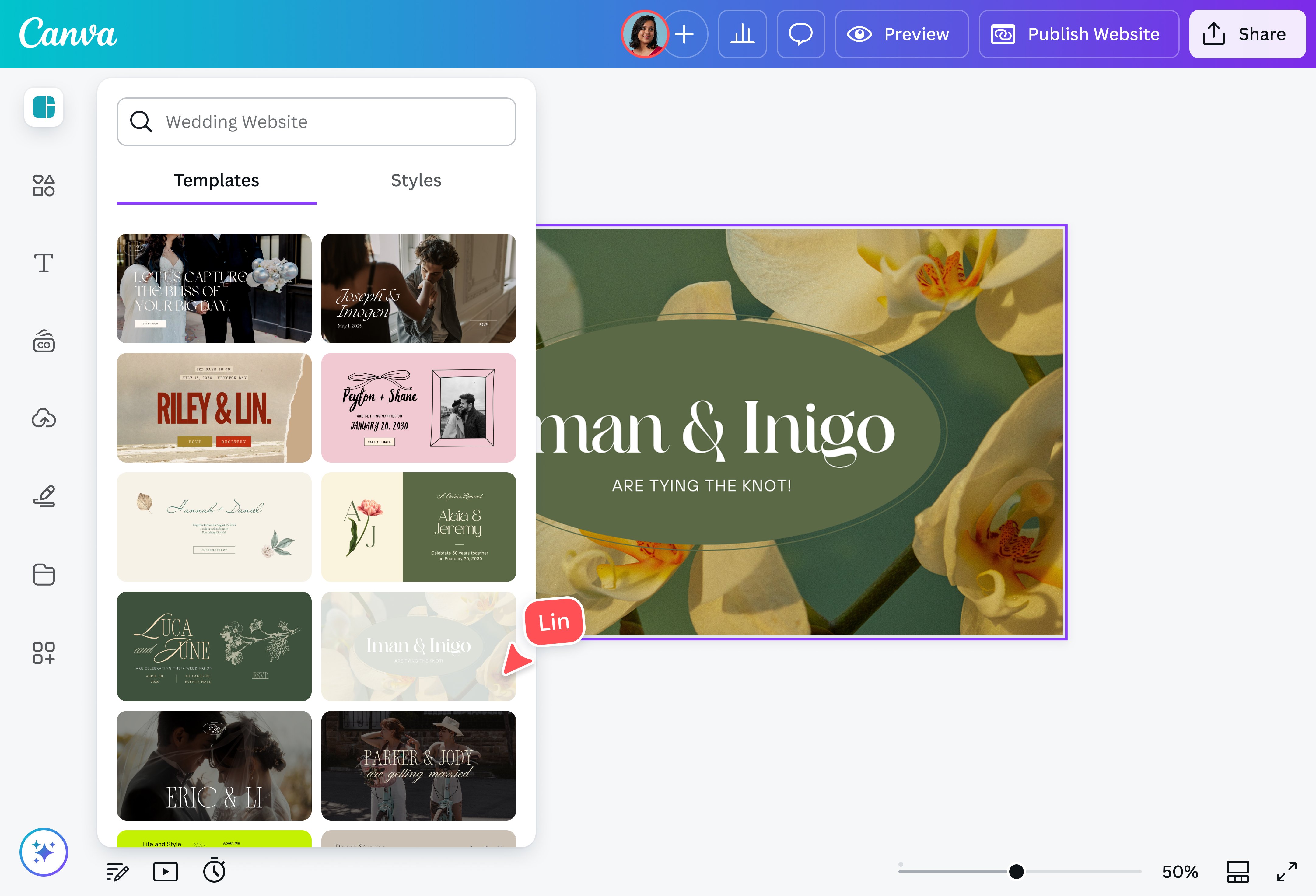
Easy drag-and-drop editor
3M+ free stock photos and graphics
Design from any device
Invite others and design together
Planning your special day? Build the wedding website of your dreams to keep guests informed and feeling the love. Share key details like date and venue, manage RSVPs and guest lists, and tell your beautiful love story all in one place.

Say yes to easier guest coordination
Prepping wedding guests doesn’t have to be a whole song and dance. With Canva’s user-friendly wedding website builder, you can easily make a stunning, personalized website with everything anyone needs to know about the Big Day. No coding or design skills needed—just your love story and our beautiful, customizable templates.
How to create a wedding website

Meet Magic Studio™: All the power of Canva’s AI
Magic Studio™ brings together the best AI-powered tools for you and your team to help you design with more ease, speed, and creativity.


Your love story, all in one place
With our wedding website maker, it’s easy to share everything your guests need to know about your special day. From important dates, call times, and venue location to dress codes, gift ideas, and RSVP invitations, all the information is just one tap away. Organize everything into a simple, scrollable, one-page site or expand your website into multiple pages.
Come—and design—as you are
Build the website of your dreams, even with zero design experience. Start inspired with a designer-made template, then personalize it with our intuitive drag-and-drop editor, extensive media library, and AI-powered tools. Tell the story of how you met with the help of Magic Write™(opens in a new tab or window), use our AI-powered photo editor(opens in a new tab or window) to spruce up your couple photos, and create a guestbook widget in seconds with Canva Code(opens in a new tab or window).
Plan and publish wedding details without a hitch
More than just a wedding website creator, Canva lets you lay out all your ideas, data, and designs in a centralized hub. Start a moodboard(opens in a new tab or window), design your logo(opens in a new tab or window) and invitations(opens in a new tab or window), create a sheet(opens in a new tab or window) for vendor and guest list tracking in the same design, and work on your wedding website, all in one design. Set up a Brand Kit (Pro)(opens in a new tab or window) to keep your fonts, colors, and imagery consistent across designs.
Make collaboration easy
Whether you’re working with a team, your spouse, or your best friends, Canva makes it easy to collaborate on your wedding website. Just send a link, and your team can review, comment, and edit your design in real-time. Need to keep top secret details on the down low? Create a password-protected site that keeps your data safe and secure.
FAQ
A wedding website is an easy, low-cost way to connect with your guests and keep them updated on important details about the event like a single source of truth. Guests can get information on the logistics, dress code, and more anytime they need it, ensuring they are informed even if you are not there to answer their questions. Wedding websites can significantly cut down on repetitive back-and-forths with attendees, which can be a source of headache for many wedding planners. And even after the event, you can keep the wedding website to commemorate one of the most important days of your life.
- Logistics (event’s time, date, and location)
- Dress code (with sample photos)
- RSVP form
- FAQs
- Interactive map
- Gift registry
Optional sections you can add include:
- A short version of your love story
- Photos and videos of the couple
- Submission form so guests can send their photos of the wedding
- Include a “No Plus-Ones” policy in your FAQs: Making it an official policy can help guests understand that the decision isn’t a personal one.
- Set limitations on your RSVP form: If you’re making an online RSVP form, change the settings to accept only one entry per user, limiting guest input in the process.
- Deliver the news in person: This makes guests feel that you put a lot of thought into the decision. If you can’t do this for everyone, you can also create a sincere video message. Guests are more likely to appreciate the gesture when it comes directly from you rather than a throw-away line on the website.

@navneet4


