- Synoptic Tables
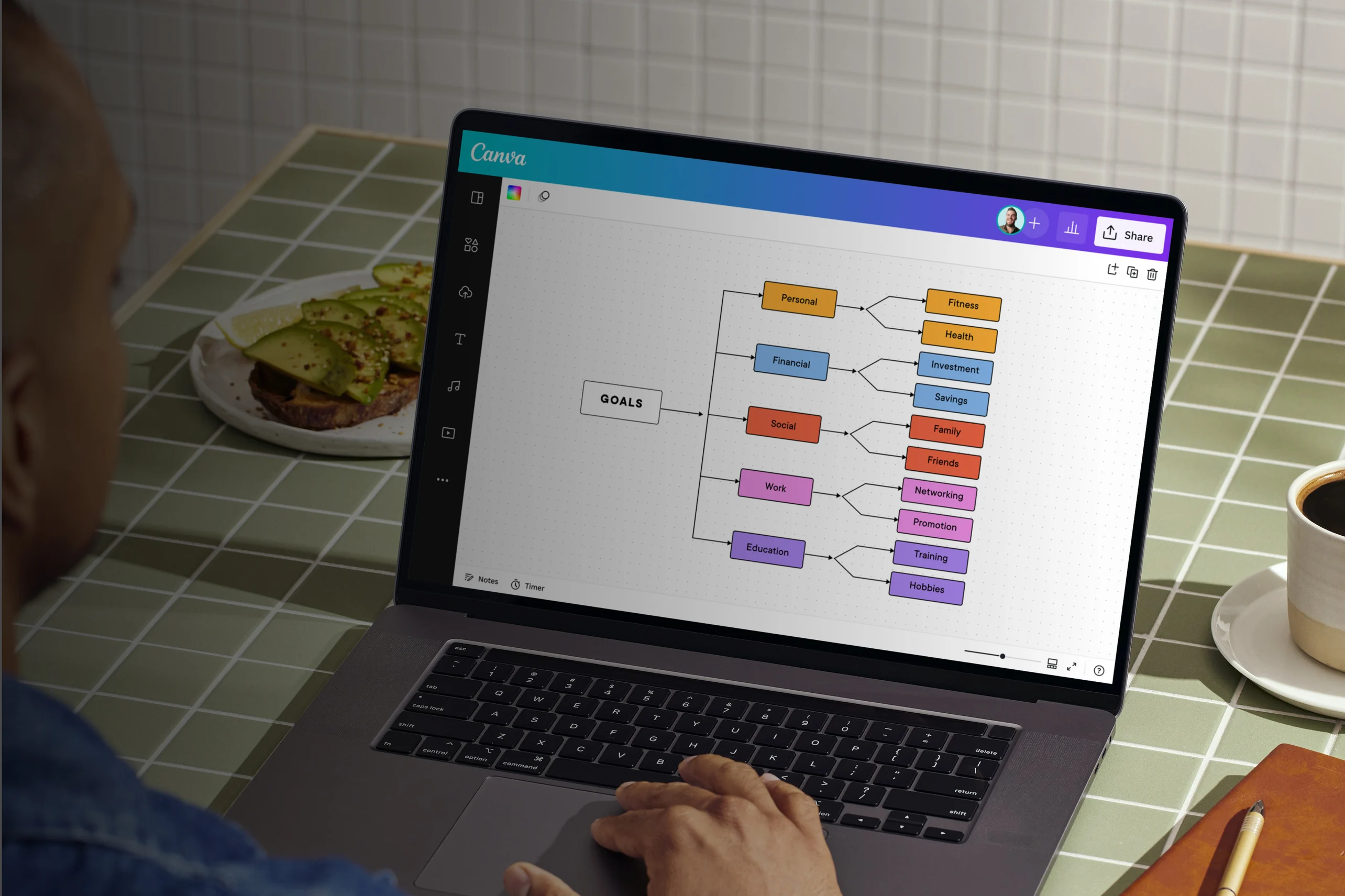
Synoptic tables
Create a synoptic table online
Sort your topic’s complex ideas into a stunning, easy-to-read synoptic table. Use professionally-designed templates and elements in our free synoptic table maker, and quickly edit, collaborate on, and share it with our drag-and-drop editor. Canva Whiteboard’s unlimited canvas leaves you all the room you need, so you can continually build on your table as you go.
Infinite space made for unlimited ideas
Professionally designed templates to fast-track your workflow
Share and ideate with anyone, anytime on any device
Run a workshop with whiteboard elements, sticky notes, and a timer
Embed your synoptic table in Docs, presentations, and more with no fuss
Easy online whiteboard tools and data visualization
How to make a synoptic table

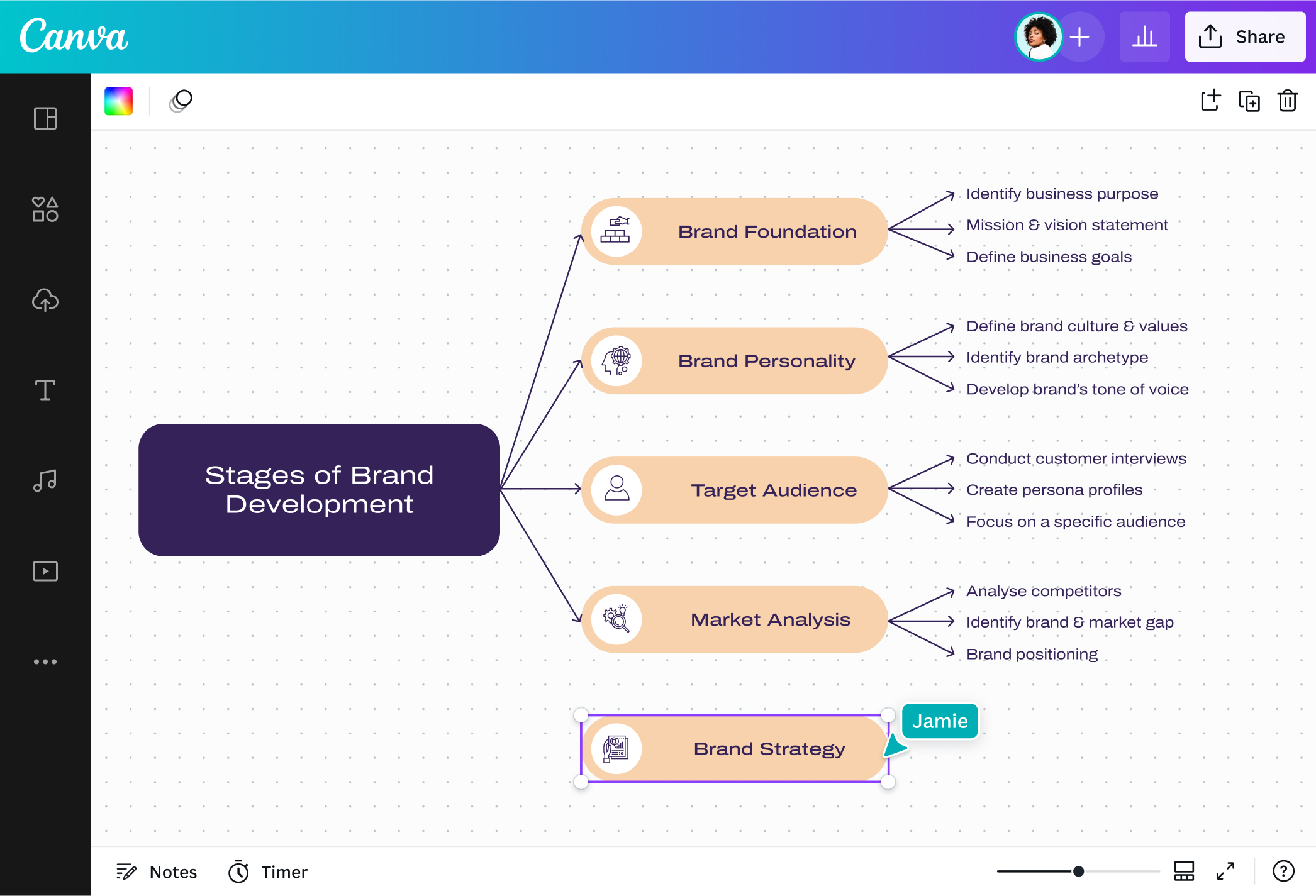
What is a synoptic table?
A synoptic table arranges information about a topic according to their logical hierarchy. The information is organized based on importance and relevance, starting with general ideas, then expanding to their supporting details. Synoptic tables can be used by students, teachers, researchers, and teams, as it minimizes the complexity of topics, making them easier to understand or present.
Why use synoptic tables?

When you’re required to study a topic for your studies, classes, or any type of research, it’s important to organize all the information related to that topic to understand them better. For this purpose, it’s ideal to use a synoptic table, as it helps you actively analyze which ideas are the most important, and which details support them. It also lays down your topic in a linear manner, making it easier to digest.
The result is you get a better grasp of your topic, well enough to remember it for your studies, expertly present to an audience, or apply to strategies, policies, and processes in your industry or field. And, if you find any gaps in your synoptic table, you’ll have an idea on what information to look for to fill them in.
Organize your topic down to the details

Organizing topics shouldn’t be a difficult task. Easily create synoptic tables for your next essay topic, marketing research, or upcoming physics lecture. Canva Whiteboards has a beginner-friendly interface, so you can skip learning that new and complicated software. Instantly access shapes, lines, and all the tools you need through the menu bar, or simply use our /Magic keyboard shortcuts. With Canva’s synoptic table maker, you can create hassle-free tables that thoroughly organize your topic.
Visualize your summaries with design elements

Your research summaries and science notes don’t have to look boring. Keep your synoptic table visually engaging with our beautifully-designed templates. Customize them further with fun shapes, lines, colors, and font combinations available. You can also add visual cues like graphics or create vectors using the AI vector generator(opens in a new tab or window) to distinguish some ideas, or mark very important ones. Build visually enticing synoptic tables for any topic in any field with Canva’s synoptic table maker.
Infinite canvas to fit all your information

Expand your table without worrying about limited spaces. Canva Whiteboards has an unlimited canvas, so you can create synoptic tables that span far and wide. Add as many lines and shapes as you need to your table and branch your main ideas down to the last detail. You can also embed infographics and other designs alongside your table for added context. Whether you’re presenting to business stakeholders or studying for that final exam, have all the space for all the information you need.
Structure and analyze information together

Invite your colleagues with a link to your table and work together in real-time. Canva Whiteboards has all the tools you need to make your synoptic table a collaborative effort. Leave comments, sticky notes, and stickers to approve your group mates’ contributions to your history notes. Time your product team’s brainstorming sessions with the built-in timer. Your table is stored online, so you and your team can always come back for revisions before finally presenting or sharing it via email or a link.
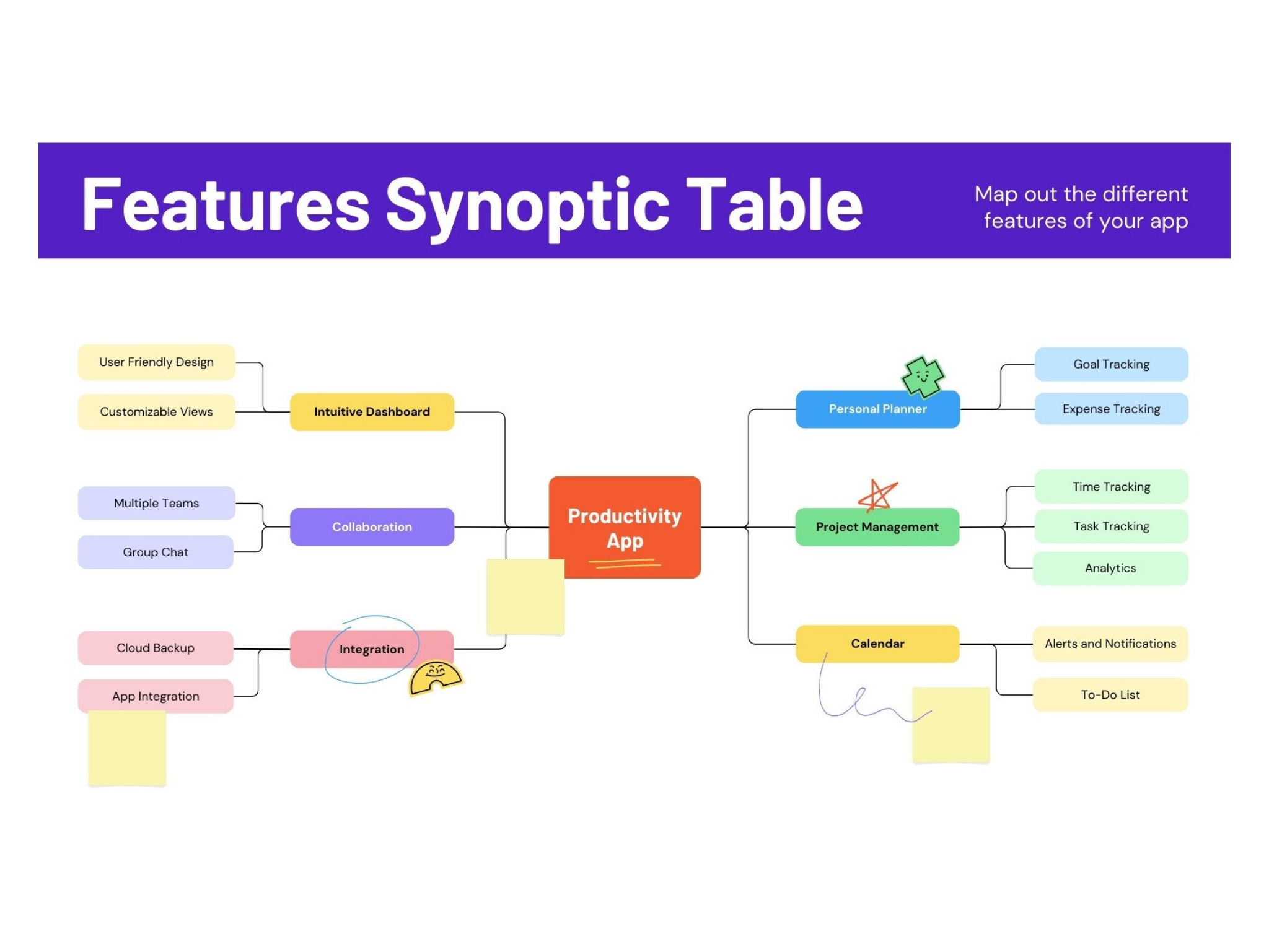
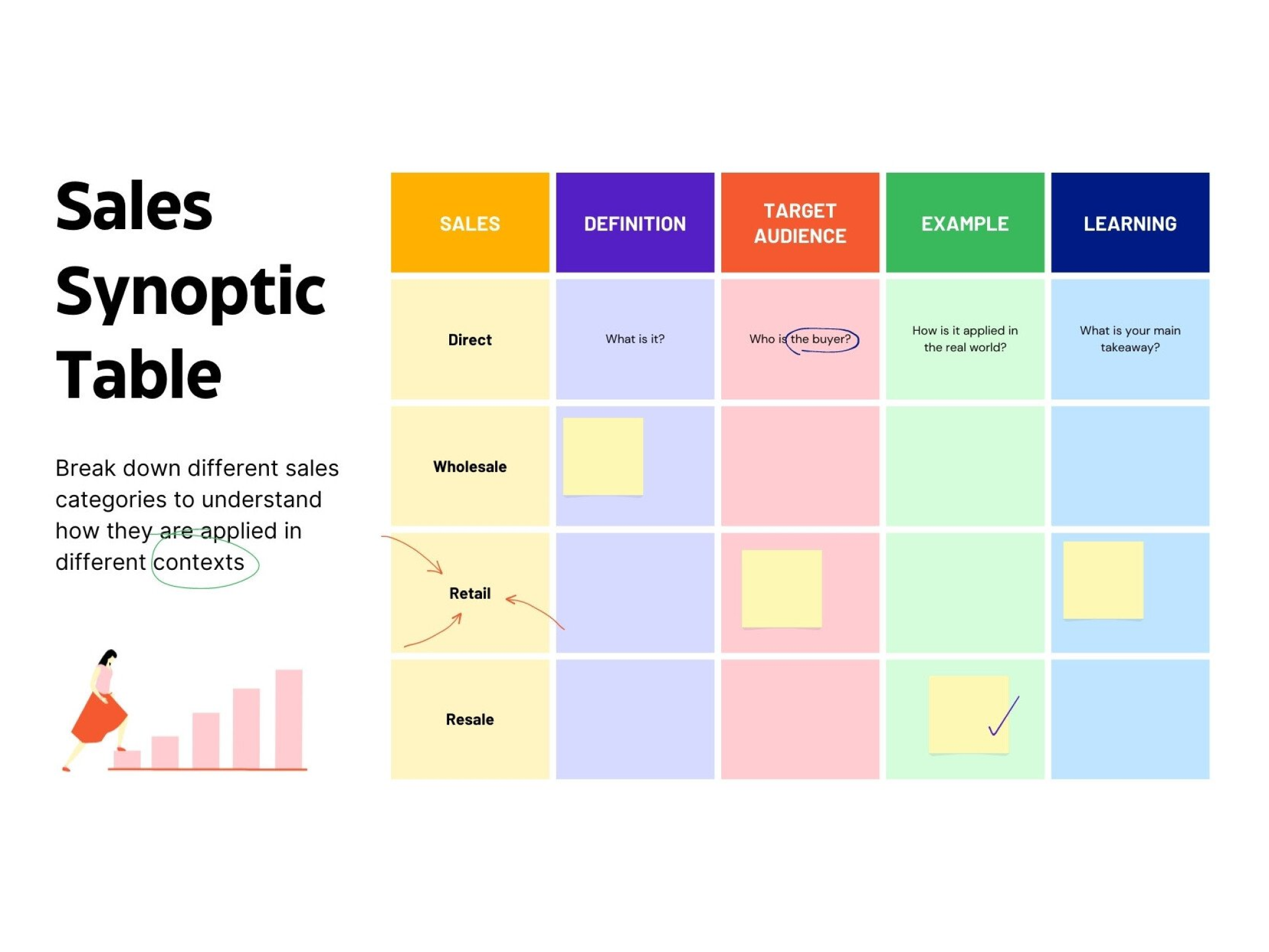
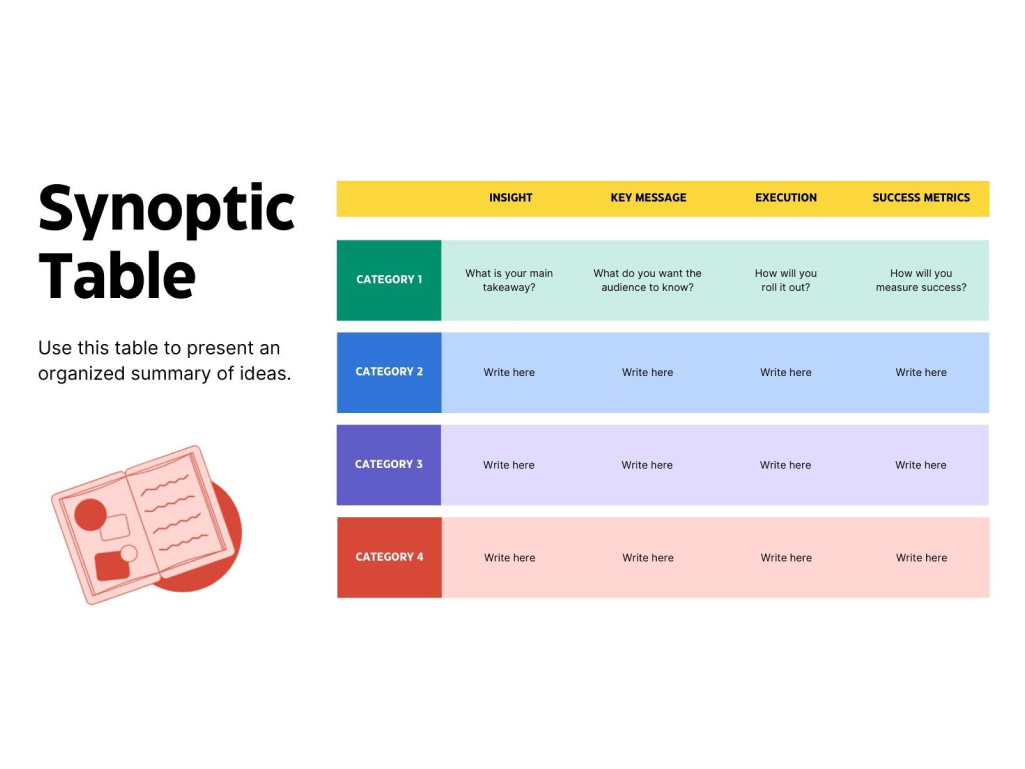
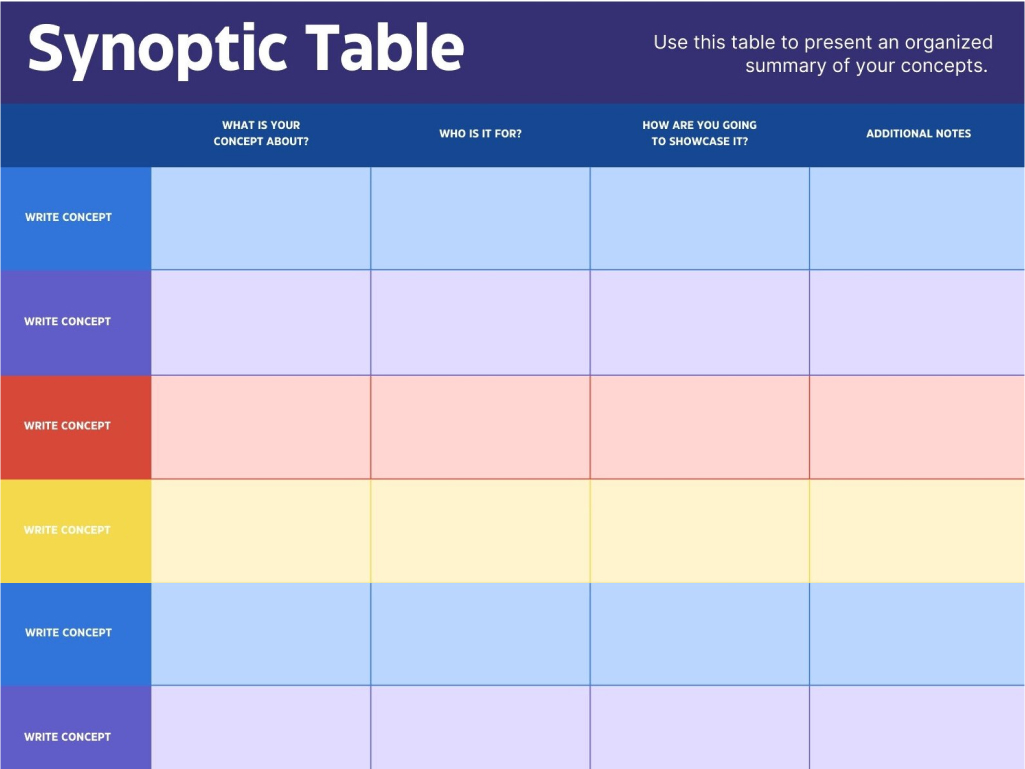
Start inspired with a synoptic table template
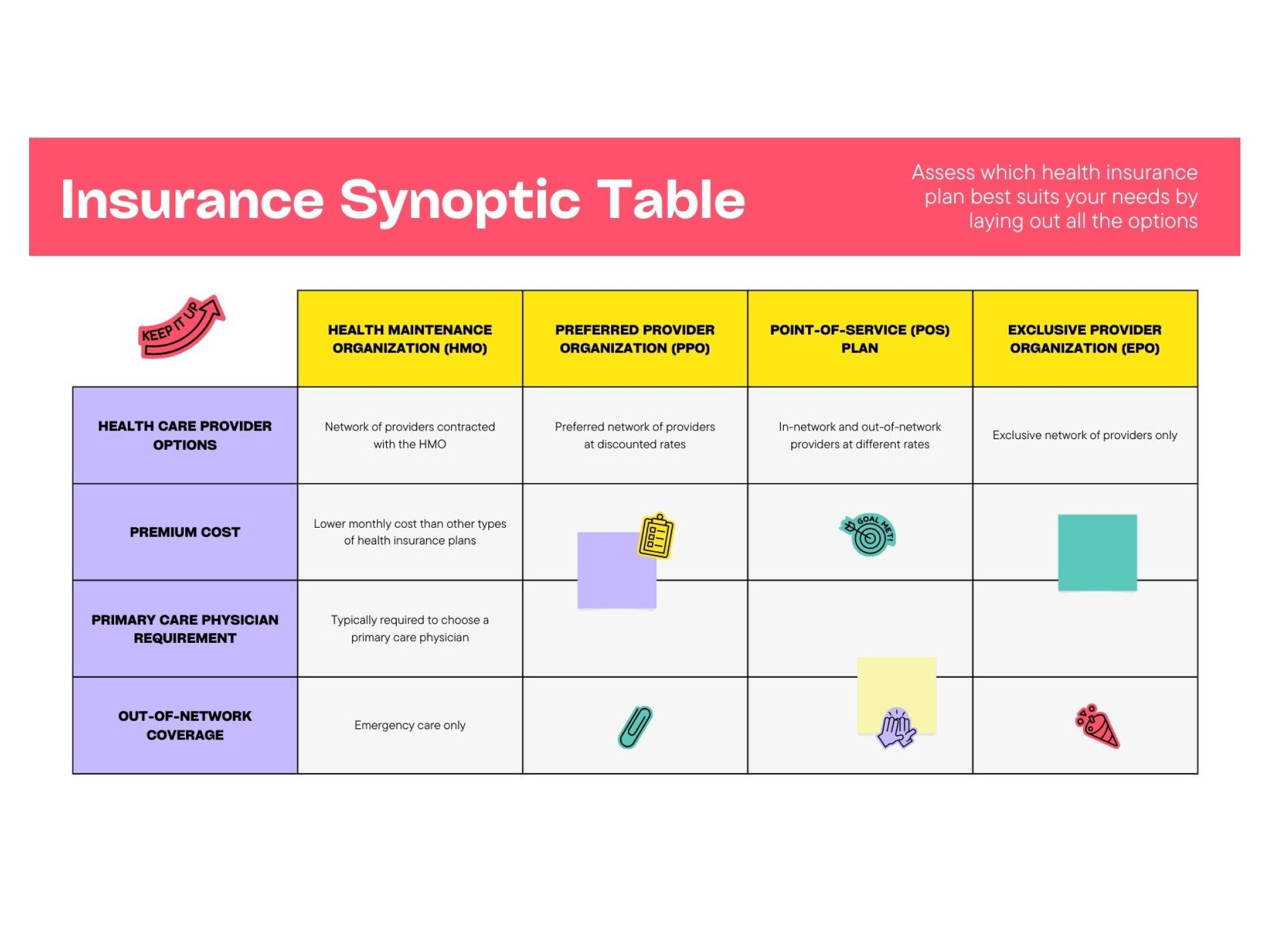
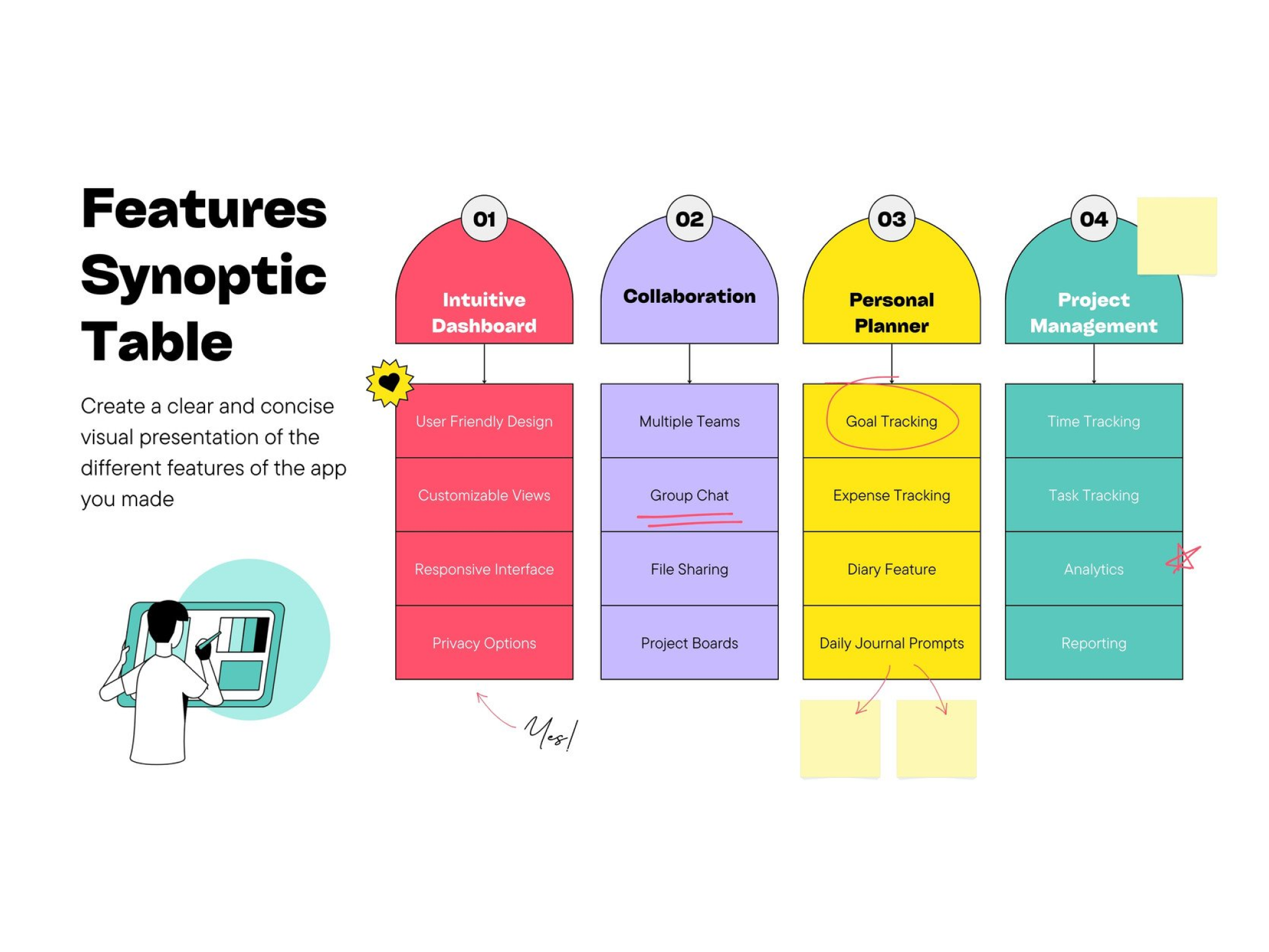



Matylda
Frequently Asked Questions
- To make a synoptic table, familiarize yourself first with the information you gathered about your topic. Identify primary themes and supporting details, then begin plotting them down into your table—start with your main ideas, then your secondary details, and finally the other details. Refine it by sorting and grouping similar ideas together to identify overarching themes better. Also look out for any gaps in your table to identify what concepts you need to gather more information for.
- A synoptic table is useful for organizing and summarizing scattered information about a topic. That’s why it’s great for students, teachers, and researchers who need to understand their subject matter better; prepare before a lecture or presentation; or analyze information for any similarities, differences, and gaps. Businesses and organizations can also use synoptic tables to organize the structure of their teams, or arrange information gathered from marketing, product, and other types of research.
- The key distinction between a synoptic table and a concept map is the manner in which the information is organized. Synoptic tables organize concepts based on their logical hierarchy (whether they’re a main idea, a secondary idea, or other detail). Meanwhile, concept maps sort ideas according to a specific order that doesn't necessarily follow their logical hierarchy.
- There are three types of synoptic tables:
- Synoptic bracket table. This type uses curly brackets (“{“) to organize and group concepts from left to right.
- Synoptic diagram. Closely resembling tree diagrams, this type uses lines or arrows to link ideas together either vertically or horizontally.
- Network synoptic chart. This type differs from the previous two in that the ideas do not necessarily have an order, and are written down around the topic in the center of the chart. Related ideas are later connected with lines, making them look similar to a mind map.