- UML Diagrams

UML diagrams
UML diagram maker features
Manage your systems well by visualizing them in Canva’s UML diagram creator for free. Explore facets of your system or process that you can improve or overhaul when you map them out in an organized and eye-catching visualization. Start with a template or from scratch and collaborate with your team to make the most out of our intuitive tools and design library.
More than 20 professional types of graphs to choose from
Professionally designed templates to fast-track your workflow
Data visualization made easy – no complicated software to learn
Publish, share or download your high-resolution graph
Embed your UML diagram in presentations, reports, and more with no fuss
Easy drag-and-drop tools, made with the non-designer in mind
How to make a UML diagram

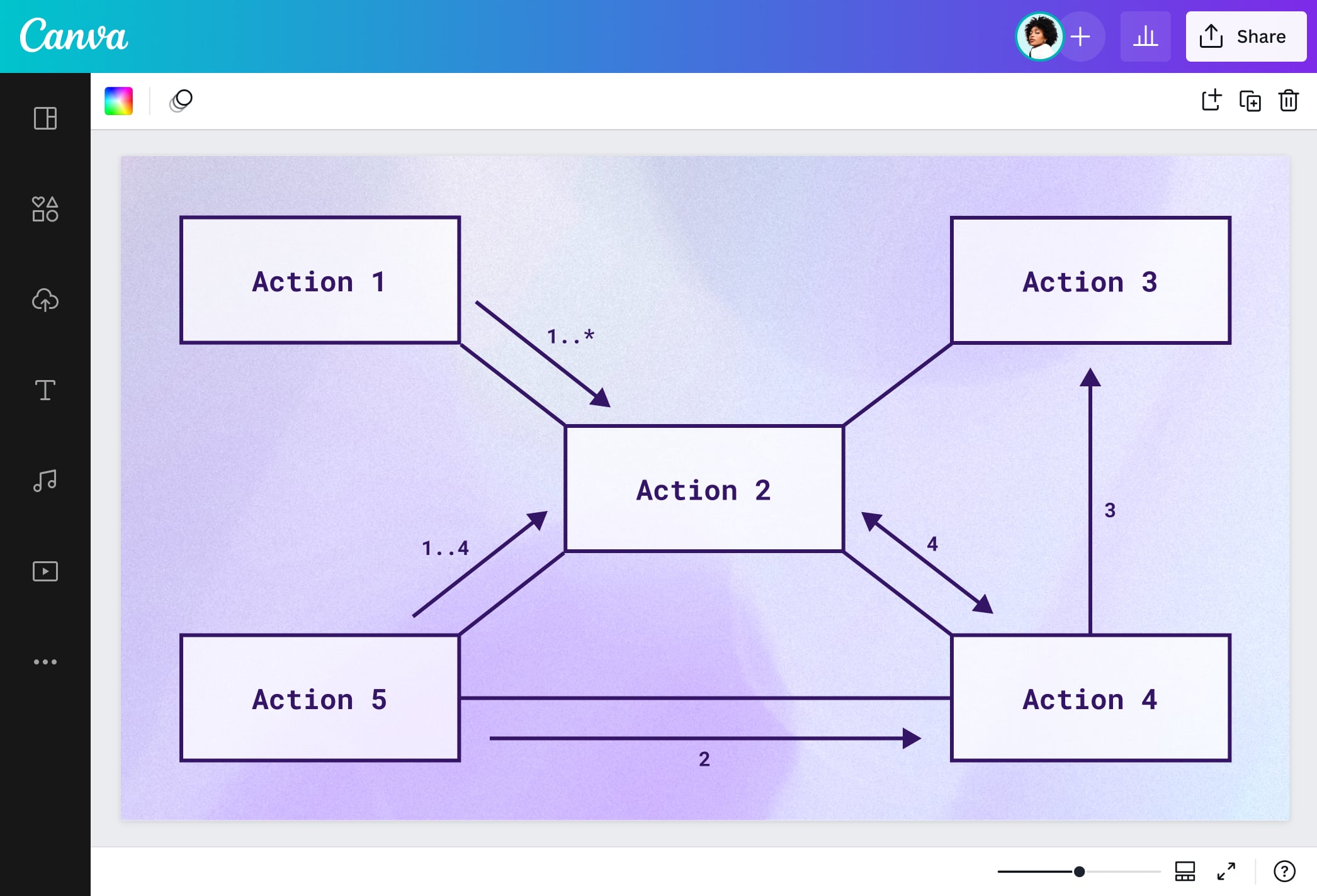
What is a UML diagram?
A unified modeling language or UML diagram(opens in a new tab or window) visually presents a system’s design and structure to help developers find solutions to complex programs and engage non-programmers to decode how these software systems work. Outside of technology, unified modeling language tools demonstrate interactions and relationships of workflows in organizations. All lead to easier decision-making when it comes to improving processes.
The history of UML diagram

The 1990s saw the rise of programming languages that created fascinating software systems. But, stakeholders found them too complicated to analyze. Then came 1996: Grady Booch, James Rumbaugh, and Ivar Jacobson at the Rational Software Corporation were at the helm of creating a visual language to help developers and non-programmers understand the makeup of complex systems.
Soon after, it was adopted by members of the Object Management Group, and for the years that followed, it had been a staple shared visual language which would be standardized by the ISO in 2005.
Despite more agile systems available nowadays, UML diagramming still finds its edge in helping teams to communicate ideas, spot process pain points, and arrive at efficient decisions for systems.
Components of a UML diagram

Classes
Objects

Use cases

States

Packages

Nodes
Notes & annotations

Connecting arrows
Frame
All systems go!

Whether you’re developing an app or ensuring that processes flow smoothly in your business, a UML diagram tool may be your best bet. Visualize the design and structure of your program and see potential problems and opportunities to build a fully-realized and intuitive system. Canva’s UML diagram maker lets you work on attractive templates and beginner-friendly tools that’ll supercharge your progress planning or brainstorming sessions for new app features.
Connect ideas with fun symbols

Systems and processes don’t have to be scary and dreary. Make it a creative visual experience with your UML diagram online. Depict how your app or workflow interacts or behaves and see how your components affect and relate to each other using Canva’s rich library of picture-perfect design elements. Explore shapes, arrows, vectors, and images to annotate every stage or step. Then, add a splash of color and art with our nice palettes and text fonts.
Collaborate and communicate seamlessly

Exchange thoughts and ideas efficiently in Canva’s free UML diagram creator. Your team can work simultaneously to generate a UML diagram in time for your next app launch or new product cycle. Collaborate in real-time by sharing a link to your design. Picture your system’s structure and behavior in no time and make impactful comments and decisions all in one place. No need to hop into multiple documents or editors!
Endless space for ideas

Don’t let a limited canvas hinder you from growing your system. Even if you already find yourself working on a UML diagram template, it’s easy to open the floodgates for more ideas. Simply select ‘Expand to a whiteboard’ and brainstorm with your team using the magic of Canva Whiteboards(opens in a new tab or window). You can even turn it into a dynamic collaboration by setting a timer as you identify classes and objects together. For a more structured approach, use a decision tree(opens in a new tab or window) to help guide your brainstorming sessions.
UML diagram templates
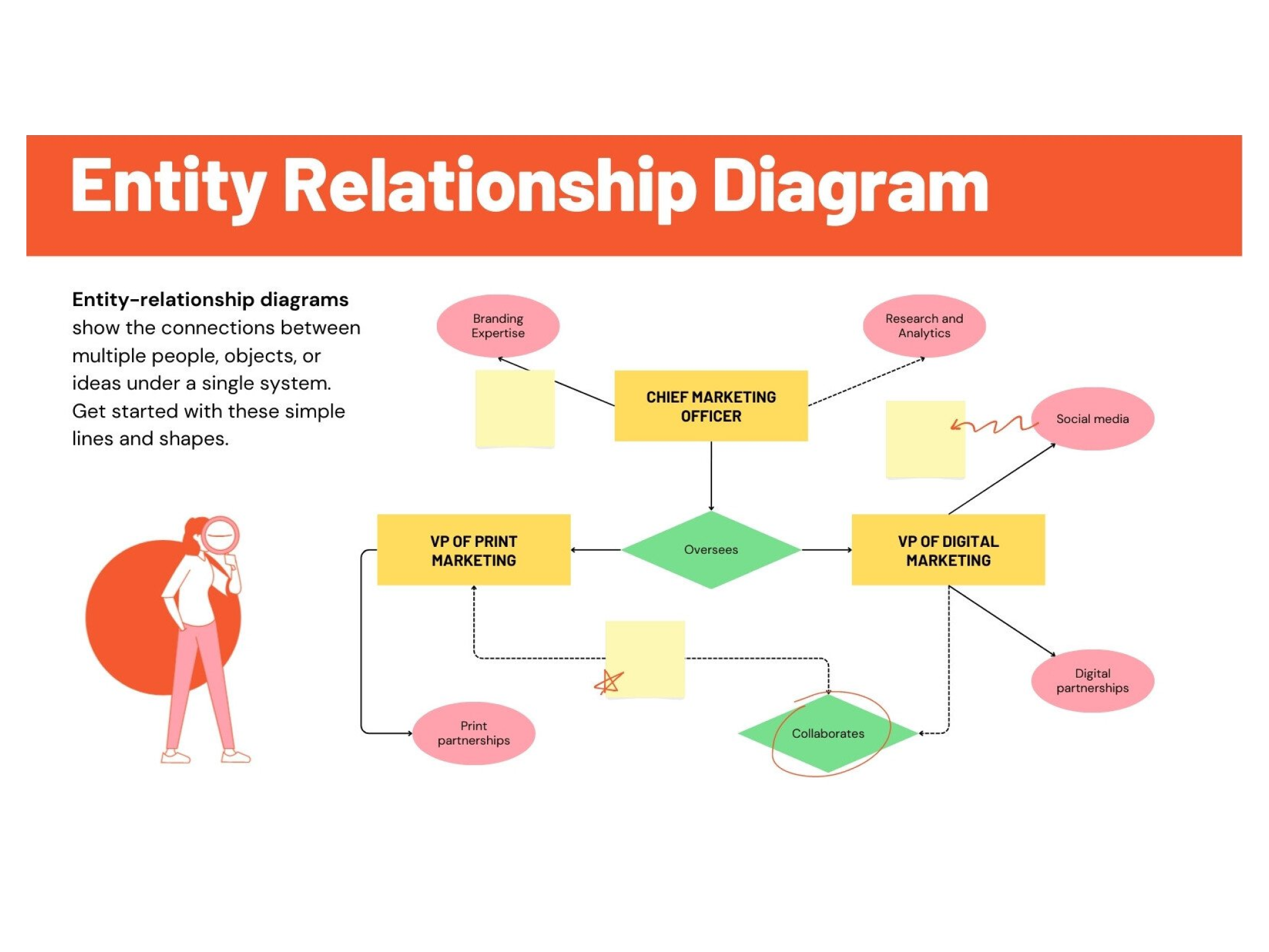

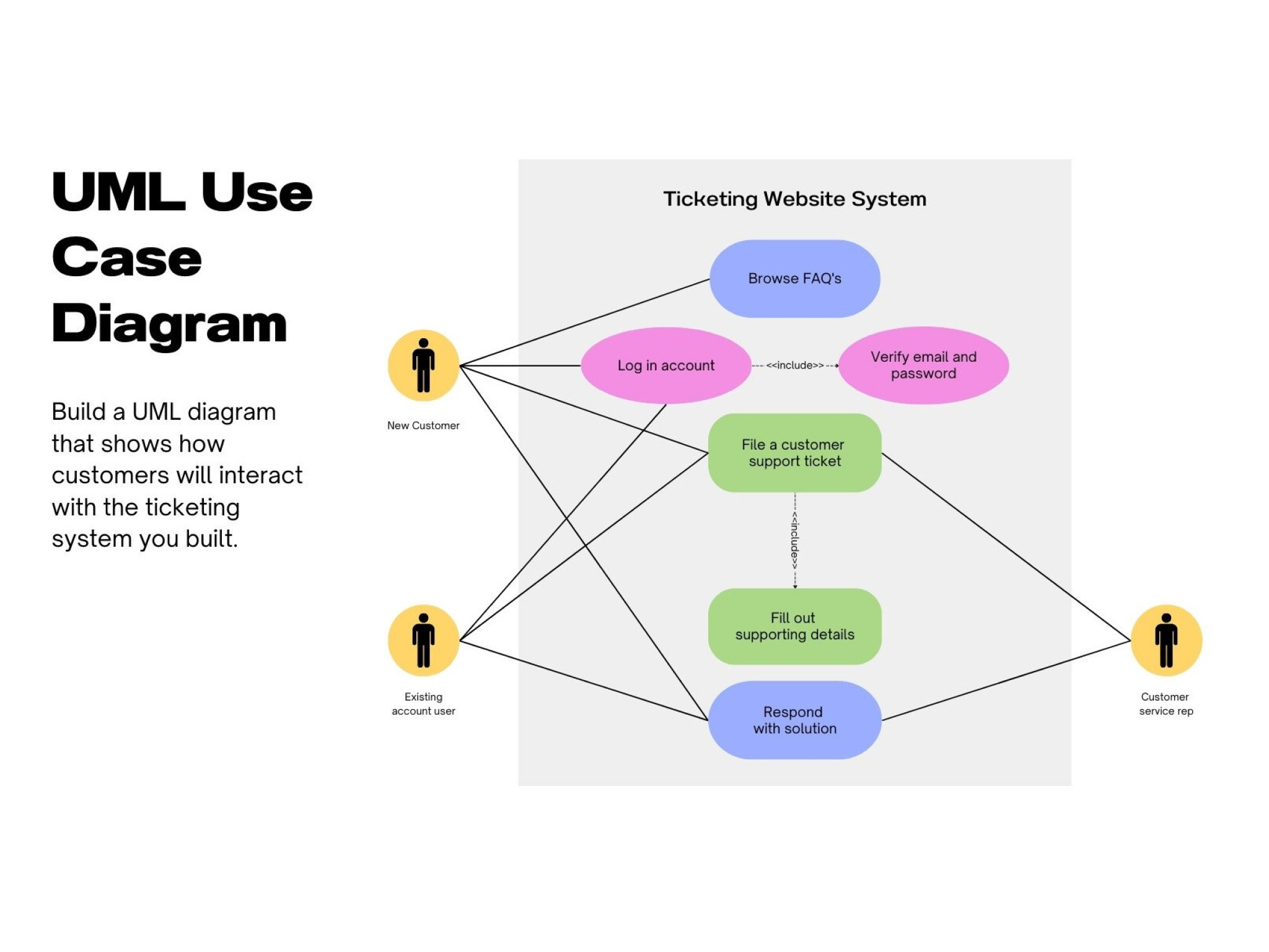


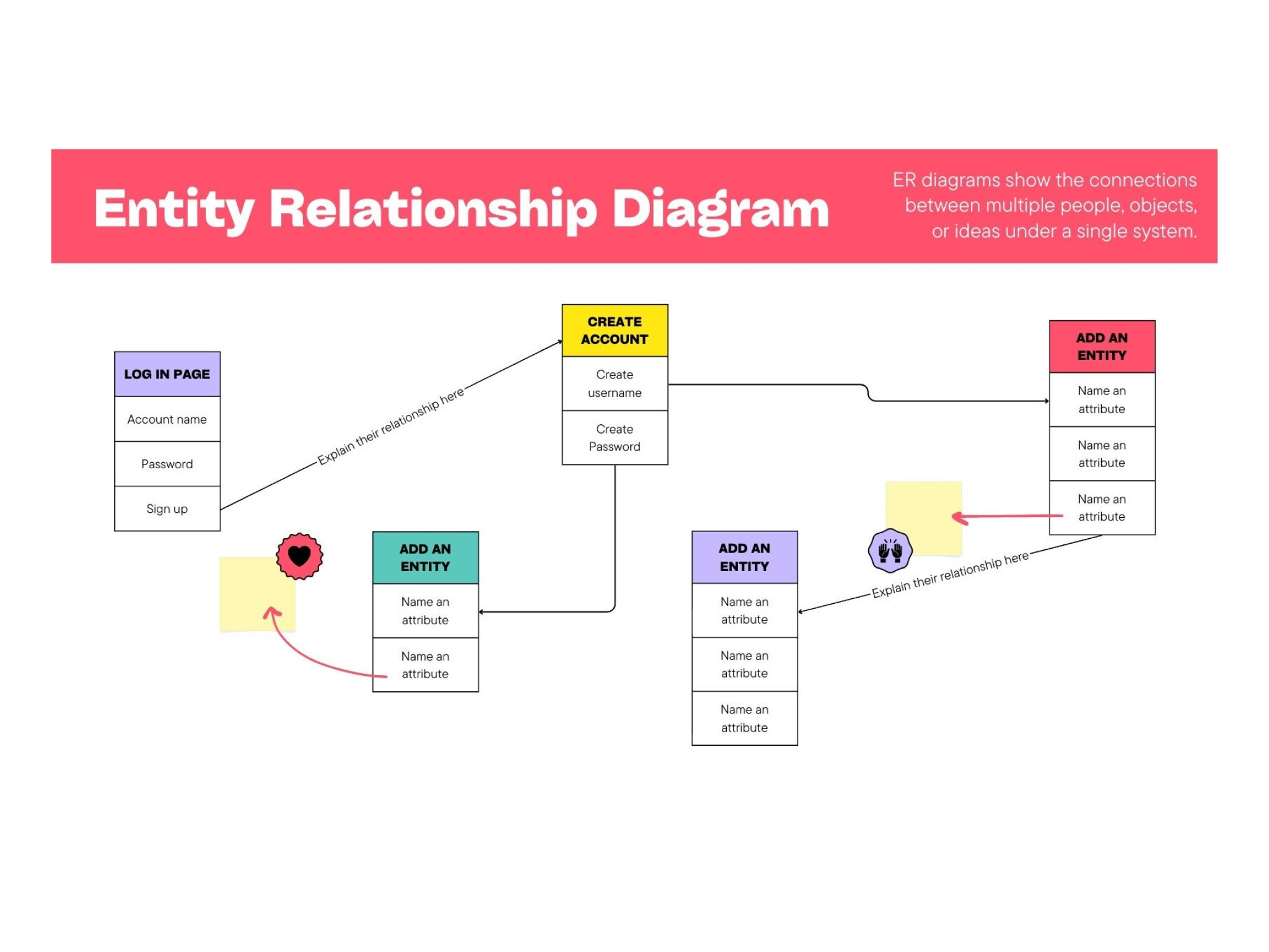

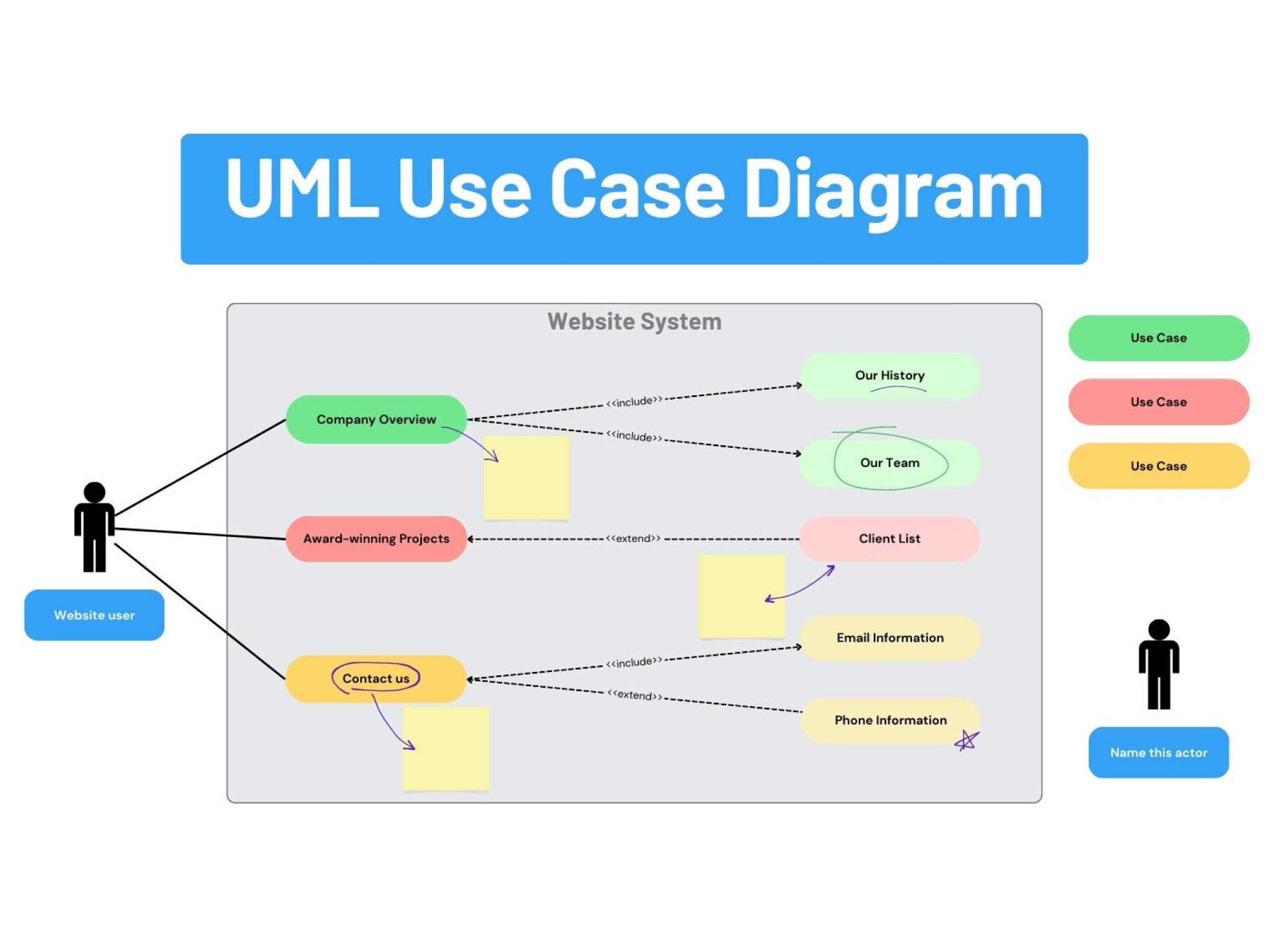

Anon
Frequently Asked Questions
- UML stands for unified modeling language which is a visual language used to model and map out a program’s structure or processes. You can use our free UML diagram tool online to visualize your system’s design, create use case diagrams, or look into your business workflow and streamline it accordingly.
- There are 14 identified types of UML diagrams, but they are broadly categorized into two: structural and behavioral. Structural UMLs like class, profile, and deployment diagrams look into the objects within a system. Meanwhile, behavioral UMLs such as use cases, activity, state machines, or timing diagrams demonstrate the interactions between actors and systems.
- Mapping out your system or workflow may depend on the different priorities of your team. When you work with our UML diagram maker, ensure that you capture the right picture relevant to your stakeholders. Some stages or processes might not be apt for your audience, so consider how you frame your UML diagram content. Keep your labels and descriptions clear and concise. Then, arrange all your elements without overlapping them so the hierarchies and relationships are clearly seen.
UML diagram arrows and symbols can guide you on how to read your UML diagram. Arrows dictate the relationships between classes and objects.
- A generalization or an element being a specific type of another is represented with a solid line with a hollow arrowhead.
- An association is a one-way relationship where information simply flows to another, shown as a solid arrow with an unclosed arrowhead.
- A dependency means that one element relies on another for information and can be delicate enough to affect the system when broken. It appears as a dotted line with an unclosed arrow.
- A realization shows that information is derived from another, represented as a dotted line with a hollow arrowhead.
- A number sign or hash symbol means a member of a class or data type is protected.