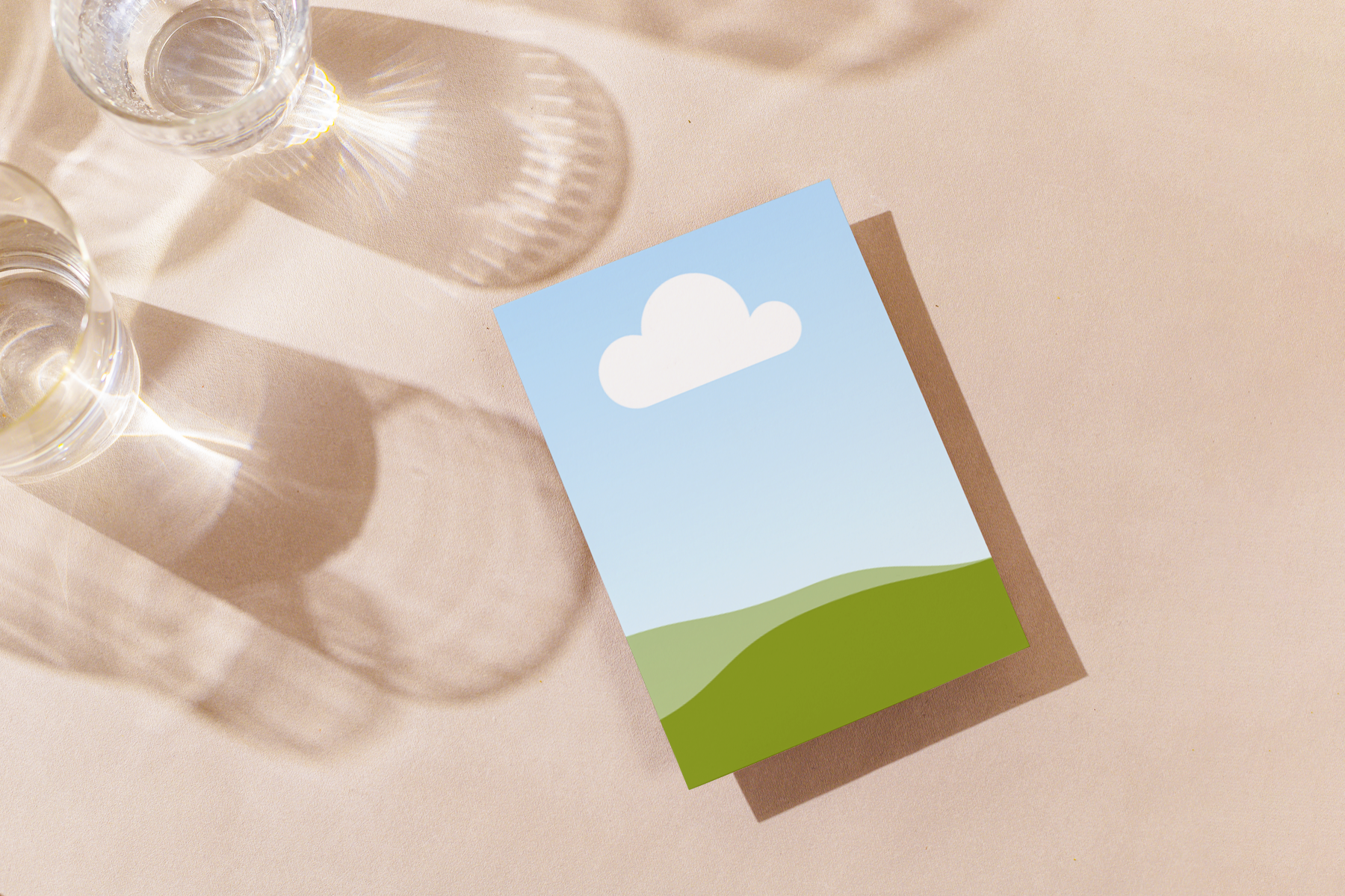
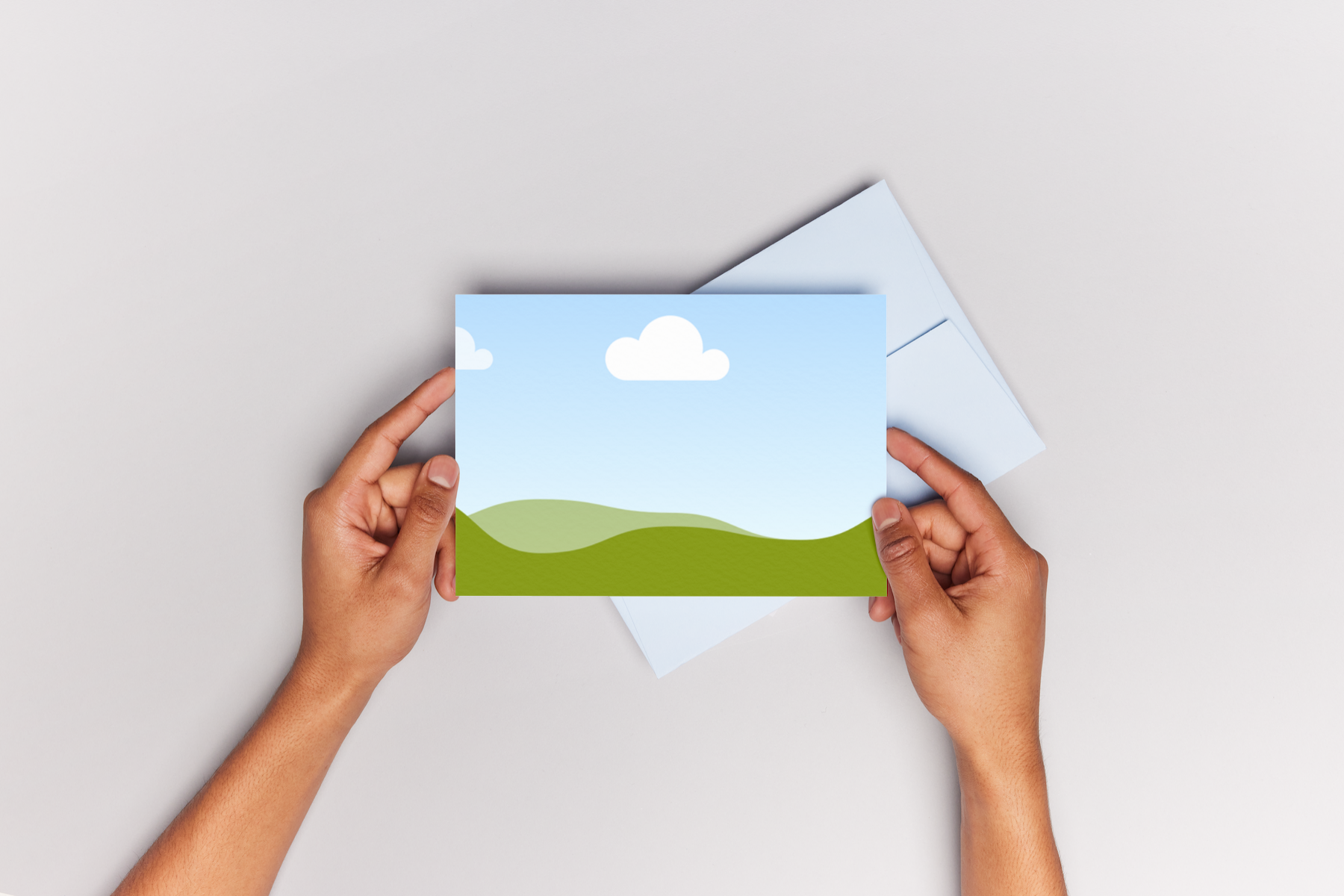
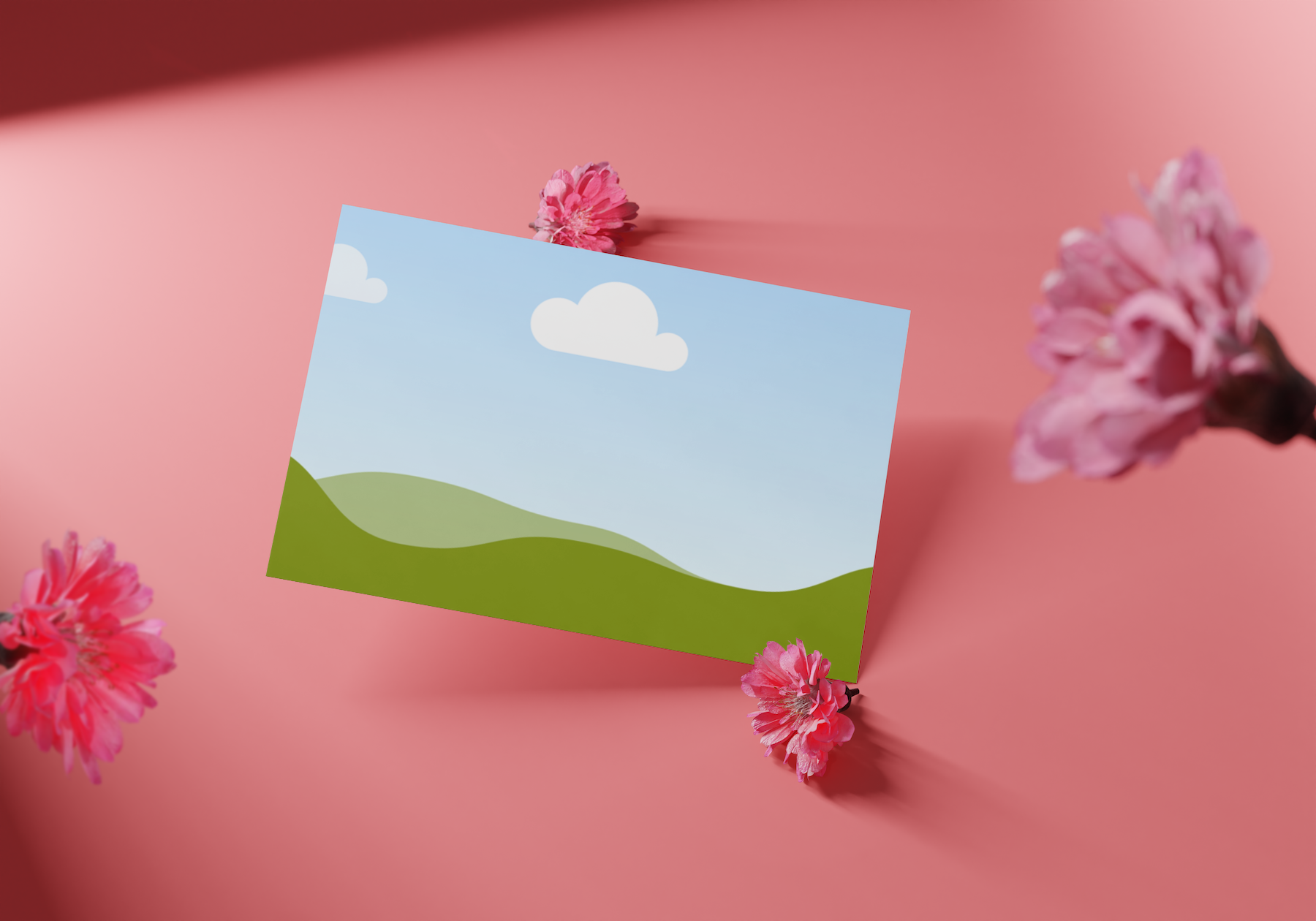
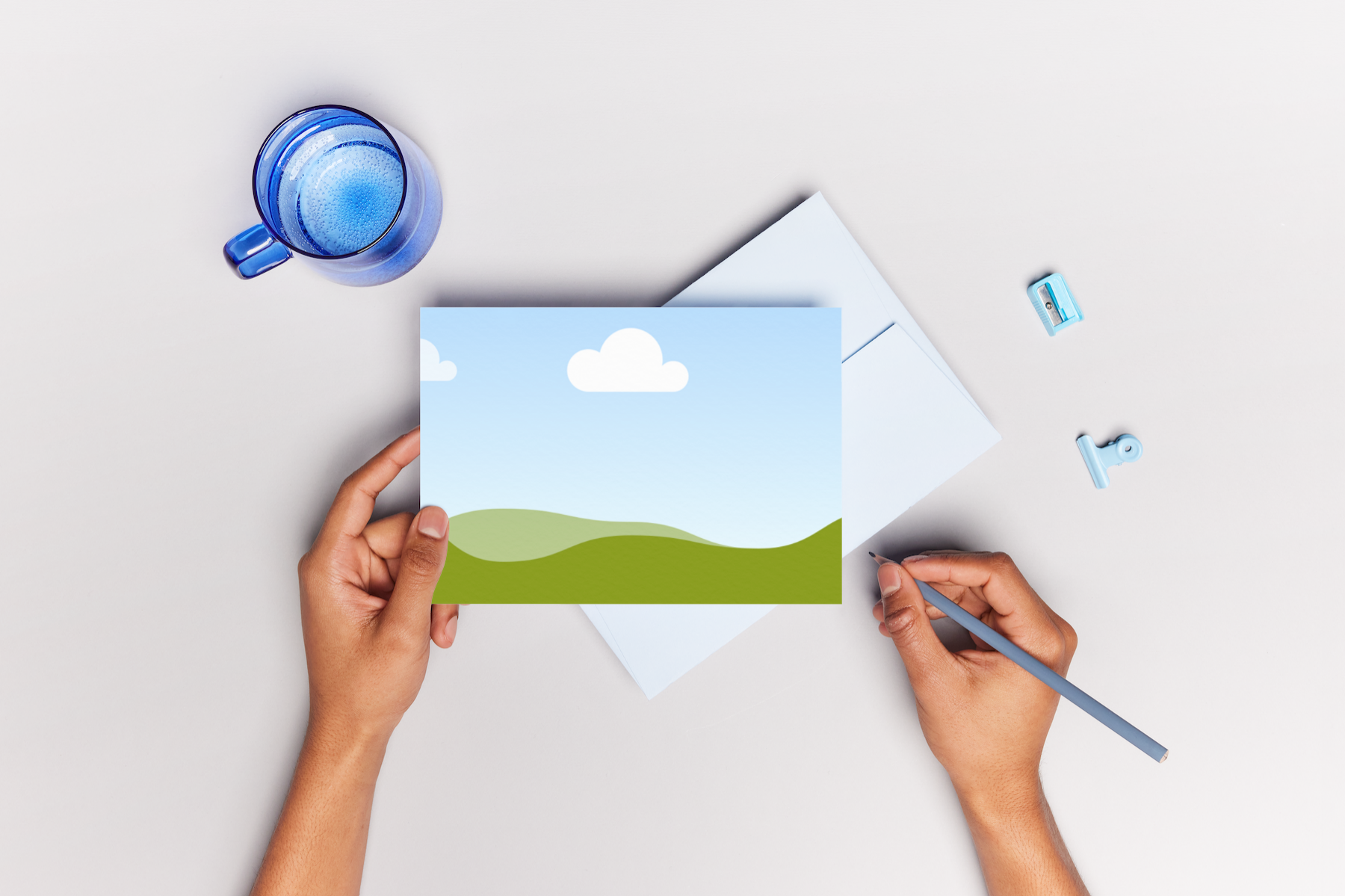
Free invitation mockup generator

Easy drag-and-drop editor
3M+ free stock photos and graphics
Design from any device
Download or share designs easily
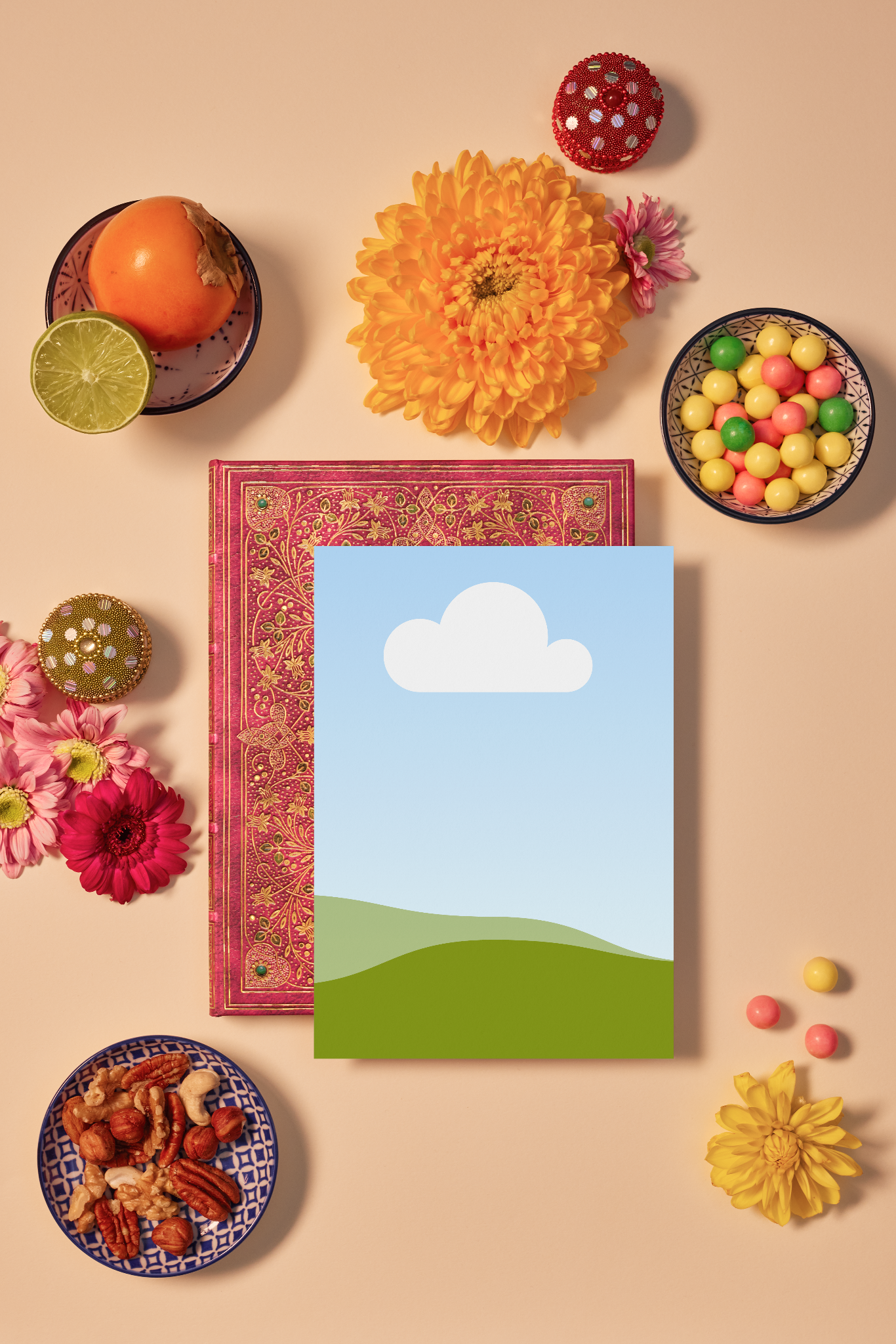
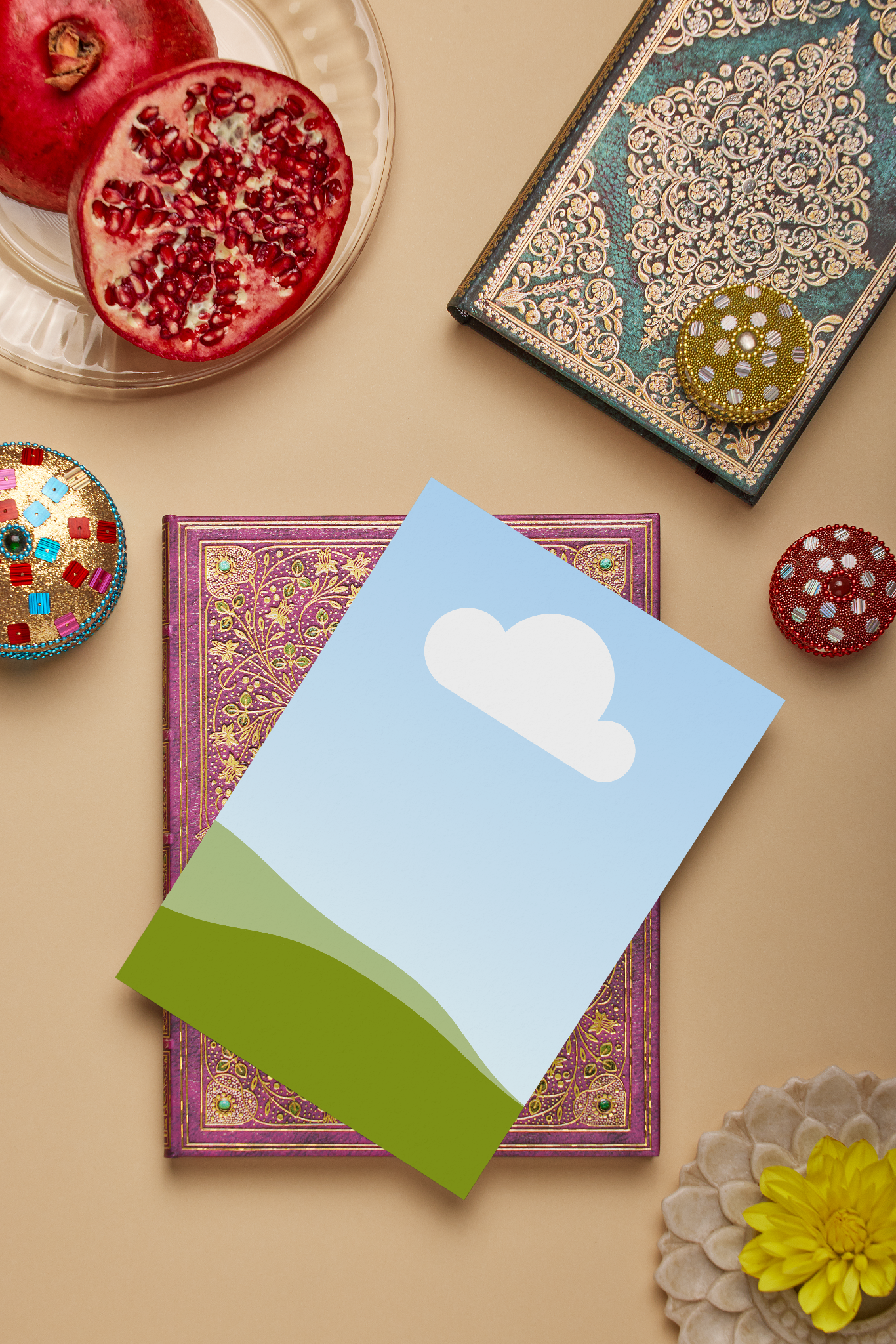
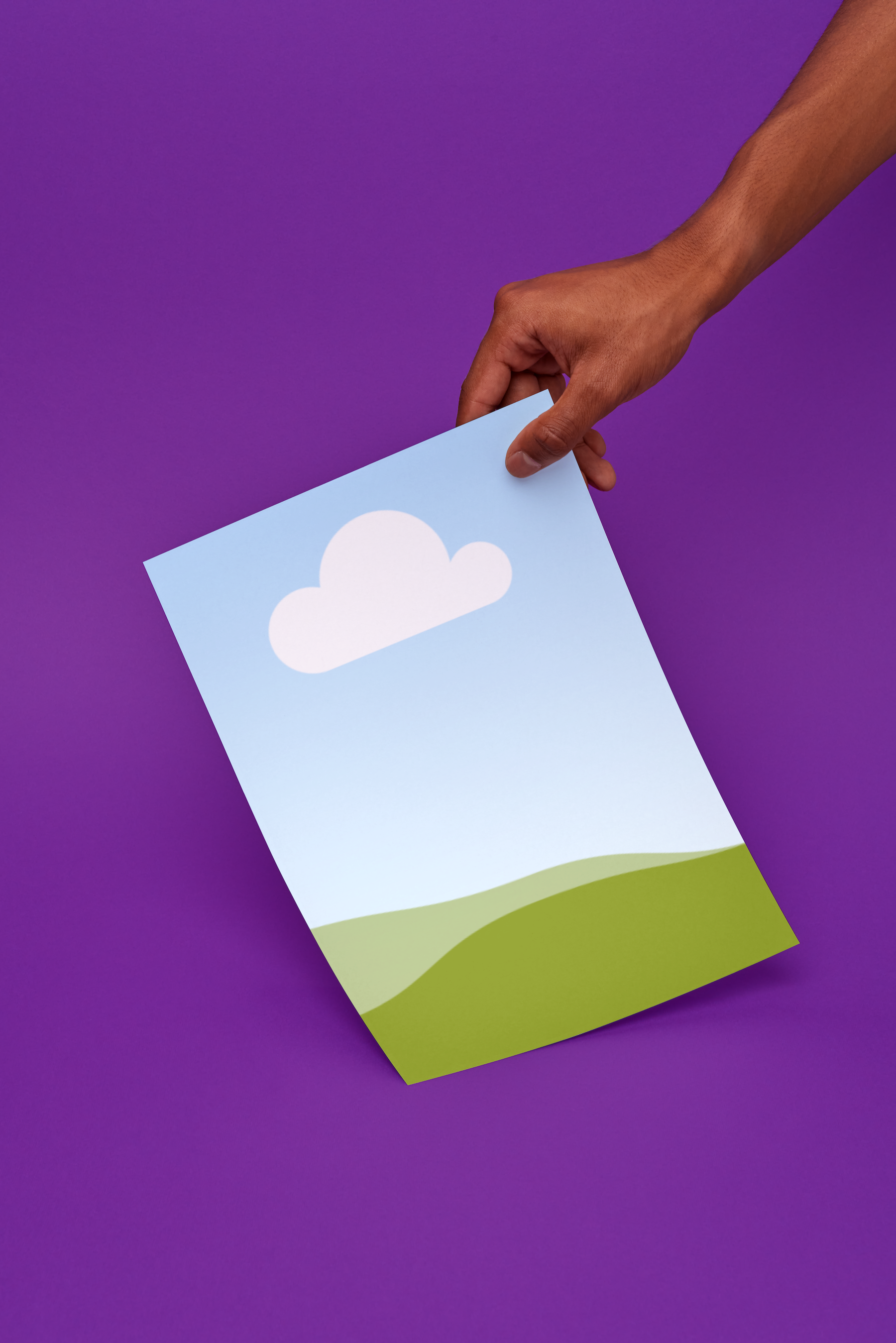
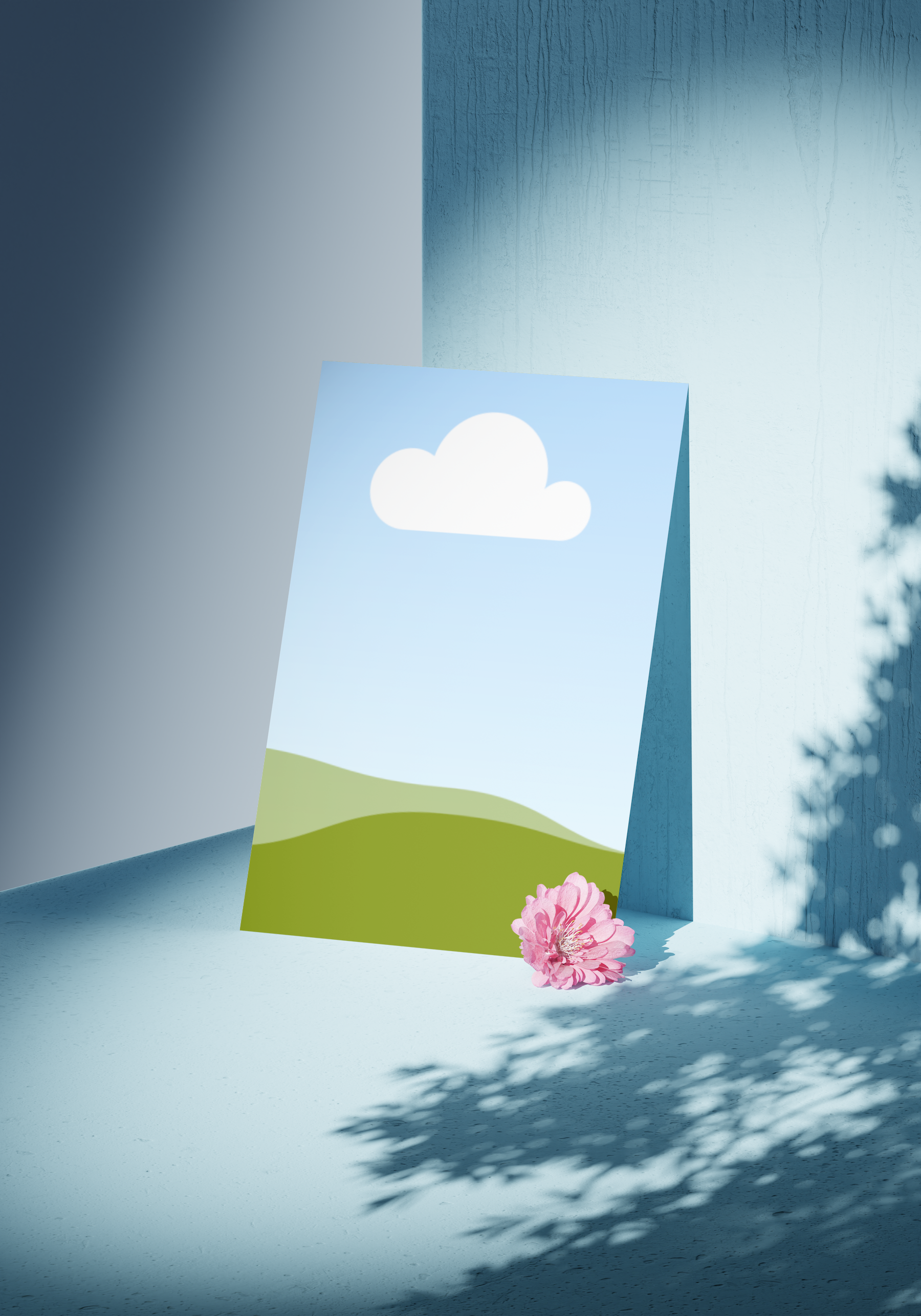
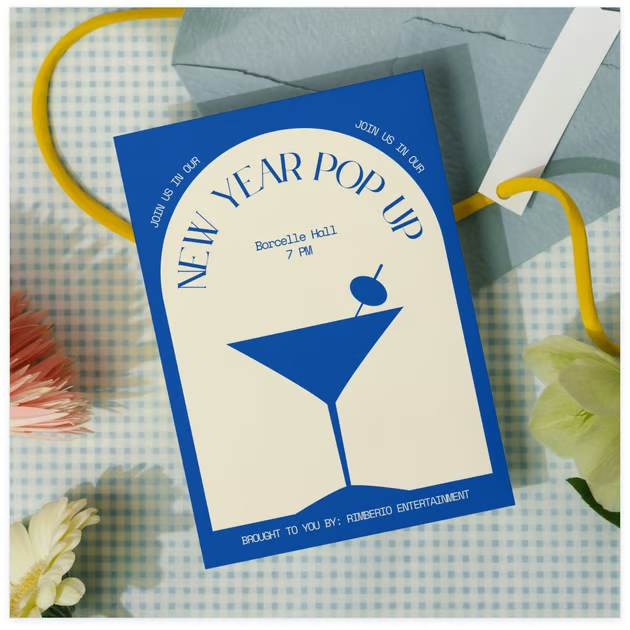
Got a design in mind but worried about the cost and risk of printing it right away? Whether you’re making a greeting card or a wedding invitation, our mockup generator(opens in a new tab or window) helps you visualize your design—no expensive print runs needed.

Design invitation mockups that RSVP “yes” every time
In this digital age, printed invites might seem unnecessary, but they’re still a great way to make events memorable. The thing is, printing invitations(opens in a new tab or window) whether for a branding event, a photography workshop, or a wedding, can be pricey especially if the final design isn’t what you expected.
Good news is, Canva Mockups lets you see your designs in real life, but without the production costs and wait time.
How to create an invitation mockup


Meet Magic Studio™: All the power of Canva’s AI
Magic Studio™ brings together the best AI-powered tools for you and your team to help you design with more ease, speed, and creativity.


See it before you print it
With our free invitation maker(opens in a new tab or window), create invitations that wow at first glance, impressing your guests before the event even begins. Need to tweak a photo or customize the invitation design? Canva's AI-powered photo editor(opens in a new tab or window) has your back. With Magic Edit(opens in a new tab or window), you can easily add, replace, or refine elements in just a click, ensuring your invitations look flawless before they hit print.
Ever printed an invitation only to realize it doesn't look the way you imagined? With Canva's invitation mockups, you can preview your design in a realistic setting before committing to print. Adjust colors, layouts, and details until it's just right—no surprises, no wasted prints, just a perfect invitation every time.
Create your own invitation mockups with AI
Got a photo you wish to turn into a custom mockup template? We've got you covered. Transform any image into a mockup with a click. With the power of AI, Mockups analyzes your images and identifies ideal surfaces for placement of your invitation designs. To access, add a photo to your design. Click Edit from the toolbar. Under Apps, select Mockups, and click Create your own mockup. Then, drag and drop your invitation design into the newly created mockup.
Design together, no matter where you are
Planning an event with a team? Canva makes collaboration effortless. Share your invitation mockup with co-hosts, clients, or designers and get instant feedback. Use the Brand Kit(opens in a new tab or window) to showcase your brand colors, logos, fonts, etc. across different collaterals.
No email chains or file downloads needed. Edit in real-time, make quick tweaks, and finalize the design seamlessly, all in one place. Need compelling text for your invitations? Try our AI Caption Generator(opens in a new tab or window) to create the perfect wording.
From screen to reality with Canva Print
Once your invitation mockup looks perfect, bring it to life with Canva Print. Choose from premium paper options, finishes, and sizes, then have your invitations printed and delivered straight to your door. No extra steps, no complicated setups—just beautifully printed invitations, ready to send.
FAQ

@navneet4