- Merge Videos
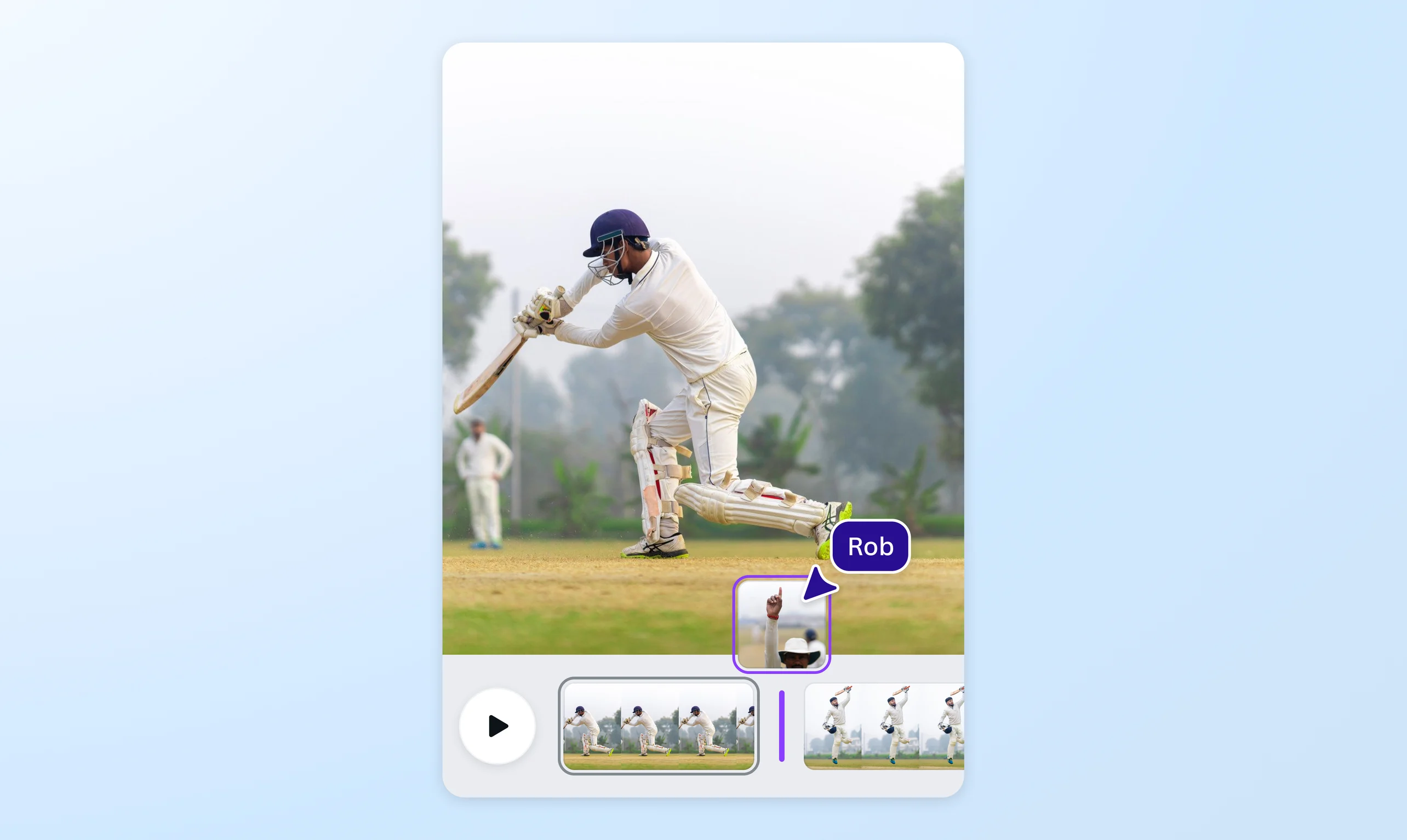
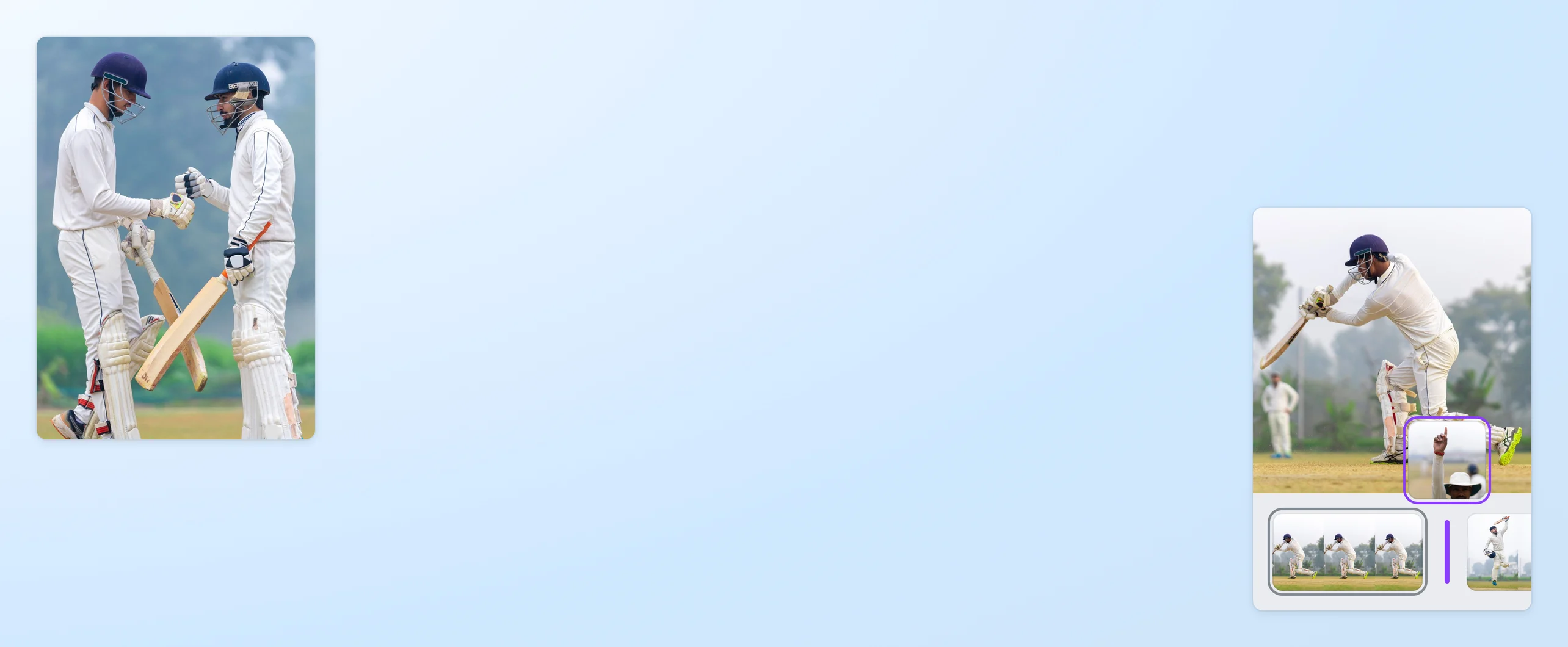
Merge videos online to tie a story together
Watch a complete picture come to life in video with clips you can combine and stitch into one ad, slideshow, or bite-sized film. Tell a moving story using our free video merger tool.
or drop it here
Learn about Canva's upload formats and requirements. See how we use your content in our Privacy Policy.
Tie up your story’s loose ends

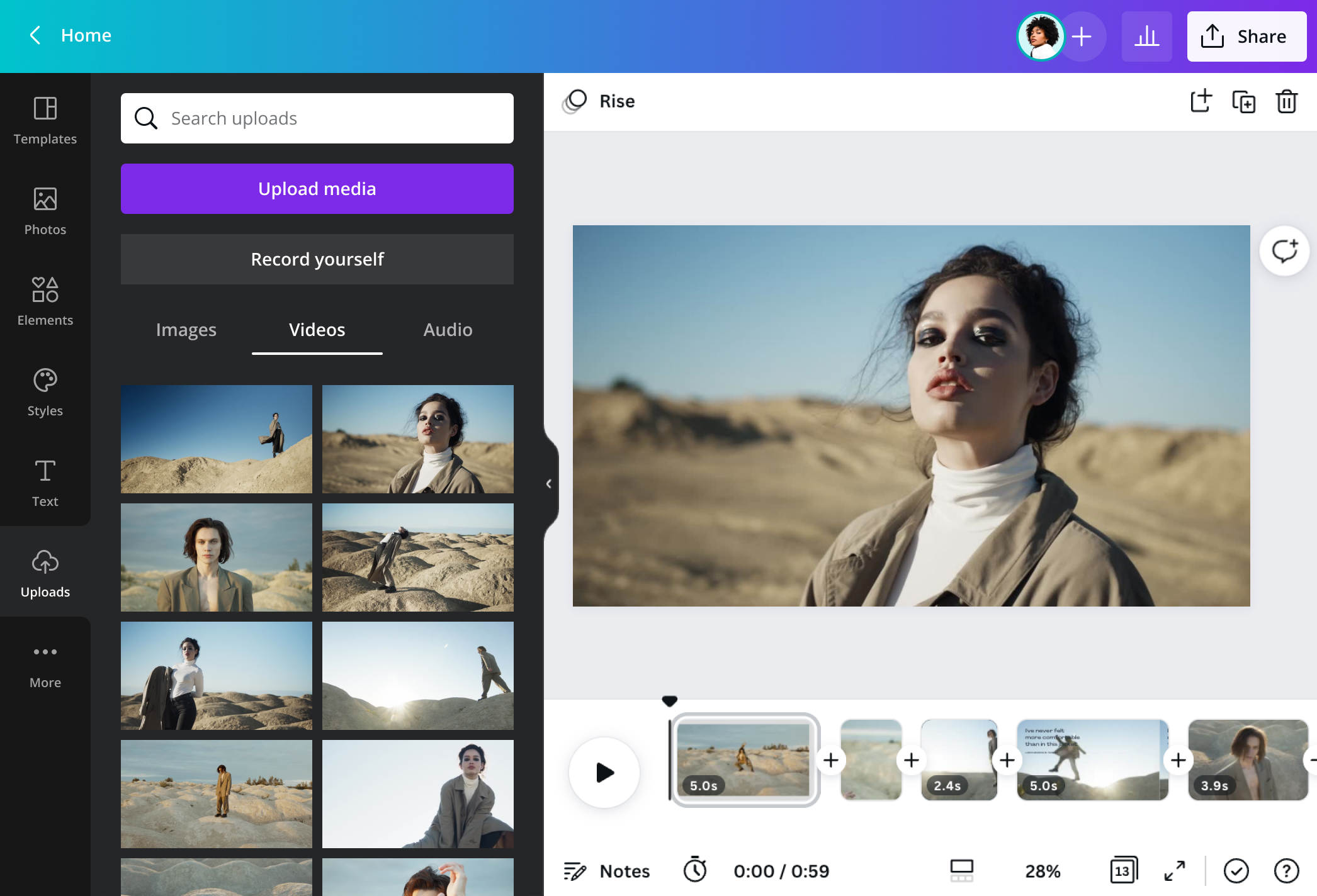
Stitch videos together and show different perspectives and angles to your stories in one go. You can produce a hype reel of multiple scenes from your event on Instagram. Or post a heartwarming collection of video greetings for someone’s special day and share it virtually. Start a video project in Canva, upload individual video files, or create talking head videos with our AI video generator(opens in a new tab or window), and easily merge the videos for free online. Then, download everything as a single, high-quality MP4 file.
Fits perfectly in a frame

Capture the perfect moment as you put videos together. With our video trimmer(opens in a new tab or window), you can cut and splice clips as you merge two videos to complete a scene. Need to flip some of the video files? Simply click Flip to turn them over sideways or upside-down. You can also crop your video or use the one-click premium Magic Switch tool to get the perfect video size for your Facebook page, YouTube channel, Snapchat, and other platforms.
All in one, seamless take

As you work on the video joiner, fill in the gaps with amazing effects and audio. Apply smooth transitions when you merge videos together so each frame flows smoothly into the next. Make it even groovier and add free and pre-licensed tracks you can combine with your videos in multiple layers. To make it truly impactful, use the awesome Beat Sync(opens in a new tab or window) feature to automatically align video cuts to the beat of the song.
How to merge videos

Frequently Asked Questions
- Our free, online video editor lets you stitch videos together with no watermark. Download your merged video without watermark in high-resolution MP4 format, whether through the desktop or mobile app.
- Download our iOS app from the App Store for free. Not only is it a graphic design app, but it also doubles as a video merger app. Simply upload your clips, position them on each page, and combine them easily on the video editor timeline. You can also crop, trim, and add video transitions and new audio.
- As you merge videos, you can preserve their audio, extract audio from a clip, adjust their volume, or mute them altogether. You can add a new audio file, too—or even convert audio to video if you need a visual component. Suppose you want to add an original track or a nice tune from our media library. In this case, simply upload the audio file, and drag and drop it onto the timeline. You can layer several audio files, too. For one last touch, click Beat Sync to automatically sync the clips to the rhythm of the music.
- Similar to how you combine videos together, you need separate pages on the timeline for each photo. Modify those image files using our photo editor, our stock library, or your uploaded archive. Position each frame nicely and add transitions and effects for a seamless flow.

@SpotOnDomain