- Image Montage

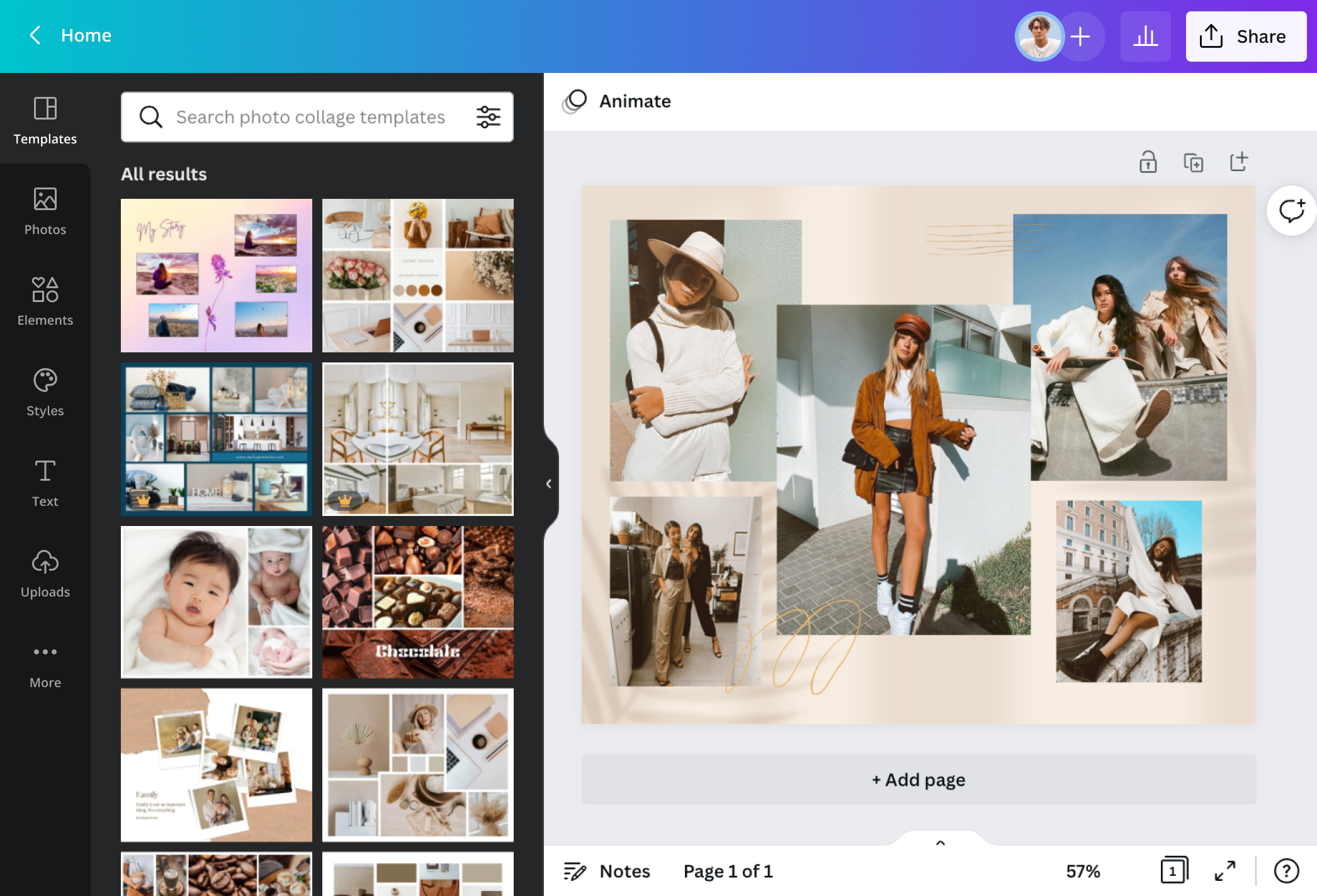
Layout visual stories in aesthetic photomontages
Weave stories with precious photos you've taken and artistically convey your message. From editing your images to dressing up your layout, make your photo montage with features from Canva’s photo editor.
Personalize your photos effortlessly

Available on any device, work on your images with Canva’s photo editor or photo to sketch(opens in a new tab or window) in a snap. Enhance your pictures(opens in a new tab or window) before adding them to your photo montages and sharing them on posters or Instagram. It's as easy as uploading your pictures and then either cropping or, for Pro users, removing the background(opens in a new tab or window) to frame an eye-catching angle or detail, adding filters to evoke feelings or themes of nostalgia, sadness, or happiness.
Embellish with texture and elements

An image montage wouldn't be complete without a pop of color, text(opens in a new tab or window), or a graphic element here and there. Relay your message visually with icons and illustrations to represent your emotions, advocacy, or stand on issues that translate(opens in a new tab or window) well on a shirt, canvas print, or Facebook post. Apply your touch and depth with layers of stickers, backgrounds, and textures(opens in a new tab or window) from our extensive library to go with your snapshots.
Share your visual story

Edit your online photo montage and post it on your website, hang it on your wall, or wear it in a hoodie or sweatshirt. Express your visual message in different forms without switching between apps or downloading additional software. Simply upload your assets, cut out images(opens in a new tab or window), customize your picture montage for free, and share or print to seamlessly publish a picture-perfect, watermark-less photomontage that lasts a lifetime.
How to make a photo montage

Frequently Asked Questions
- It’s a new image from cutouts of multiple photographs rearranged and overlapped to appear like a seamless artwork. Such a technique has been used to communicate messages or commentaries on many political and social issues.
- Though both may seem similar techniques, it all boils down to intent and details. Compared to a collage that combines different media types, a photo montage has an overarching theme for a cohesive look, from the photos taken to the embellishments added. Your image montage juxtaposes pictures and other elements to create a smooth final image that expresses a clear idea.
- You can upload as many photos and use as many graphic elements from our library. Some would say to have around 20 to 30 images in your final artwork but don't forget to consider how many you’ll be adding to your layout and how it’ll affect your ideas. That way, every element you add to your layout has its spotlight and leads to a coherent message.
- Photomontages aren’t stuck to just print artworks these days. You can simply create the same techniques in your online photo montage by cropping, resizing, rearranging, removing backgrounds, and adding a 21st-century touch with music from our library or yours. Search for perfect tunes via Audio or Elements in the dashboard, or upload your own with a drag-and-drop.

@SpotOnDomain