- Business Model Canvas
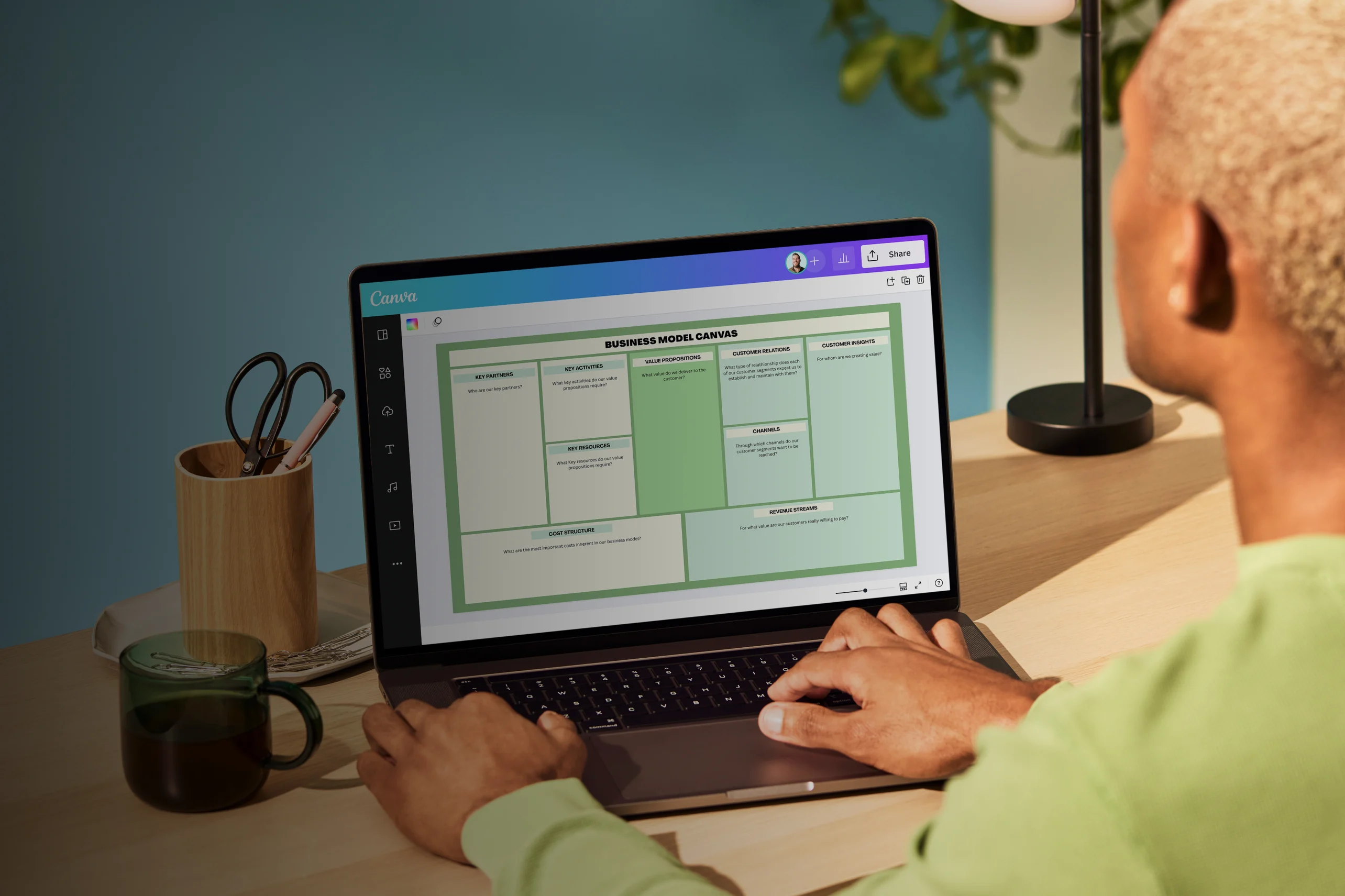
Business model canvas
Business model canvas maker features
Elaborate your business idea in a concise and visually strategic way. Assess how viable and competitive your business will be by identifying your customers, activities, costs, and revenue stream. It’s easy with free templates from Canva’s online business model canvas creator. You can brainstorm with your team and personalize it with fun design elements and interesting fonts and tools.
More than 20 professional types of graphs to choose from
Professionally designed templates to fast-track your workflow
Data visualization made easy – no complicated software to learn
Publish, share or download your high-resolution graph
Embed your business model canvas in presentations, reports, and more with no fuss
Easy drag-and-drop tools, made with the non-designer in mind
How to create a business model canvas

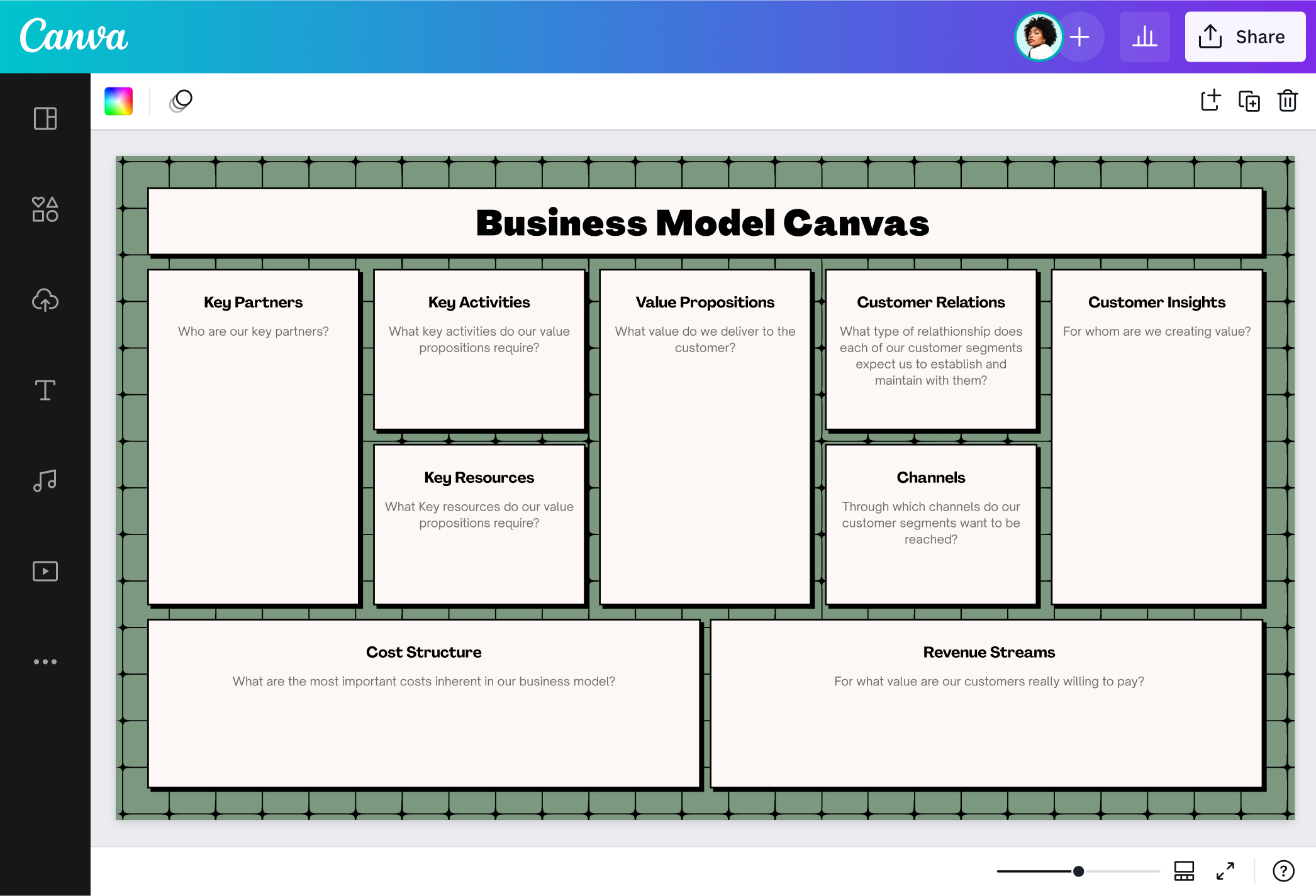
What is a business model canvas?
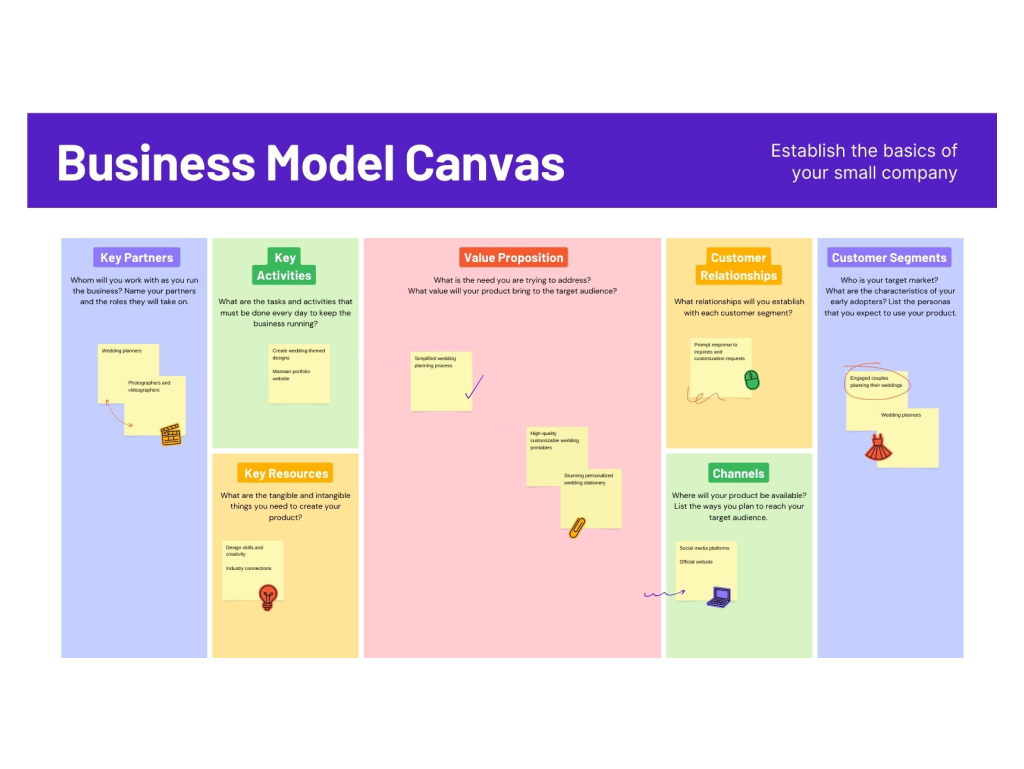
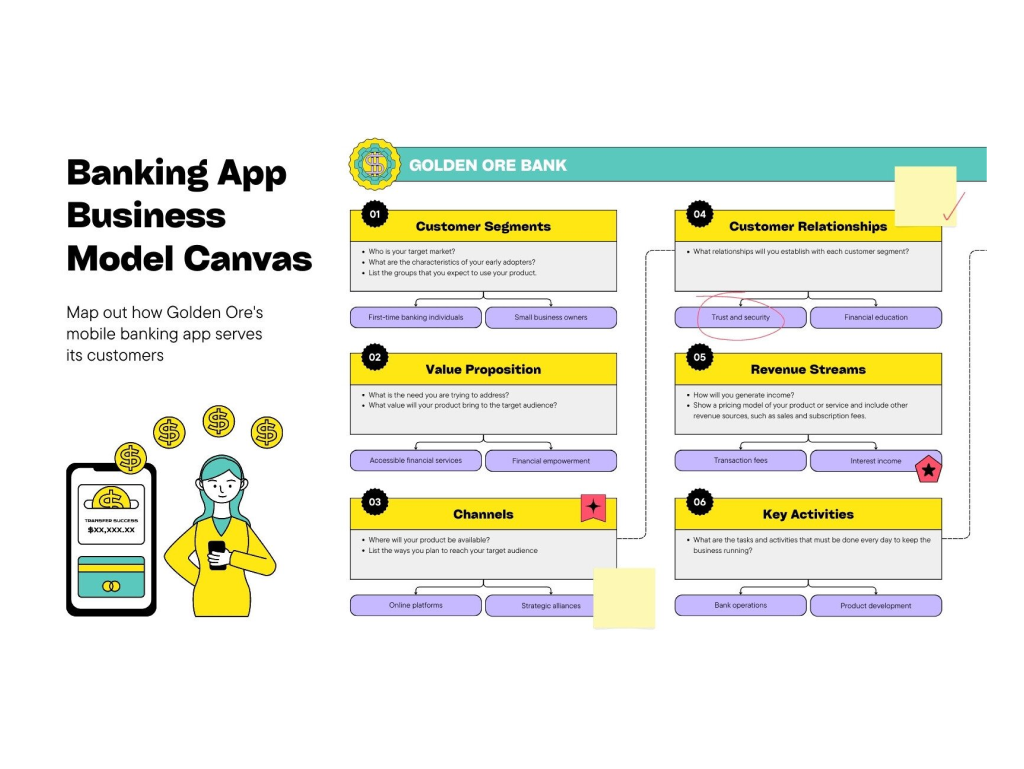
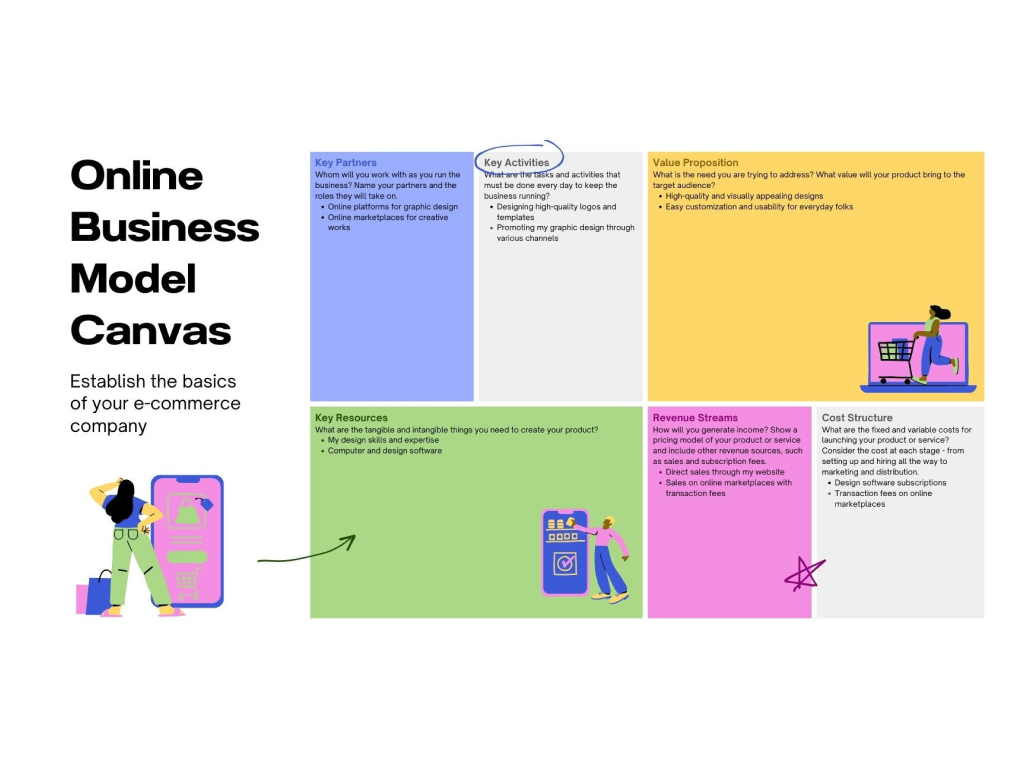
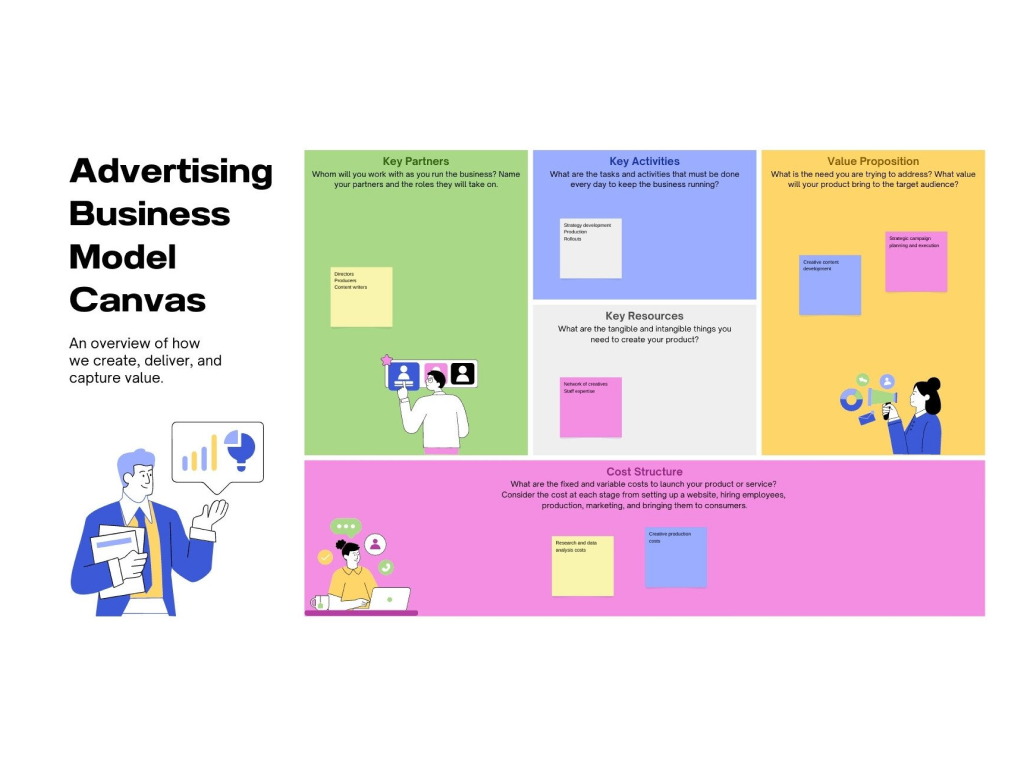
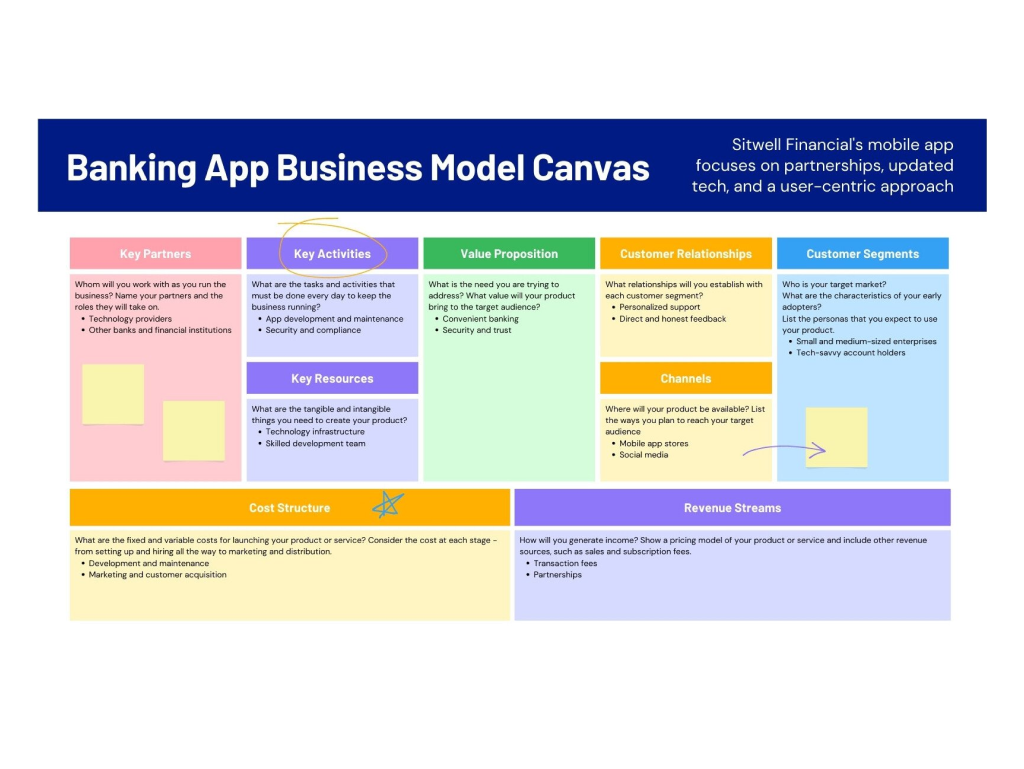
A business model canvas(opens in a new tab or window) is a visual framework that identifies factors affecting your business concept in a one-page document. Compared to a traditional business plan, it treats developing and testing a business idea as a concise visual exercise. Introduced by Alex Osterwalder and Yves Pigneur in “Business Model Generation,” it has since helped entrepreneurs understand their businesses’ competitiveness and viability in their target market.
Create well-rounded business strategies

Assess your business idea by visually categorizing all the possible factors involved. Use Canva’s business model canvas online to establish a framework that will set you up for success. Whether it's a merch store for your online brand or a promising tech startup, it pays to identify what will keep your concept competitive in the long run. Choose a template and customize textboxes with your data. Not only are you able to evaluate where you are in business development, you also get to be familiarized with your business concept to the core. To sharpen your focus even further, consider incorporating a Lean Canvas(opens in a new tab or window) to help clarify and define the essential aspects of your business model.
Visualize your market

It doesn’t have to be strictly business! Have fun with your business model canvas and treat it as a mood or vision board for your invigorating concepts. Add dynamic design elements from our library as visual cues to each component. Will it be a flavorful Asian restaurant? Throw some animated stickers of your favorite dishes or images from your menu. Perhaps a Christmas shop for the holidays? A hint of snow and Santa’s elves might make your business model canvas more festive.
Align everything with brainstorming

Go above and beyond with what you can fill in your canvas…literally! You no longer have to give up an inch of space to other areas, resize everything to a T, or sacrifice a thought-provoking idea when you run out of space. Expand to Canva Whiteboards(opens in a new tab or window) and magically have more space to build your business model canvas. Brainstorm with your team, set a timer, and add sticky notes(opens in a new tab or window) for each business component. Get out of your planning sessions with clarity and drive to make your new business venture a smash hit.
Shape success with your team

Two heads are better than one. And you can add some more. Collaborate seamlessly across teams and partners in our business model canvas creator. Simply send a design invite to your members to put those ideas out. Apply text or element changes and leave comments in real-time. Once finalized, easily download and share straight from the editor. You can even use poster mockup(opens in a new tab or window) to check your design and then publish it as a poster via Canva Print to keep everyone in the office on track.
Components of a business model canvas

Key partners

Key activities

Key resources

Customer relationships

Customer segments

Channels

Value proposition

Cost structure

Revenue stream
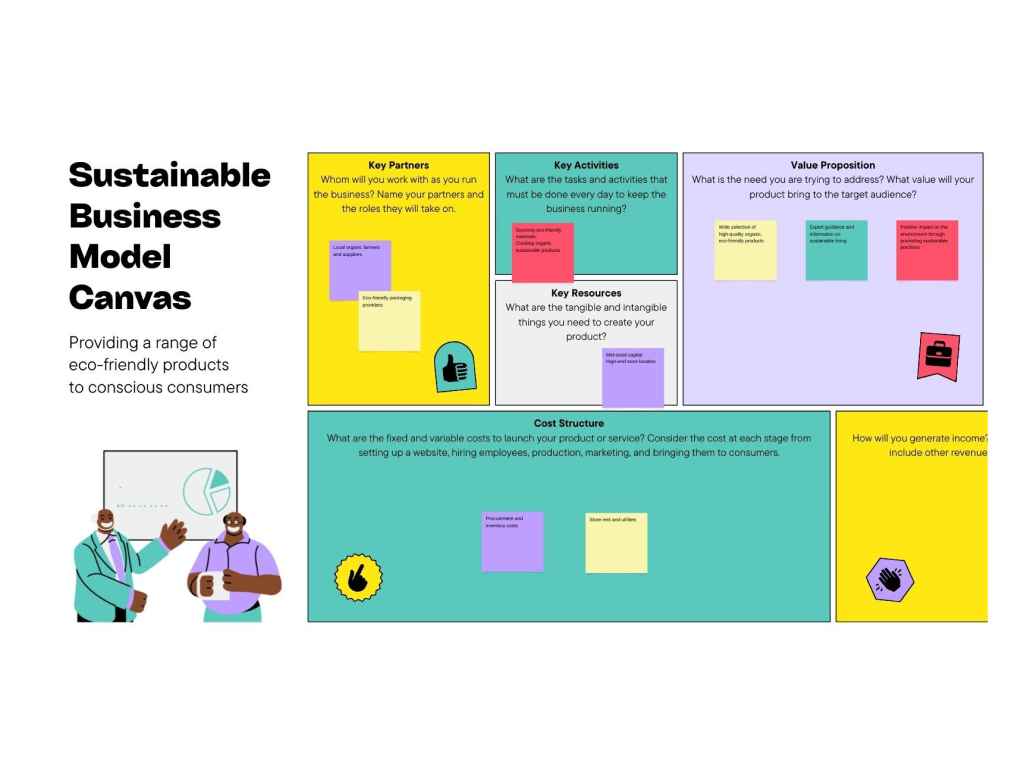
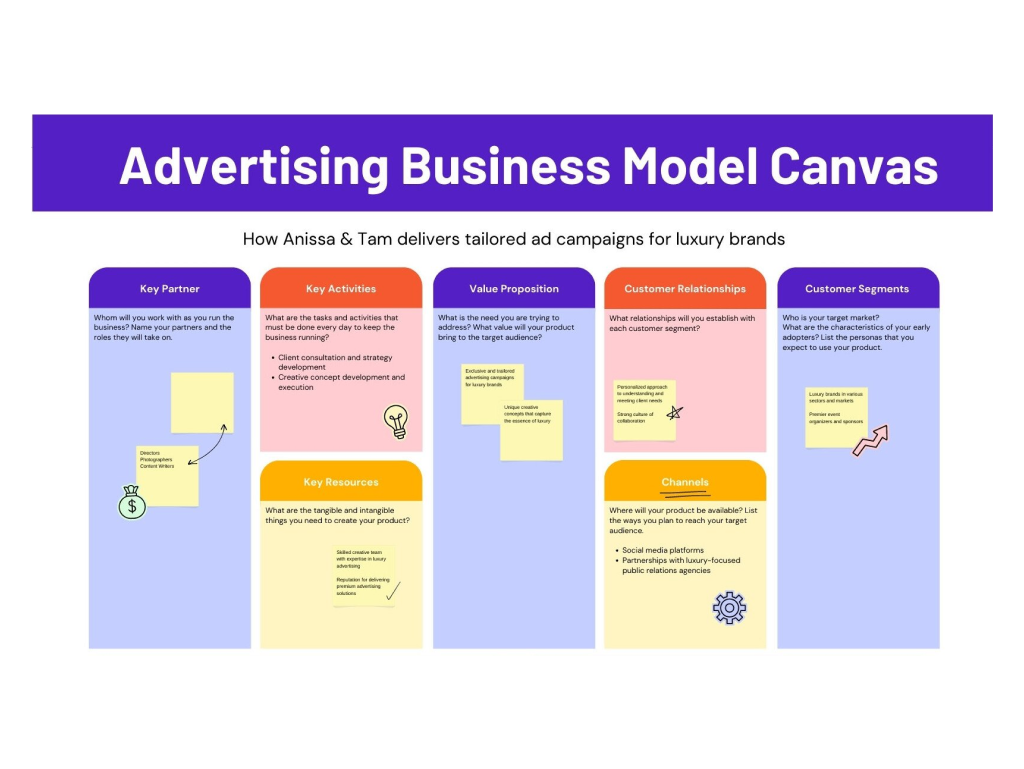
Business model canvas templates


Alex H
Frequently Asked Questions
- A business model helps you strategize how your business will make money. By identifying your market, possible costs, and how you’ll deliver your product or services, you can explain how revenue flows into your business as a result of a good value proposition. A business model canvas maker like ours helps you visually plot them in beautiful templates.
- A business model acts like a framework or foundation for your business while a business plan provides a look into its structure. One usually makes a business model canvas in a one-page document using a business model canvas maker. Though they might seem different, they’re actually interrelated in that the business plan provides the strategies to successfully achieve the business model.
- Having a business model canvas gives you a clear picture of your business framework in one concise document. You can also see the moving parts that bring value to your business so you can form decisions on how to harness and improve them.
- When you create your own business model canvas, you’re able to quickly understand the makeup of your business because it’s visual rather than chunks of text in pages that might get your stakeholders lost in translation. It also evolves as your business grows, customer segments shift, and processes innovate. Such a management tool helps decision-makers create sound business judgments.