- UML Sequence Diagram
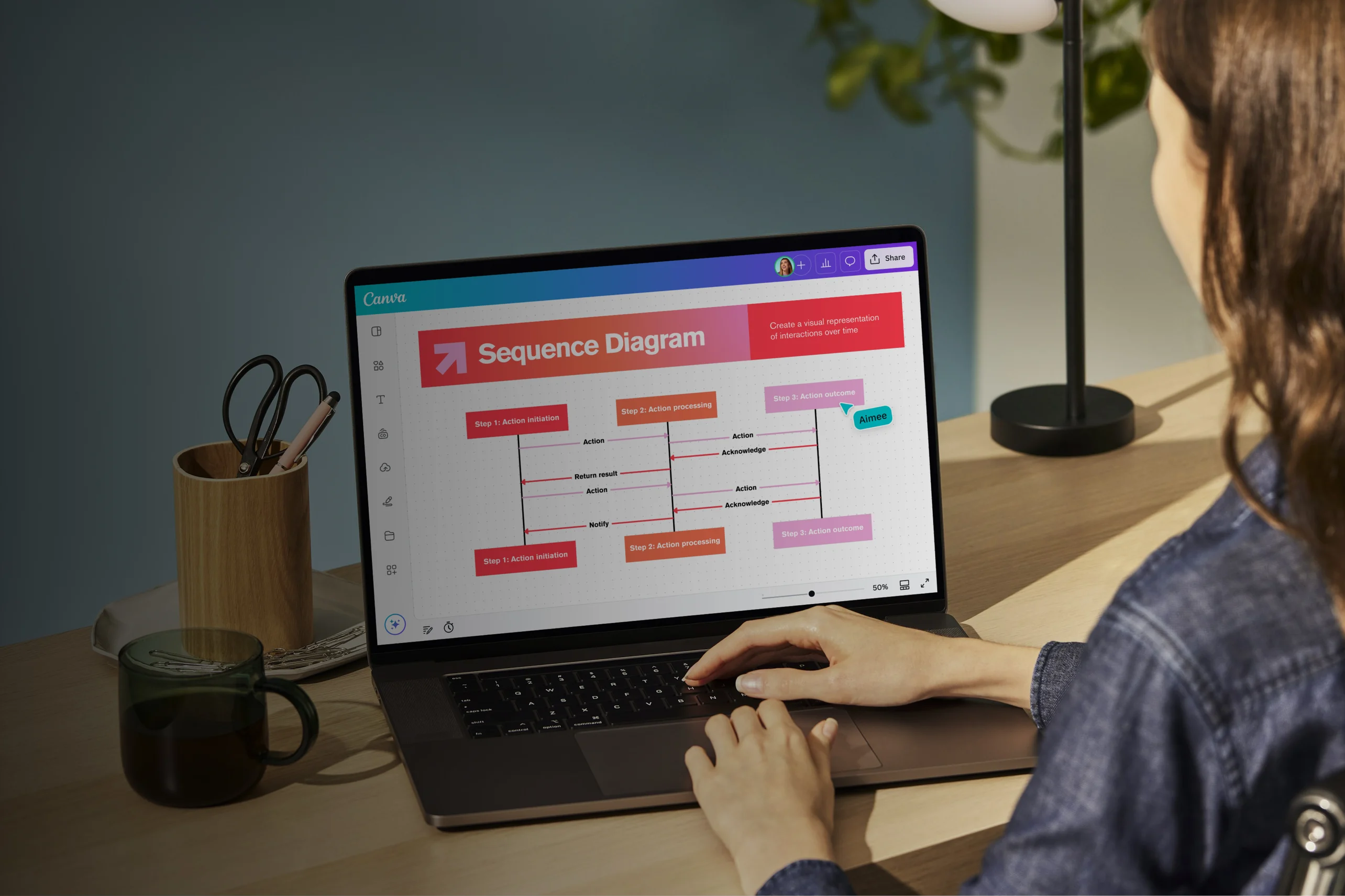
Map out system events using a UML sequence diagram
UML sequence diagram maker features
Building sequence diagrams may seem complicated, but you don't need technical skills and expertise to map one out. Canva gives you the tools and features to create clear, structured, and easy-to-share diagrams without the need for specialized software. Outline interactions, organize components, and collaborate with stakeholders in one place.
More than 20 professional types of graphs to choose from
Professionally designed templates to fast-track your workflow
Data visualization made easy – no complicated software to learn
Publish, share or download your high-resolution graph
Embed your UML sequence diagram in presentations, reports, and more with no fuss
Easy drag-and-drop tools, made with the non-designer in mind
How to make a UML diagram

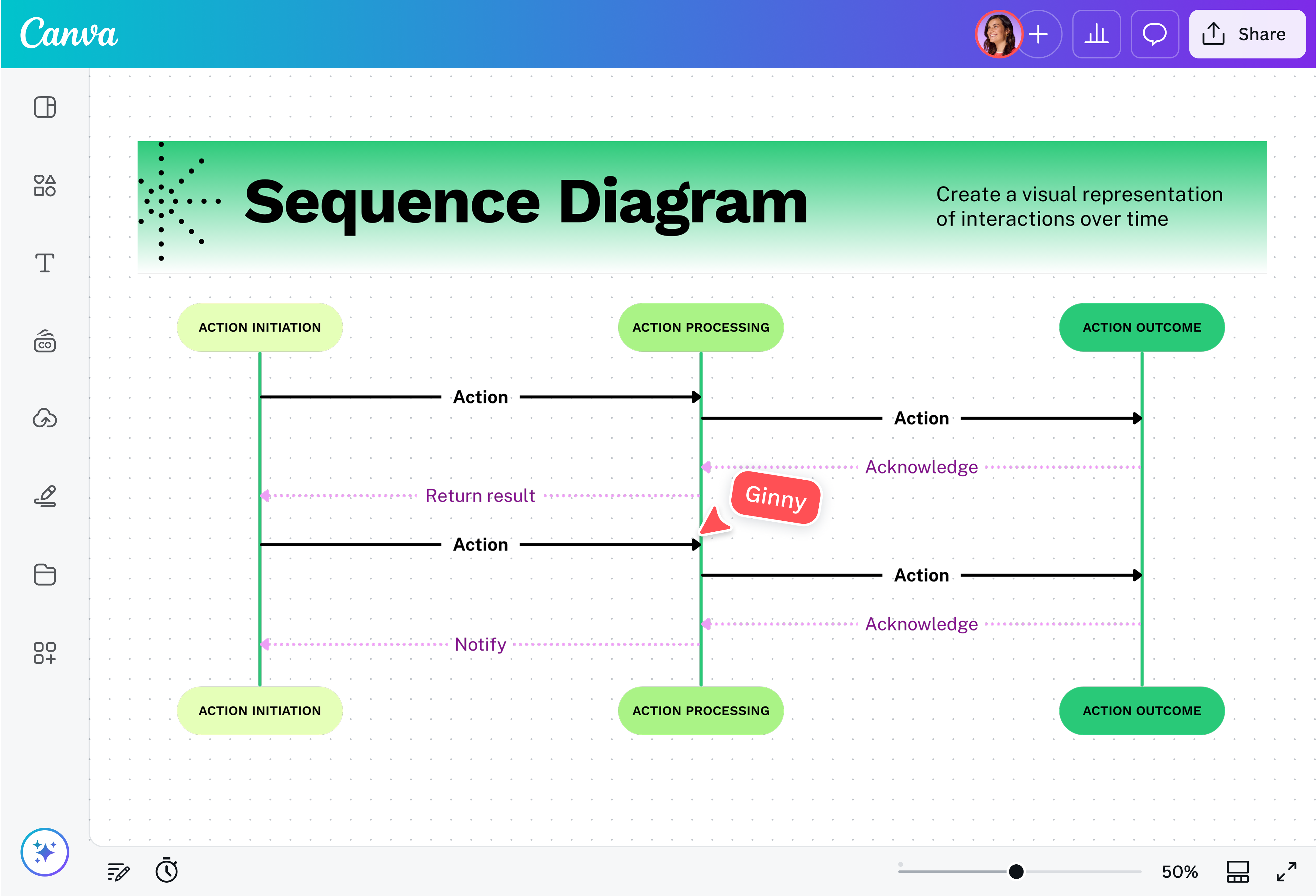
What is a sequence diagram in UML?
A sequence diagram is a type of UML (Unified Modeling Language) interaction diagram that shows how entities (actors, objects, systems, or codes) communicate in chronological order. This shows how and when messages are exchanged through these interactions.
Say you’re documenting a typical online checkout transaction. Plotting it in a UML sequence diagram shows all the steps that happen to complete this transaction, and how long each step takes. You’ll see where the customer (actor) selects a product and adds it to the cart (shopping app), checks it out (order system), pays for it (payment service or processor), and receives the item (fulfillment and delivery system).
Why use a UML sequence diagram?

Sequence diagrams are ideal for laying out how a system works in the moment of execution, and are especially helpful in designing features, analyzing requirements, or resolving issues.
They also make communication clearer. A sequence diagram of a booking system, for example, can be a helpful visual reference for everyone who needs to understand how the system works, even without technical expertise.
Components of a sequence diagram (UML)

Objects

Lifelines

Messages

Activation bars
Fragments

Actors
Simplify complex processes

Transform tech-heavy systems into simple but clear UML sequence diagrams. Use a professionally designed template and Canva’s drag-and-drop editor, UML shapes, smart connectors, and dynamic lines to break down and clarify interactions between patients, systems, and staff. Speed things up with Magic Design(opens in a new tab or window) for layout suggestions and Magic Write(opens in a new tab or window) for quick labels.
Align teams and stakeholders

Keep everyone on the same page with a visual you can share via link and co-edit in real time. Map ideas together on Canva Whiteboards(opens in a new tab or window) and turn them into UML sequence diagrams to create a shared understanding of full system flows. Use comments and @mentions to gather feedback, and apply your Brand Kit (Pro)(opens in a new tab or window) to keep designs consistent.
Work freely on an infinite canvas

Whether you’re mapping out an existing system for reference or using it to plan new workflows, an infinite canvas gives you all the space to do it. Lay out multi-factor authentication flows, review legacy systems, and more — in as many as you need, and just as detailed.
Connect whiteboards to full Canva workflows

All your files and designs live in one platform. Embed existing Canva designs to your UML sequence diagram, and reuse visuals, charts, and pages across docs to keep everything consistent. You can also convert your whiteboard into slides or docs so they’re ready for presentations or handovers.
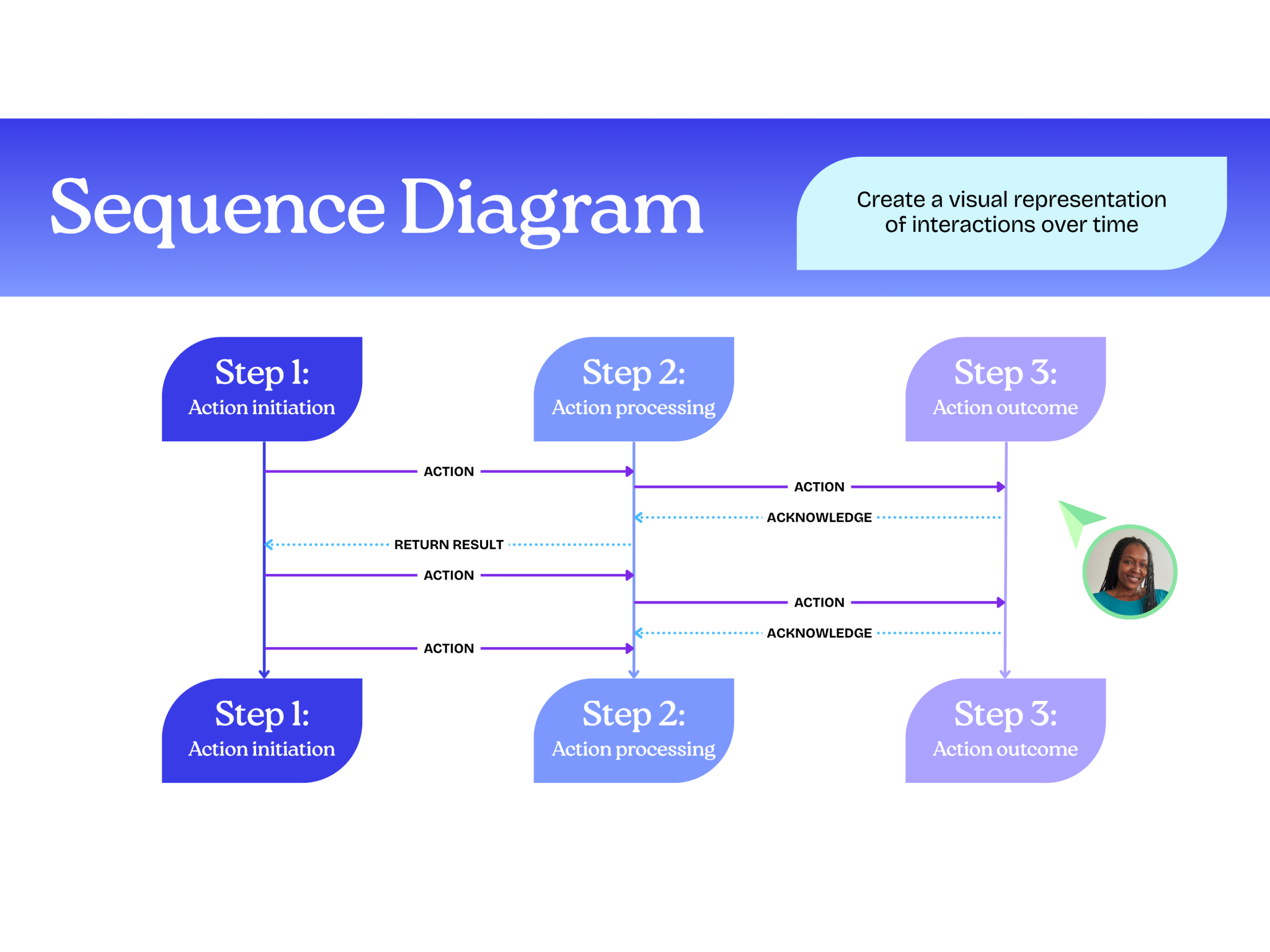
UML sequence diagram templates
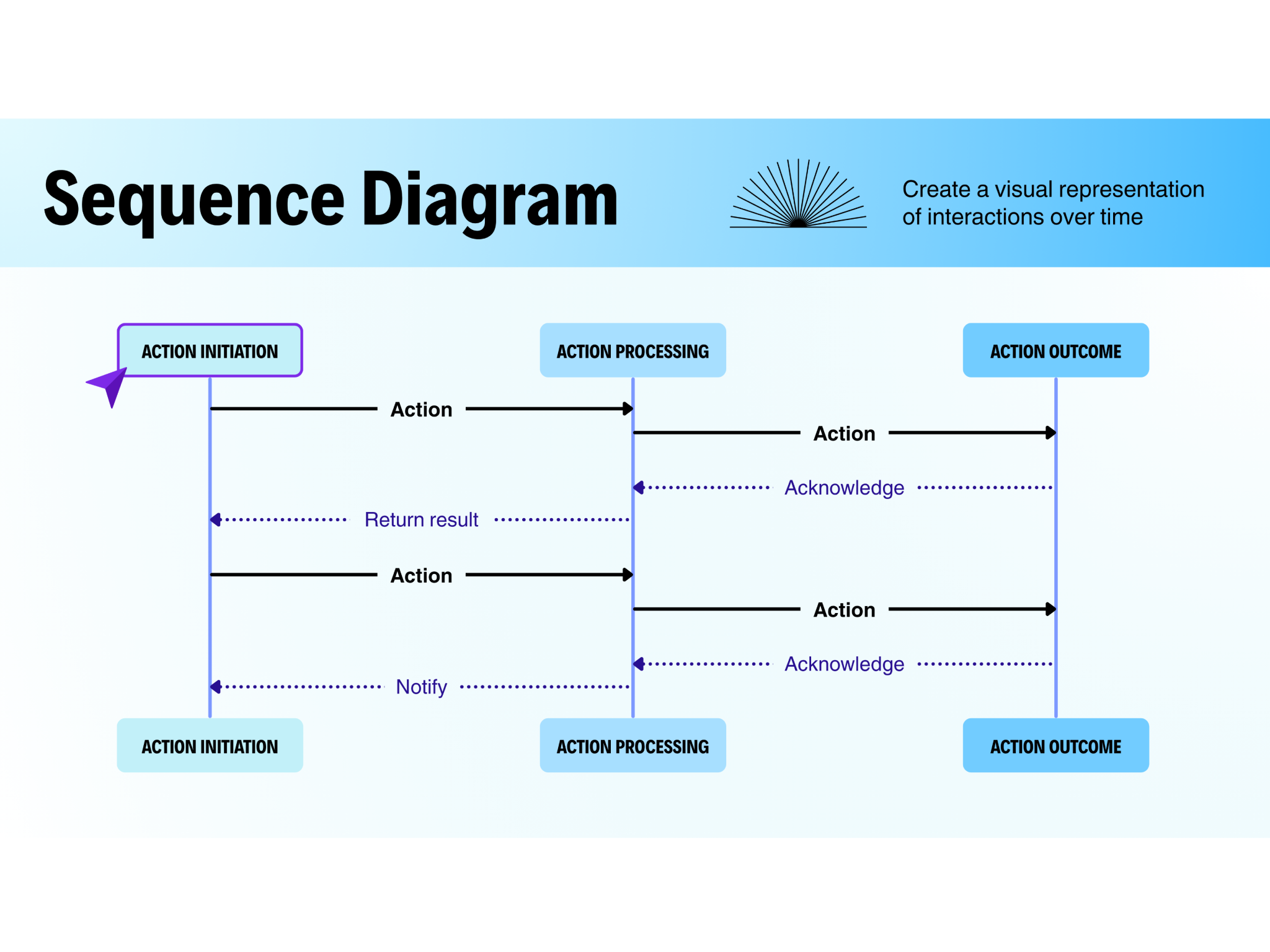
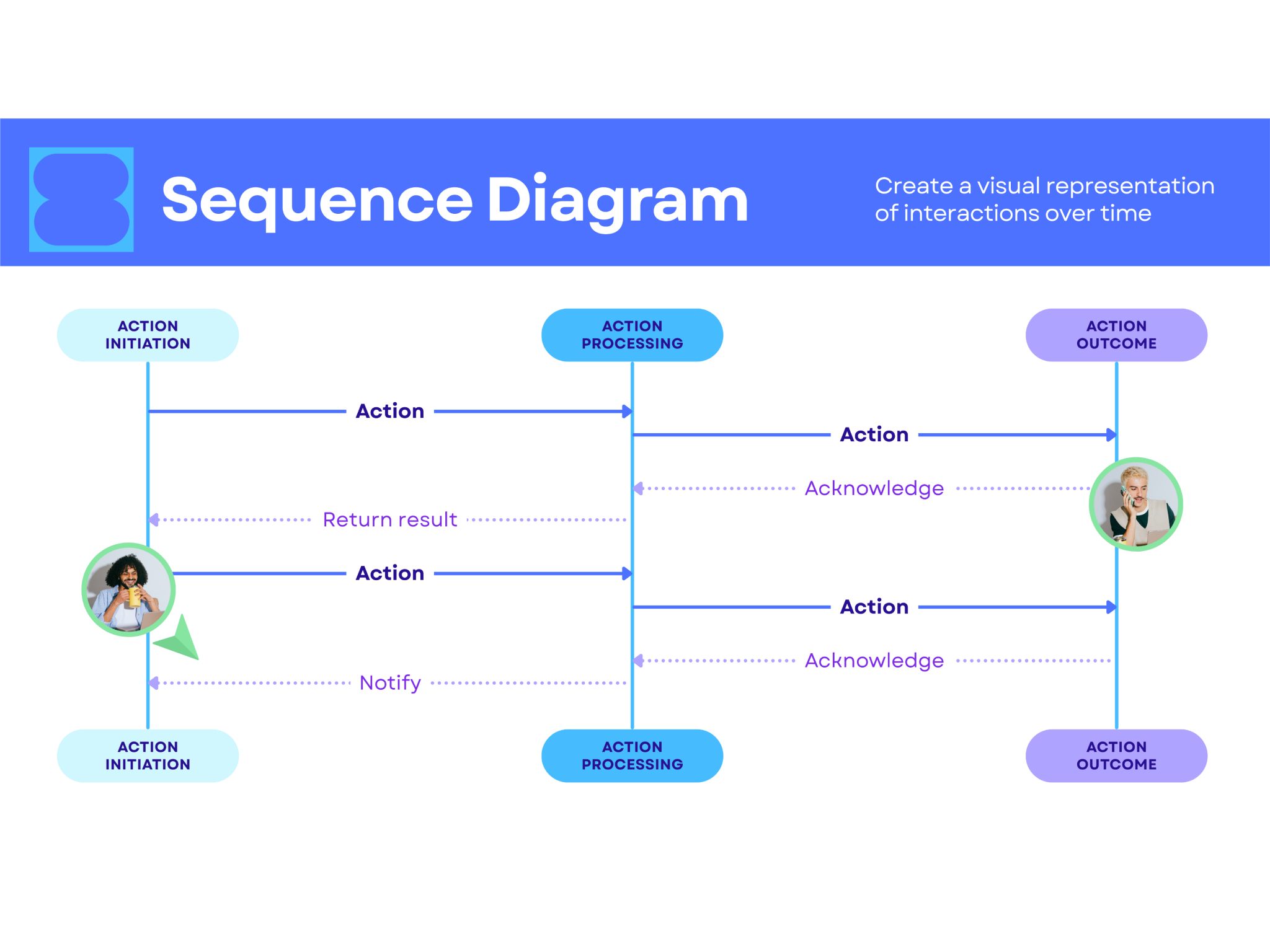
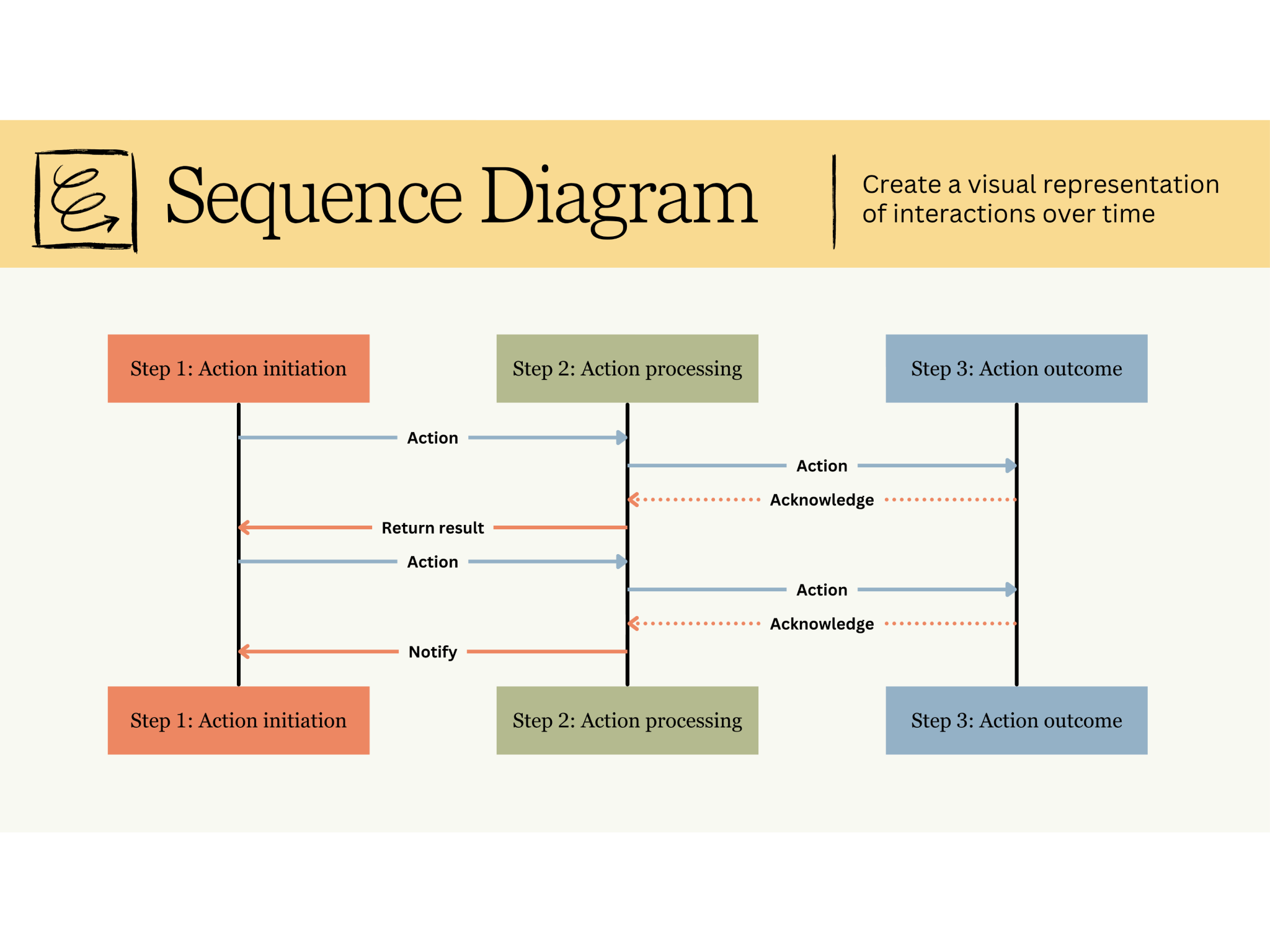

Anon
Frequently Asked Questions
The main difference between the two is that a sequence diagram shows the dynamic view of a system, which includes how parts of the system interact in every step during a specific process or interaction. A class diagram, on the other hand, shows a static view that focuses on the structure alone, without focusing on the timing or flow.
For example, when a user logs into an app, a sequence diagram would show how the login happens step by step. A class diagram, in the same scenario, would show the components that make login possible and how they are connected.
- It’s best to use a UML sequence diagram when the timing, order, and interactions in a specific scenario matter. For example, if you're designing a password reset flow, use a sequence diagram to emphasize how a request triggers an email, generates and verifies tokens, and updates the password once validated, all in the exact same order. This gives the viewer an idea of the order of events and the time it takes for them to happen.
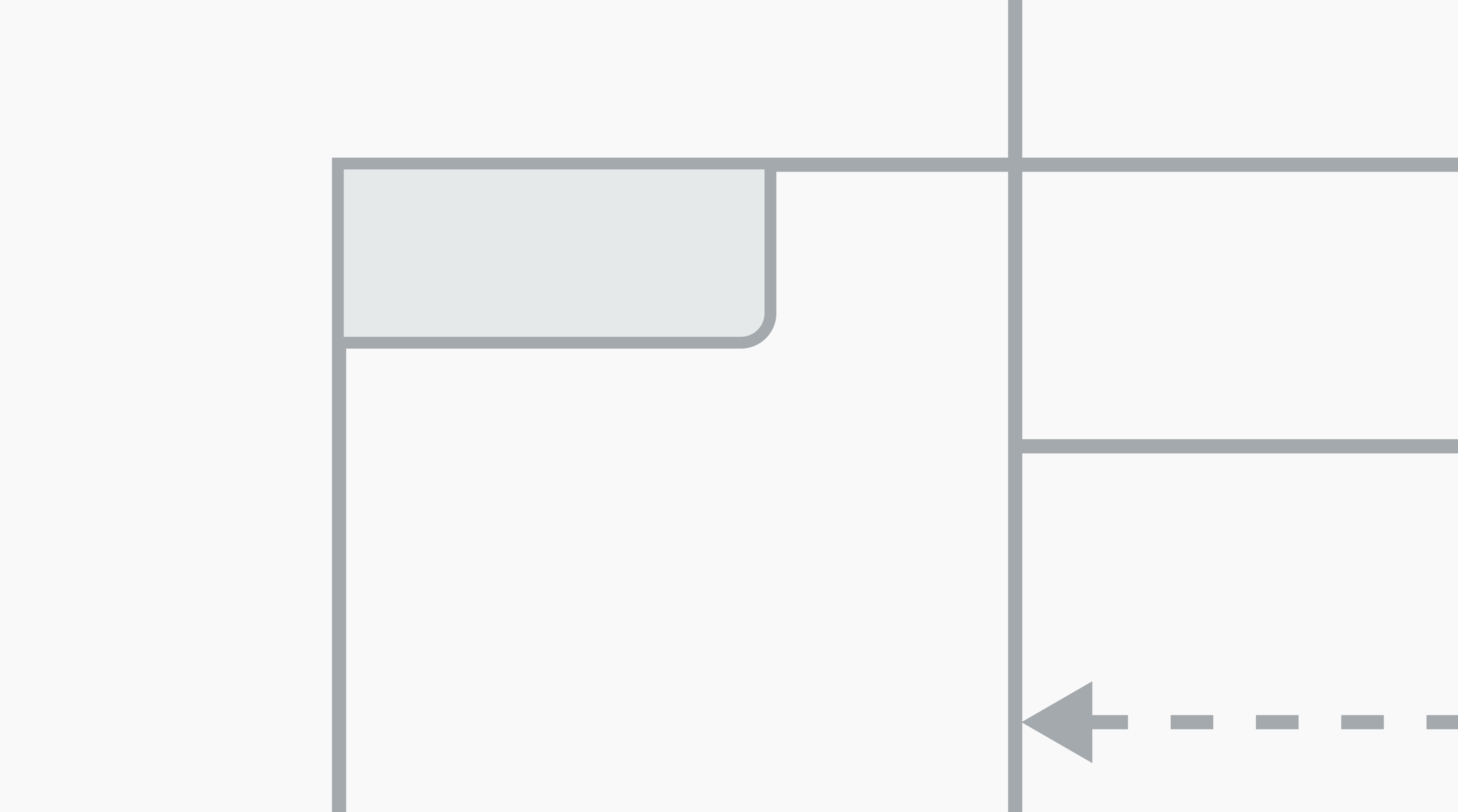
Fragments like alt, opt, and loop are used to show how the flow can change based on conditions.
- Alternative (alt) is used when there are multiple possible paths but only one of those will happen. It follows the "if-then-else" logic.
- Option (opt) is used for a single path that will only happen if the condition is met. The interaction may or may not happen.
- Loop (loop) shows a repeating sequence of interactions that will keep on repeating for a set number of times or when a condition is met. This allows the system to perform repeated actions without having to trigger them over and over.