- Create Slideshows
Free online slideshow maker

Easy drag-and-drop editor
1M+ professionally-designed templates
Design from any device
Download or share designs easily
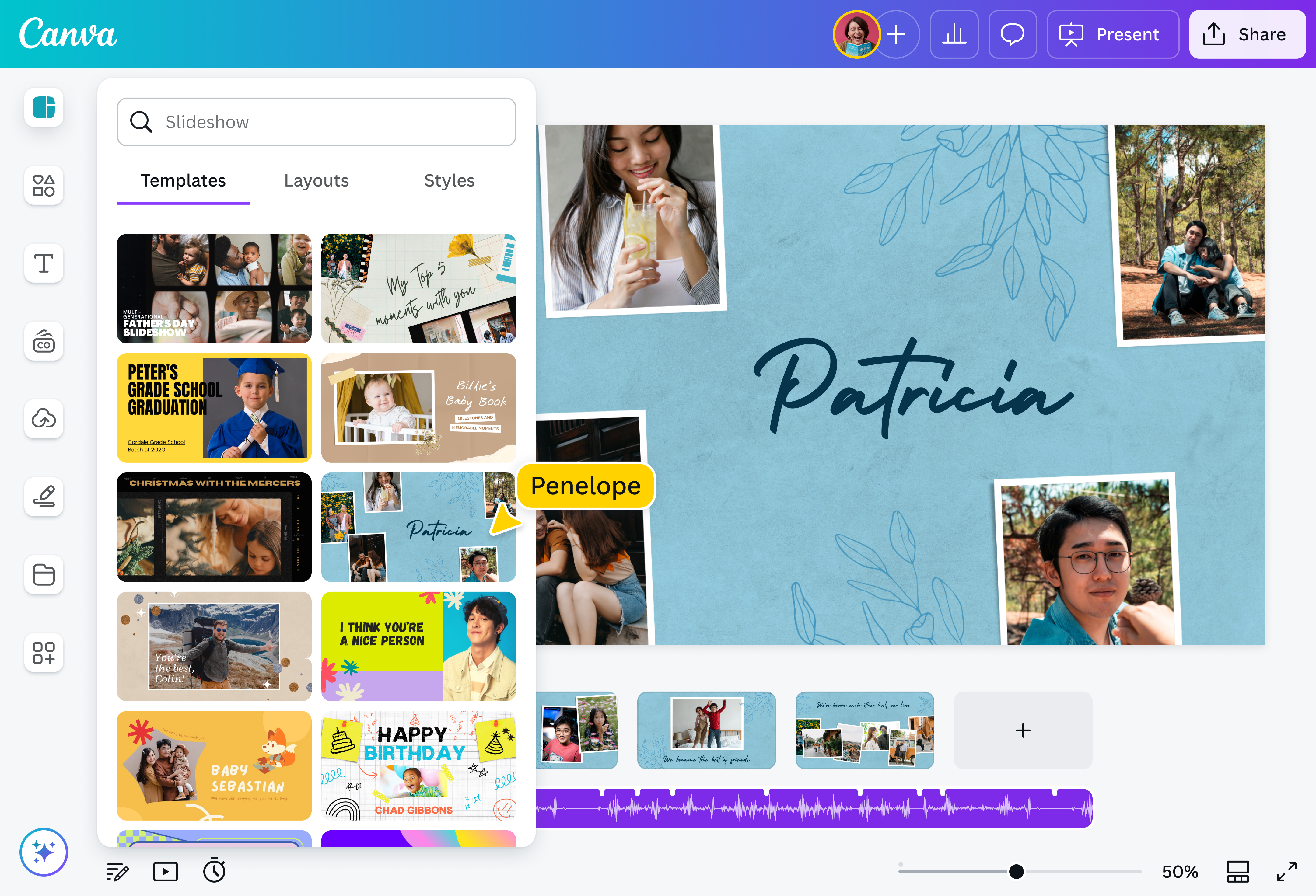
Canva’s slideshow creator is a design tool that allows you to make stunning slideshows in seconds. Simply open our online editor, pick a slideshow template, then add your photos and videos. Next, select a soundtrack and download your video. It’s automatic & that easy!
With our free online photo video maker, you’ll quickly turn your pictures into an enthralling video montage, ready to be enjoyed by your audience.

Turn photos into impressive slideshows online
With Canva’s free online slideshow creator, you can create photo and video slideshows with music to impress your followers, friends, or family. You can find slideshow templates for all kinds of occasions including weddings, work events, graduations, birthdays, holidays, and more. No one will suspect that it took you only a couple of minutes to make a video montage. Use our intuitive video editor to drag and drop design elements to decorate your automatic slideshow. Download and share easily in high-resolution MP4 video.
How to make a slideshow

Meet Magic Studio™: All the power of Canva’s AI
Magic Studio™ brings together the best AI-powered tools for you and your team to help you design with more ease, speed, and creativity.


No design skills needed
Canva’s slideshow maker is built for everyone — no experience needed. You can create free slideshows from templates themed for vacations, business, family, or just for fun. Our library is always updated with fresh template styles and layouts.
Explore our huge library of design elements
Canva has thousands of free stock videos(opens in a new tab or window), millions of free stock photos, and hundreds of free music tracks—everything you need to elevate your pictures into a delightful video clip. Our slideshow creator also offers a diverse range of premium photos, music tracks, and video footage that can be accessed with our affordable Canva Pro.
Make slideshows for free, online, on every device
Creating a slideshow with Canva is free. There’s no limit to how many times you can make or download slideshows. No watermarks will be added to your design. You can even record your slideshow on your screen and add an audio narration with Canva’s Desktop Screen Recorder(opens in a new tab or window), available on the Canva Desktop app. Want to create a slideshow on the go? Simply download the Canva app for iOS(opens in a new tab or window) or Android(opens in a new tab or window).
Present your slideshows confidently
Presenting your slideshows live? Present confidently with our Presenter view. Stay on topic and on time with our built-in presenter notes and timer. You can even control your slides and view your speaker notes right from your phone with Remote Control Notes. And with Canva Live, you can direct your audience to a special link where they can answer polls, ask questions, and give real-time feedback through emojis — all while you’re presenting.
FAQ
You can upload video clips in the MOV, GIF, MP4, MPEG, MKV, and WEBM formats, with a maximum upload size of 1GB. If the video has a transparent background, we suggest uploading it as a GIF.
You can upload photos, too. If you’re uploading JPEG/JPG, PNG, HEIC/HEIF, or WebP images, make sure your file is:
- Under 50MB in size
- Not more than 250 million total pixels (width x height)
- If it’s a WebP, only static files are supported
If you’re uploading SVG images, make sure your file is:
- Under 3MB in size
- Between 150 to 200 pixels wide
- Saved with an SVG Profile of “SVG 1.1”
To learn more about our media upload requirements, check this guide.

Zack Stuck


