- Create Video Presentations
Video presentation maker


Design from any device
1M+ professionally-designed templates
Easy drag-and-drop editor
Download or share designs easily
With hundreds of editable templates, talking head- and presentation-recording tools, and an intuitive drag-and-drop editor, take your presentations(opens in a new tab or window) to the next level using Canva’s free video presentation maker.

Communicate with an audiovisual treat
Keep your audience glued to your presentation from start to finish. Get your point across with beautifully designed slides that stand out. Customize your presentation with elements like images, videos, and cartoons(opens in a new tab or window) from our media library, and add movement and flow with animations and transitions. Make your presentation an audiovisual treat—add music and record your screen or a talking head video to provide more context to each slide.
Whether you need to prepare an asynchronous presentation for class, record a product tutorial for your business’ social media channels, deliver a winning marketing proposal online, or send a video report to colleagues around the world, you can ace any presentation with Canva’s video presentation maker.
How to make a video presentation

Deliver ideas at your own pace
With video presentations, you don't have to wait for the perfect time to discuss your pitch or report.
Accommodate different time zones and busy schedules for your meetings or webinars by preparing a video presentation that's available for your audience to watch at their most convenient time.
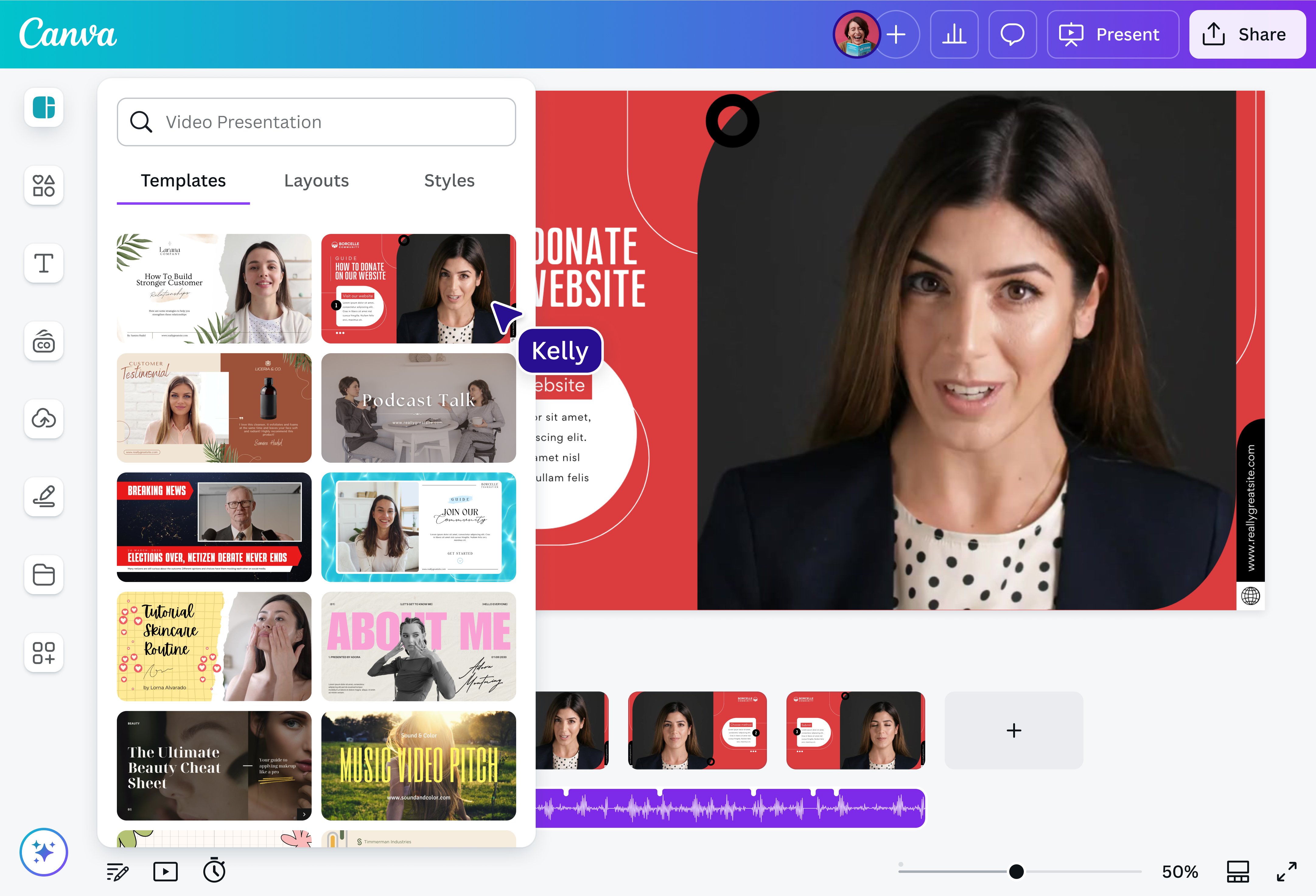
Record your screen(opens in a new tab or window) right inside Canva, then use it in your video presentation template. Add a talking head video(opens in a new tab or window) to make your presentation even more engaging. With these features, you can take your time to deliver your ideas flawlessly, all without worrying about your nerves getting the best of you or an unreliable internet connection in the way. No distractions, just seamless communication!
Align it all with your brand
Find video presentation templates in our free collection that you can customize or build your theme from scratch. We also have presentation ideas perfectly tailored to different purposes and settings. You can even personalize it with colors and fonts from your company or personal branding guidelines.
With our drag-and-drop tools, designing is convenient and accessible. Add animated stickers(opens in a new tab or window), illustrations, and free GIFs(opens in a new tab or window), as well as transitions(opens in a new tab or window) to make your slides, texts(opens in a new tab or window), and charts dynamic. Upload images and videos(opens in a new tab or window) to incorporate with your messages from our extensive library or your gallery. If you're working with a team, collaborate with them simultaneously through the web and our free apps for desktop, iOS, and Android.
Lights, camera, record, and present
It's easy to direct and shoot your video presentation. There's no need for a fancy audio and camera setup or complicated presentation recording software. Your webcam and microphone are enough for you to start recording your talking head, screen, or audio narration.
When you’re done designing your presentation, click “Record yourself” in the Uploads tab and select “Screen recorder for desktop.” Choose your screen and recording preferences, then start recording your screen as you go through your slides. Refine your recording by cutting out pauses or adjusting the playback speed, and access AI-powered tools to generate video captions and enhance audio, so your presentation is much easier to follow and digest.
Supercharge your video presentation with AI
Have a specific vision for your presentation but no time to make it happen? Bring your ideas to life in seconds with Magic Design™ for Presentations(opens in a new tab or window), an AI-powered tool that generates professional draft presentations from a simple text prompt. You can also do the same for videos with our AI video generator(opens in a new tab or window). Just input a text prompt and watch your ideas transform into an AI-generated video. And if you find yourself lost for words, you can always call on Magic Write™(opens in a new tab or window)—Canva's AI text generator— to turn a rough idea into an inspiring first draft.
FAQ
When you talk in your presentation, it is important, aside from having a clear and simple structure to your report, to know your audience. That way, you can connect with them, cater to their interests, and speak their language better. Use your voice and body to evoke natural and confident tones and gestures.
To record a presentation with your face, click Uploads on the side-panel of the editor and choose Record yourself. Then, select Record a talking head. From there, you can set up your microphone and camera and start recording a talking head video to go along with your presentation. Prefer not to appear on camera? Try the AI faceless video generator instead.

@navneet4


