- Create Reels
Free Online Reel Creator

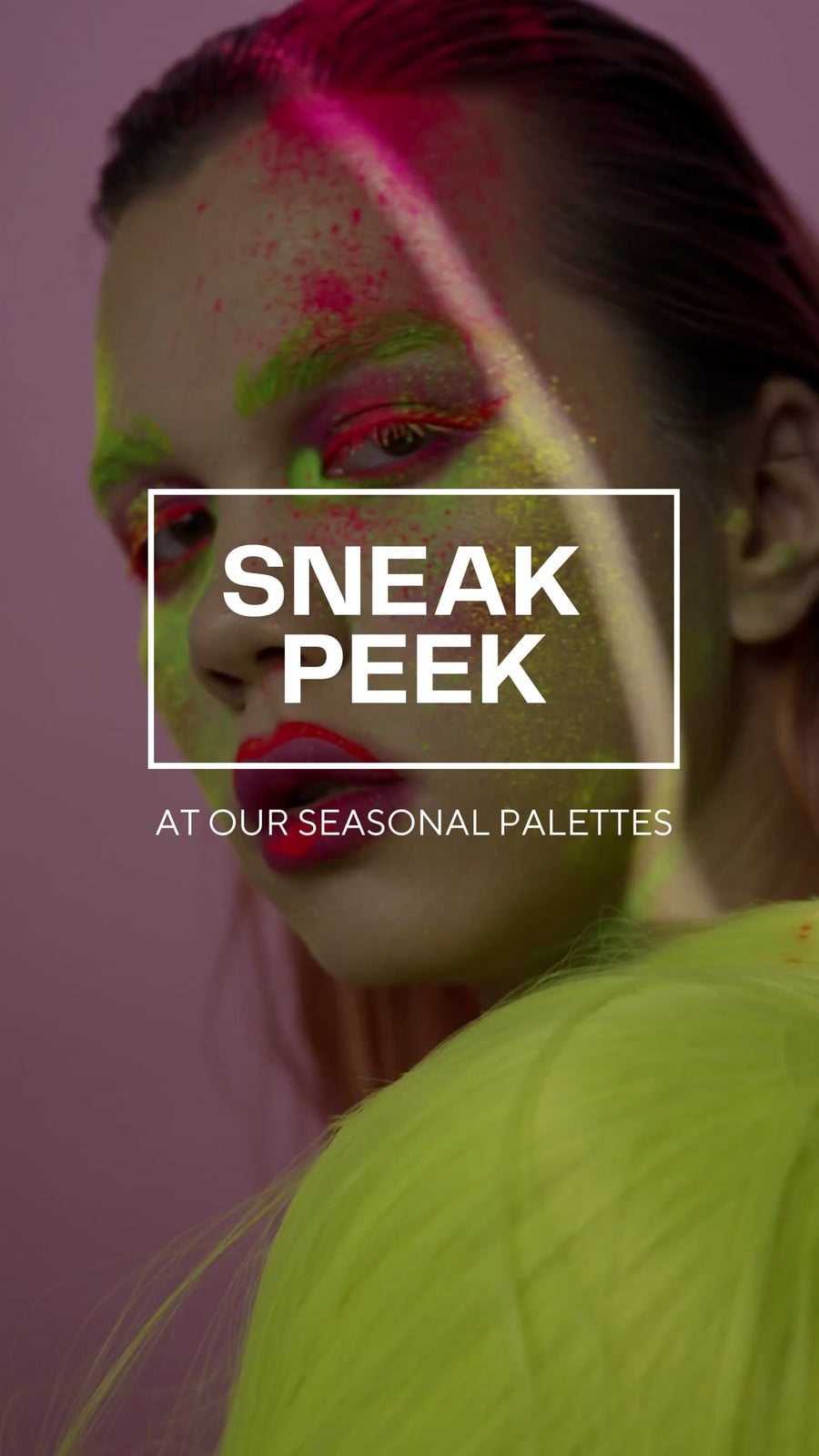
Easy drag-and-drop editor
1M+ professionally-designed templates
Generate content and media with AI
Download or share designs easily
Elevating your personal, professional, and business branding is quick, effortless, and easy with Canva’s reel maker. Create show-stopping reels like a pro and create an engaging video experience for your followers.

Hook your audience
Released only a few years ago, Reels have been a game-changer for users who want bite-sized video content. They’re perfect for vlogging, announcing sales, introducing a new product line, or just sharing the beauty of your day-to-day experiences. So make the most Instagram Reels—create beautiful, share-worthy reels using Canva’s awesome Instagram reel maker.
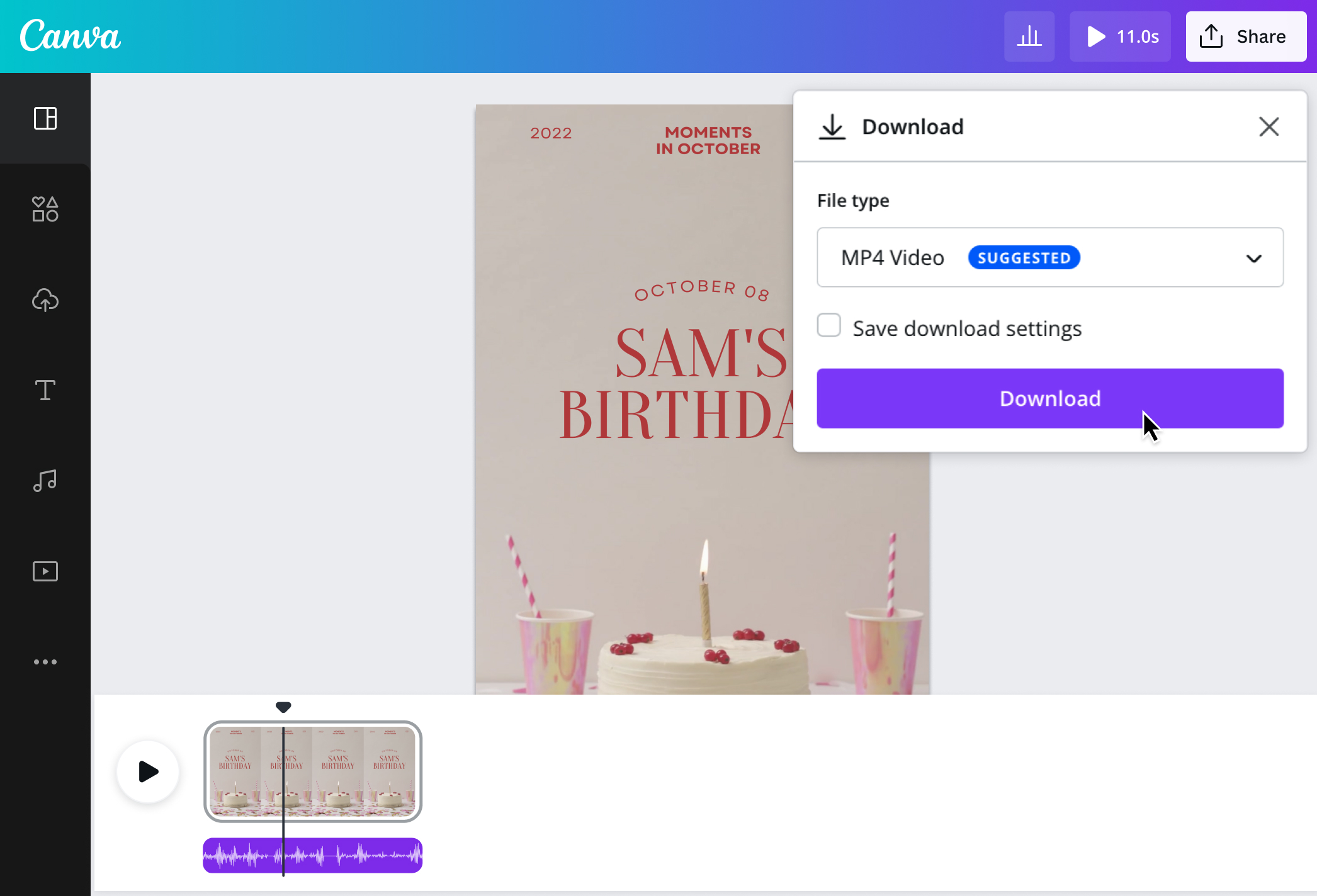
Get started with our customizable reel templates and polish your clips with our intuitive video editor(opens in a new tab or window). Use our beginner-friendly tools and graphic elements from our free media library to take your reel to the next level. Effortlessly make changes by dragging and dropping pictures, vectors, and music tracks to your reel. And when you’re done, easily download your work in a high-resolution MP4 without watermarks.
With our free IG reel maker, your video content will hook the audience every time —especially when paired with engaging video hooks(opens in a new tab or window) that capture attention in the first few seconds.
How to make a reel

Meet Magic Studio™: All the power of Canva’s AI
Magic Studio™ brings together the best AI-powered tools for you and your team to help you design with more ease, speed, and creativity.


Go beyond Instagram tools
Instagram has tools and features for users to create stunning reels, but if you’re looking to stand out, head over to Canva’s free Instagram Reels creator. Our reel editor lets you create more elaborate-looking reels without complex video editing software. You have free, editable reel templates and ready-made graphic design elements to bring your reels to the next level.
Looking for a specific music track? No worries. Pro and Education users in the US, UK, Canada, Australia, and other territories (see the complete list of territories here(opens in a new tab or window)) can add trending tracks and iconic hits to their videos by accessing our popular music library. Now, you can upload your personal reel to your social media profiles or use it as an educational video piece—with the perfect background music!
Take things further by automatically syncing your video to a beat with Beat Sync(opens in a new tab or window) to highlight peak moments and engage your audience. You’ll also love features that automate manual editing tasks, like speeding up(opens in a new tab or window) or slowing down videos(opens in a new tab or window), to make your content more accessible to an array of people.
Create reels in no time
Juggling several things at the same time? It’s challenging to keep track of all the content you publish for yourself, your clients, or your brand. But with our Instagram reel maker, you can bet that, even in a rush, you can still produce multiple high-quality reels.
Make IG reels on the go with our mobile app or a laptop. Get your entire team onboard, too. Give them access to your projects, collaborate on the reels, and edit them in real time. With ready-made templates, music tracks, animations, and a media library of illustrations, graphics, and clips, you can easily make reels in minutes.
Cross-post across platforms
Every social media platform has its own take on reels. Reach a wider audience by cross-posting your work on other social media platforms, like TikTok and YouTube Shorts.
Upload your reels as is or tweak them on Canva's AI video editor(opens in a new tab or window) on our free reel creator before cross-posting. Rest assured that all elements you’ve added will remain on your layout, even if you change the dimension, scale, or file format. Additionally, you have the option to download the reel and post it manually or share it on several platforms directly from Canva's reel editor.
FAQ
You can upload video clips in the MOV, GIF, MP4, MPEG, MKV, and WEBM formats, with a maximum upload size of 1GB. If the video has a transparent background, we suggest uploading it as a GIF.
You can upload photos, too. If you’re uploading JPEG/JPG, PNG, HEIC/HEIF, or WebP images, make sure your file is:
- Under 50MB in size
- Not more than 250 million total pixels (width x height)
- If it’s a WebP, only static files are supported
If you’re uploading SVG images, make sure your file is:
- Under 3MB in size
- Between 150 to 200 pixels wide
- Saved with an SVG Profile of “SVG 1.1”
To learn more about our media upload requirements, check this guide.

@navneet4


