Learn about Canva's upload formats and requirements. See how we use your content in our Privacy Policy.
Make your files easier to share, print, and organize by converting them from JPEG to PDF. Canva’s free converter gets the job done fast and easy, all without the hassle.
Try these document editing tools
Convert, compress, translate PDFs and more. All the PDF editing tools you need!
Simplify conversion with our beginner-friendly tools
Say goodbye to complicated software and confusing steps—converting a JPEG to PDF on Canva is free, fast, and fuss-free. Just upload your images, click a few buttons, and get a PDF in seconds.
Look sharp on every screen
Whether you're distributing business flyers(opens in a new tab or window), sending a portfolio to a client, or sharing schoolwork with classmates, your PDF will retain high resolution and clean formatting across any device. With Canva’s online JPEG to PDF converter, your visuals will look professional and polished every time.
Polish your photos before converting
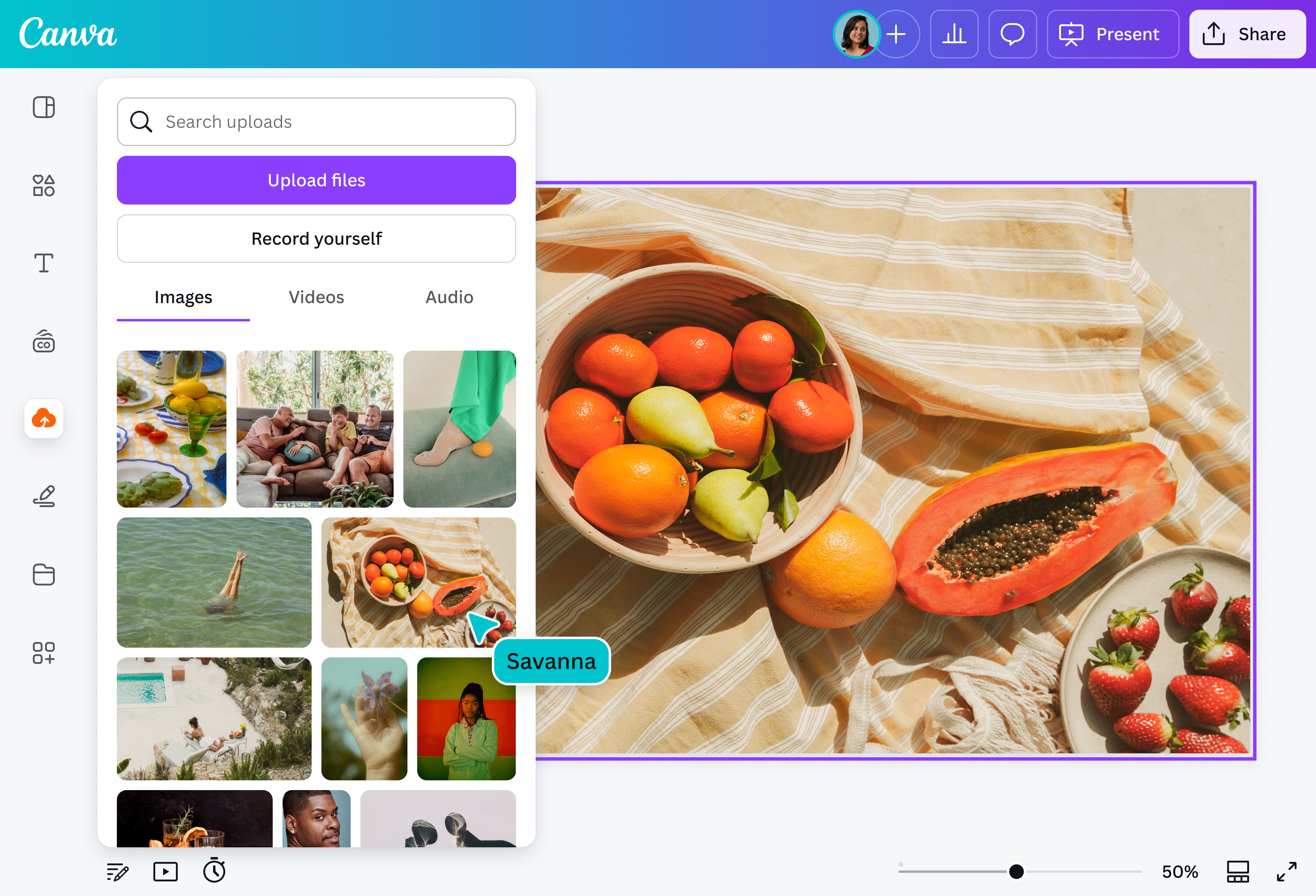
Before you convert your file, make some quick changes to your JPEG image. Crop, adjust brightness, add filters, or explore apps to enhance your photo; then, turn it into a PDF. You can even edit in bulk(opens in a new tab or window) and merge multiple JPEGs into one PDF on Canva.
Collaborate any time, anywhere
Got feedback or need approvals? Canva lets you share your converted PDF link with your team, where you can comment, assign tasks, and resolve suggestions directly on the design. It’s teamwork, streamlined—no endless email chains required.
How to convert JPEG to PDF
Frequently asked questions
When you work with a lot of files, changing your JPEGs to PDFs can help you keep your pictures organized and make them easier to view or share. PDFs maintain the style and quality of a layout better, so they are also better for printing. Plus, combining images into a single PDF saves time and makes your content look more professional. You can also organize your PDFs to keep everything in order.
To convert a JPEG to a PDF, upload your image to Canva and place it on a blank canvas or template. Once you're pleased with the layout, click the “Download” button. Choose PDF Standard or PDF Print depending on your needs, and your image will be saved as a high-quality PDF.
Open Canva and start a design. To insert more pictures, click "Add a page". Click and drag your JPEGs to each page to put them in the right order. When you're done, save and download the whole thing as a single PDF file.
@canva is simply outstanding as a tool to create designs. Using Canva is such a seamless experience that once you sit down to design, you don't feel like getting up. It's addictive and useful. Keep going Canva.
@navneet4
@canva is an incredible app for designing pretty much anything you need! A huge selection of templates, fonts and colours; endless choices at the tip of your fingers; easy editing and sending/sharing. Best app I’ve used for a long time. If you haven’t tried it... try it!
@SpotOnDomain
I don’t know where I was without @canva They have absolutely great graphics for any social media platform. Whether it be a YouTube thumbnail, an Instagram Post or whatever you want to create. Let @canva make the design process easier for you.
@IGchef_andrewb
Omg I love you guys! Thanks for making it so easy for me to use your templates. There’s so many selections and your site and app are very easy to use and navigate !!! 🥇💓💓💓💓💓💓
@curlyfrosista
@canva is such a life changing tool! One of the most well thought out websites I've ever seen. I use it to showcase my work with the community and it never ceases to amaze me! Kudos for all the love and effort you've put into it's development! #canvadesigns