- Create Family Photo Collage
Commemorate Cozy Family Moments with a Photo Collage
Commemorate Cozy Family Moments with a Photo Collage


Easy drag-and-drop editor
3M+ free stock photos and graphics
Generate content and media with AI
Invite others and design together
Pull together your favorite photos of Mom, Dad, Brother, Sister, and all the kids with a family photo collage designed with Canva.

Design a touching family photo collage with plenty of smiles
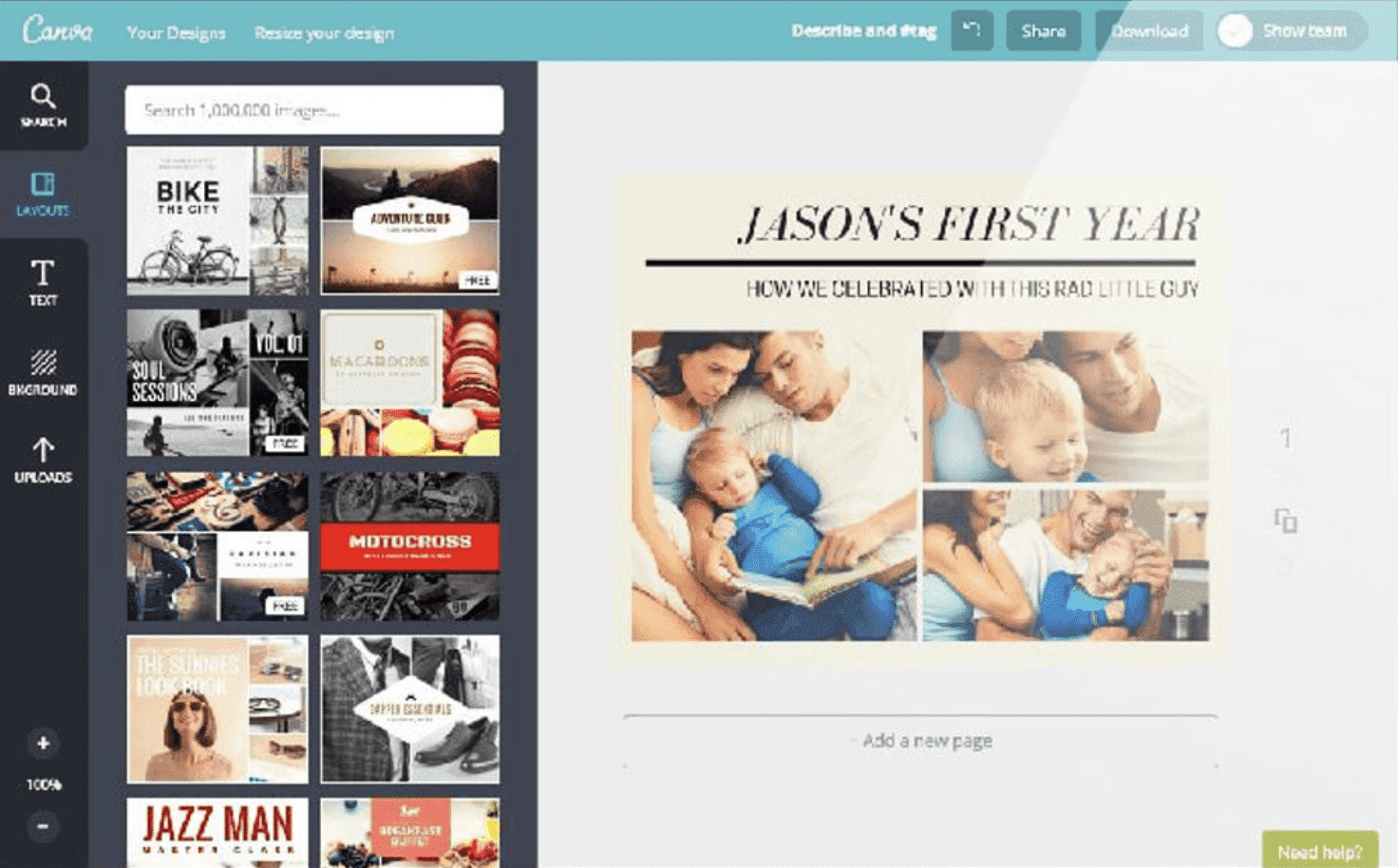
When was the last time the whole family sat together for a photo portrait? If it has been years, or even decades, that doesn’t mean you can’t have a warm keepsake to bring everyone together. Create a family photo collage in Canva and collect everyone’s bright, beaming faces together on a single page.
We make it easy to design, adjust and revise your photo collage. Not sure if Dad’s graduation photo looks best next to Cousin Sonny’s baby pictures? Try every combination, along with our bevy of photo filters, until everything looks just right.
How to create a family photo collage with ease

Meet Magic Studio™: All the power of Canva’s AI
Magic Studio™ brings together the best AI-powered tools for you and your team to help you design with more ease, speed, and creativity.


Upload and edit your treasury of family photos
A great family photo collage spans generations, and we’re up for the task. Whether your photos are digital or scans from old, yellowed scrapbooks, its easy to upload your whole collection to Canva and create a design that mirrors the structure of a genogram(opens in a new tab or window) while you get busy cropping.
You can even take advantage of our photo editing tools(opens in a new tab or window) to make sure every image appears with bright, crisp colors. With a simple slider, you can intensify the saturation, adjust the contrast, and balance the highlights and shadows. Even if you have photos from different years, taken in different lighting conditions, you can make them all look consistent.
Are the photos from yesteryear looking a little dull? No problem—use Auto Enhance(opens in a new tab or window) to instantly make them look vibrant. If the shots are a little out of focus, the Auto Focus feature offers a quick solution. You can even remove backgrounds with Canva Pro’s background remover.(opens in a new tab or window)
Is your family a little silly? Try adorning your collage with stickers and illustrations. Browse our vast collection of over 1 million stock photos, illustrations, and graphic elements for jaunty hats and speech bubbles to add to your collage. Plenty of design elements are available for free and premium photos are offered at a very competitive price, so you can slap a slogan on Great Uncle Herbert without breaking the bank.
Share your photo collage with even the most distant relative
You know your family’s photos are too good to keep to yourself! Show off your family-friendly handiwork by clicking the “Share” button to easily post your collage on X (Twitter) or Facebook. Even if Great Aunt Tilly isn’t on Facebook, you can still send the design right to her email inbox.
If your family photo collage is truly impressive, it’s simple to get it ready to hang above your mantle. Download your collage as a high-quality PDF and send it to a print professional to get it ready for framing and primed to be the centerpiece in your den.
Collaborate on your photo collage with the whole family
Do you have more designers in the family? Why not pool your embarrassing family photos and work on a collage together? Not only can you access Canva anywhere there’s an internet connection or with our free iPhone, iPad, and Android apps, but we make collaboration seamless. Simply click “Share” and check the box to allow others to edit your designs and start collaborating and sharing your family history.
FAQ
You can upload video clips in the MOV, GIF, MP4, MPEG, MKV, and WEBM formats, with a maximum upload size of 1GB. If the video has a transparent background, we suggest uploading it as a GIF.
You can upload photos, too. If you’re uploading JPEG/JPG, PNG, HEIC/HEIF, or WebP images, make sure your file is:
- Under 50MB in size
- Not more than 250 million total pixels (width x height)
- If it’s a WebP, only static files are supported
If you’re uploading SVG images, make sure your file is:
- Under 3MB in size
- Between 150 to 200 pixels wide
- Saved with an SVG Profile of “SVG 1.1”
To learn more about our media upload requirements, check this guide.

@navneet4


