Free Poster Mockup Generator

Easy drag-and-drop editor
3M+ free stock photos and graphics
Generate content and media with AI
Download or share designs easily
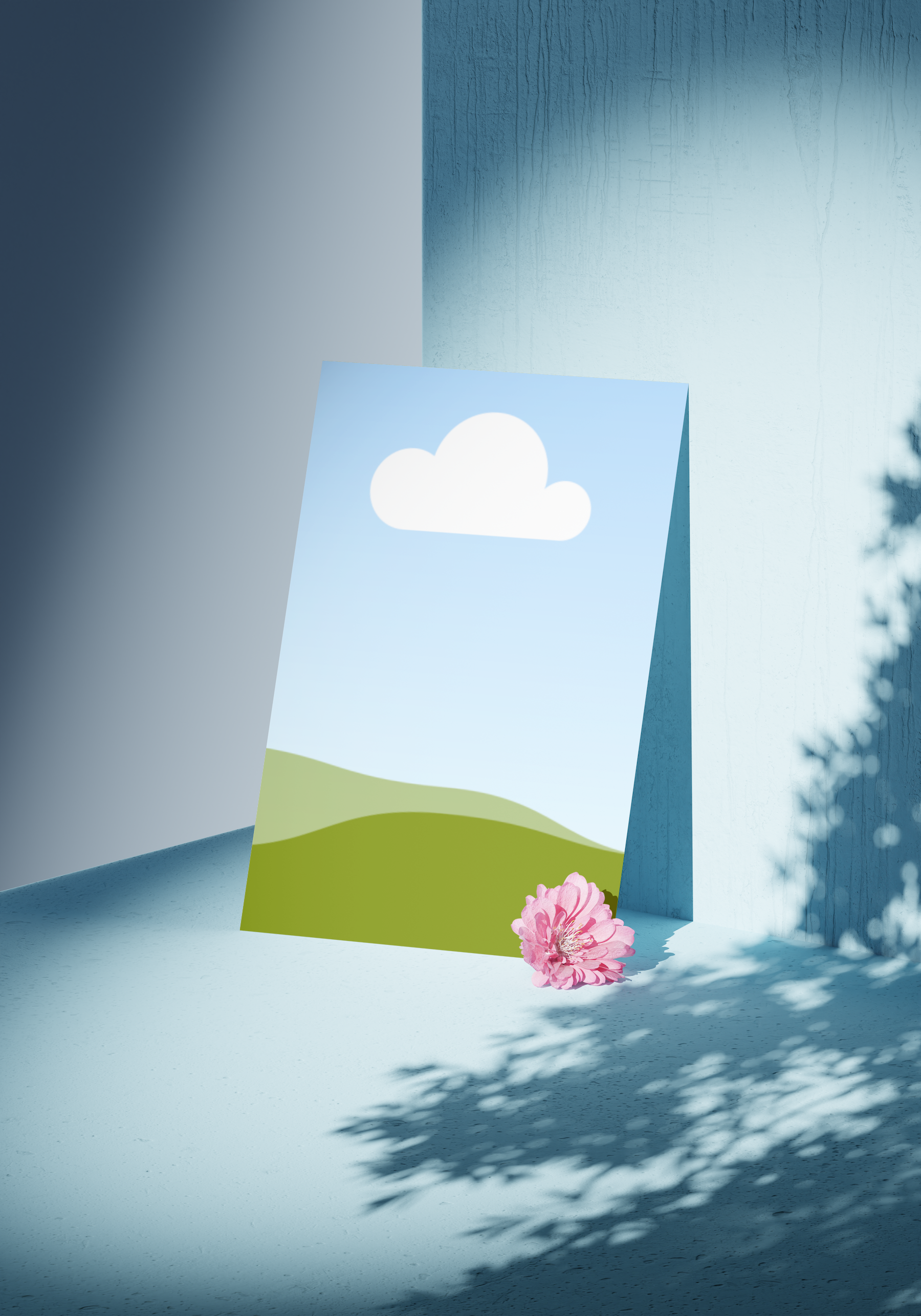
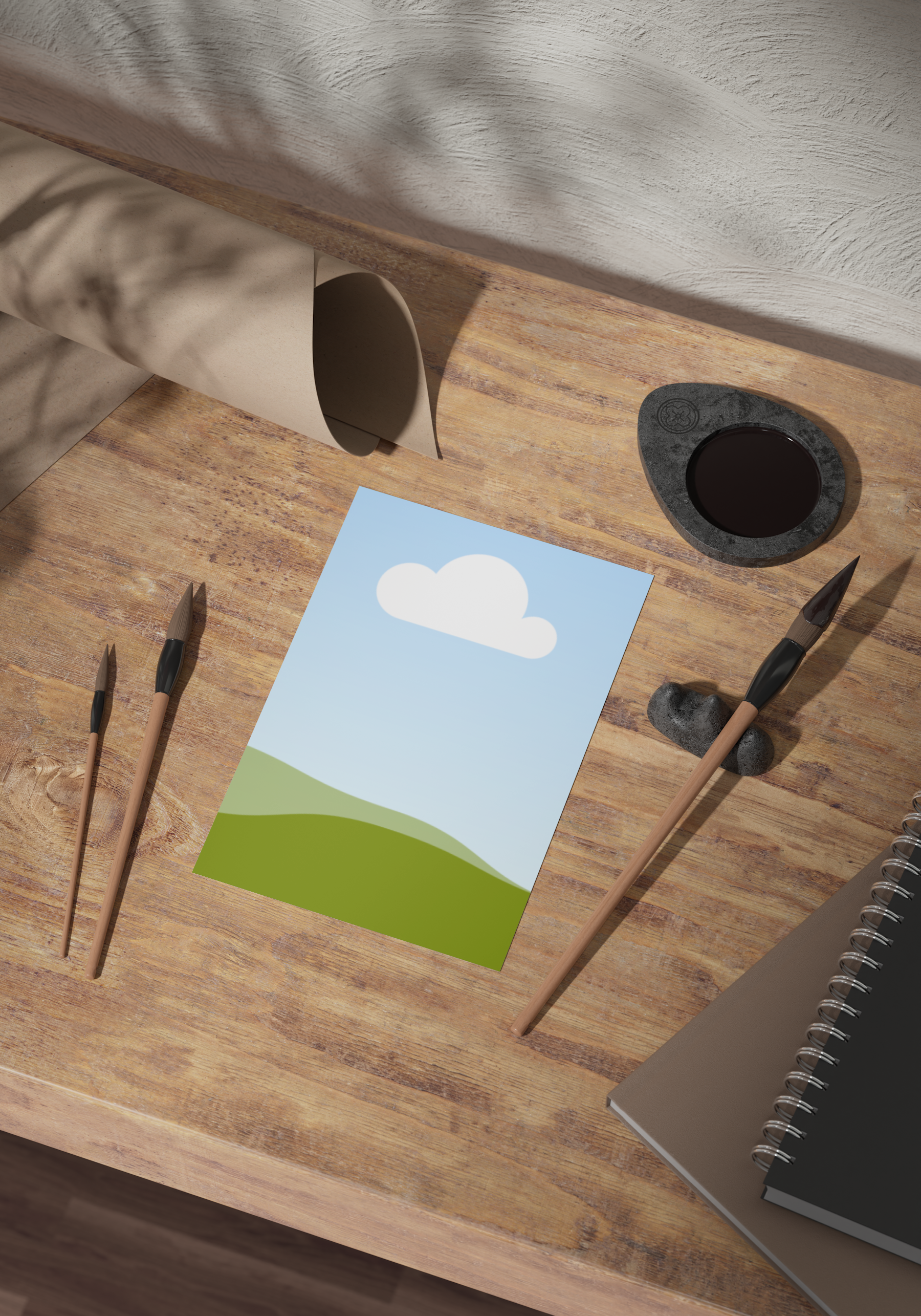
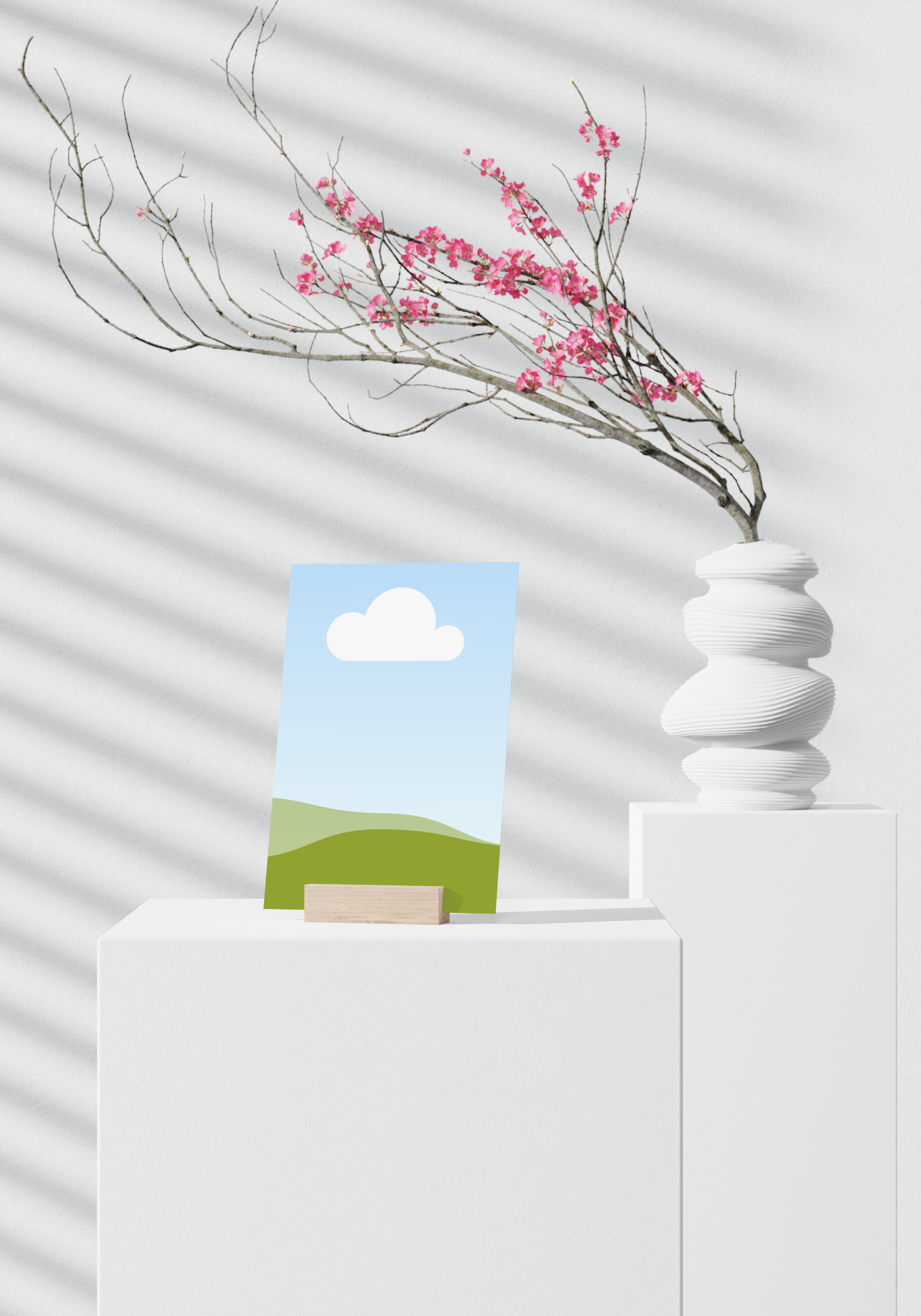
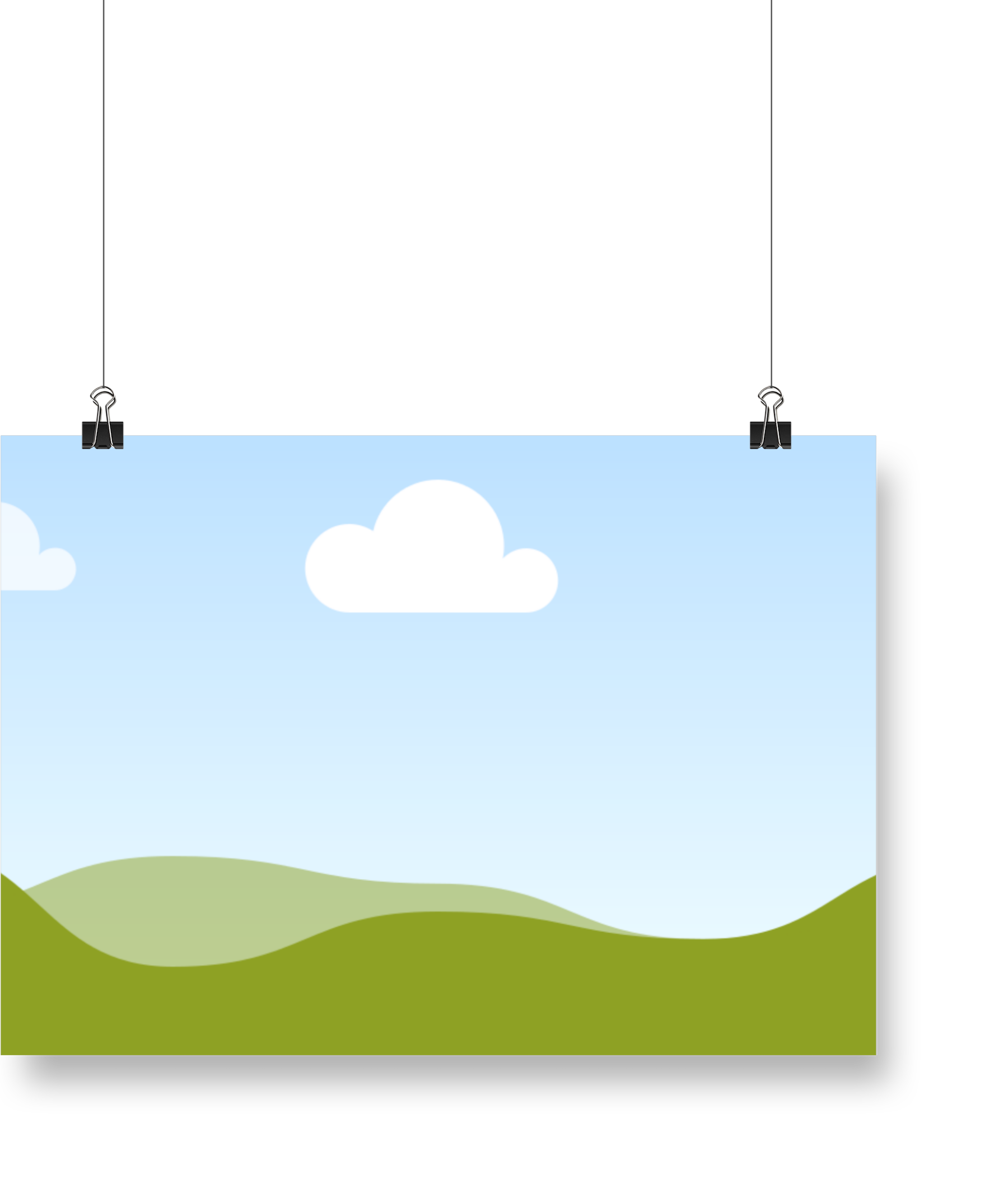
Present your brilliant poster concepts with flair. Use Canva’s poster mockup generator to create free poster mockups that show how your creative ideas will look in real life.

Flaunt your artistic vision with free poster mockups
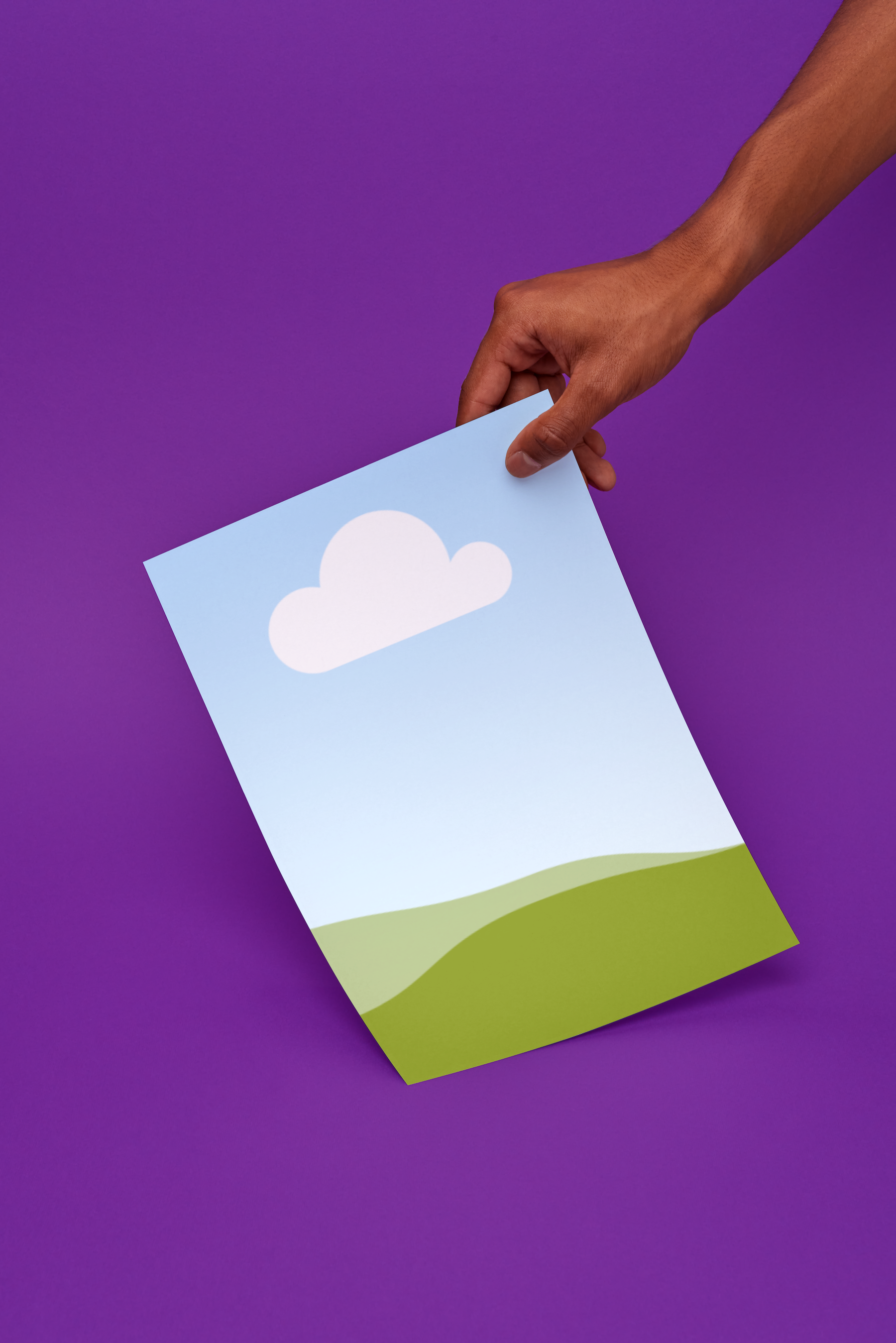
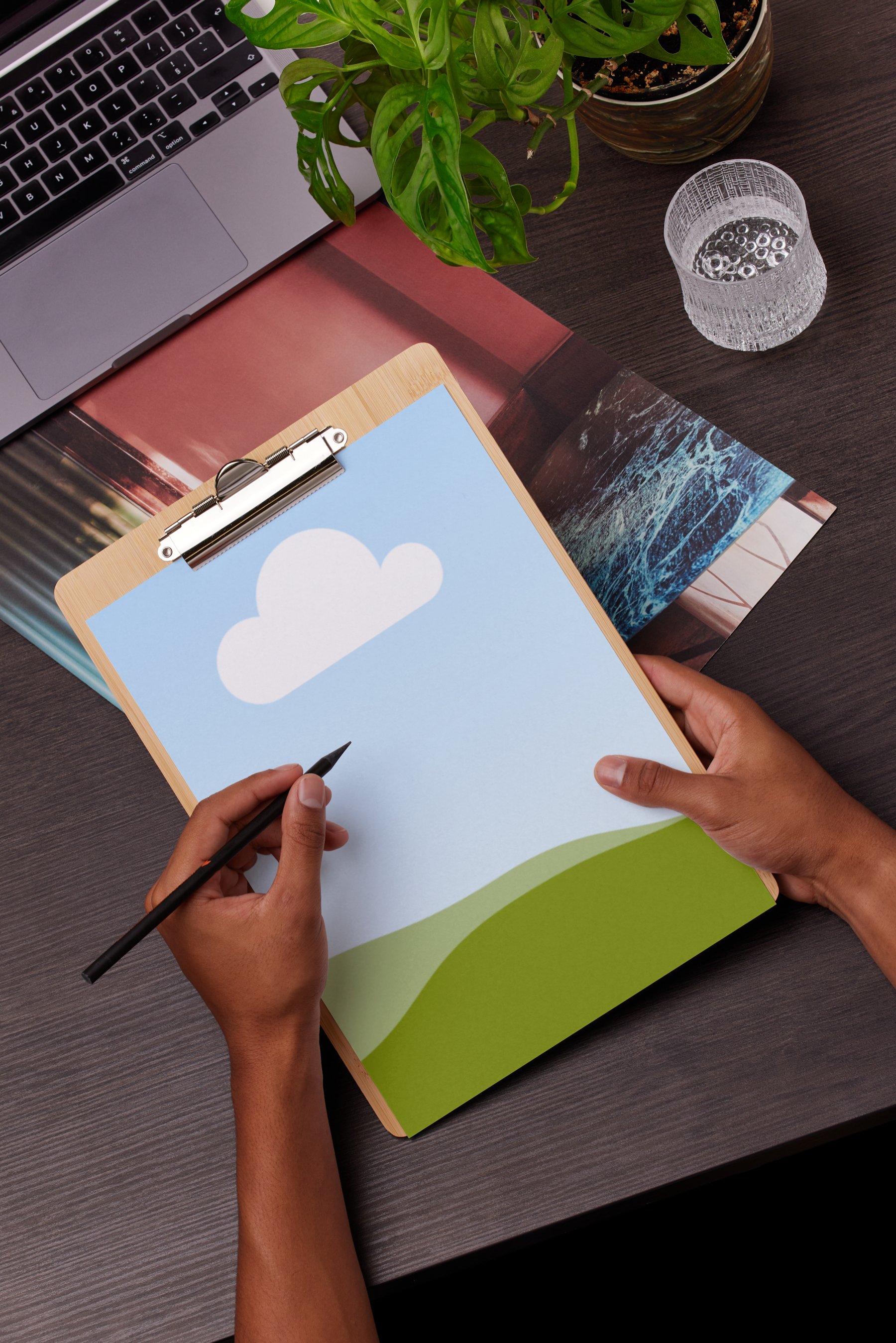
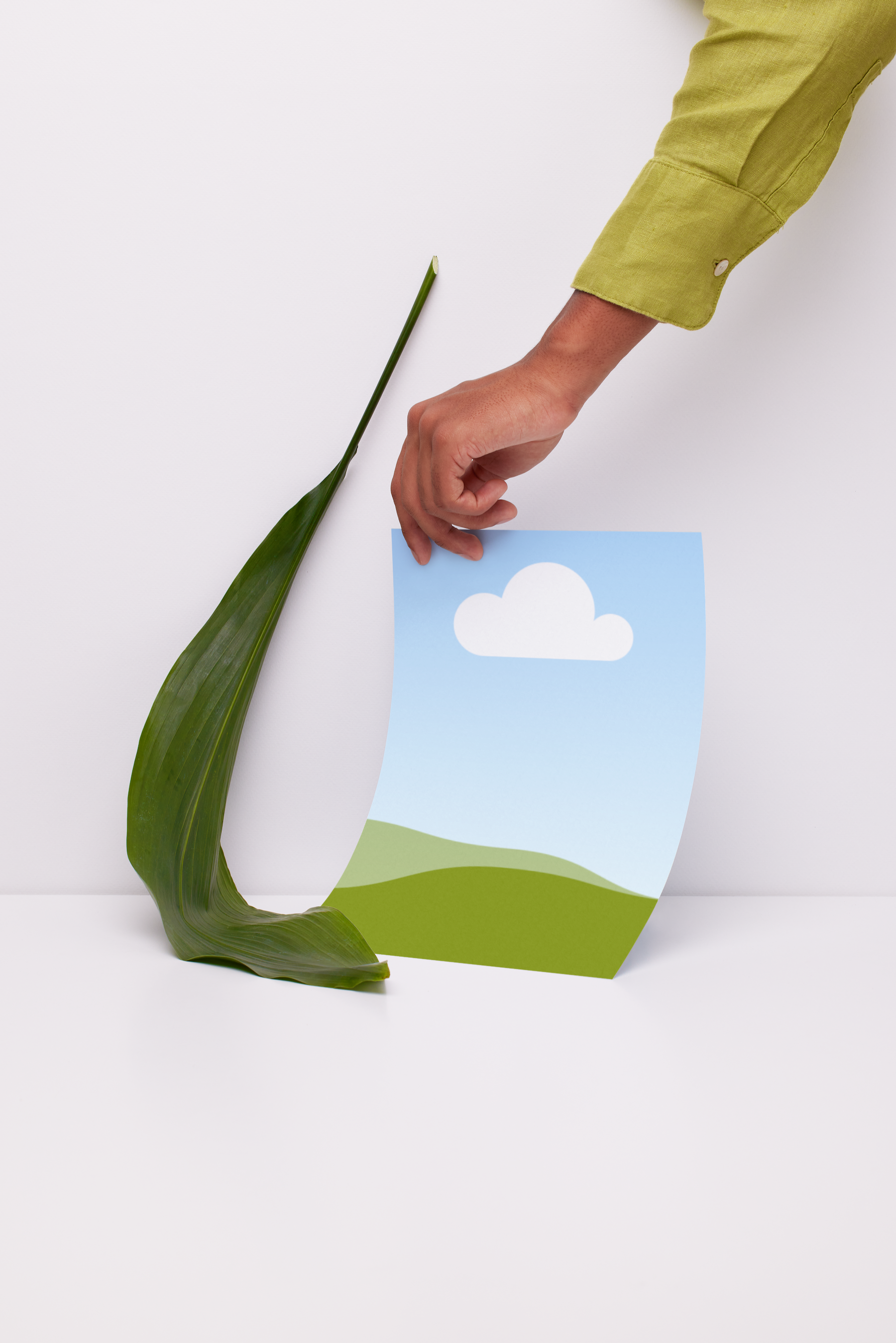
With just a few clicks on our poster or phone mockup generator(opens in a new tab or window), you’ll make awesome digital poster mockups to promote your art, event, or business. Confidently present your ad concept to a client. Simulate your artwork in an interior space. Or check if your poster design(opens in a new tab or window) can grab attention on a busy street corner. With a free poster mockup, you can catch costly errors and make design adjustments to ensure the final poster is perfect.
How to make a poster mockup

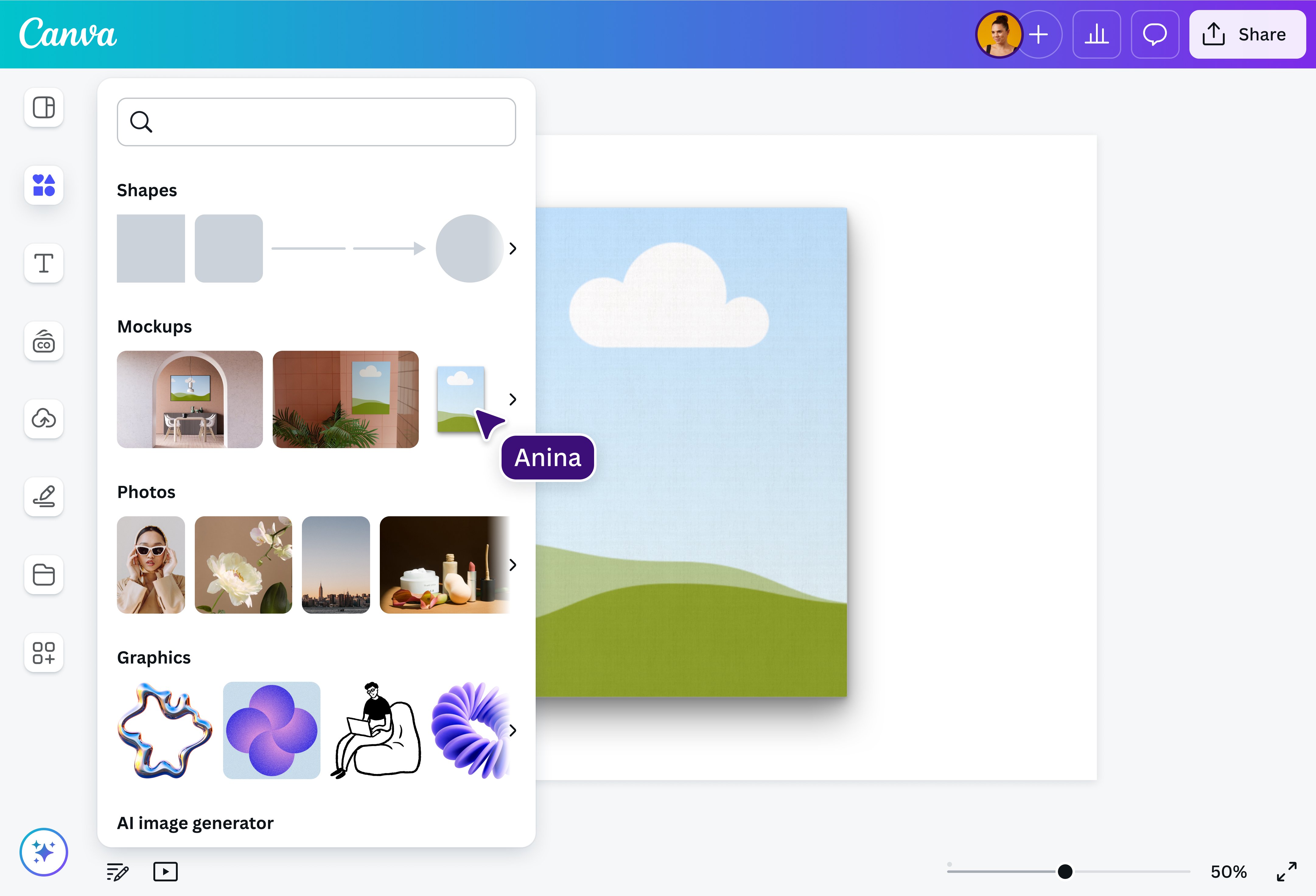
Produce varied poster mockups in a snap
No need to spend a ton to check how your poster will look in different settings. With Canva’s mockup generator, you’ll quickly produce digital mockups(opens in a new tab or window) of your poster for free. You’ll see how its visual elements work together — from the typography to the colors to the borders — without having to print the poster.
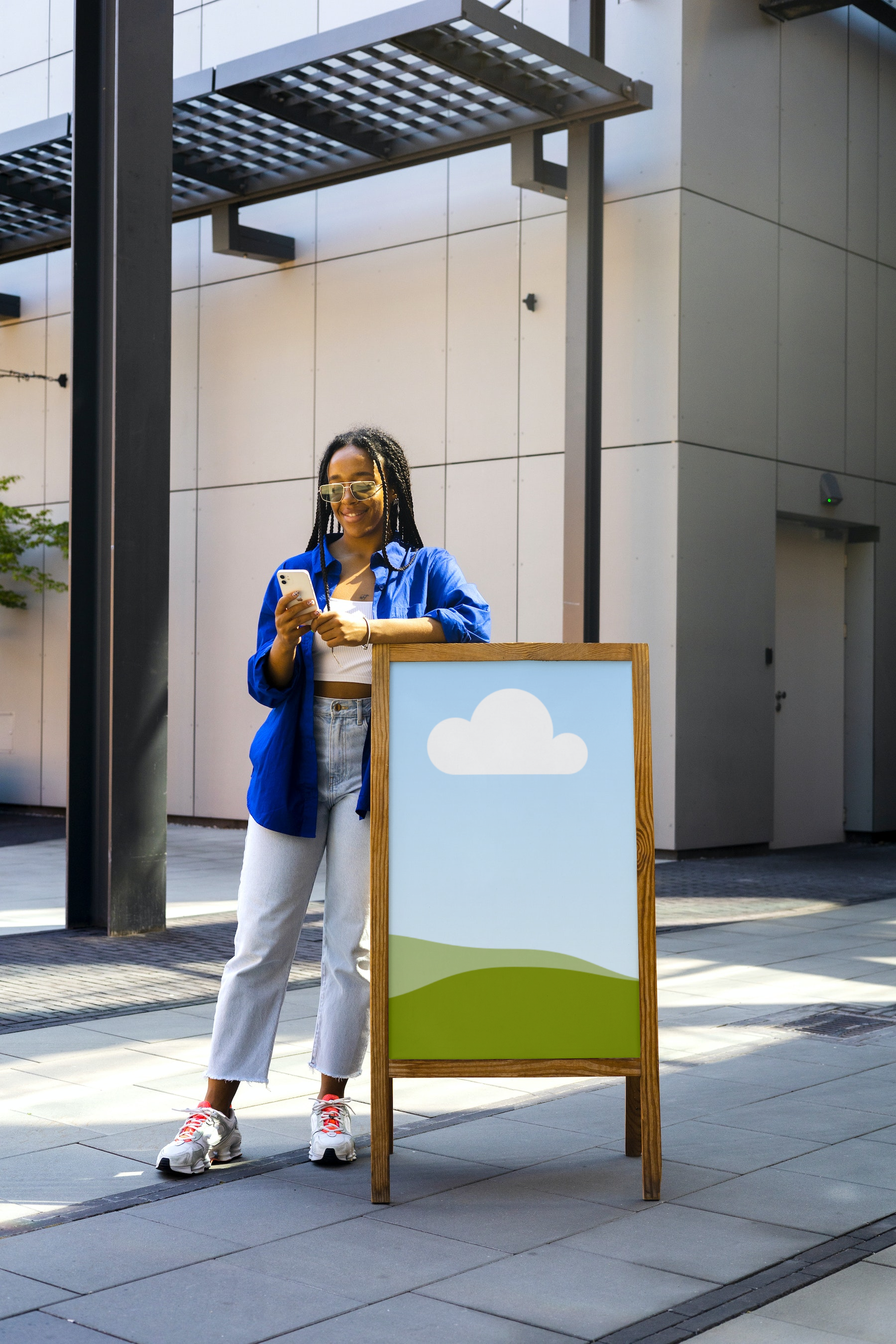
From indoor environments to the bright outdoors, you can make as many free mockups of your poster as needed. Check how your design will look when hung in a bedroom, installed in an A-frame stand, or pasted by an escalator. There are mockups for posters on a brick wall, a glass pane, or a concrete column. The mockups can also show if your posters look good on white walls, gray tiles, or colorful urban graffiti.
Add a little magic to your poster mockup
Refine your poster mockup with powerful AI photo-editing tools. Transform each detail of the mockup with Magic Edit(opens in a new tab or window), or clean up the visual clutter with Canva Pro’s Magic Eraser(opens in a new tab or window). Want to change the background? With Background Remover (Pro)(opens in a new tab or window), you can delete the background and add a new one, whether that’s a street mural or a neutral-colored wall. If you want a zoomed-out look, use Magic Expand (Pro)(opens in a new tab or window). With Canva, you’ll generate a poster mockup exactly as you envisioned it.
Widen the reach of your artistic portfolio
Grow your graphic design business by tapping into the interior design market. With many people now working from home, you can expand your base by presenting your creations as artworks they can hang on their walls. So produce free poster mockups, add them to your online portfolio, and give people an idea of how your art would look in their space.
Canva’s free poster mockup, tote bag mockup(opens in a new tab or window) or video mockup(opens in a new tab or window) generator or AI face generator(opens in a new tab or window) is a handy tool for busy artists, illustrators, and entrepreneurs who want realistic-looking digital renders. Whatever your poster's size, style, and orientation, the mockup will show your work in high resolution and in its full glory.
Pitch your poster idea with confidence
Planning a sale? Staging a concert? Organizing a block party? Take the extra step and approach potential sponsors. Present them with a poster mockup of how they could advertise to attendees. With an awesome mockup, you’ll convince them that your event and their brand are a match made in heaven.
If you’re pitching a poster ad(opens in a new tab or window) to a client, our mockup generator ensures that everyone is on the same page regarding the design. The mockup shows where and how people would spot the poster. For larger-than-life presentations, try using a billboard mockup(opens in a new tab or window) to give them an idea of how the ad would stand out in a bustling space.
With a digital poster mockup, all stakeholders will understand how the design looks before it goes to print.
FAQ

@navneet4