- Create Square Videos
Free Square Video Maker


Easy drag-and-drop editor
1M+ professionally-designed templates
Generate content and media with AI
Download or share designs easily
Build higher engagement for your social media content by creating videos with a square aspect ratio. With Canva’s online square video maker, enjoy a full suite of tools to enhance your video for a more polished finish. Start with a free template, upload videos of any size, and use simple video editing tools to scale and trim your content to fit the square canvas.

It’s hip to be square
Your videos deserve attention and engagement from your audience. With square videos, you can hook in viewers, especially on mobile devices where they won't need to rotate their phones or go full screen to absorb all your visual content. Entrepreneurs, budding influencers, and anyone wanting to share anything on social media can take full advantage of the 1:1 aspect ratio to win views and likes.
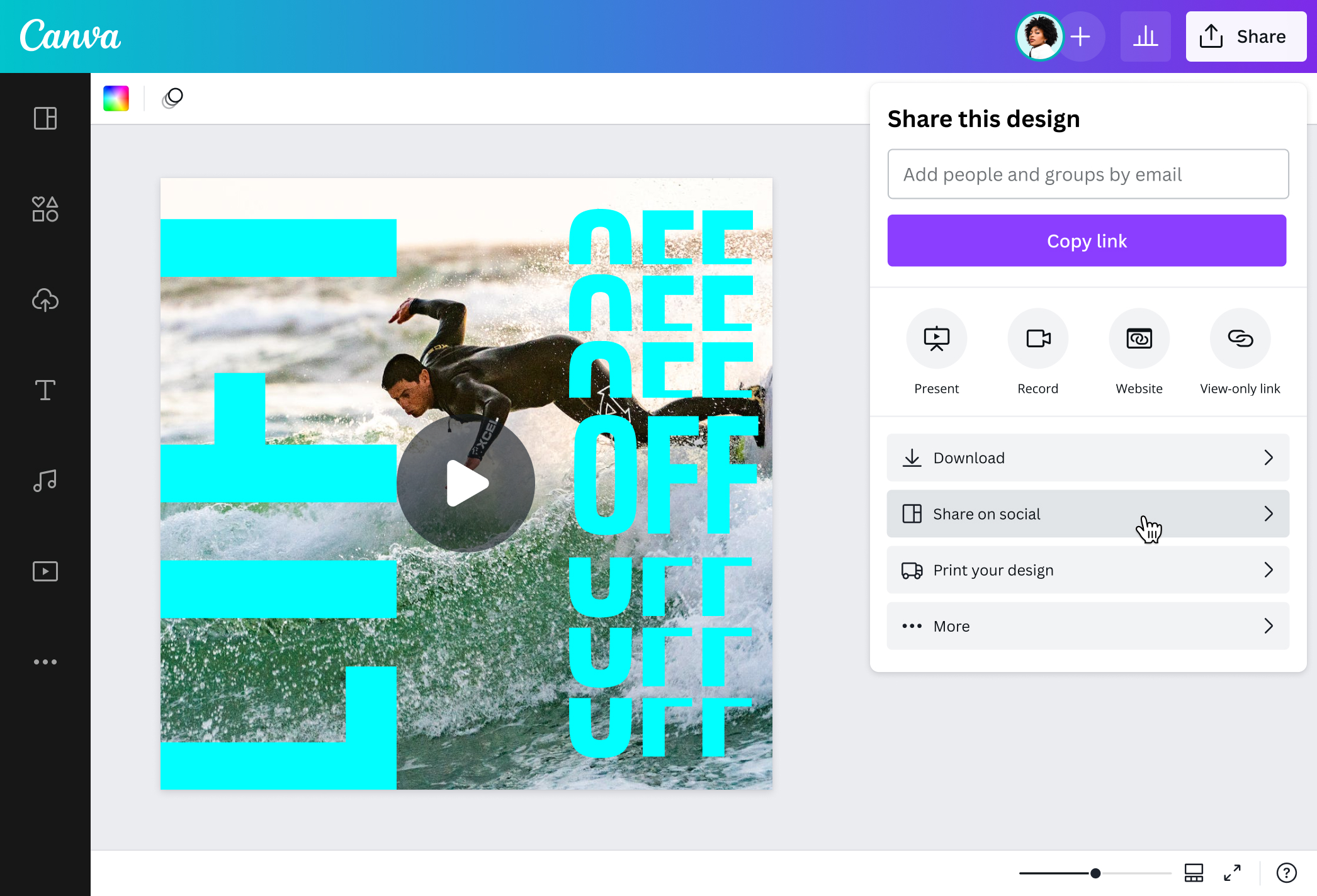
Canva makes it quick and easy to make a square video online. With a drag-and-drop editor and intuitive tools, you can take control of your footage’s look and feel. Reformat the content you shot to make a square video for Facebook or Instagram. Crop and scale the clip to get the perfect frame. Then, give it a good polish by trimming it and adding creative visual and audio elements.
How to make a video into a square

Meet Magic Studio™: All the power of Canva’s AI
Magic Studio™ brings together the best AI-powered tools for you and your team to help you design with more ease, speed, and creativity.


The perfect fit for social media
Portrait videos may not look good on a desktop, while landscape clips aren’t always suited for mobile. That’s why square videos are the most widely engaged format when browsing social media. With square videos, there’s no need to rotate your device or go full screen to appreciate the full content.
Whether you’re doing a process video of your crafts project, teasing a snippet of your vlog, or showing highlights of a recent event, you can capture your audience’s interest right away with a square video. Canva’s easy-to-use video editor(opens in a new tab or window) allows you to crop a video to a square without losing out on all the essentials in your frame.
Easily frame the best moments
Want to greet a loved one for their birthday or compile your favorite memories from your dream vacation? Whether you've shot them in portrait or landscape mode, you can upload videos of any size to a square canvas.
It only takes a couple of clicks on Canva to make a video square for Instagram or Facebook. Choose any square video template, then upload your video and drag the clip to fit the 1:1 aspect ratio. Move it around your canvas until you've captured all the important moments in the square frame.
Cut corners the right way
From exploring customizable square video templates to publishing a high-resolution file, you can DIY your way to professional-looking social content—with no complicated software required. Bring focus to your latest products in your square video and drive up sales. Make important announcements your followers will not scroll past. Or create viral-worthy content to tease your latest venture.
Take advantage of our one-stop design platform and produce top-notch square video content in mere minutes. Dress up your footage with graphic elements from our media library, add animated text(opens in a new tab or window) to feed your viewers with additional information, insert transitions(opens in a new tab or window) in between clips, or construct a compelling cartoon(opens in a new tab or window). You can also transcribe your video to text(opens in a new tab or window) for captions that boost accessibility. Finish it off with music(opens in a new tab or window) you can access from our audio library. Publish your project directly to your social media page, or download a high-resolution file for later use.
FAQ
You can upload video clips in the MOV, GIF, MP4, MPEG, MKV, and WEBM formats, with a maximum upload size of 1GB. If the video has a transparent background, we suggest uploading it as a GIF.
You can upload photos, too. If you’re uploading JPEG/JPG, PNG, HEIC/HEIF, or WebP images, make sure your file is:
- Under 50MB in size
- Not more than 250 million total pixels (width x height)
- If it’s a WebP, only static files are supported
If you’re uploading SVG images, make sure your file is:
- Under 3MB in size
- Between 150 to 200 pixels wide
- Saved with an SVG Profile of “SVG 1.1”
To learn more about our media upload requirements, check this guide.

@navneet4


