- Create Social Media Videos
Free Social Media Video Creator

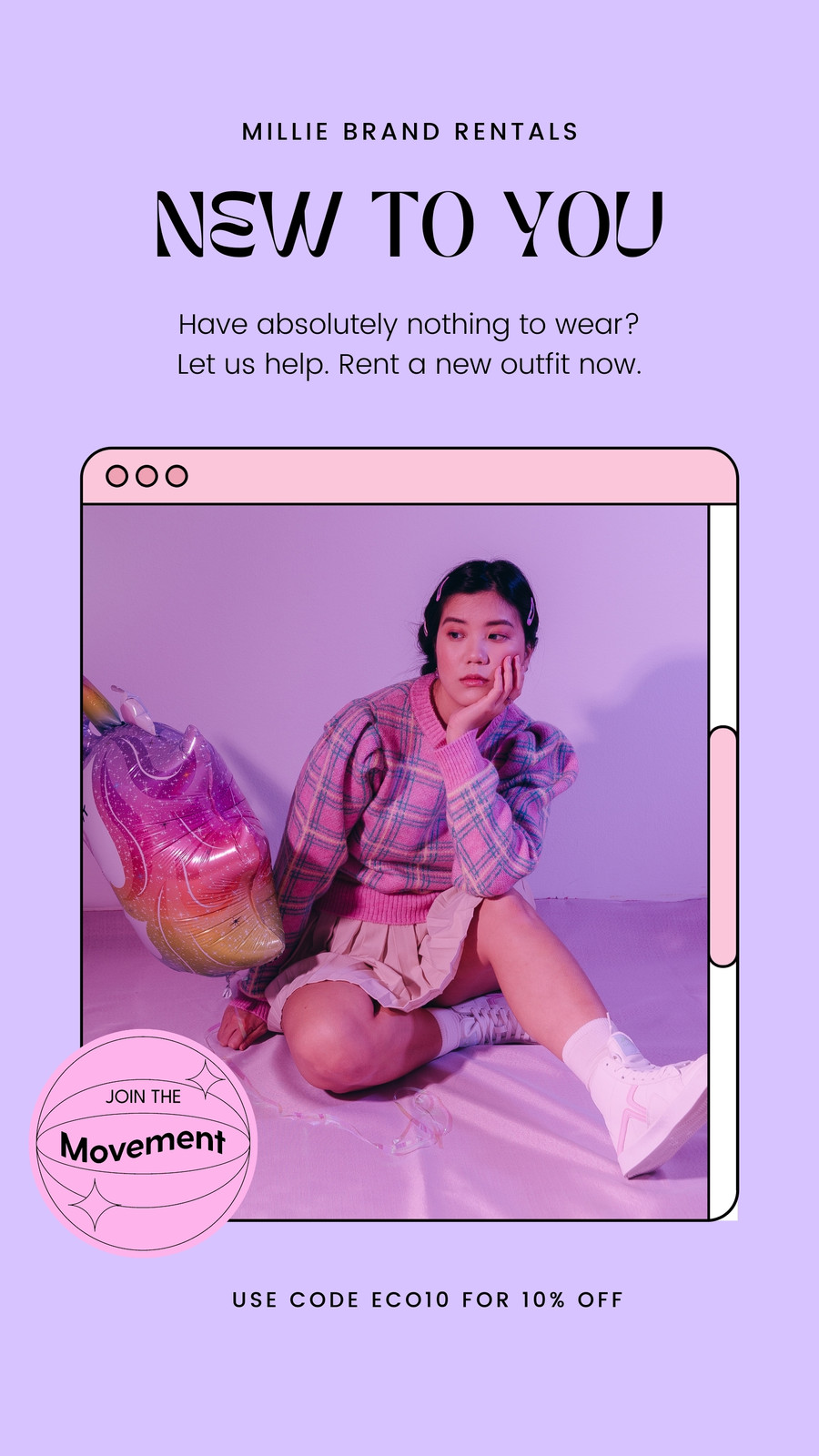
Easy drag-and-drop editor
1M+ professionally-designed templates
Generate content and media with AI
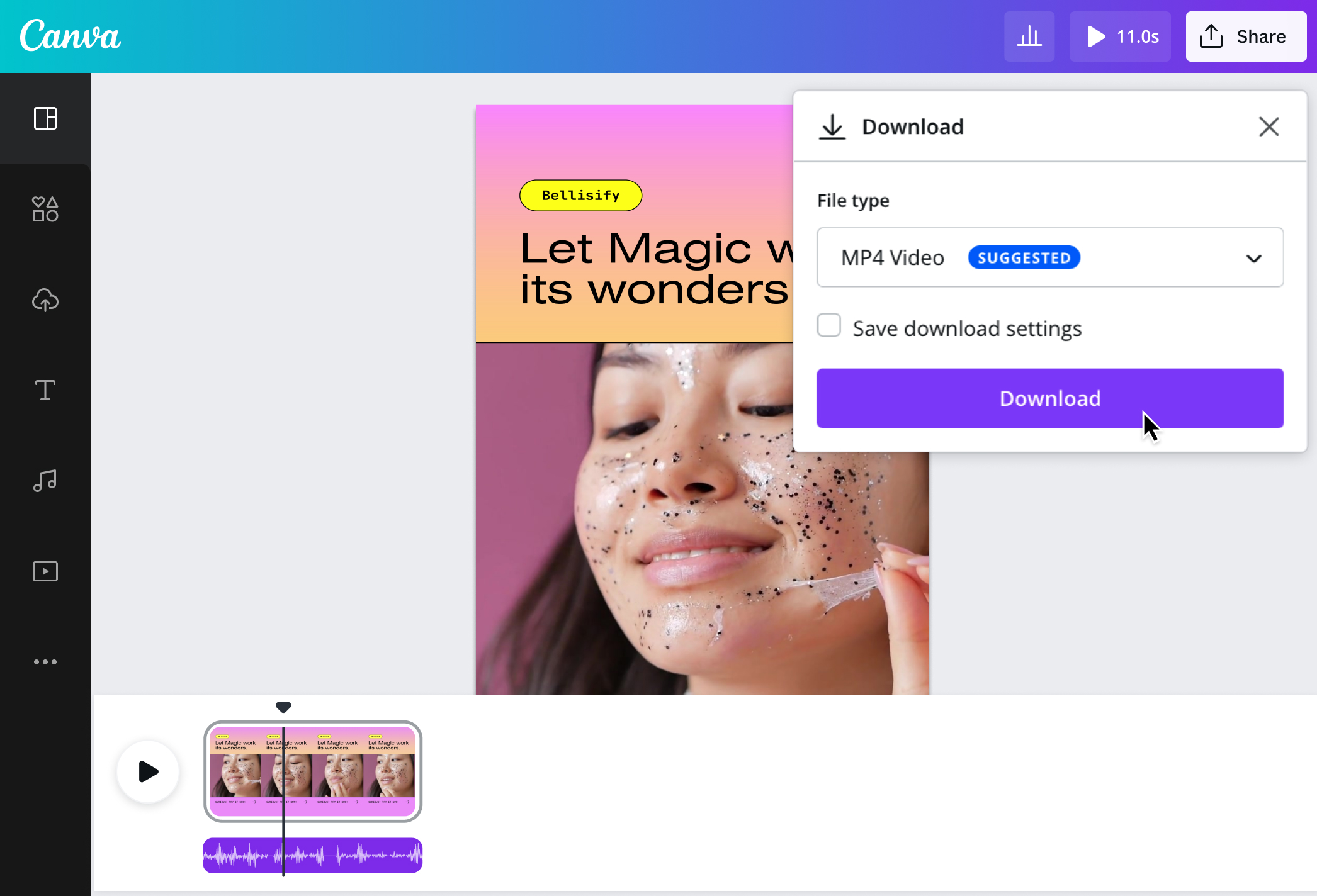
Download or share designs easily
Get noticed and remembered over the din of social media through eye-catching and well-made video posts. Canva makes it easy for anyone to create, edit, and publish high-quality clips for social media with our online video maker. No professional experience is needed.

Stand out online with scroll-stopping videos
Set yourself apart from other social media users by creating exceptional video posts that are as engaging as they are informative. Beat the two-second attention span window through a Facebook video ad(opens in a new tab or window) featuring captivating visuals. Hook your TikTok audience with memorable and lively animated clips using attention-grabbing video hooks(opens in a new tab or window). Ensure Instagram followers receive your message loud and clear using gorgeous, branded video designs.
Canva’s free social media video maker gives you the power to create compelling, share-worthy content for your socials online. Explore our customizable video templates and personalize them to fit your purpose, whether it be for personal or business. Get a hold of easy video editing tools and a library of stock images, stock videos(opens in a new tab or window), and music that beginner and expert designers will love. You can easily publish and share your video in high-resolution MP4 from the editor to your social media accounts.
How to make social media videos

Meet Magic Studio™: All the power of Canva’s AI
Magic Studio™ brings together the best AI-powered tools for you and your team to help you design with more ease, speed, and creativity.


Be seen, be remembered
From big brands to personal profiles, anyone looking to make a name on social media will benefit from beautiful, dynamic video postings. Improve engagements and conversions for your business with branded video ads that speak to your customers on Facebook or X (Twitter). Grow your online community and advocacies with personalized Reels, Stories, or TikTok posts(opens in a new tab or window) that resonate with audiences and reflect interesting stories.
Canva's social media video creator lets you capture people's attention and interest. With free templates designed for different industries and objectives, you don't have to get lost in the social media black hole. Get inspired by handy, ready-made layouts fit for specific social media dimensions and customize them freely for your brand promotion, product how-to, or daily vlog.
Successfully launch your campaigns
Hit the ground running with your social media plans. Whether you need videos or AI-generated social media posts(opens in a new tab or window), Canva has you covered. Thanks to Canva's beginner-friendly social media video editor(opens in a new tab or window) and extensive media and template library, social media managers can rest easy knowing they can launch fully functional, high-quality campaign materials in just a few clicks. With Canva Pro, you can schedule posts in advance with our built-in content planner(opens in a new tab or window).
It's also a breeze to collaborate with your team on a video project and publish it using Canva's social media video creator. Lock in specific parts of your template and establish your Brand Kit (Pro)(opens in a new tab or window) to create a consistent look across your social media video posts. Leave comments and apply changes on the spot. Say goodbye to the days of never-ending revisions and confusing instructions.
Get professional results, even with no pro on board
If you're completely new to making videos, Canva's social media video maker and AI video editor(opens in a new tab or window) has your back. Put together a top-tier video in minutes with premade templates for your promos, tutorials, and more. Simply play with our video-editing features without the learning curve. Upload your own videos or drag and drop clips from our stock video library. Enhance your videos(opens in a new tab or window), apply filters and presets, and make any element groove with fun transitions(opens in a new tab or window) and text animations(opens in a new tab or window).
Amplify your message further by easily syncing audio and video using Beat Sync(opens in a new tab or window). It automatically matches your footage to your chosen soundtrack, achieving the perfect harmony between visuals and sound. You can also extract audio from video(opens in a new tab or window) to repurpose soundtracks or voiceovers for other projects. For Pro and Education users in the US, UK, Canada, Australia, and other territories (see the complete list of territories here)(opens in a new tab or window), access our popular music library to find your favorite trending tracks and add them to your clips. Quickly create the perfect personal social media video for Facebook, Instagram, or TikTok in astounding quality.
FAQ
You can upload video clips in the MOV, GIF, MP4, MPEG, MKV, and WEBM formats, with a maximum upload size of 1GB. If the video has a transparent background, we suggest uploading it as a GIF.
You can upload photos, too. If you’re uploading JPEG/JPG, PNG, HEIC/HEIF, or WebP images, make sure your file is:
- Under 50MB in size
- Not more than 250 million total pixels (width x height)
- If it’s a WebP, only static files are supported
If you’re uploading SVG images, make sure your file is:
- Under 3MB in size
- Between 150 to 200 pixels wide
- Saved with an SVG Profile of “SVG 1.1”
To learn more about our media upload requirements, check this guide.

@navneet4


