- Create Facebook Video Ad
Free Facebook Video Ad Creator


Easy drag-and-drop editor
1M+ professionally-designed templates
Generate content and media with AI
Download or share designs easily
Transform your ideas into a killer ad and promote your products and services on socials with Canva’s free online Facebook ad video creator. Our powerful tool lets you customize ad-style video templates, apply dynamic animations and music, and save your creation into versatile video formats. Engaging your audience and converting them to customers has never been this easy.

Drive results with compelling Facebook video ads
Create Facebook video ads that resonate with your audience and generate results. From retail businesses and restaurants to nonprofits, creative ad videos increase visibility, communicate a message or story, and steer sales or donations. Use Canva’s powerful and intuitive video editor(opens in a new tab or window) to craft scroll-stopping video ads, no matter your goals.
Explore a wide selection of ad-style templates for every style and industry. Captivate your audience with vibrant animations that make your content pop. Amplify your messaging by syncing your video to every sound beat with Beat Sync(opens in a new tab or window). Finally, download or schedule your video ad with our built-in content planner. With Canva’s Facebook ads video maker, making custom video ads is a breeze.
How to create Facebook video ads

Meet Magic Studio™: All the power of Canva’s AI
Magic Studio™ brings together the best AI-powered tools for you and your team to help you design with more ease, speed, and creativity.


Powerful Facebook ad videos that convert
A creatively done Facebook ad(opens in a new tab or window) can pique anyone’s interest and drive them to action, whether clicking a link, making a purchase, or sharing your content. Make Facebook video ads that capture your target audience and increase your brand reach. Canva has all the tools you need to produce high-quality, engaging ads that attract new potential customers.
Start inspired by exploring our collection of fully customizable templates, then add creative elements, lively animations, and compelling scripts to really bring your message across. And with our intuitive drag-and-drop editor, you can polish your ad to perfection, ensuring it reflects your brand’s aesthetic and voice.
Showcase new clothing collections, create virtual tours of properties, or promote new product releases. No matter your industry or goal, level up your brand presence on Facebook with attention-grabbing ads that convert viewers into loyal customers —try incorporating engaging video hooks(opens in a new tab or window) to capture interest right from the start.
Craft an authentic brand story
Whether introducing a new product or promoting an event, video ad campaigns on Facebook are more effective than static ads. Video makes use of motion, sound, and visuals, making it more engaging and emotionally resonant. Embrace the power of video storytelling and craft unique, genuine stories that showcase your brand personality, vision, and goals with the Facebook video ad creator on Canva.
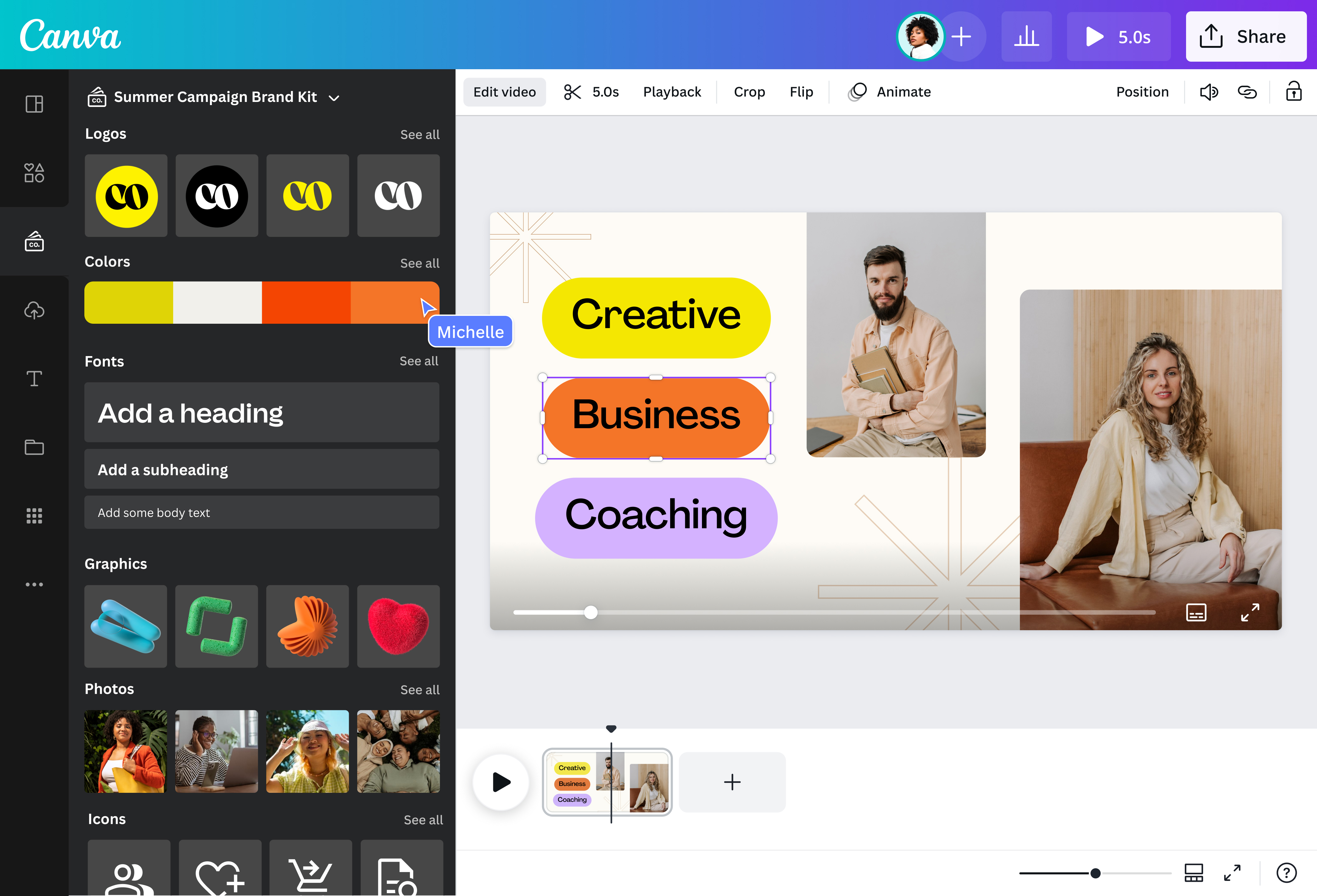
Customize every aspect of your template, and build your Brand Kit (Pro)(opens in a new tab or window) to create a consistent look across your campaign ads, from your fonts and colors to your logos. Add text(opens in a new tab or window) to your videos, like persuasive taglines and compelling calls to action, to reinforce your message. Then, bring elements to life using a range of animation styles, or let your imagination shine and create your own.
Don’t just advertise—tell a story. Whether sharing your product journey or showcasing the experience of a happy customer, make Facebook video ads that not only promote but connect with your audience.
Create lasting impressions in little time
Studies show shorter videos are likelier to hold viewers’ attention, delivering the core message quickly but effectively. Produce memorable video ads that hook viewers in seconds and leave a lasting impression. Whether showcasing products in action, demonstrating a service, or sharing your brand story, make it happen with handy editing tools in our Facebook video ad maker.
Sync your visuals with a music track(opens in a new tab or window) from our library to evoke the right emotion, and change your video to a square(opens in a new tab or window) aspect ratio to ensure it looks fantastic on any mobile device. Then, queue it in your calendar using Canva’s Content Planner (Pro)(opens in a new tab or window) for publishing at optimal times and days. Go beyond merely producing videos—create content that truly resonates with the help of Canva’s free online Facebook ad video maker.
FAQ
You can upload video clips in the MOV, GIF, MP4, MPEG, MKV, and WEBM formats, with a maximum upload size of 1GB. If the video has a transparent background, we suggest uploading it as a GIF.
You can upload photos, too. If you’re uploading JPEG/JPG, PNG, HEIC/HEIF, or WebP images, make sure your file is:
- Under 50MB in size
- Not more than 250 million total pixels (width x height)
- If it’s a WebP, only static files are supported
If you’re uploading SVG images, make sure your file is:
- Under 3MB in size
- Between 150 to 200 pixels wide
- Saved with an SVG Profile of “SVG 1.1”
To learn more about our media upload requirements, check this guide.

@navneet4


