- Create Photo Collages
Free Photo Collage Maker


Easy drag-and-drop editor
1M+ professionally-designed templates
Generate content and media with AI
Invite others and design together
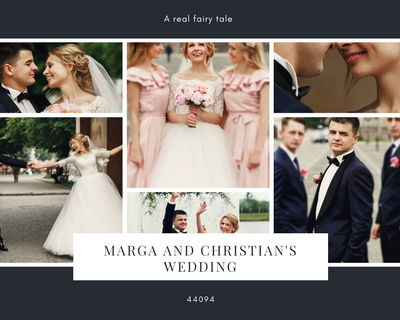
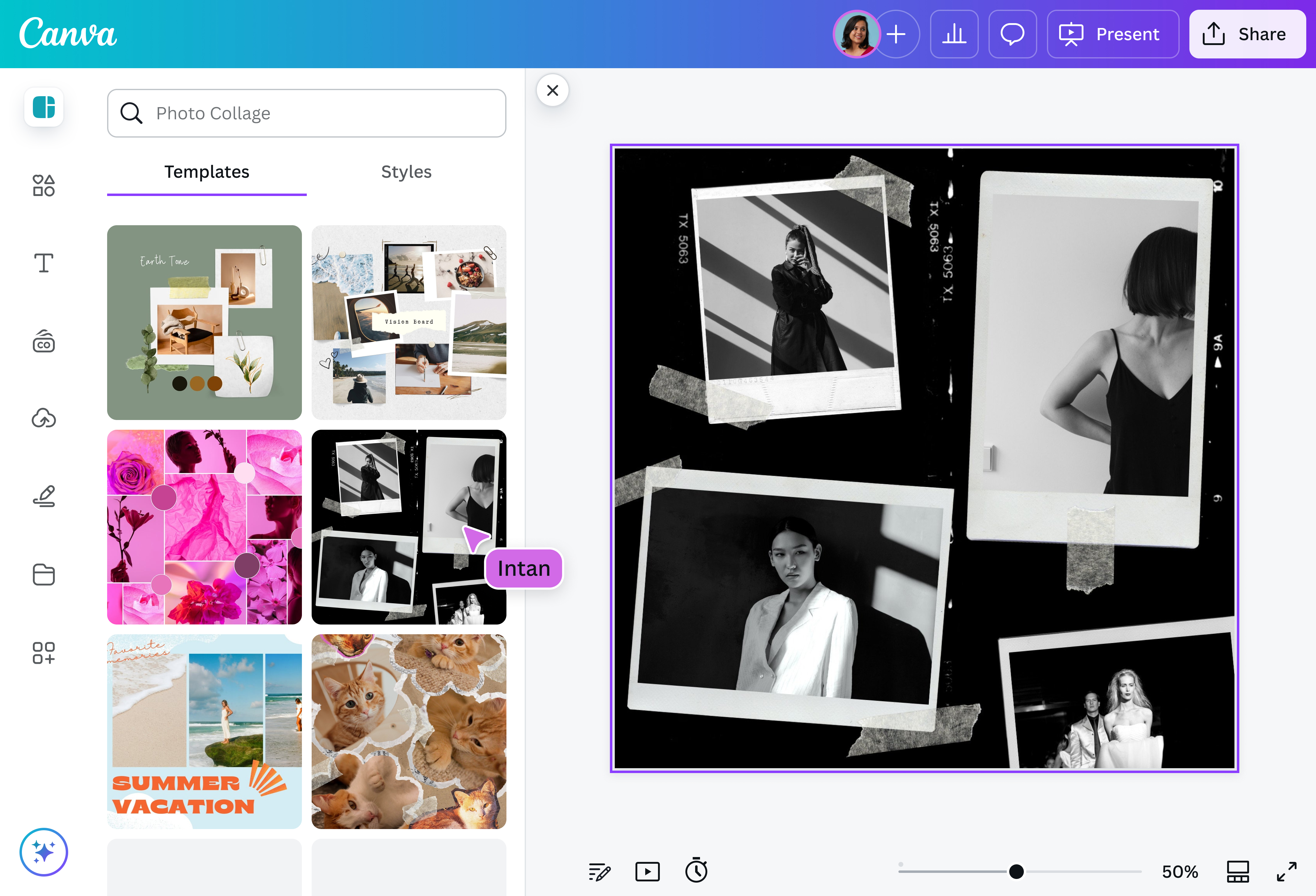
With Canva’s free online collage maker, creating a masterpiece of memories is as simple as a few clicks. Create beautifully designed collages by dropping your images into our designer-made templates and instantly downloading them onto any device.

Craft visual stories through a photo collage
If a picture says a thousand words, a photo collage tells an entire story.
Whether it’s a Thank You Card for your family and friends, or an Instagram Post marketing your latest product, we’ve got thousands of print and digital photo collage templates to suit every occasion.
From fun and festive to corporate and minimalist designs, we’ve created thousands of beautiful templates that are flexible and completely customizable. Choose the colors, layout, and font that best suits your needs.
Forget rigid templates, Canva’s collage maker allows you to freely add as many images as you like, create backgrounds and move every element around until you’re happy with the end result. Your design, your way.
How to make a photo collage

Meet Magic Studio™: All the power of Canva’s AI
Magic Studio™ brings together the best AI-powered tools for you and your team to help you design with more ease, speed, and creativity.


Enhance your images for free
Give your images an instant boost with our built-in photo editor.
Forget complicated photo editing software. With Canva, you can upload your images and instantly add beautiful filters with one click—no editing experience required.
Increase the saturation, balance the contrast, change the photo background, and turn your once-colorful image into a sleek black-and-white photo through easy-to-use sliders. For more depth and definition, add shadows or use the Auto Focus feature.
Create instant mockups with the Mockups tool. If you're on Canva Pro, use the background remover tool to quickly erase or replace the backdrop.
No time to tinker with tools? Simply click Auto Enhance, move the slider, and watch your photos come to life. Take your images one step further by choosing a photo effect or applying a photo filter. Add nostalgic charm to your photos with a vintage filter.
With Canva's photo editor, you'll perfect each image on each collage within minutes.
Access millions of stock photos and illustrations
Creating a photo collage doesn't need to be a costly or time-consuming process. Canva's image library has millions of fresh and modern images and illustrations to choose from.
The best part? Many of these images are free, and premium images are extremely affordable.
Simply search for the type of images you are after, and drag them straight into your design.
Upgrade your picture collage with special effects
Canva's photo collage maker does so much more than just place your images next to one another.
You have access to various tools to take your collage to new heights (no design skills necessary!).
Give your images extra personality by placing borders, rotating images, playing with fonts and colors, overlaying images, and adding illustrations to your template. Cut out images(opens in a new tab or window) to create unique compositions, put frames, adjust the tint, intensify shadows, or blur the images out. Make them warm, make them vibrant, or make them fade.
All of these and more with our free online collage maker.
Collaborate in real-time
Not only is collaboration fun, but it can also help keep your creative juices flowing. With Canva's collage maker, you can collaborate on your photo collage in real-time with friends, family, and colleagues on any device, from anywhere in the world. Play with the placement of images, change colors, leave comments and suggestions, and create together with ease.
Publish for print or web
Once you're happy with your photo collage, click the Download button to export it as a PNG or JPEG file. If you want to print your photo collage, save it as a PDF. You can also use a Free HD photo Converter Online to ensure your images are in the best quality before downloading.
If you want to share your design on social media or a website, PNG files are great for the web. You can also easily convert PNG to PDF if you need your images in document format.
Download the Canva app to build collages anytime, anywhere. Stuck in traffic? Queue's taking too long? The Canva app will keep you productive.
FAQ
To print collage photos, select a template in your editor, choose a framing style, adjust your background, upload and rearrange your photos and add text where you want it. Then load a high-quality paper into your printer and hit print, or order professional prints to be delivered.
While making your collage in your editor, you can add text boxes wherever you like to create headlines, labels or longer blocks of text. Most programs allow you to add text and choose your font style and colors. You can even save your work and go back later to make changes.
Place all photos in your editor before you decide on each photo’s placement. That way you can see all of the photos together in one place, and visualize how best to arrange them. Then drag the photos around your background to see how they look when organized.
You can upload video clips in the MOV, GIF, MP4, MPEG, MKV, and WEBM formats, with a maximum upload size of 1GB. If the video has a transparent background, we suggest uploading it as a GIF.
You can upload photos, too. If you’re uploading JPEG/JPG, PNG, HEIC/HEIF, or WebP images, make sure your file is:
- Under 50MB in size
- Not more than 250 million total pixels (width x height)
- If it’s a WebP, only static files are supported
If you’re uploading SVG images, make sure your file is:
- Under 3MB in size
- Between 150 to 200 pixels wide
- Saved with an SVG Profile of “SVG 1.1”
To learn more about our media upload requirements, check this guide.

@navneet4